WhatsAppfollow-ups with SmartChat.
After their confirmation, SmartChat can send contacts several WhatsApp messages one after another.

Every step arrives on the chosen day.
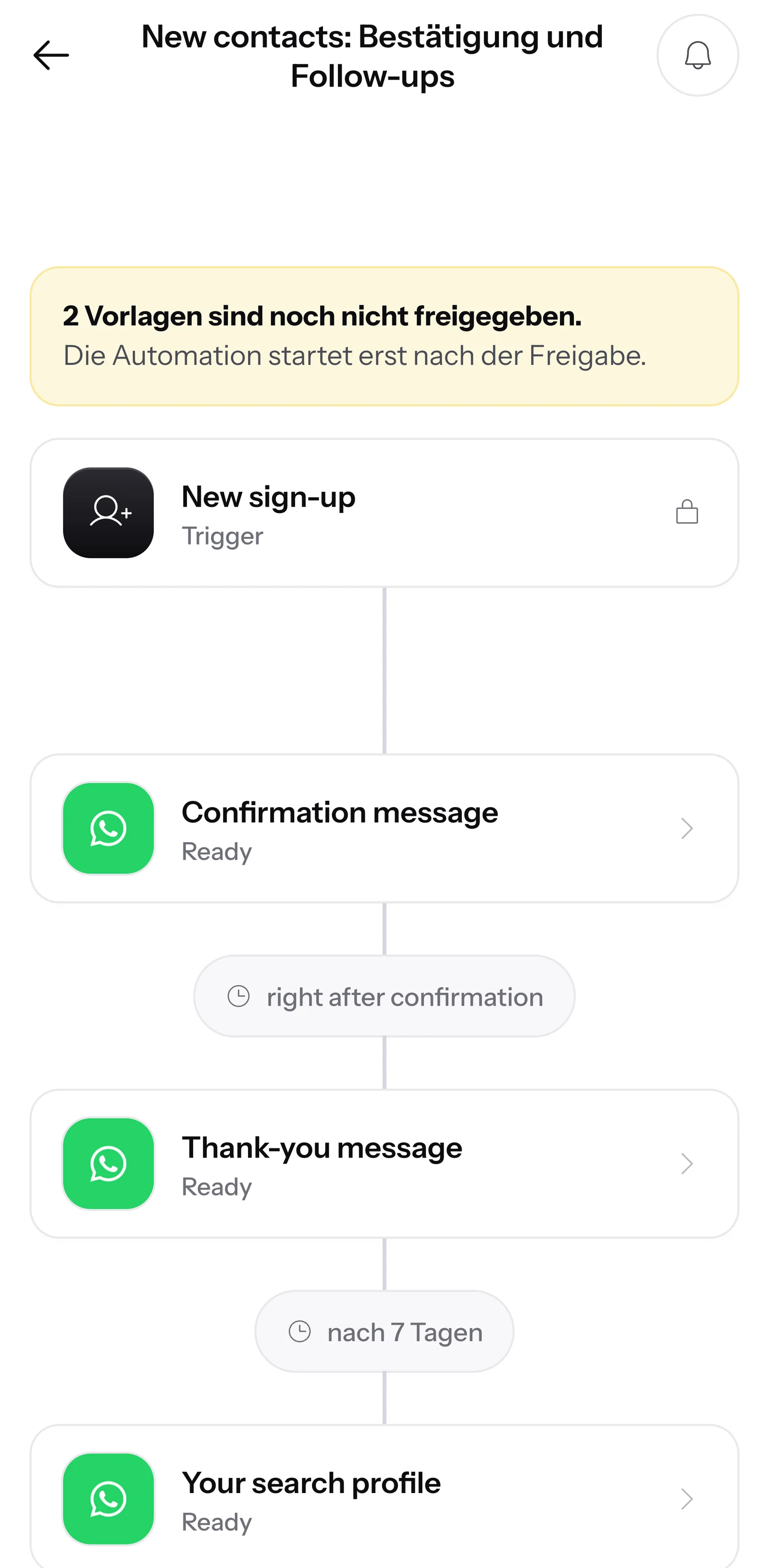
This is how the follow-ups reach a new contact: from the thank-you message that comes right after the confirmation to the membership offer.
Comes right after the confirmation.
A little later, the first follow-up invites them to a trial session.
Then the next follow-up shows what's on the class schedule each week.
At the end comes the offer to sign up.





From sign-up to the last message.
The follow-ups start automatically as soon as a new contact has agreed. Once it's set up, you don't have to take care of anything anymore.
Log in
Your prospect signs up via your landing page,, website popup or QR code .
New sign-upConfirm
SmartChat sends a confirmation message via WhatsApp. The follow-ups only start with the click on Confirm.
Double opt-inThank you
Your thank-you message comes right after.
InstantlyFollow-ups
Every further step follows at the gap you set.
Your intervalEnd
After the last message, the follow-ups are done. They end earlier only if someone unsubscribes.
Last message
One message in the AI Chat, and the Follow-ups are ready.
You describe what new contacts should get. SmartChat AI writes all the templates, and SmartChat gets them approved by Meta.
- 1
You say what it's about
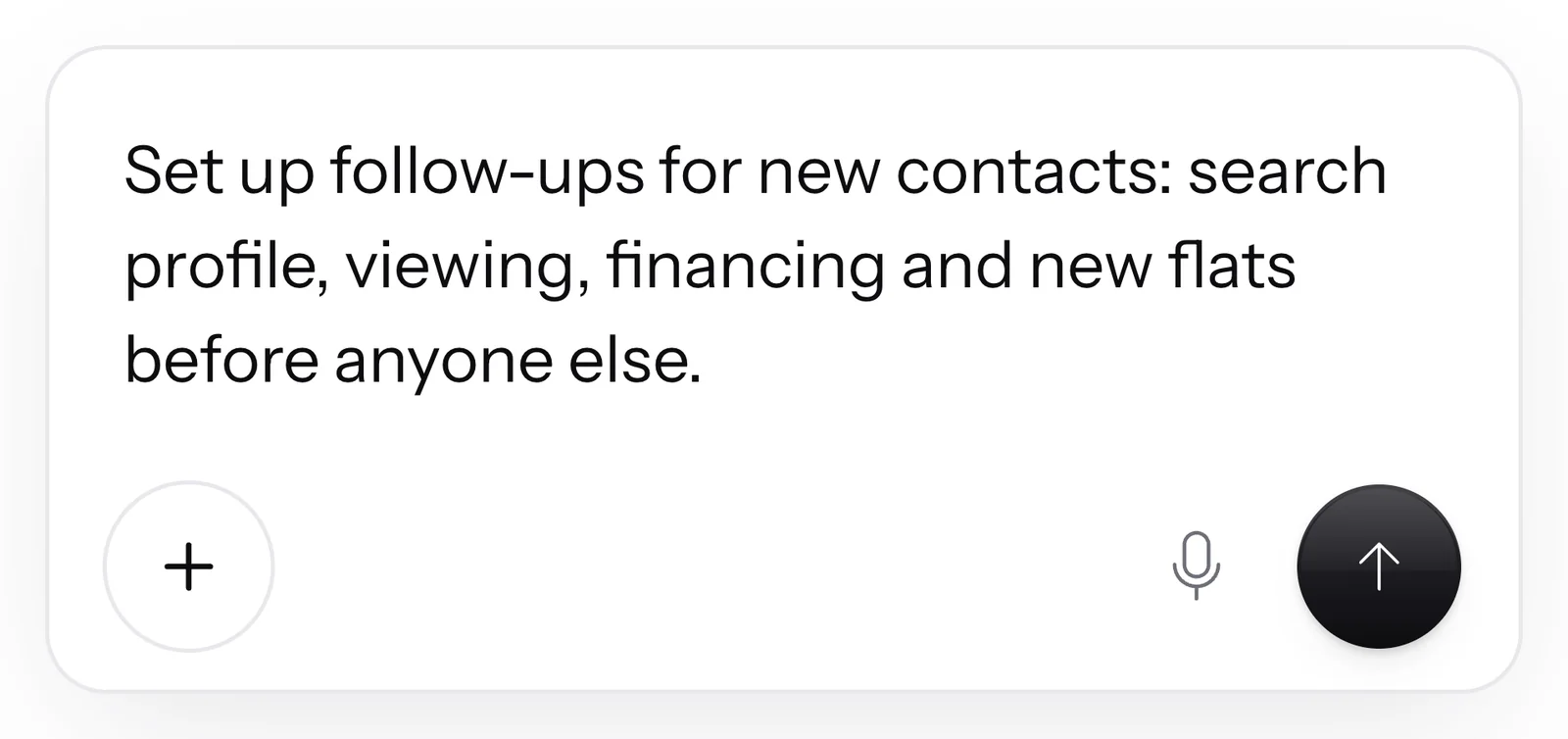
Write in the AI Chat your idea: which topics your new contacts should receive one after another.
- 2
SmartChat AI writes all the messages
Header, text, button and gap fit your business. If you give a text word for word, SmartChat uses it exactly as written.
- 3
Meta approves the template
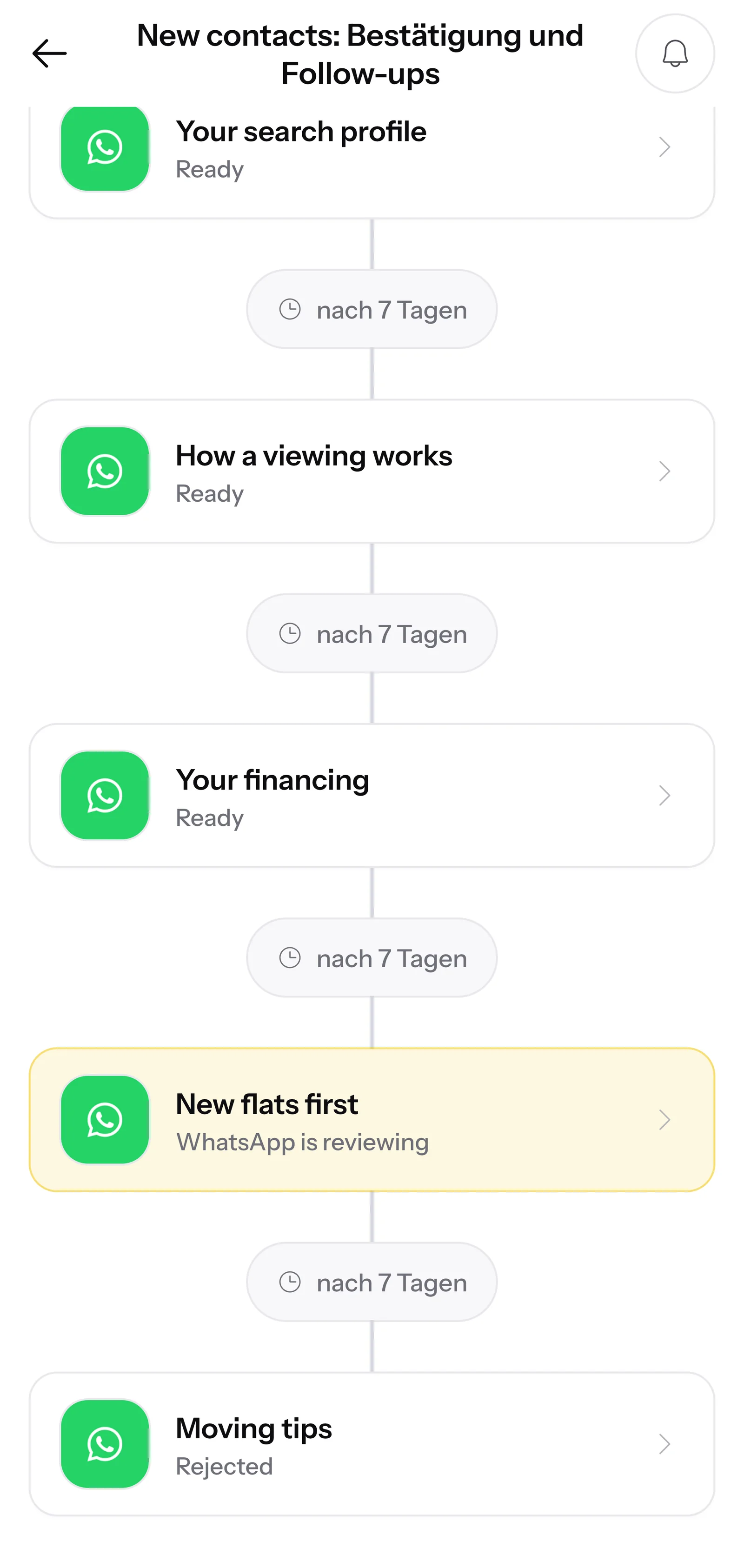
SmartChat sends messages outside the inbox as templates approved by Meta. You see the status: pending, approved or rejected.
- 4
Your follow-ups run
From now on, every new contact gets all the messages after their confirmation, without you having to take care of it.
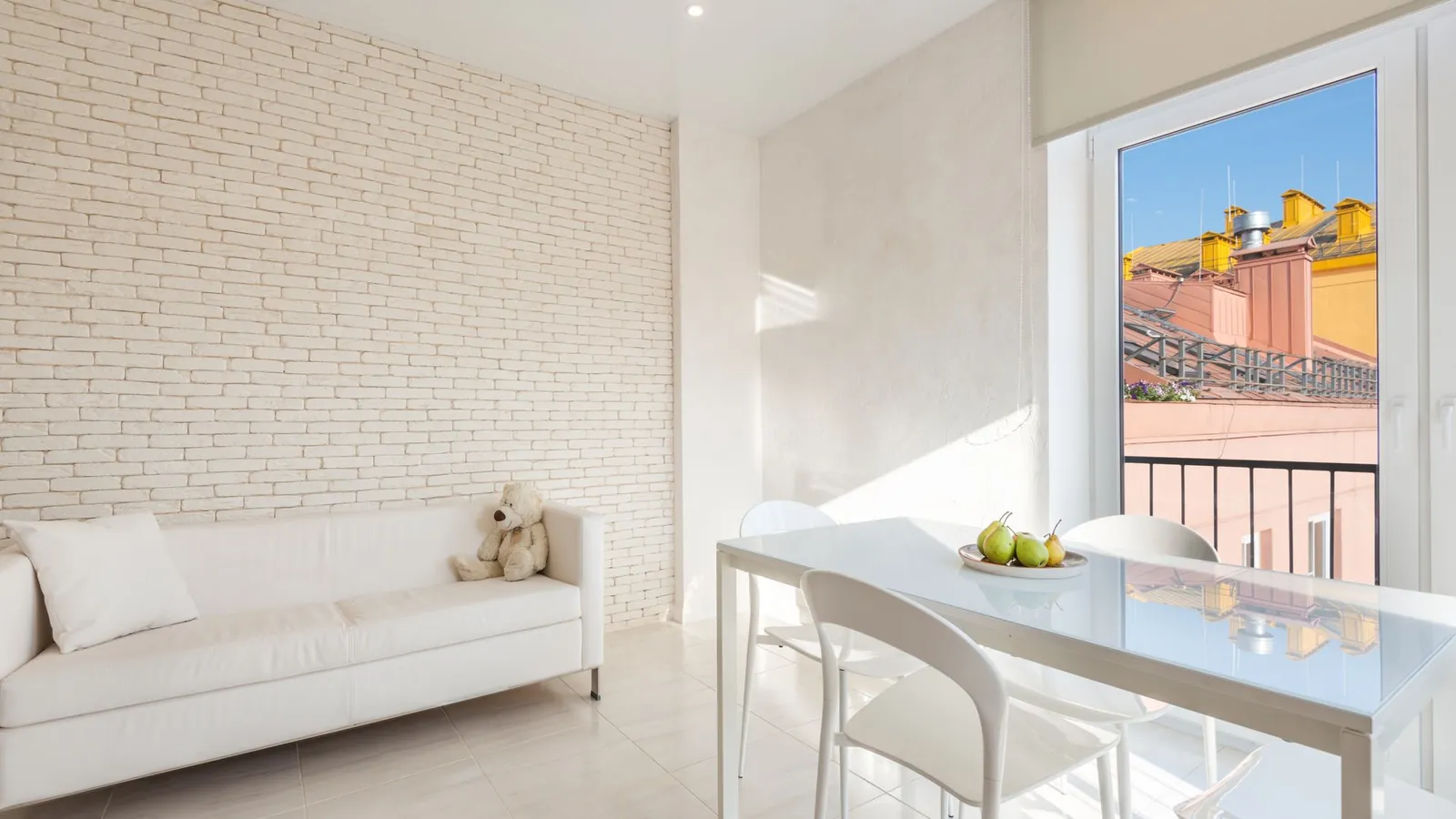 👋 Hello Claudia,🔎 so that we only send you suitable listings we create your search profile .🏡 You tell us location, size and budget, we take care of the rest.🔑 If a new apartment or house fits, you'll hear about it first, before it even goes online.⏱️ Setting it up takes only two minutes.📲 Below, you can get started right away.19:42Find matching properties
You decide the interval between two follow-ups.
The first follow-up comes after the confirmation, each further one after the previous one. You set the gap yourself.
Thank-you message
Right after the confirmation.
InstantlyFollow-up 1
After the confirmation.
On the chosen dayFollow-up 2
After follow-up 1.
On the chosen dayFollow-up 3
After follow-up 2.
On the chosen day
From the actual sending
The next step is only planned once the previous one has really been sent.
Gap of your choice
You decide for yourself how much time lies between the messages.
Only the first comes right away
Only the first message after the confirmation comes right away.
A reply does not stop the follow-ups.
If a contact asks something after a follow-up, SmartChat AI answers right away in the inbox. The next messages still come as planned.

Questions stop nothing
A question, a thank-you or a thumbs up changes nothing about the follow-ups. They only end when someone unsubscribes.
24 hours to reply
After every message from your contact, you have 24 hours to reply.
Source visible
In the inbox, you see for every message whether it was a follow-up.
As soon as someone writes STOP, they receive nothing more.
If a contact writes STOP, SmartChat plans no further step. This applies to every follow-up and every newsletter.
Unsubscribe with STOP
No form and no link: your contact writes STOP, and SmartChat sends them no more messages.
Visible in Contacts
In your contact list, the contact is then marked as unsubscribed.
Back with START
If they want to receive messages again later, they write START.


Every message needs its own template.
SmartChat sends follow-ups as templates approved by Meta. SmartChat submits them for you and shows you the status at every step: pending, approved or rejected.

Change with one message
New text or a different gap: you say so in the AI Chat, and SmartChat submits the template again.
A notice when something is stuck
If a message can't be sent, SmartChat shows the reason, for example a template still under review or a full allowance.
Header, text and button
Every message can have a header with an image or video at the top and a button to click at the bottom.
What comes after the confirmation?
A new contact is curious but not yet decided. The weeks after decide whether they buy from you.
Without follow-ups
- After the confirmation, your new contact hears nothing more from you.
- You have to remember yourself whom to message again and when.
- You explain offers, processes and prices to everyone individually.
- What someone learns depends on who has time right now.
With follow-ups in SmartChat
- Every new contact gets the same well-thought-out series of messages.
- SmartChat sends every step at the gap you set, even on weekends.
- You write the follow-ups once and change them in the AI Chat whenever you like.
- Messages in between land in the inbox, and the follow-ups keep running.
You see how every follow-up arrives.
For every message, SmartChat shows how many messages were delivered and read, step by step. You'll find everything else in the statistics.

Follow-ups are available in every plan.
In Free, you can also create follow-ups for new contacts. From Basic, you start further follow-ups via automations. All prices plus VAT.
| Free | Starter | Basic | Pro | |
|---|---|---|---|---|
| Price per month | 0 € | 299 € | 499 € | 999 € |
| Messages | 100 one-time | 3,000 per month | 6,000 per month | unlimited |
| Follow-ups after sign-up | yes | yes | yes | yes |
| Automations in total | 1 | 1 | 3 | unlimited |
| Start follow-ups via automation | no | no | yes | yes |
Every message counts toward your message allowance, including the confirmation and thank-you messages.
Frequently asked questions about Follow-ups.
What is a WhatsApp follow-up?
A follow-up is a message a new contact receives automatically after signing up. SmartChat sends several follow-ups one after another, each on the day you choose. Examples are shown in WhatsApp marketing for gyms and WhatsApp marketing for real estate agents.
When do the follow-ups start?
The follow-ups start as soon as a new contact has confirmed their sign-up in WhatsApp. The thank-you message comes immediately, and then the follow-ups follow at the interval you set.
How much time is there between two follow-ups?
You set the gap yourself: the first follow-up comes after the confirmation, each further one after the previous one. Only the thank-you message comes right after the confirmation.
How many follow-ups can I create?
SmartChat AI creates the follow-ups you describe in the AI Chat. Each one gets its own WhatsApp template, which SmartChat submits to Meta.
How do I set up follow-ups?
You write in the AI Chat which topics your new contacts should receive one after another. SmartChat AI writes the header, text, button and gap, and during onboarding it already sets up the first follow-ups for you. See what this looks like for online courses in WhatsApp marketing for online courses.
Do the follow-ups stop when a contact replies?
No, a normal reply does not stop the follow-ups. The reply lands in the inbox, SmartChat AI answers right away if you want it to, and the next messages arrive as planned. Follow-ups only end when someone unsubscribes.
How does a contact unsubscribe from the follow-ups?
The contact writes STOP in the chat. SmartChat then plans no further step and sends them no more newsletters either. With START, they sign up again.
What do follow-ups cost in SmartChat?
Sending costs no credits. Every message counts toward your message allowance, including the confirmation and thank-you messages. Free costs €0, Starter €299, Basic €499 and Pro €999 per month, plus VAT.
What does WhatsApp cost at Meta for my follow-ups?
Meta charges the fees for WhatsApp messages directly to you. For that, you add a payment method in your Meta account. SmartChat adds nothing on top. With SmartChat, you only pay for your plan. You'll find the current Meta fees under Meta fees.
Does Meta have to approve the follow-ups?
Yes, SmartChat sends every follow-up as a template approved by Meta and submits it for you. If you change an approved text later, your contacts keep getting the previous version until the new one is approved.
Are there follow-ups in the free plan, too?
Yes, in Free you can also create follow-ups for new contacts. Free includes 100 messages one time, Starter 3,000 and Basic 6,000 per month, Pro unlimited.
Can I pause follow-ups?
Yes, you pause your follow-ups in the AI Chat and start them again later. Messages not yet sent are sent afterward.
Do contacts who have already confirmed get new follow-ups?
Yes, when you activate follow-ups, SmartChat also schedules contacts who had already confirmed before. These contacts receive all the steps whose time is still ahead of them.
Can I set a fixed time of day for follow-ups?
Yes, through the API you set a fixed time of day and a time zone for all follow-ups. SmartChat never sends earlier than planned, at most the next day at your time.
Create follow-ups in 60 seconds.
Enter your website, and SmartChat AI analyzes it. In 60 seconds, your WhatsApp marketing system is ready, with landing page, confirmation, thank-you message and the first follow-ups.