Get the best WhatsApp marketingtips.
With the free WhatsApp newsletter from SmartChat, you get new features and other news straight on WhatsApp.
This is what the newsletter looks like.
You are the first to find out what's new in SmartChat, and you try it out with one click.
We show you newsletters from many industries and what they do right.
We explain the most important topics in WhatsApp marketing in a simple, clear way.

What you get.
New features, examples and guides for your WhatsApp marketing, free on WhatsApp.
New features first
You are the first to hear about new features in SmartChat, and you try them out with one click.

Examples that work
We show you newsletters, follow-ups and automations from many industries that you can use for your business.

Guides on WhatsApp marketing
We explain topics like Double opt-in and the WhatsApp pricing from Meta in a simple, clear way.
- ✋ You can unsubscribe anytime. Just write "STOP".18:10STOP18:12
You can unsubscribe anytime.
We only send when there's something new. You can unsubscribe anytime.
Sign up in three steps.
Enter first name and number
You enter your first name and phone number in the form.
formGet a confirmation message
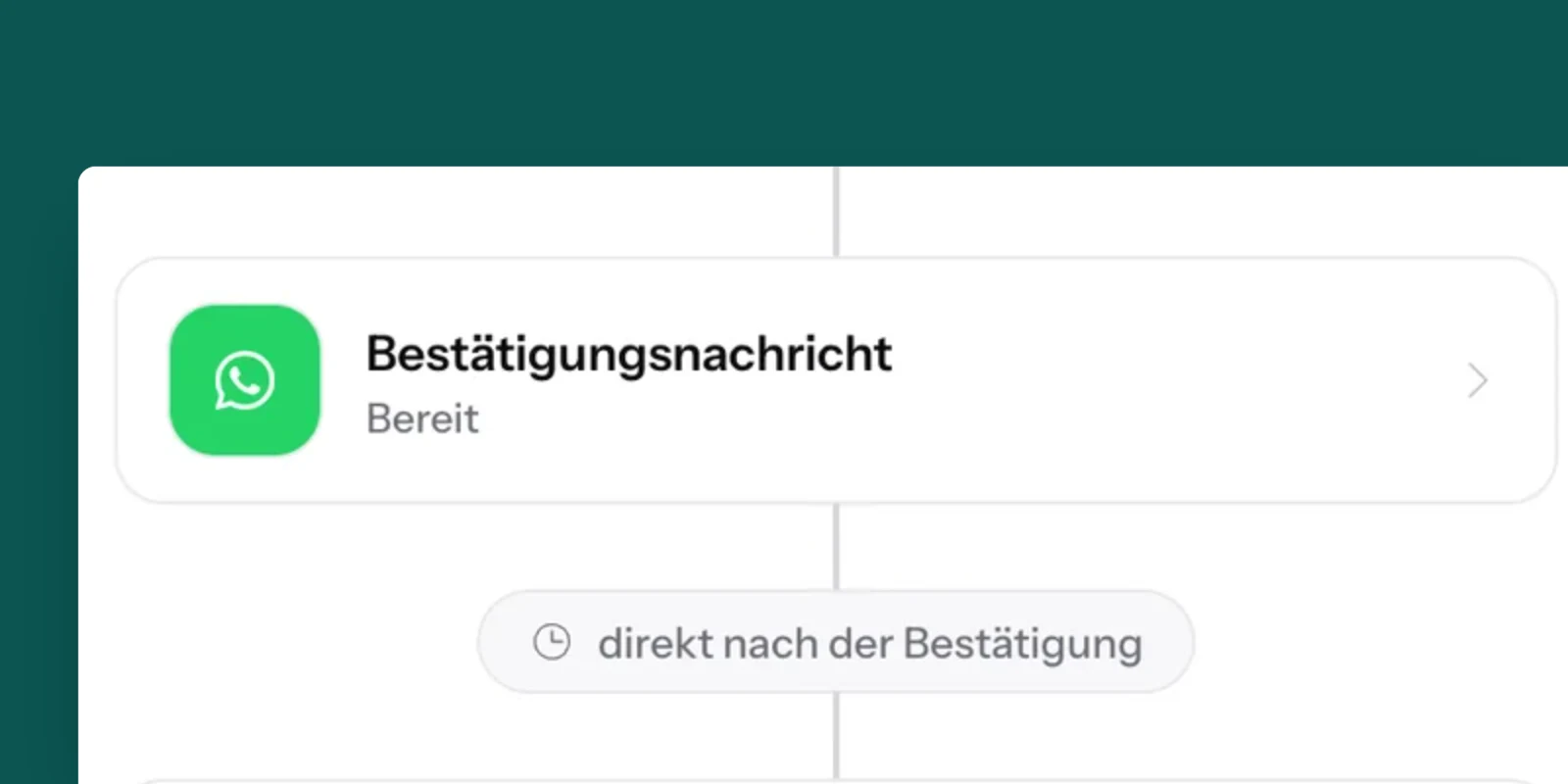
SmartChat sends you a confirmation message on WhatsApp.
On WhatsAppClick Confirm
Once you click Confirm, your sign-up is done.
Signed up
Sign up for free now.
Enter your first name and phone number, and you'll get a confirmation message on WhatsApp.
Frequently asked questions about the SmartChat Newsletter.
What do I get in the SmartChat WhatsApp newsletter?
You are the first to hear about new features in SmartChat and get examples and guides for your WhatsApp marketing. Every message comes straight to your phone on WhatsApp.
How often do I get the newsletter?
We only send when there is something new, for example a new feature, a new example or a new guide.
What does the SmartChat WhatsApp newsletter cost?
Nothing. The newsletter is free, and you don't need a SmartChat account for it.
How do I sign up for the newsletter?
In the form enter your first name and your phone number. Then you get a confirmation message on WhatsApp. Once you click Confirm, your sign-up is done.
Why do I have to confirm my sign-up?
Confirming makes sure that only you can sign up your number. This process is called double opt-in. Learn more in the guide What is double opt-in on WhatsApp?
How do I unsubscribe from the newsletter?
Write STOP in the WhatsApp chat with SmartChat. After that, you won't get the newsletter anymore.
Can I sign up again after STOP?
Yes. Just sign up here again with your first name and phone number and confirm your sign-up on WhatsApp.
I didn't get a confirmation message. What can I do?
Check that you entered your phone number with the country code, for example +49, +43 or +41. Then just sign up again.
Can I send a newsletter like this for my business too?
Yes. With SmartChat, you send your own WhatsApp newsletter to your contacts. SmartChat AI builds your WhatsApp marketing system in 60 seconds, and Free is free. You can find all plans under Pricing.
What happens to my phone number?
How we handle your phone number and your data is explained in our privacy policy.
Get the WhatsAppnewsletter now.
New features, examples and guides, free on WhatsApp. For your own newsletter, SmartChat AI builds your system in 60 seconds.