QR code for your WhatsAppnewsletter.
SmartChat creates a QR code for your landing page. Print it on flyers, receipts or posters, and your prospects sign up for your WhatsApp newsletter with one scan.

From the scan to the subscriber.
Your prospect only needs their phone's camera. SmartChat handles everything after that, up to the proof of their consent.
- 1
Your prospect scans the code
They hold their phone's camera up to your QR code. They don't need a separate app for this.
- 2
Your landing page opens
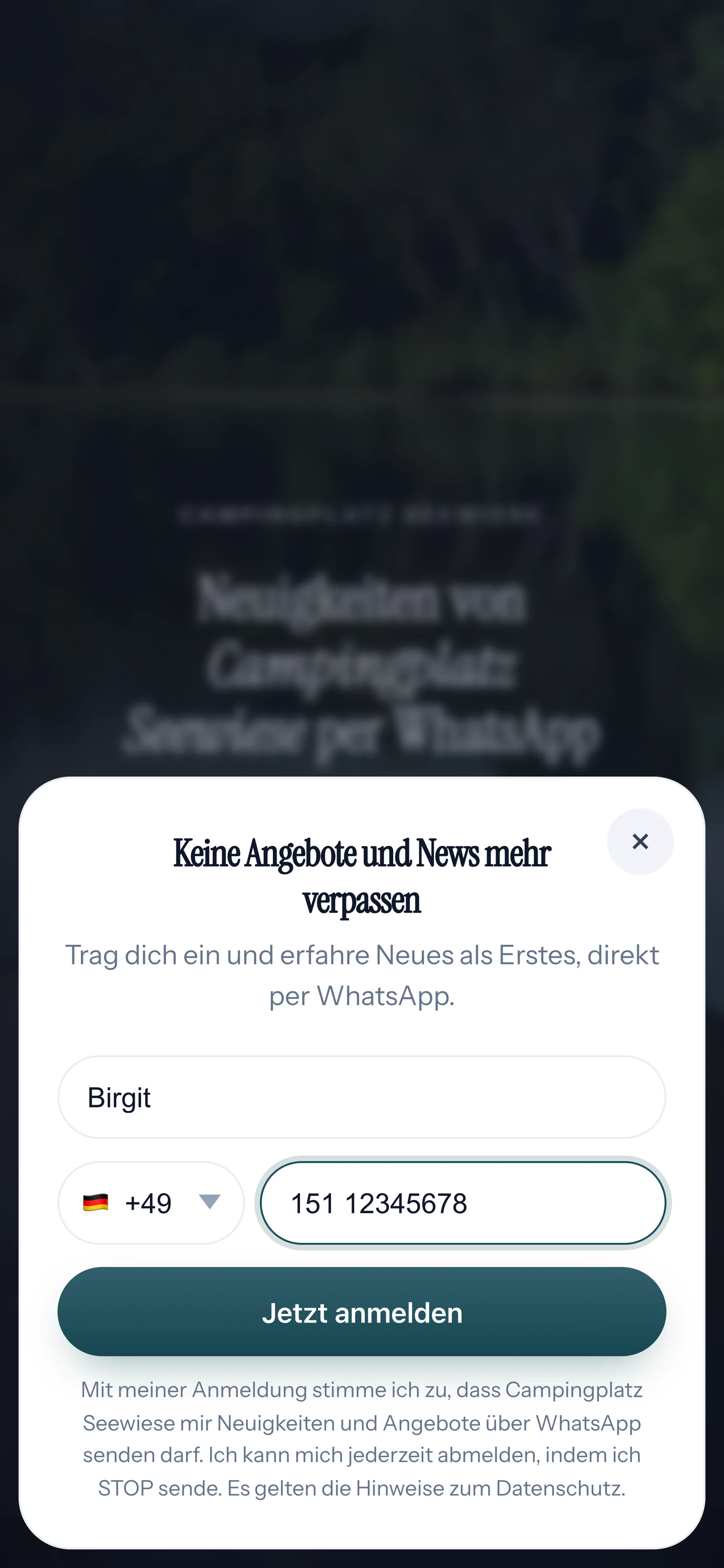
They see your offer in your branding, enter their first name and phone number and click the button.
- 3
They confirm in WhatsApp
SmartChat sends a confirmation message via WhatsApp. Only after they click Confirm can you send them newsletters and follow-ups.
👋 Hello Birgit,👇 click the button Confirmto sign up for the WhatsApp newsletter from Campingplatz Seewiese to sign up.🥳 With your click, you sign up for our free WhatsApp newsletter and receive exclusive information, exciting insights and offers!✋ Of course, you can unsubscribe at any time. Just write STOP.🧐 You can find our privacy policy on our website: campingplatz-seewiese.de/datenschutz19:14ConfirmConfirm19:14 - 4
You have the proof
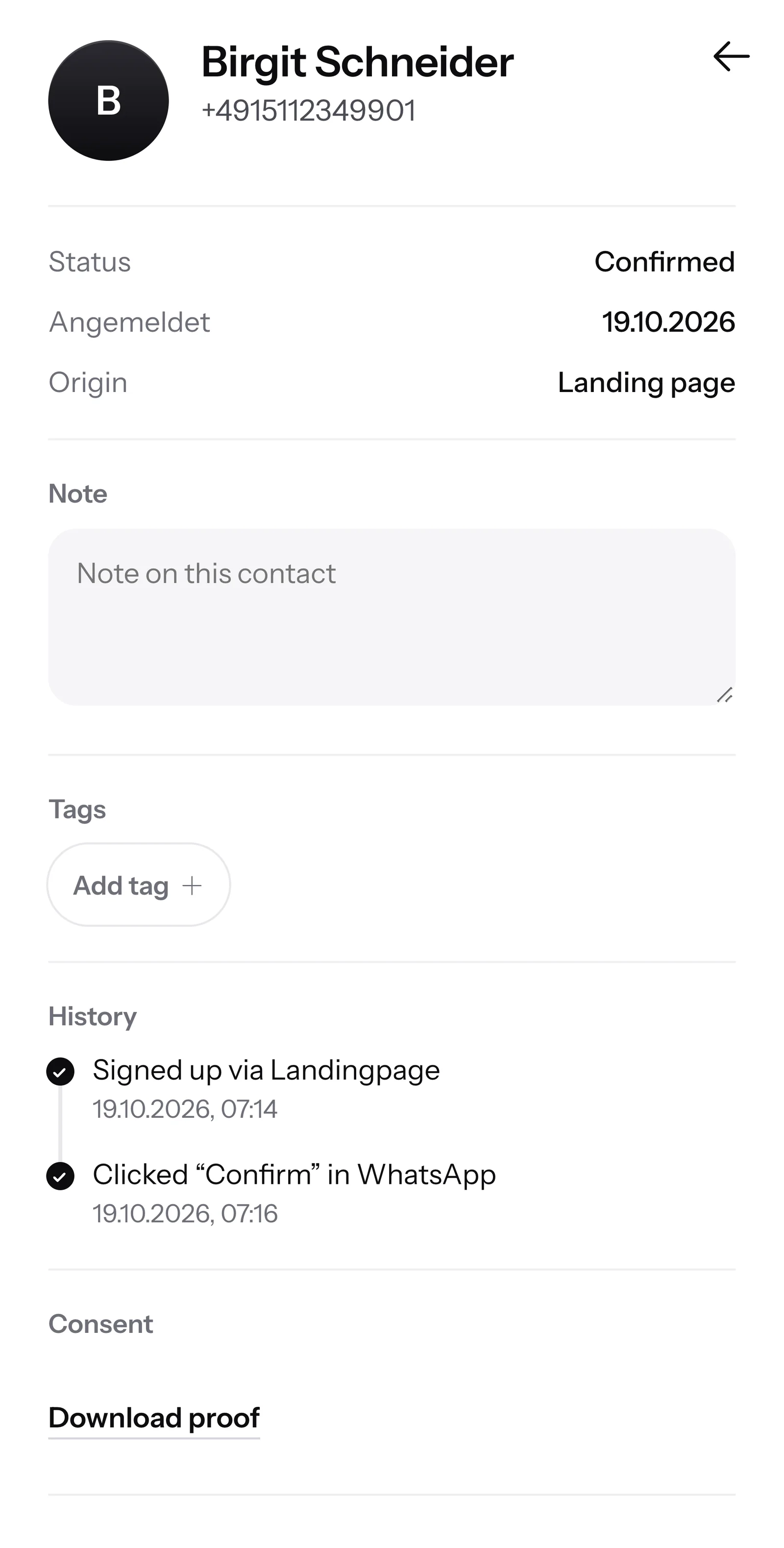
The contact shows when and how they agreed. You can download the proof of consent as a PDF.
Your QR code is ready.
SmartChat creates the QR code for your landing page automatically. You'll find it in the landing page settings in the Domain tab and can download it with one click.

Ready right away
As soon as your landing page is created, your QR code is ready to download too.
Your domain in the code
With a custom domain, the code leads to your own domain instead of the SmartChat domain.
No third-party generator
You don't need an account with any other provider. The code comes straight from your SmartChat.
Wherever your customers wait for a moment.
One code, many places. Anyone who has signed up afterwards receives messages like these.
A stand at the counter. Whoever is waiting for their order scans in peace.
A flyer goes in with every booking or order and stays within reach for a long time.
A poster on the glass also reaches passers-by after closing time.
The code sits at the bottom of every receipt and goes home with your customer.



From the download to the first scan.
This is how your QR code gets from SmartChat to print.
Download
In the landing page settings, you click Download QR code in the Domain tab.
1 clickInsert
You insert the file into a receipt, flyer or poster, or you give it to your print shop.
Receipt, flyer, posterWrite the benefit next to it
Write what's in it for your prospect. This way, they know right away why they should scan.
Offers via WhatsAppPlace it
Put the code where your customers wait briefly or hold something in their hands.
Everywhere on siteCollect subscribers
Every signup lands in your contacts. As soon as they've confirmed, they're ready for your next WhatsApp newsletter.
Confirmed
Benefits of a SmartChat QR code.
Many people still collect numbers on paper. With the QR code, your prospect signs up on their own, and there is proof for every consent.
Without a QR code
- Your prospect is supposed to type in a long link by hand.
- Numbers sit on a slip of paper next to the register, with no confirmation.
- You transfer every number yourself later.
- One illegible digit, and the message never arrives.
With the SmartChat QR code
- One scan with the camera opens your landing page right away.
- Your prospect enters their number themselves and confirms in WhatsApp.
- SmartChat saves the proof of consent for every contact.
- You can unsubscribe at any time with STOP.
Every scan becomes a contact.
Anyone who signs up via your QR code is immediately in your contacts. After they click Confirm, the status jumps to Confirmed.

Status at a glance
Confirmed, unconfirmed or unsubscribed: for every contact, you see whether they get your newsletter.
Visitors and signups
For the landing page, SmartChat counts how many people opened the page and signed up.
With personalization
The first name from the form is saved in the contact. Every subscriber gets your messages with their own individual first name.
After the scan, your offer arrives in WhatsApp.
Anyone who has signed up via the QR code receives your news as a WhatsApp notification.
Notification instead of a flyer
Your offer appears right on the lock screen, next to messages from family and friends.
Header, text and button
Every message can show an image or video at the top, below it your text and a button, for example for pre-ordering.
Replies right in the chat
If someone asks a question, their message lands in the inbox.
If someone asks a question, SmartChat AI replies immediately.
Many write back right after signing up. SmartChat AI replies fully automatically for you. It replies with the knowledge it has learned from your website and your documents.

Also after closing time
If someone writes in the evening or on Sunday, they still get an answer right away.
In every language
SmartChat AI replies in the customer's language.
You keep the overview
If SmartChat AI can't reply, the message is passed on to you or your team in the inbox.
The QR code is included in every plan.
It belongs to the landing page. How many messages you can send to your new subscribers depends on your plan. All prices plus VAT.
| Free | Starter | Basic | Pro | |
|---|---|---|---|---|
| Price per month | 0 € | 299 € | 499 € | 999 € |
| Landing page with QR code | yes | yes | yes | yes |
| Connect your own domain | yes | yes | yes | yes |
| Buy your own domain | no | yes | yes | yes |
| Contacts | unlimited | unlimited | unlimited | unlimited |
| Messages | 100 one-time | 3,000 per month | 6,000 per month | unlimited |
Frequently asked questions about QR code.
Do I have to install anything for the QR code?
No. SmartChat creates the QR code ready-made for your landing page, and you just download it. You don't need your own QR generator.
Do my prospects need an app to scan the code?
No. Your prospects scan the QR code with their phone's normal camera, and your landing page opens in the browser.
Where do I find the QR code in SmartChat?
Open the landing page and then the landing page settings. In the Domain tab, you'll find the QR code card with the button Download QR code.
From when can I download the QR code?
Right away. As soon as your landing page is created, it is live, and your QR code is ready to download.
Does the QR code change when I rebuild the landing page?
No. You can change the texts, images and colors of the landing page at any time, and the QR code stays the same. If you change the subdomain, a new QR code is created. Old printed codes still work, but they lead to an empty page or to another business's page, because someone else can claim the old subdomain.
What happens to printed codes if I connect a new domain?
They keep working. Even after you connect a new domain, the previous domain stays reachable, and printed codes keep leading to your landing page.
Can the QR code lead to my own domain?
Yes. If you have connected your own domain, it is built into the QR code. Otherwise, it leads to your SmartChat domain. You can connect your own domain in every plan.
Does everyone who scans get my newsletter right away?
No. After signing up, SmartChat sends a confirmation message via WhatsApp. Only those who click Confirm show up as confirmed in your contacts and receive your newsletter.
Can I see who signed up via the QR code?
Anyone who comes via the QR code signs up on your landing page. That's why their source in your contacts shows as Landing page, without a separate label for the QR code.
Where is the best place to put up the QR code?
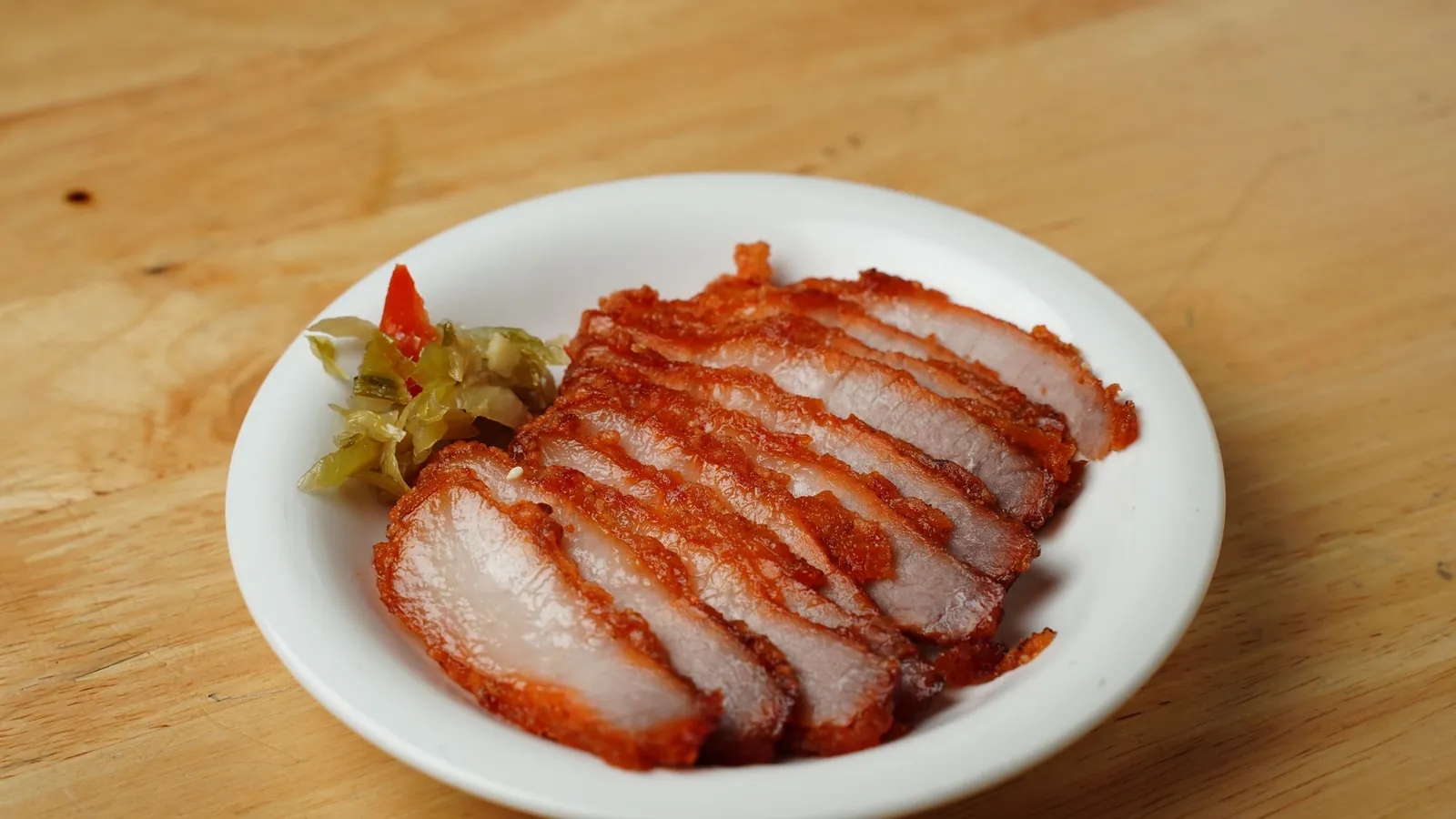
Where your customers wait briefly or hold something in their hands: at the counter, on the receipt, on flyers or in the shop window. Write what's in it for them. You'll find examples in WhatsApp marketing for butcher shops, flower shops and campsites.
What does the QR code cost?
The QR code belongs to the landing page and is included in every plan, even in Free for €0. The paid plans cost €299, €499 and €999 per month, all prices plus VAT.
What does WhatsApp cost at Meta for my messages?
Meta charges the fees for WhatsApp messages directly to you. For this, you add a payment method in your Meta account. Sending costs no credits in SmartChat. With SmartChat, you also pay for your plan. More on this under Meta fees.
How does a subscriber unsubscribe again?
They write STOP in the chat. After that, SmartChat sends them no more newsletters and shows them as unsubscribed in your contacts.
Can I print the QR code multiple times?
Yes. Your landing page comes with one QR code, and you print it as often as you like: on receipts, bags, flyers and posters.
Create your QR code now.
Enter your website. In 60 seconds, your WhatsApp marketing system and your landing page are ready, and the QR code is ready to download.