SmartChat AI builds your WhatsApp marketing.
You write what you need in the AI Chat, and SmartChat AI turns it into your WhatsApp newsletter, your landing page or an automation.

One message is enough for the start.
You write SmartChat AI what you need. Shortly after, your draft is there, and nothing has been sent yet.
- 1
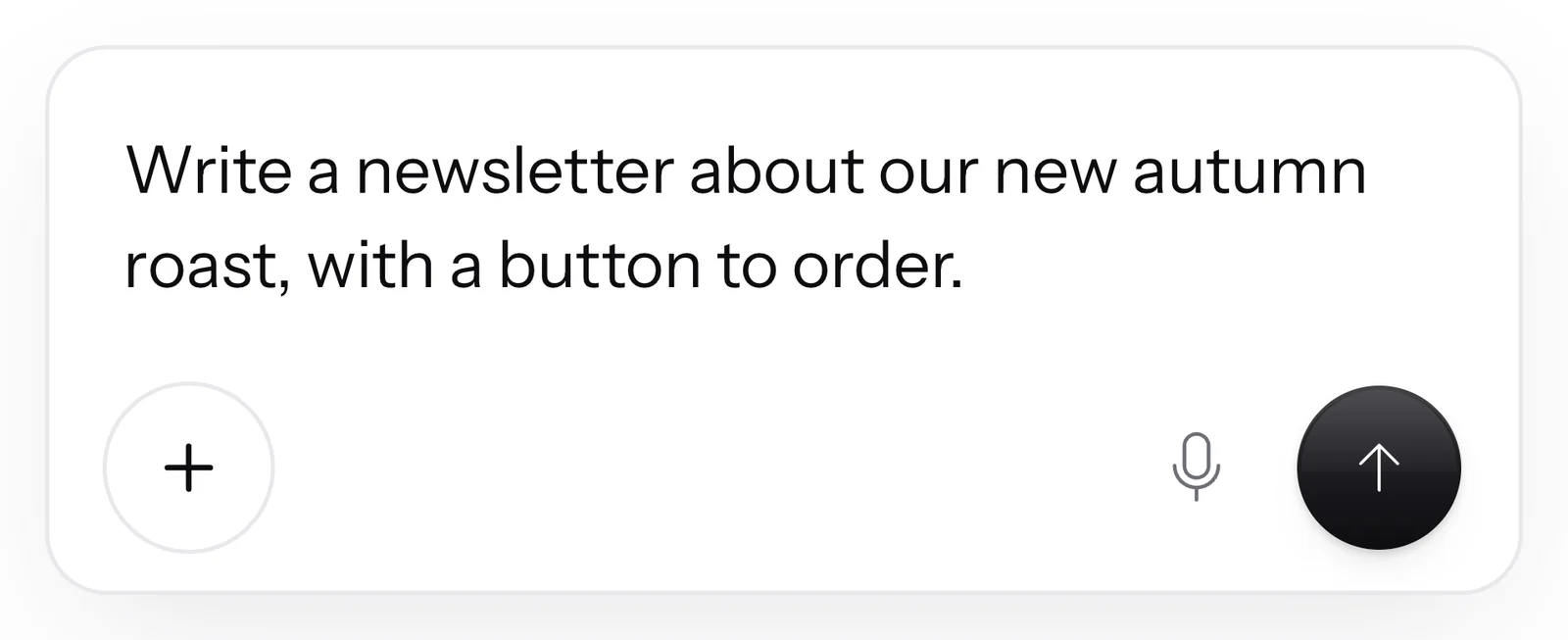
You write your idea
In the AI Chat, you tell SmartChat AI how you imagine it. You don't need any technical terms for this.
- 2
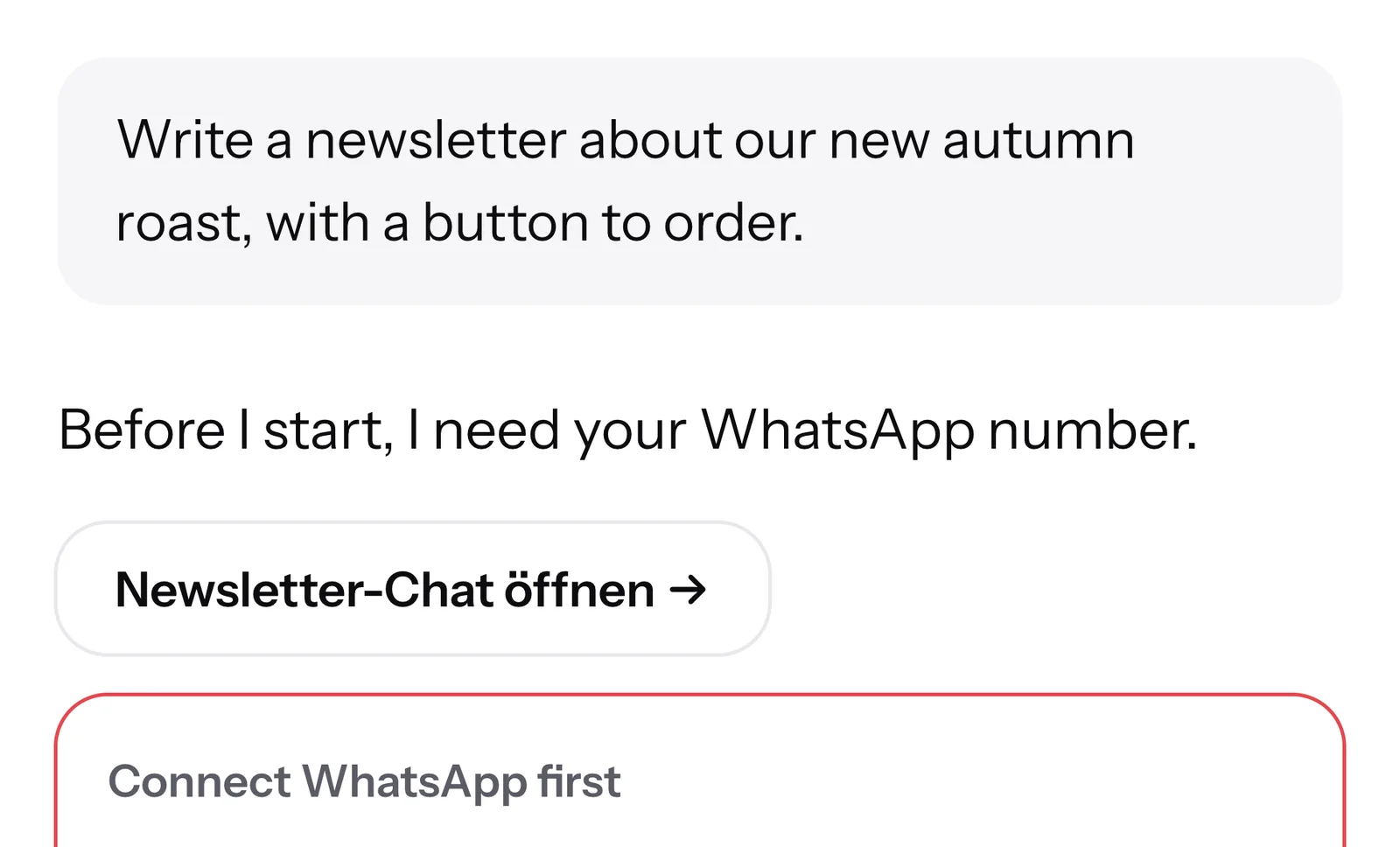
SmartChat AI gets going
SmartChat AI shows you what it's working on right now. It pulls your offer from the knowledge about your business.
- 3
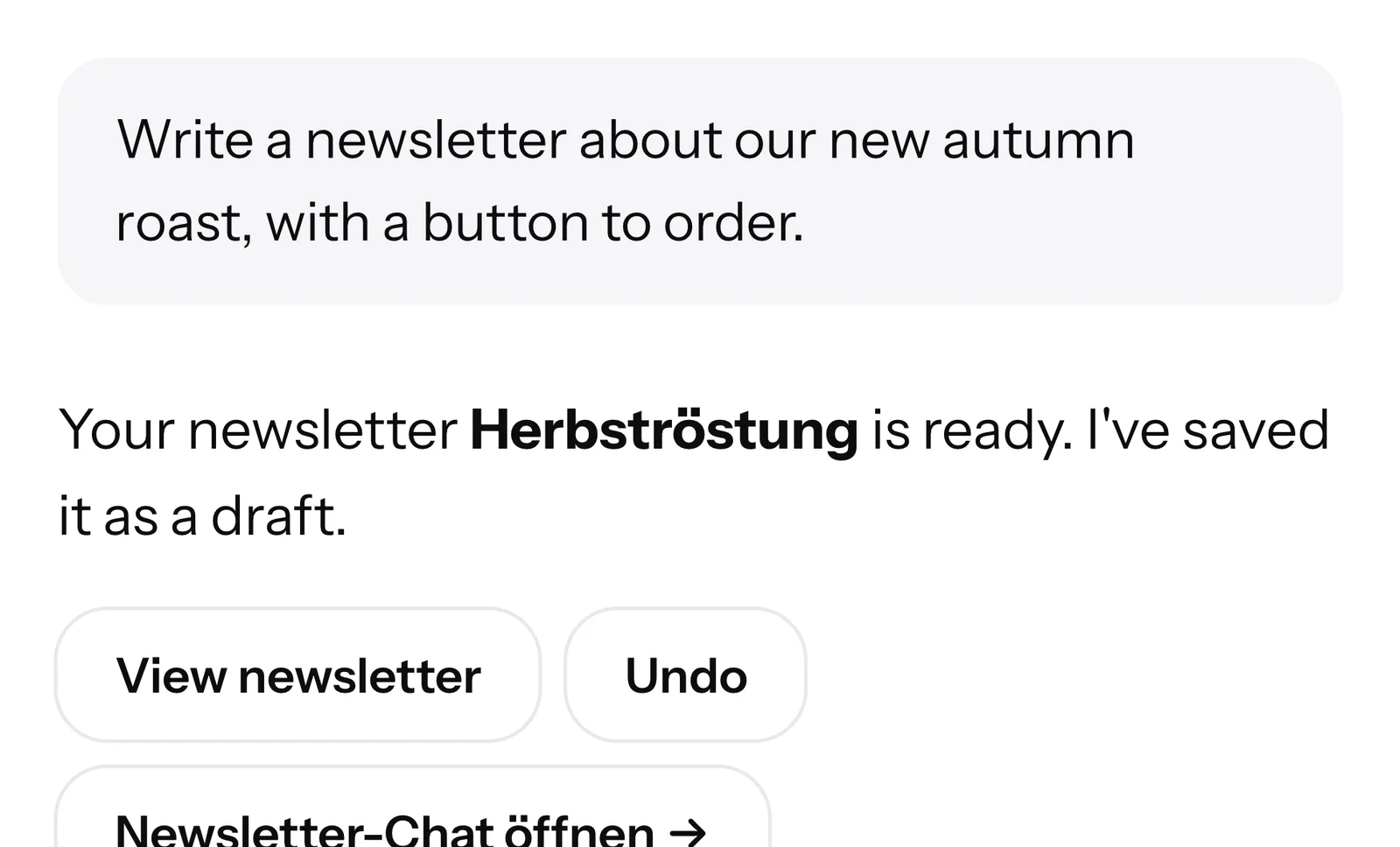
You get the draft
Text and button are ready, written to fit your business's branding. Every subscriber gets the newsletter with their own individual first name.
 👋 Hello Claudia,🍂 since today our new autumn roast is in the shop.🌱 The beans come from two family farms in Colombia and Brazil, and it's roasted medium-strong.🍫 In the taste you'll find dark chocolate, caramel and a little cinnamon.⚙️ The roast fits the fully automatic machine just as well as in the French press or the hand filter.📦 A pack with 500 g ? 14,90 €, from 35 € we deliver free of shipping costs.10:14Order the autumn roast
- 4
One click, and it goes on
Under every message, there are buttons. With them, you jump to the draft or ask for the next change.
SmartChat AI can build this for you.
You write SmartChat AI your idea in the AI Chat. From it comes the finished message that your contacts receive on WhatsApp. Your own automations, for example the reminder, are available from Basic.
"Write a newsletter about my online talk in November."
"Create a follow-up: after the confirmation, my exercise for more clarity goes out."
"Remind every contact on the morning before their intro call."
"Whoever writes WORKSHOP gets everything about my workshop in December right away."
"Change my thank-you message and mention that I send a short tip every week."






From onboarding straight into the AI Chat.
SmartChat AI doesn't start from zero. Before you write the first message, it has already analyzed your business.
Enter website
During onboarding, you enter your website's domain. SmartChat builds everything else from that.
Start for free nowSmartChat builds
In 60 seconds, your WhatsApp marketing system with your own landing page is ready.
60 secondsSmartChat AI welcomes you
In the AI Chat, the first message is waiting for you, with three buttons to get you started.
On to the AI ChatYou keep building
One click on a button, and SmartChat AI makes you a suggestion. Nothing is built until you agree.
Only after you agree
SmartChat AI knows your business.
You don't have to explain your offers, your branding and your images again every time. SmartChat AI pulls them from your website and your documents.

From your website
During onboarding, SmartChat analyzes your website. From that come texts that fit your business.
From your documents
Upload your price list, class schedule or brochure under Knowledge & documents . SmartChat AI learns more about your business from them.
Your offer stays up to date
If your offer has changed, tell it in the chat. SmartChat AI remembers it and will write everything about your new offer from now on.
SmartChat AI builds every part.
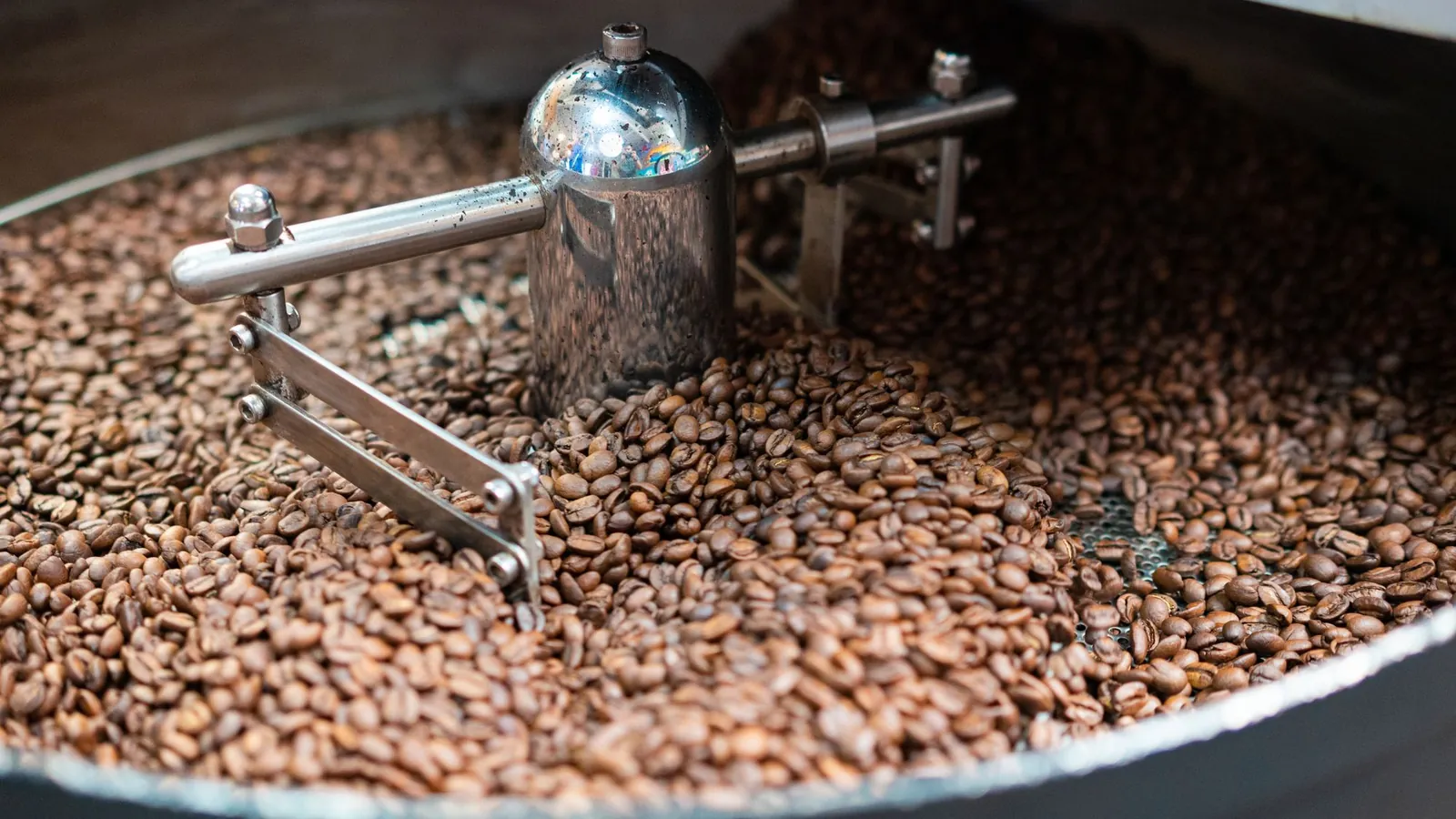
Header
At the top, you can choose an image or video. SmartChat AI takes a photo from your media library or one you upload in the chat.
Text
Keywords are shown in bold. Before the text is saved, SmartChat checks quality and language.
button
If you name a link you want, SmartChat AI builds it into the newsletter. That way, subscribers get to your offer with one click.
You see what SmartChat AI is working on.
While SmartChat AI is building, you see what is being done right now and roughly how long it will take until it's finished.

Only finished answers
SmartChat AI only replies once the work is properly done. You don't get half-finished answers.
Honest remaining time
The clock is based on the most recent runs. If it takes longer than usual, it says exactly that.
Test first, then activate
SmartChat AI tests a new automation with sample data. Nothing is sent while it does.
You make changes with one message.
If you don't like something, you just say so. And whatever is always important to you, SmartChat AI remembers for all future texts.
- 1
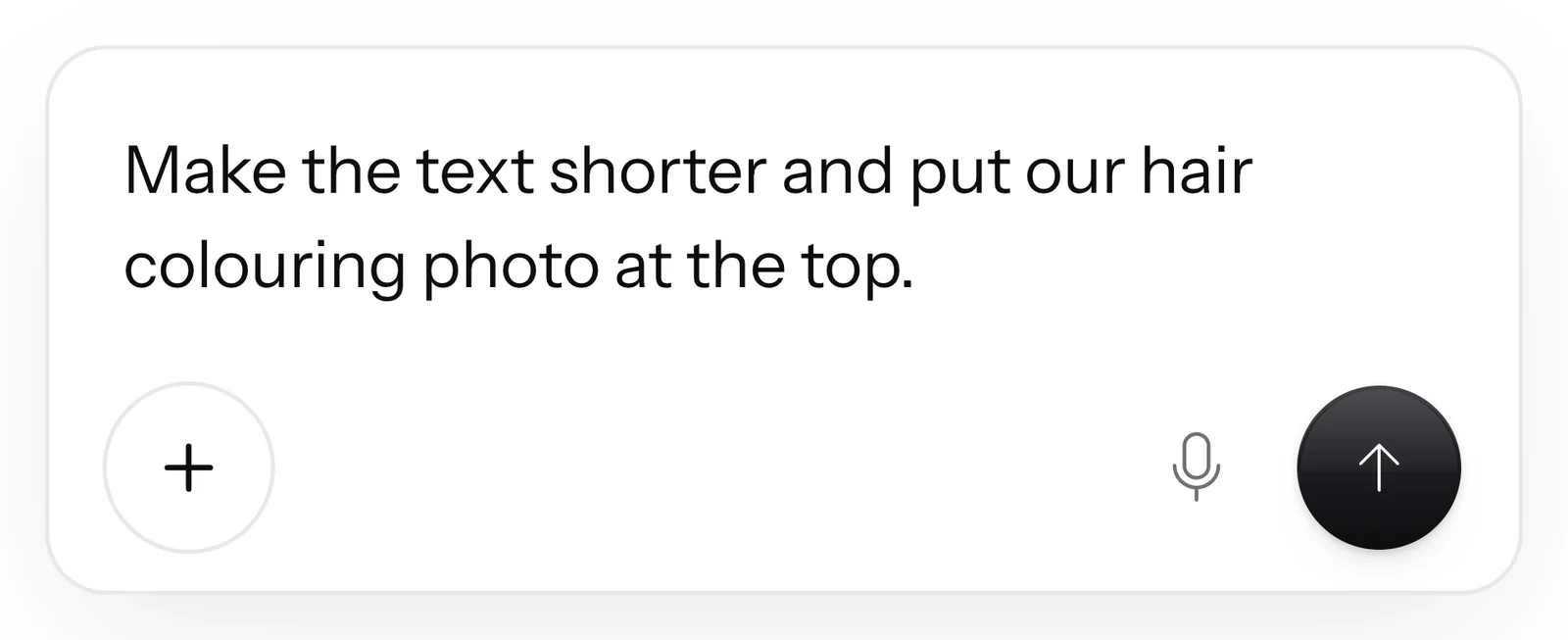
You say what should be different
You say what you don't like. Shorter, a different image, a different button: you write it in the AI Chat.
- 2
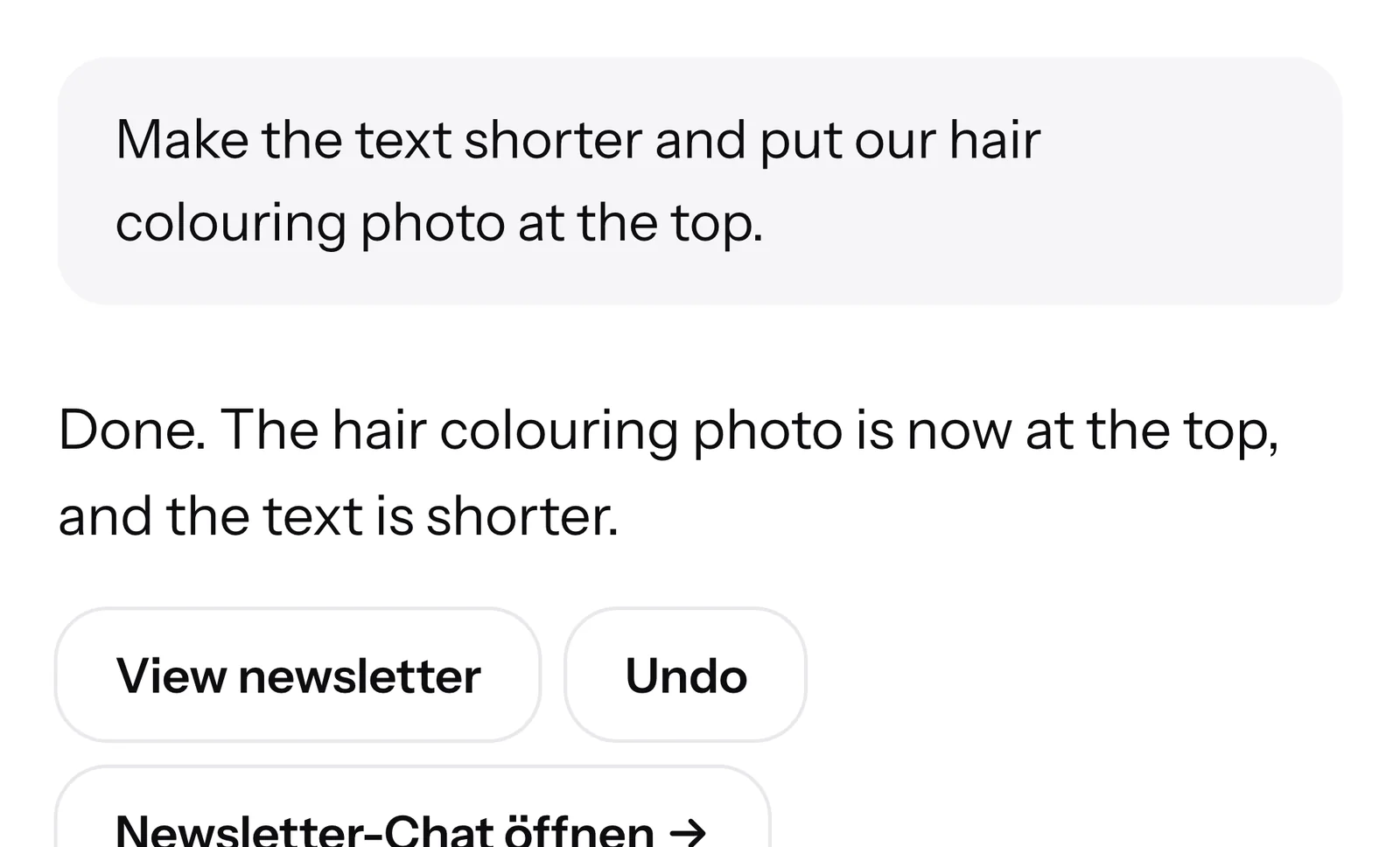
The draft changes
SmartChat AI gets the photo from your media library and shortens the text. You see the result right away.
 👋 Hello Monika,🍂 New with us: the autumn shades copper, caramel and chocolate brown.🎨 Beforehand, we advise you at the mirror.✨ Would you rather just freshen up? Then a glossing is ideal.📅 In October, there are still spots available.9:00Book a color appointment
- 3
Back with one click
If you don't like the change to an automation, landing page or popup, you click Undo. If you've changed something yourself in the meantime, SmartChat overwrites nothing.
- 4
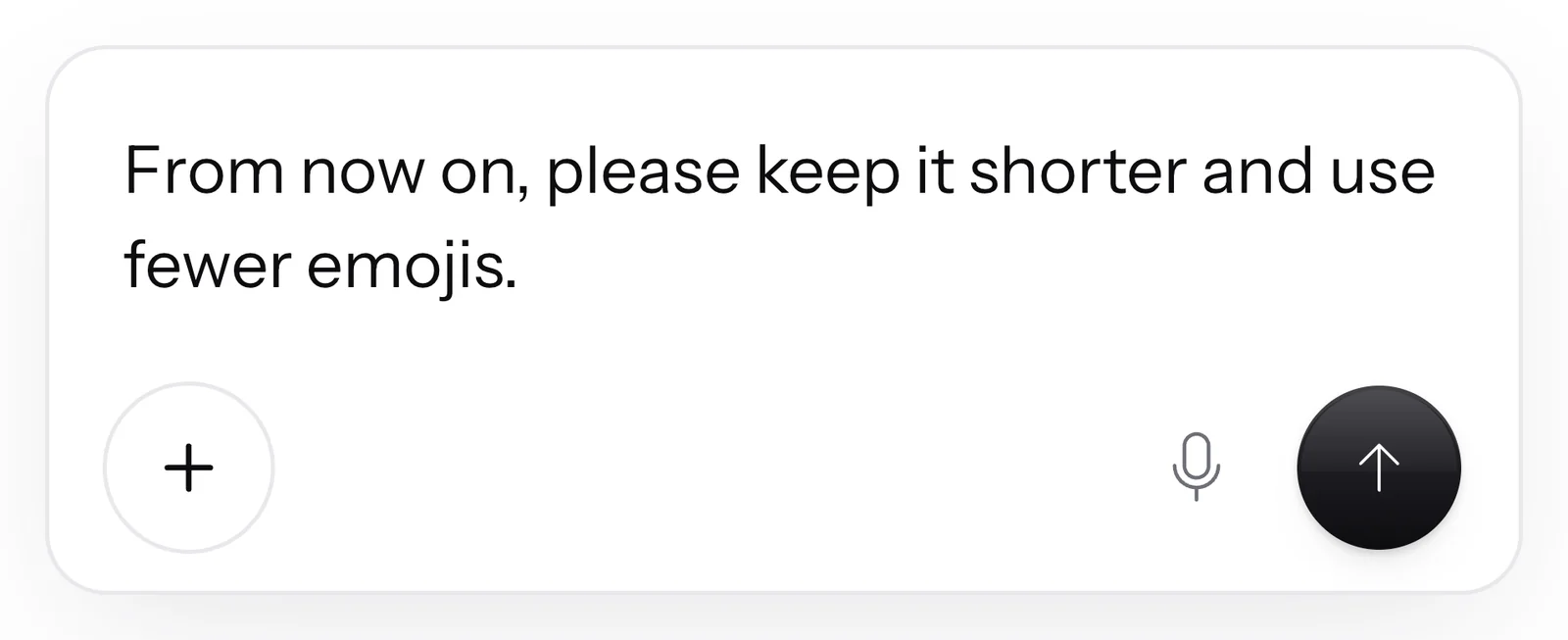
SmartChat saves your preferences
If you say "from now on" or "always", the request applies to all future messages, for example for emojis, length, exclamation marks and form of address.
- 5
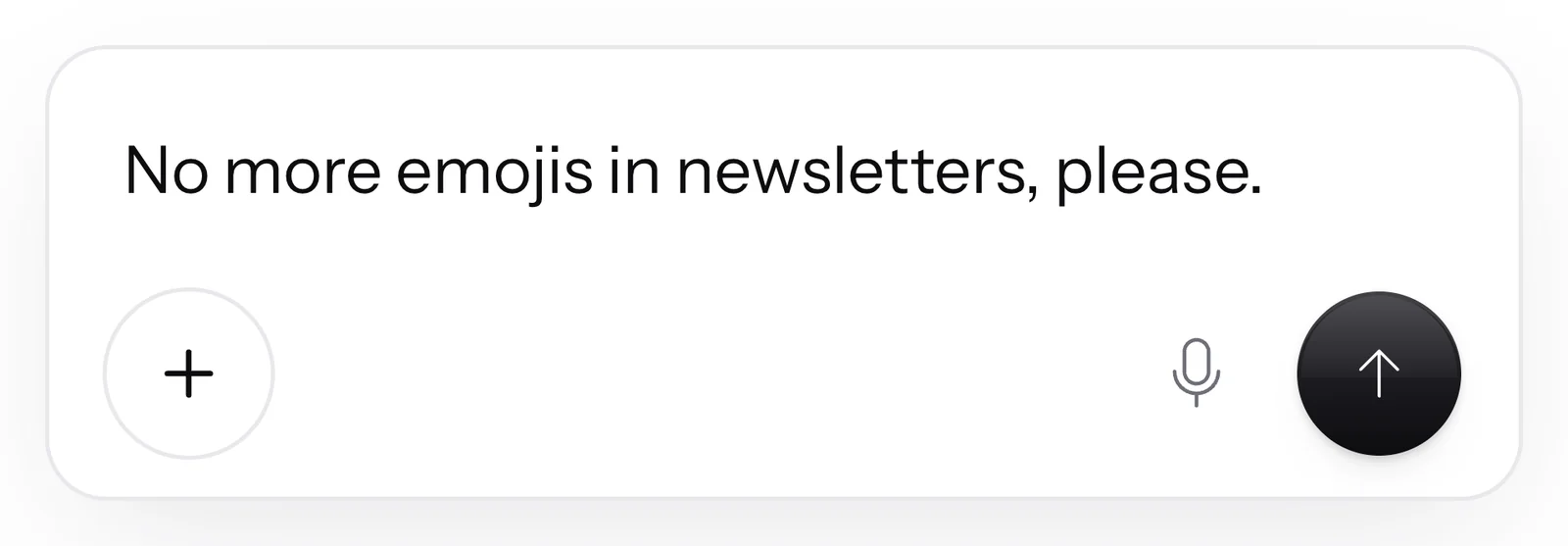
What you don't want stays out
If you tell SmartChat AI what you never want, it remembers that permanently. And it won't happen again.
Nothing is sent until you confirm.
Before a newsletter is sent or scheduled, SmartChat AI tells you the recipients and the time. It only goes ahead once you agree.

Preview before every send
You see when and how many subscribers get the newsletter. Nothing is sent without your confirmation.
For other tasks too
Before submitting a template to Meta or before deleting an automation, SmartChat AI asks in the same way.
Nothing happens without your approval
SmartChat AI only assigns tags when you ask it to or in an automation that you built.
One chat for everythingyou build in SmartChat.
Newsletter, landing page, website popup, follow-ups, automations, contacts and statistics. You tell SmartChat AI what you want, instead of searching for the right section.

SmartChat AI is always at your side.
On the right side of every page in the app, SmartChat AI is waiting. The same conversation continues there as in the big AI Chat.

One single conversation
What you write in the AI Chat also appears in the popup window on the right. You never start from scratch.
Opened with one click
One click on the SmartChat logo opens SmartChat AI, no matter which page of the app you're on.
Straight to the result
Buttons below the answer lead to the newsletter, landing page, automation or contacts.
That's why SmartChat AI is so helpful.
Without SmartChat AI
- Writing every newsletter yourself
- Searching for the right section for every change
- Submitting templates to Meta yourself
- Creating automations step by step
With SmartChat AI
- One message in the AI Chat, and the draft is ready
- Changes by message, across the whole SmartChat system
- SmartChat submits your templates to Meta
- SmartChat AI builds the automation and tests it
What does SmartChat AI cost??
Every message to SmartChat AI costs credits from your plan. All prices plus VAT.
| Free | Starter | Basic | Pro | |
|---|---|---|---|---|
| Price per month | 0 € | 299 € | 499 € | 999 € |
| Credits | 500 one-time | 3,000 per month | 6,000 per month | 12,000 per month |
| AI Chat with all features | yes | yes | yes | yes |
| Automations | 1 | 1 | 3 | unlimited |
| team seats | 1 | 3 | 6 | 12 |
Frequently asked questions about SmartChat AI.
What is SmartChat AI?
SmartChat AI is the AI in SmartChat. In the AI Chat, you write what you need, and SmartChat AI turns it into your WhatsApp newsletter, your landing page or an automation.
What can SmartChat AI build for me in the AI Chat?
SmartChat AI writes and changes newsletters, follow-ups, automations, your landing page and your website popup. It also schedules sends, finds contacts, assigns tags on request and summarizes your statistics. How many automations you can have depends on the plan: Free 1, Starter 1, Basic 3 and Pro unlimited. The 1 on Free and Starter is the fixed double opt-in automation (confirmation and thank-you); your own automations are available from Basic. You'll find examples under WhatsApp marketing for hairdressers, for online shops and for coaches.
How does SmartChat AI know my business?
During onboarding, SmartChat analyzes your website and remembers your offer, target audience, colors, font, logo and photos. Add to that the documents you upload under Knowledge & documents , for example your price list as a PDF.
Does SmartChat AI send anything without my okay?
No, before sending or scheduling, SmartChat AI tells you the number of recipients and the time and waits for your approval. It also asks before submitting a template to Meta and before deleting an automation.
Can I undo a change made by SmartChat AI?
Yes, after a change to an automation, landing page or popup, the Undo button appears below the reply, and the old version comes back. For newsletters, there is no Undo button. What has already been sent, such as a newsletter, or a template submitted to Meta cannot be retrieved.
Can I give SmartChat AI a fixed style?
Yes, for example say "from now on always shorter". SmartChat saves your preferences for all future messages, and what you never want, such as emojis in newsletters, no longer appears.
Can I send files along in the AI Chat?
Yes, you can attach images, videos and PDFs.
Can I talk to SmartChat AI instead of typing?
Yes, one click on the microphone starts your browser's speech recognition, for example in Chrome, Edge or Safari. What you say lands in the input field, and nothing is sent until you click Send.
What does SmartChat AI cost?
Every message to SmartChat AI costs credits from your plan: Free has 500 one-time, Starter 3,000, Basic 6,000 and Pro 12,000 per month. Sending your messages costs no credits.
What happens when my credits run out?
Your data and contacts are kept. In a paid plan, new credits arrive with the next plan period; you get more with a bigger plan, or for free under Settings at Free credits. You can't buy credits individually.
Are there extra costs at Meta on top of SmartChat AI?
Meta charges nothing for your work in the AI Chat. Meta bills the fees for WhatsApp messages to your subscribers directly to you, via the payment method in your Meta account.
Can SmartChat AI make mistakes?
Yes, which is why the notice sits right below the input field. Check prices, dates and times in every draft before you send it.
How do my subscribers unsubscribe?
A subscriber who has confirmed your newsletter writes STOP in the chat. After that, they no longer receive newsletters, follow-ups and automations, not even ones that SmartChat AI built for you.
Does SmartChat AI also answer my contacts' messages?
Yes, with the AI reply, SmartChat AI answers questions from your contacts in the inbox, even at night and on weekends. The AI reply is included in all plans, even in Free.
What can't I do in the AI Chat?
Deleting your account, canceling or changing your subscription, login details and payments are things you handle yourself in the settings. In that case, SmartChat AI tells you where to find them.
SmartChat AI is ready to go in 60 seconds.
Enter your website. In 60 seconds, your WhatsApp marketing system is ready, and SmartChat AI is waiting in the AI Chat for your first message.