The WhatsApp marketingpopup for your website.
With the SmartChat website popup, prospects can sign up for your WhatsApp newsletter directly from your website, without even leaving your website.

From visit to subscriber.
This is how a prospect experiences the popup, from the first glance to the confirmation in WhatsApp.
- 1
The popup appears
While a prospect looks around on your website, your popup appears. She immediately sees what she gets when she signs up for your WhatsApp newsletter.
- 2
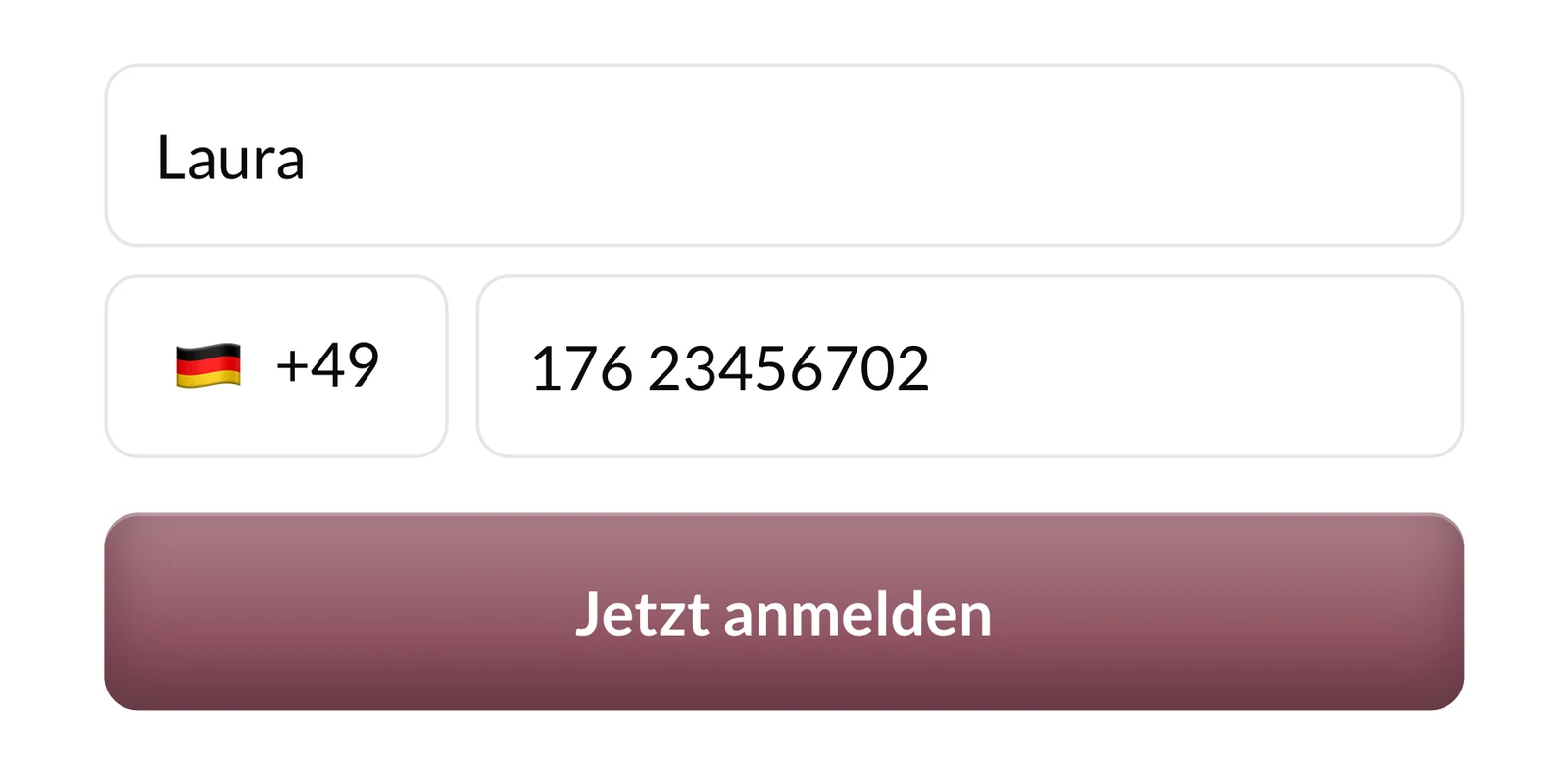
First name and phone number
The first name is optional, the phone number is required. SmartChat preselects the country code to match the prospect's location.
- 3
Confirm in WhatsApp
SmartChat sends a confirmation message via WhatsApp. Only once they click Confirm can you send them WhatsApp newsletters. This process is called Double opt-in and runs fully automatically.
👋 Hello Laura,👰 great that you want news from Brautmoden Schönfeld via WhatsApp.✨ You'll be the first to hear about new dresses and free fitting appointments.✅ Click Confirm, to sign up.🔒 You can unsubscribe at any time. Just write STOP.10:14ConfirmConfirm10:14 - 4
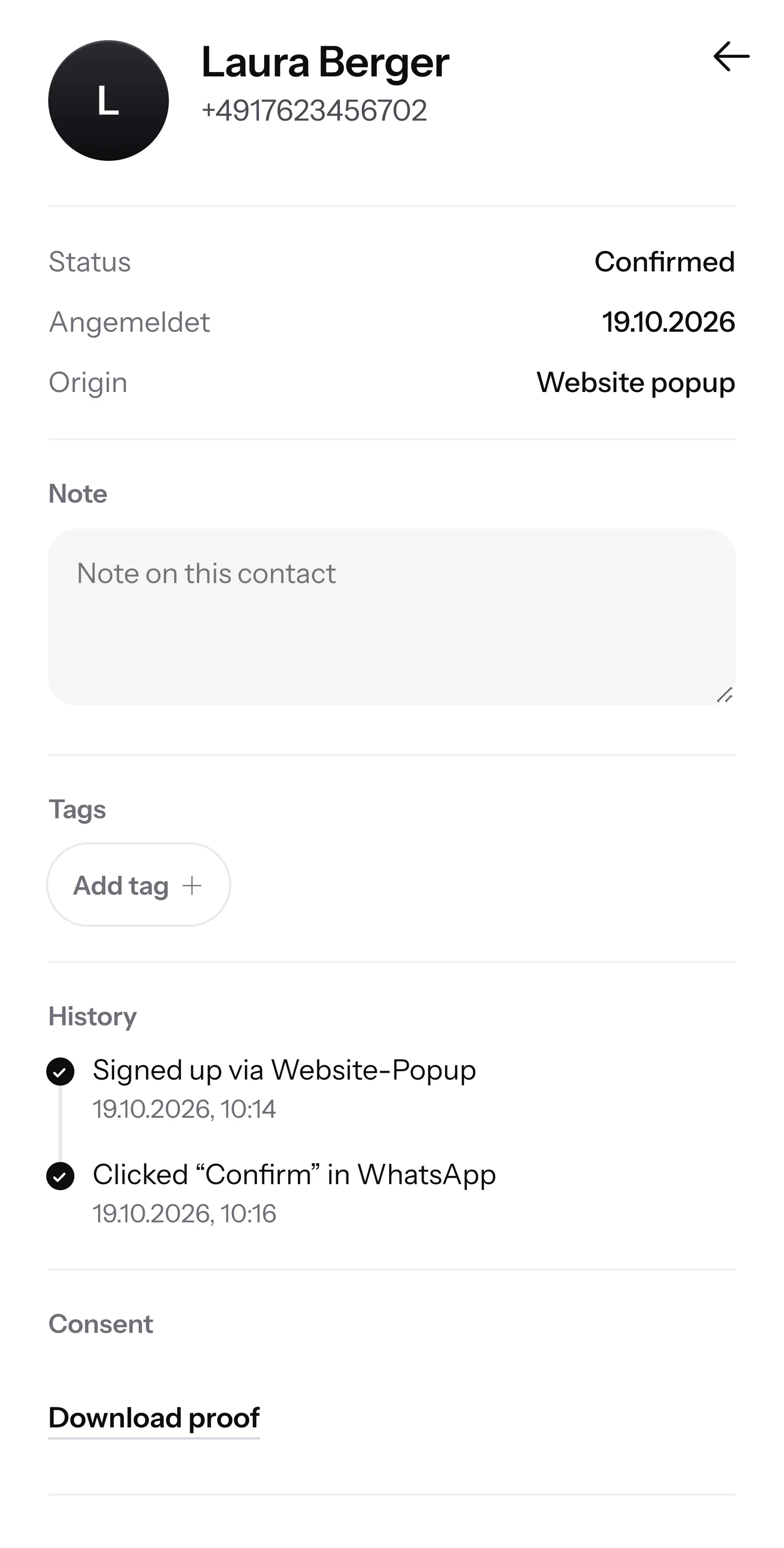
New contact with source
In your contacts, the new contact now appears with the source Website popup. SmartChat saves when and how she agreed as proof of consent.
You decide when it appears.
Three triggers are available, and you can choose 1 to 3 here, depending on your strategy.

After a delay
Whoever stays on your website for a while is interested in your offer. That's exactly when the popup appears.
At scroll depth
The popup comes as soon as someone has read part of the page, for example half of it.
On exit intent
When the mouse moves toward closing the page, the popup appears as a last invitation before someone leaves.
What happens on your website.
From loading the page to WhatsApp in five steps. As soon as the code is installed, everything runs automatically.
Page loads
The code loads in the background. Your page builds up as normal.
One line of codeTrigger applies
Waiting time, scroll depth or exit intent. The first one that applies opens the popup.
The first one countsPopup appears
With an image, headline, a short text and the fields for first name and phone number.
Your offerRedirect or thank
After signing up, the prospect is redirected to your company's WhatsApp chat, otherwise a thank-you text appears.
Signup savedWhatsApp arrives
SmartChat sends the confirmation message via WhatsApp to the number entered.
Double opt-in
The popup promises, WhatsApp delivers.
You adjust the headline and text in the popup in the chat to fit your offer. Your subscribers then get exactly that as WhatsApp newsletter.
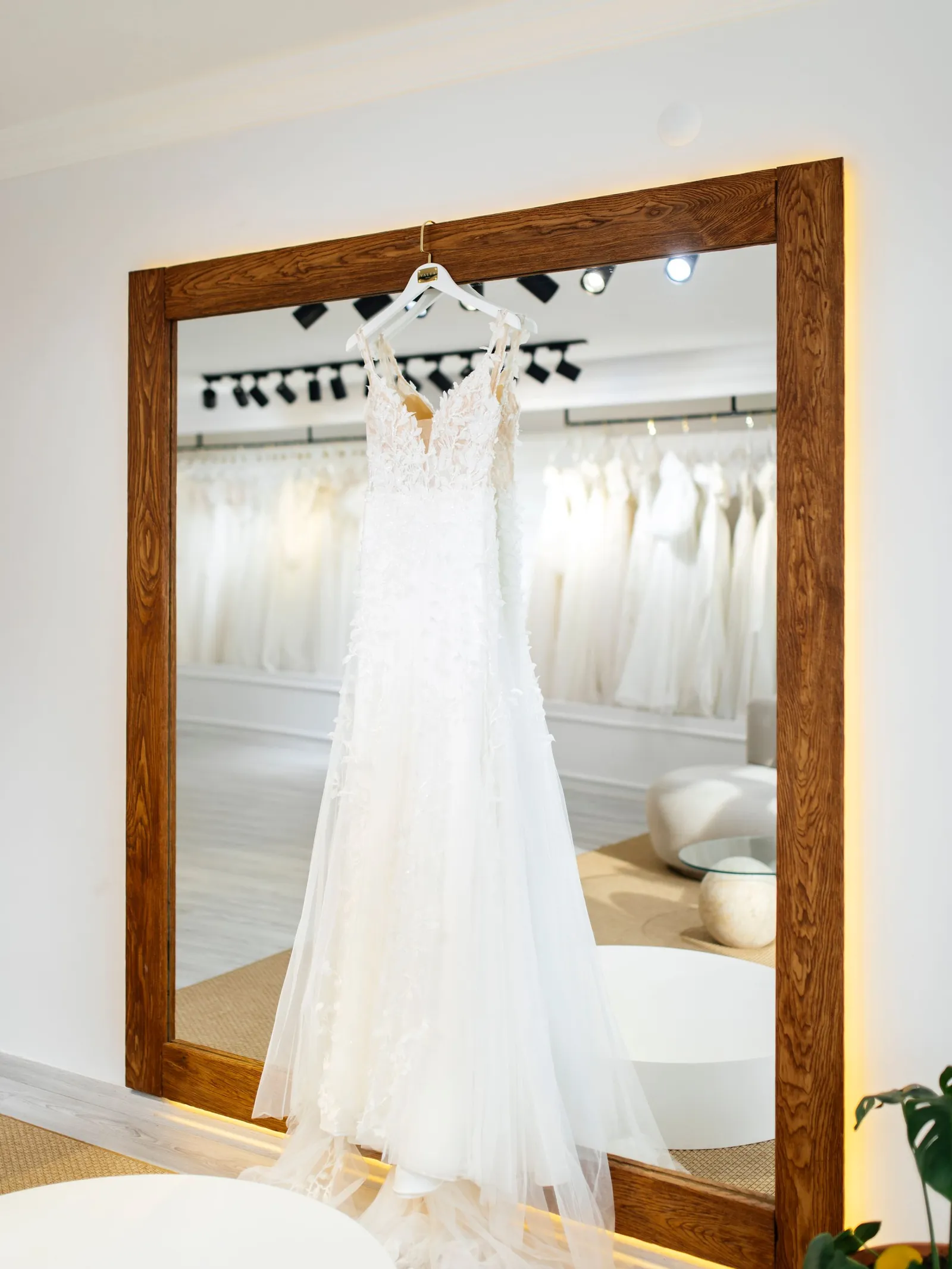
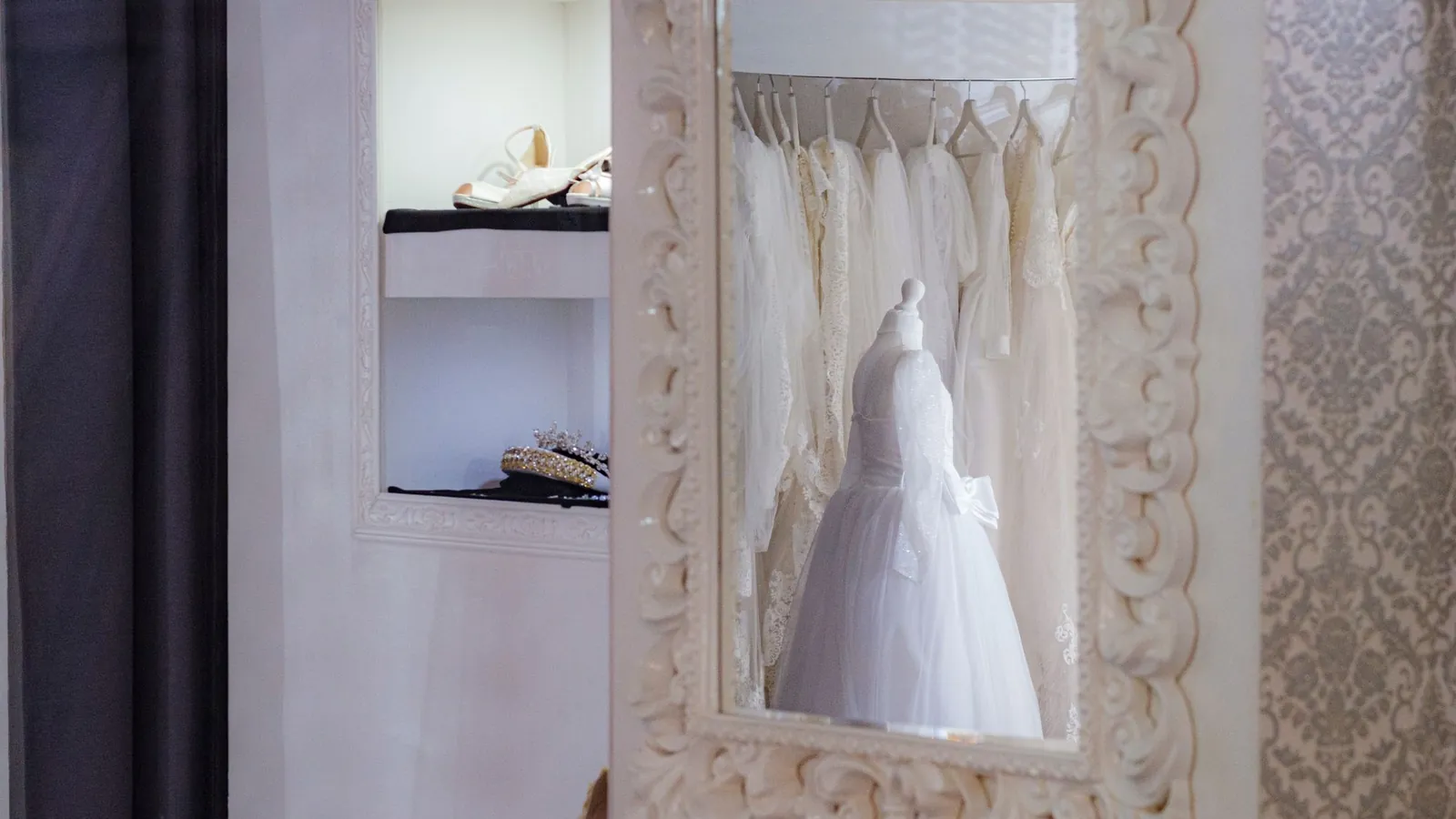
The popup says: See the new wedding dresses first via WhatsApp.
The popup says: Free fitting appointments first via WhatsApp.
The popup says: Be the first to hear about our sample dress days.
The popup says: Appointments for the men's fitting directly via WhatsApp.


One line of code, and it runs.
You copy the code in your landing page settings under Popup and paste it into your website.
<!-- Auf jeder Seite einfügen, auf der das Popup erscheinen soll --> <script src="https://app.smartchat.marketing/public/popup/k7Qm2vXa.js" async></script><!-- Ein Link öffnet das Popup per Klick --> <a href="#smartchat-popup">Newsletter per WhatsApp</a> <!-- Oder jedes Element mit diesem Merkmal --> <button data-smartchat-popup>Jetzt anmelden</button>You change texts with a message.
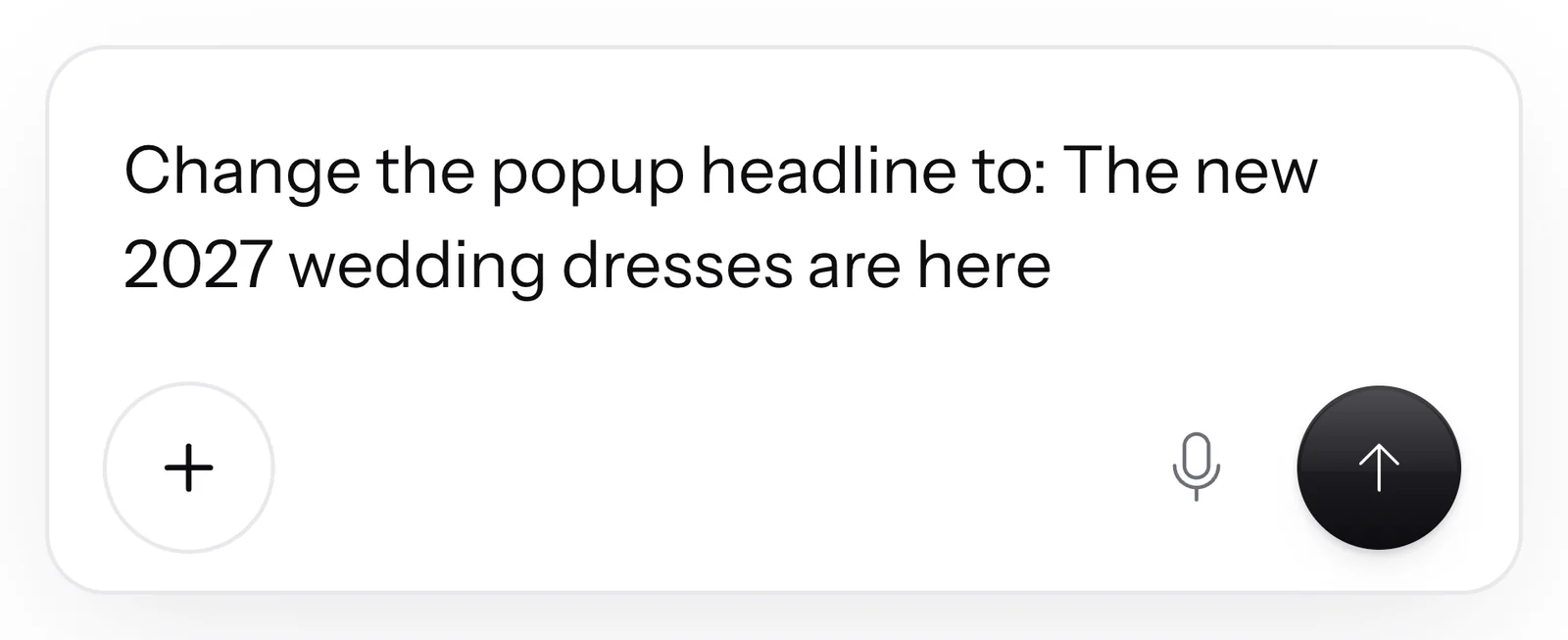
In the Popup tab, you click Customize popup. In the chat you write what should appear in the popup, and SmartChat AI carries out your request.
- 1
Write your request
Write what should change: headline, text, button, image or the thank-you text after signing up.
- 2
SmartChat AI changes the popup
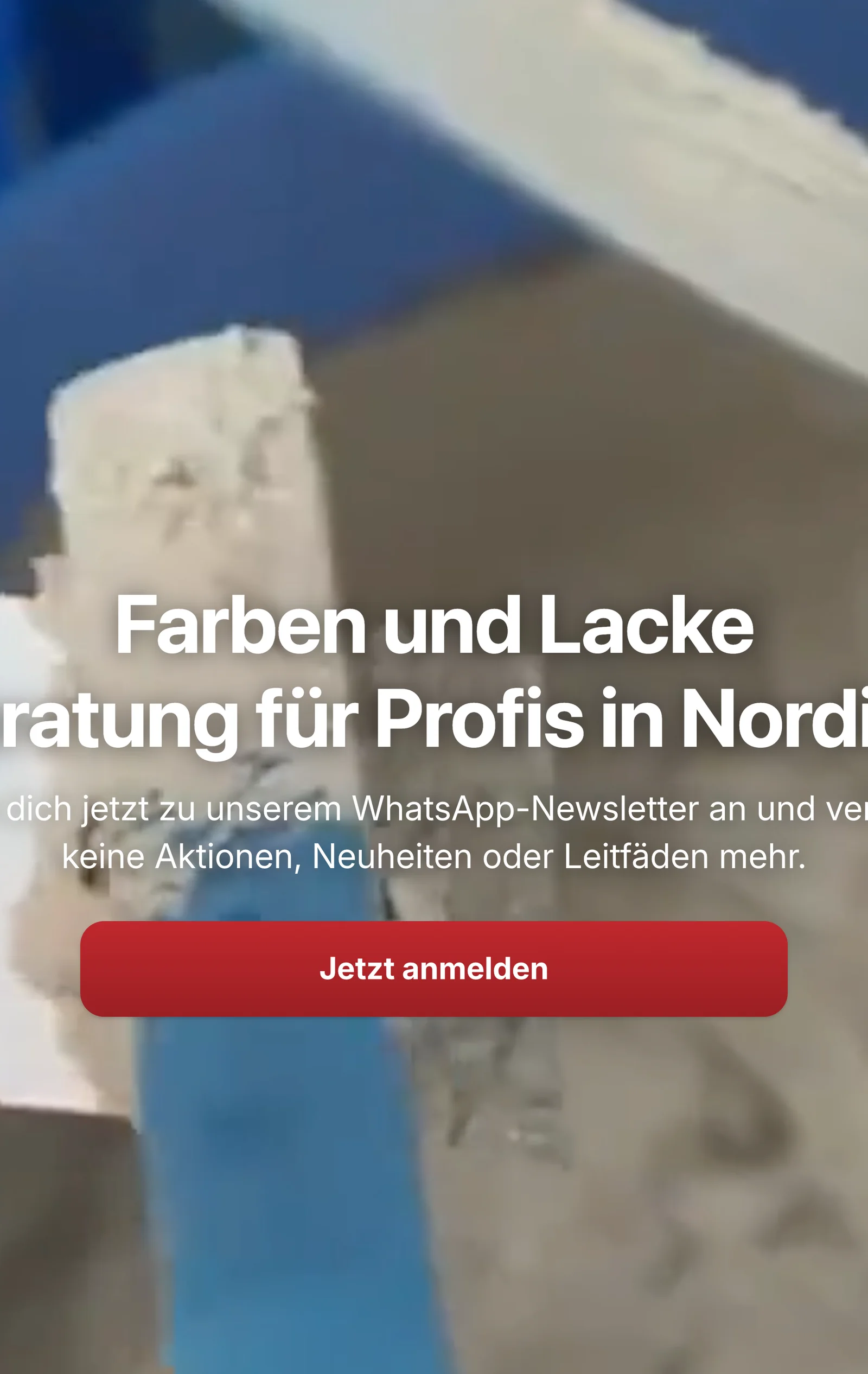
You see the change immediately in the preview. If you want the default text back, just write that in the AI chat.
- 3
Look from your landing page
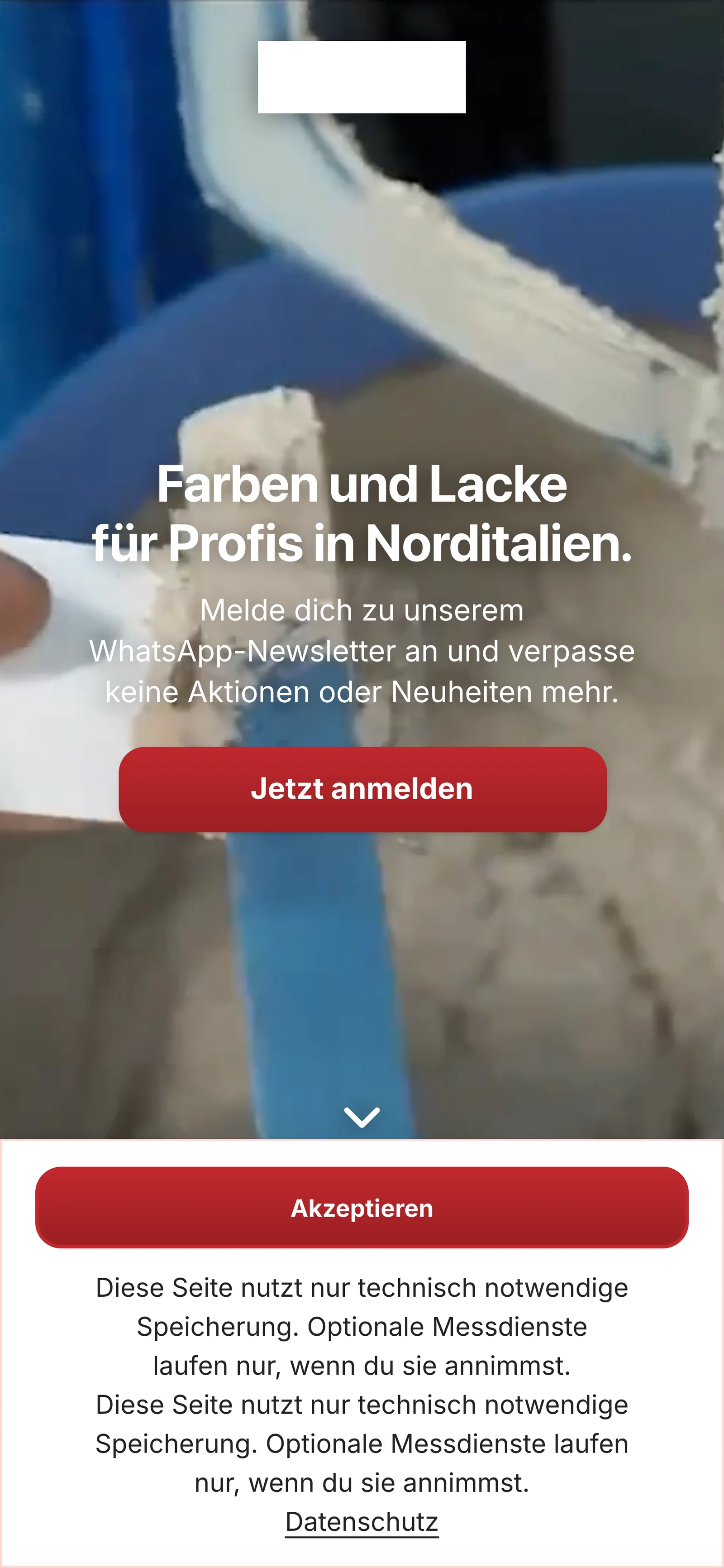
The popup takes color and font from your landing page, and its cover image is at the top. You choose a different image in the AI chat.
- 4
The consent note stays
Below the button there is always the same note with the link to your privacy policy. SmartChat saves it as proof with every signup.
You see who signs up via the popup.
In your contacts, you filter by the source Website popup. There are also Landing page, QR code, Import and Manual.

Source for each contact
For every contact, you see whether they came via the popup, the landing page, the QR code or an import.
Unconfirmed means: no newsletter yet
Whoever has signed up but not yet confirmed doesn't get a newsletter.
Proof for every contact
For every contact from the popup, the consent is ready with time and wording.
Unsubscribed stays unsubscribed.
If someone writes STOP, they get no more messages. If they enter their number in the popup again later, SmartChat still sends them nothing.
No information about others
The popup doesn't reveal whether a number is already known to you.
Back with START
If someone wants to sign up again, they write START in the chat.
Visitors leave. Subscribers stay.
Whoever leaves your website is usually gone for good. That changes with the SmartChat WhatsApp marketing popup.
Website without popup
- Prospects look around and leave again.
- You don't know who was interested in your offer.
- For your next news, you have no way to contact them.
Website with the SmartChat popup
- Prospects sign up with first name and phone number.
- Everyone confirms themselves in WhatsApp and then appears in your contacts.
- Your next newsletter lands directly in their WhatsApp.
In every plan included.
The website popup is also available in Free. Sending your newsletters to the new subscribers costs no credits. All prices plus VAT.
| Free | Starter | Basic | Pro | |
|---|---|---|---|---|
| Price per month | 0 € | 299 € | 499 € | 999 € |
| Website popup | yes | yes | yes | yes |
| Click-to-WhatsApp button | yes | yes | yes | yes |
| Contacts | unlimited | unlimited | unlimited | unlimited |
| Messages | 100 one-time | 3,000 per month | 6,000 per month | unlimited |
| Automations | 1 | 1 | 3 | unlimited |
Frequently asked questions about Website popup.
Do I need a plugin for the website popup?
No, you add one line of code to your website. That works in any site builder where you can add your own code, for example in WordPress or Wix.
When does the popup appear on my website?
The popup appears after a waiting time, at a certain scroll depth, or when the mouse moves toward closing the page. You turn on each trigger individually, and if several are on, the first one that applies counts.
Does the popup work on mobile too?
Yes, on mobile the popup appears as a card in the middle, and the background gets darker. Because there is no mouse there, the waiting time applies instead of exit intent.
What details does a prospect enter?
Their phone number and, if they like, their first name. SmartChat preselects the country code to match their location, and the prospect can change it.
Can I change the texts in the popup?
Yes, click Customize popup in the Popup tab and write in the chat what should be there. SmartChat AI changes the headline, text, button, image and the thank-you text.
Can I change the note below the button?
No, the consent note always stays the same, because SmartChat saves it as proof with every signup. The link in it leads to your privacy policy.
What colors and what font does the popup have?
The popup takes color and font from your landing page, and its cover image is at the top. The card always stays light, even if your visitor's phone is in dark mode.
In which language does the popup appear?
The popup always appears in one language. SmartChat uses the language of your landing page, otherwise the language of the browser.
Can I open the popup with my own button?
Yes, every link to #smartchat-popup and every element with the attribute data-smartchat-popup opens the popup on click. This applies in addition to the triggers.
How do I turn off the popup?
Remove the line of code from your website. As long as the code is there, the popup runs with the triggers you chose.
What happens if someone signs up again after STOP?
Then they stay unsubscribed, and SmartChat sends them nothing. If they want to sign up again, they write START in the chat.
What do other businesses use the popup for?
A kitchen studio invites people to showroom kitchens, a bridal shop to the new collection, a solar company to free installation appointments. You'll find more ideas under WhatsApp marketing for kitchen studios, for bridal shops and for solar companies.
What does the website popup cost?
The website popup is included in every plan, in Free for €0 too. Starter costs €299, Basic €499 and Pro €999 per month, all prices plus VAT.
What does WhatsApp cost at Meta for my new subscribers?
Meta charges the fees for WhatsApp messages directly to you, and for that you add a payment method in your Meta account. SmartChat adds nothing on top. At SmartChat you pay your plan. You'll find the current Meta fees under Meta fees.
Turn prospects into subscribers.
Enter your website, and SmartChat AI analyzes it. In 60 seconds your WhatsApp marketing system is ready, and the code for your popup is waiting to be copied in the Popup tab.