




Welcome after signing up
Anyone who signs up and confirms gets a thank-you right away. That way every prospect knows which messages come from you.

With SmartChat you send prospects and participants on WhatsApp whatever is coming up: a new course in the program, the registration deadline for your course or the invitation to the info evening.


Welcome after signing up, confirmation of the course booking and a reminder before the first session: SmartChat sends these messages without you having to take care of it.

Anyone who signs up and confirms gets a thank-you right away. That way every prospect knows which messages come from you.


If your course management reports a new registration via a webhook, SmartChat immediately sends the participant all the key details.

Through the calendar connection, SmartChat knows every course date and sends the room and time the day before. Nobody has to search for the right seminar room on the first evening.
Prospects sign up themselves: on your website, via a link or with the QR code in the classroom. They only get your newsletter once they have confirmed in WhatsApp.
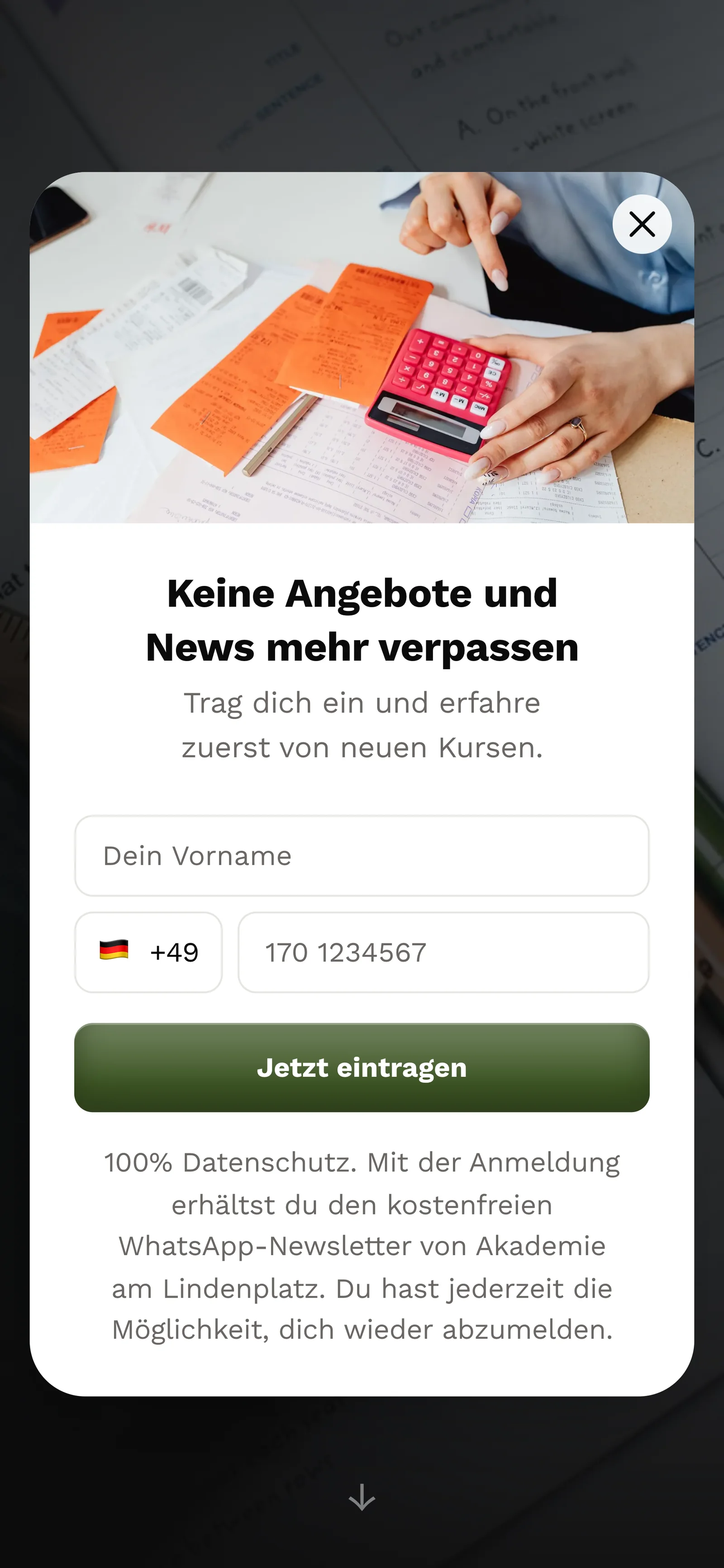
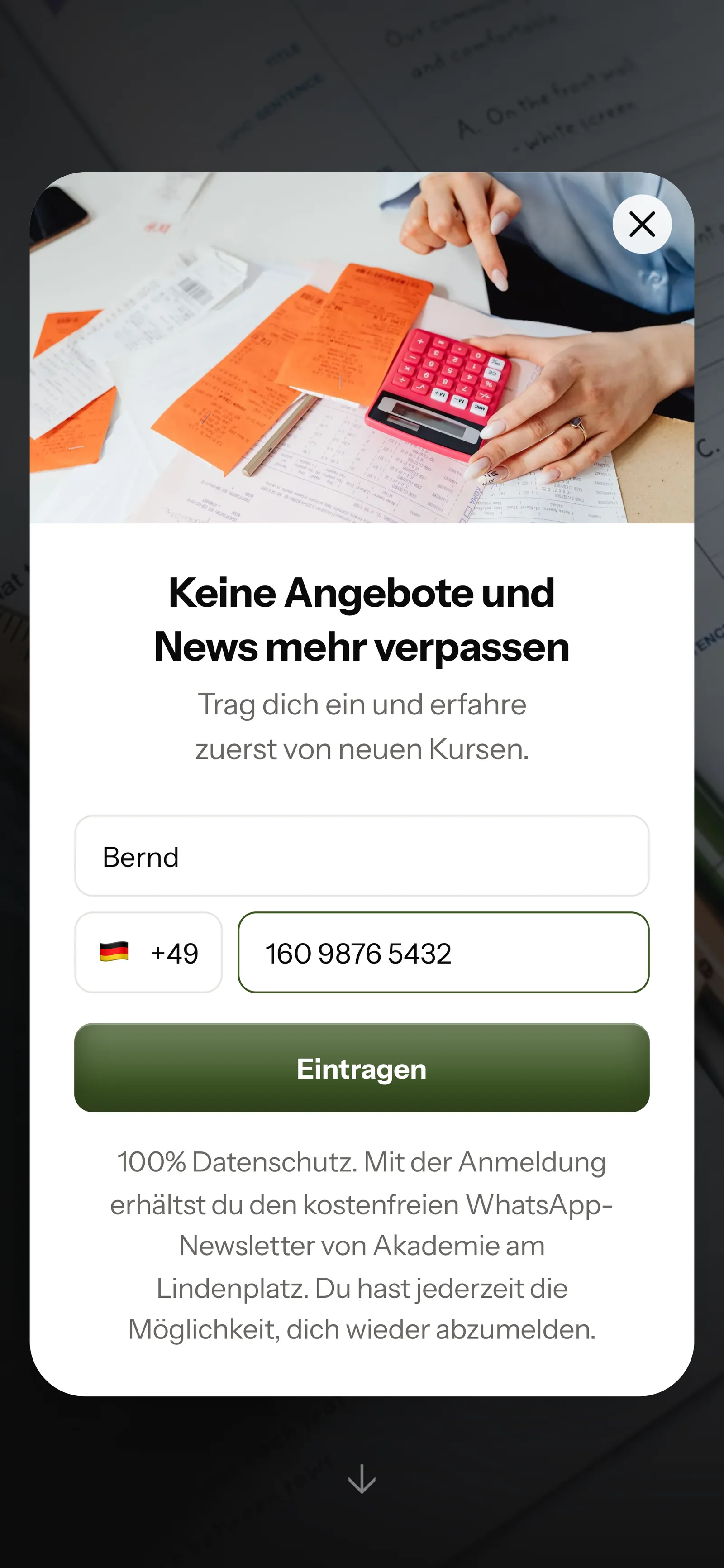
On the page with your courses, SmartChat asks via popup whether the visitor wants to receive dates and free spots on WhatsApp.

First name and WhatsApp number are enough. In the classroom it works the same way via a QR code on the participant folder.

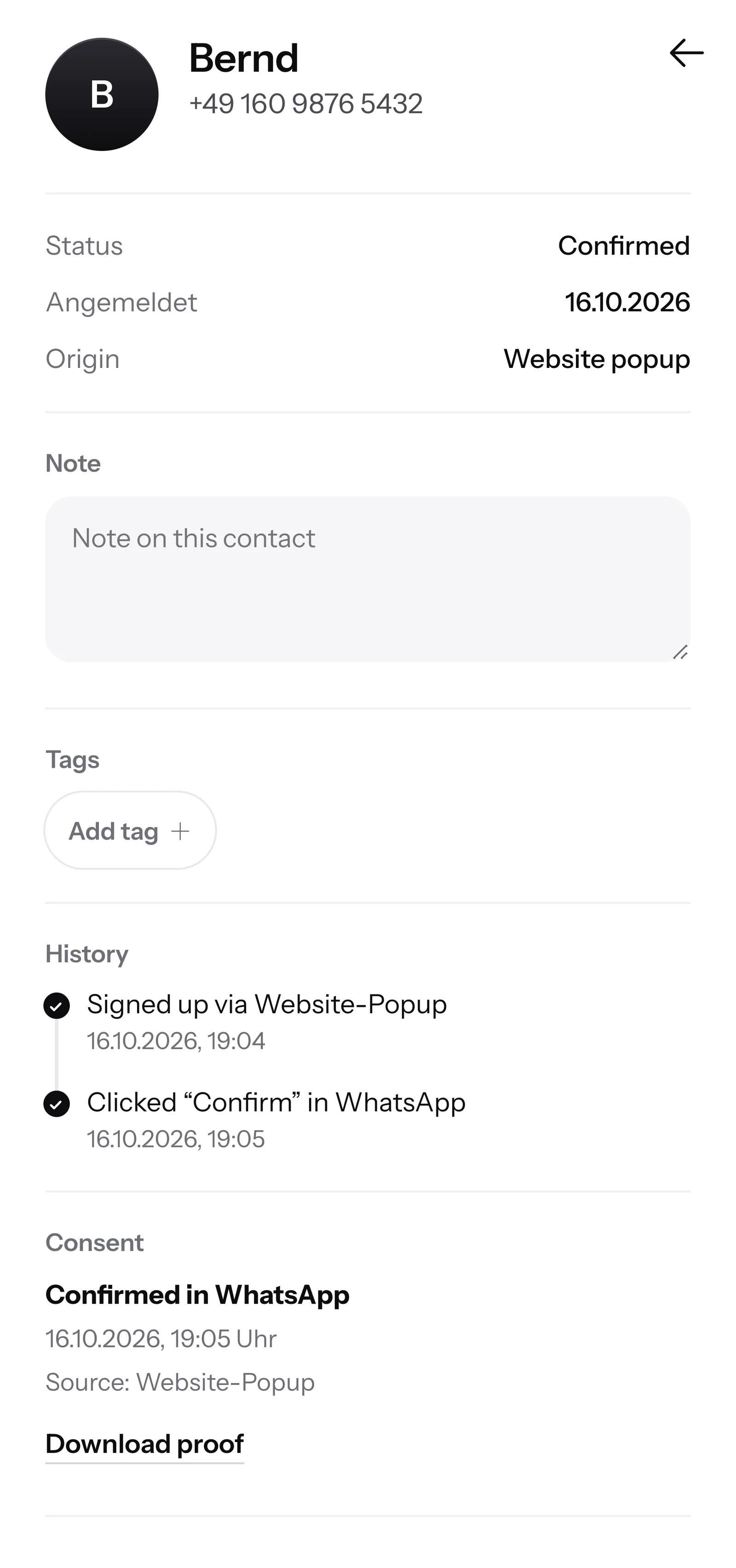
They click Confirm once. That's how double opt-in works: everyone confirms themselves that they want your newsletter.
SmartChat records the time and the way of consent for every contact. If needed, you can download the proof as a PDF.

If a prospect wants to know in the evening whether her school English is enough for the evening course, and your course advisor has already gone home, SmartChat AI answers fully automatically for you. It answers with the knowledge it has learned from your website and your documents. If it has no source, it hands over to you.

Prospects often ask about courses in the evening. SmartChat AI answers them right away, even on weekends.
If someone writes to you in Italian, SmartChat AI answers in Italian. Any language is possible, for example German, English, French and Spanish too.
If SmartChat AI can't answer, for example about funding, the conversation is forwarded to your course advisor in the inbox.
Yes, once they have agreed. Everyone signs up themselves, for example via the popup on your course page, and then confirms once in WhatsApp. SmartChat records as proof of consent when and where the consent was given. This way SmartChat supports you with consent, but it does not replace legal advice.
Your participants sign up themselves. Put SmartChat's QR code in the participant folder or show it on the screen on the first evening. Anyone who scans it lands on your landing page and confirms in WhatsApp.
No. Bookings, invoices and participant lists stay in your current software, and SmartChat sends the messages for them. If your software can report new registrations via a webhook, SmartChat confirms every booking automatically on WhatsApp.
Yes. You assign tags to your contacts, for example "Italian A1" or "Info evening November". You then send the newsletter only to this group, and everyone else doesn't get it.
Yes, from Basic with an automation. SmartChat takes the dates from your calendar via iCal and sends a reminder with room and time the day before.
No. You tell SmartChat AI the topic, for example the new evening course in January. SmartChat AI writes the newsletter to match your institution, you read it over and send it with one click.
From your website and everything you upload under Knowledge and documents , such as your program booklet as a PDF. When a new semester comes, you upload the new booklet. From then on, SmartChat AI answers with the new dates.
SmartChat AI answers with the knowledge about your business, so with everything from your website and your documents. Write there which funding you accept for which courses. If SmartChat AI can't answer, the conversation is forwarded to your team in the inbox. The binding information on funding is always given by the responsible authority.
Yes, in any language, for example in English, Italian, French, Spanish and German. For a language school, that means a question in Spanish gets an answer in Spanish.
Yes. All WhatsApp conversations come together in a shared inbox , and your team answers there. Free has 1 team seat, Starter 3, Basic 6 and Pro 12.
No, you use your existing number. You connect it to SmartChat and confirm it with a code from Meta, the company behind WhatsApp. One number is possible per account.
There are four plans. Free is โฌ0 with 100 messages one time, no time limit and no credit card. Starter for โฌ299 per month includes 3,000 messages, Basic for โฌ499 includes 6,000, Pro for โฌ999 includes unlimited messages. Sending costs no credits. All prices plus VAT, details under Pricing.
Meta bills you directly for the fees for WhatsApp messages. For this, you add a payment method in your Meta account. You pay SmartChat only for your plan. You can find the exact prices here.
Anyone who has confirmed your newsletter writes STOP in the chat. From then on, SmartChat no longer sends them anything and lists them as unsubscribed in your contacts.
You give SmartChat AI the address of your website. After 60 seconds, your landing page and your QR code are ready. After that you connect your number and send the first newsletter about your course program.
SmartChat AI analyzes your website. In 60 seconds, your landing page and QR code are ready. You use the Free plan for โฌ0, with no credit card at all.