WhatsApp policies from Meta are followed.
SmartChat only sends to contacts who confirmed their sign-up, submits every template as marketing and stays within your WhatsApp number's daily limit.

Only contacts who have agreed.
Meta requires every contact to agree to receive your messages. SmartChat only sends newsletters to contacts with the status Confirmed.
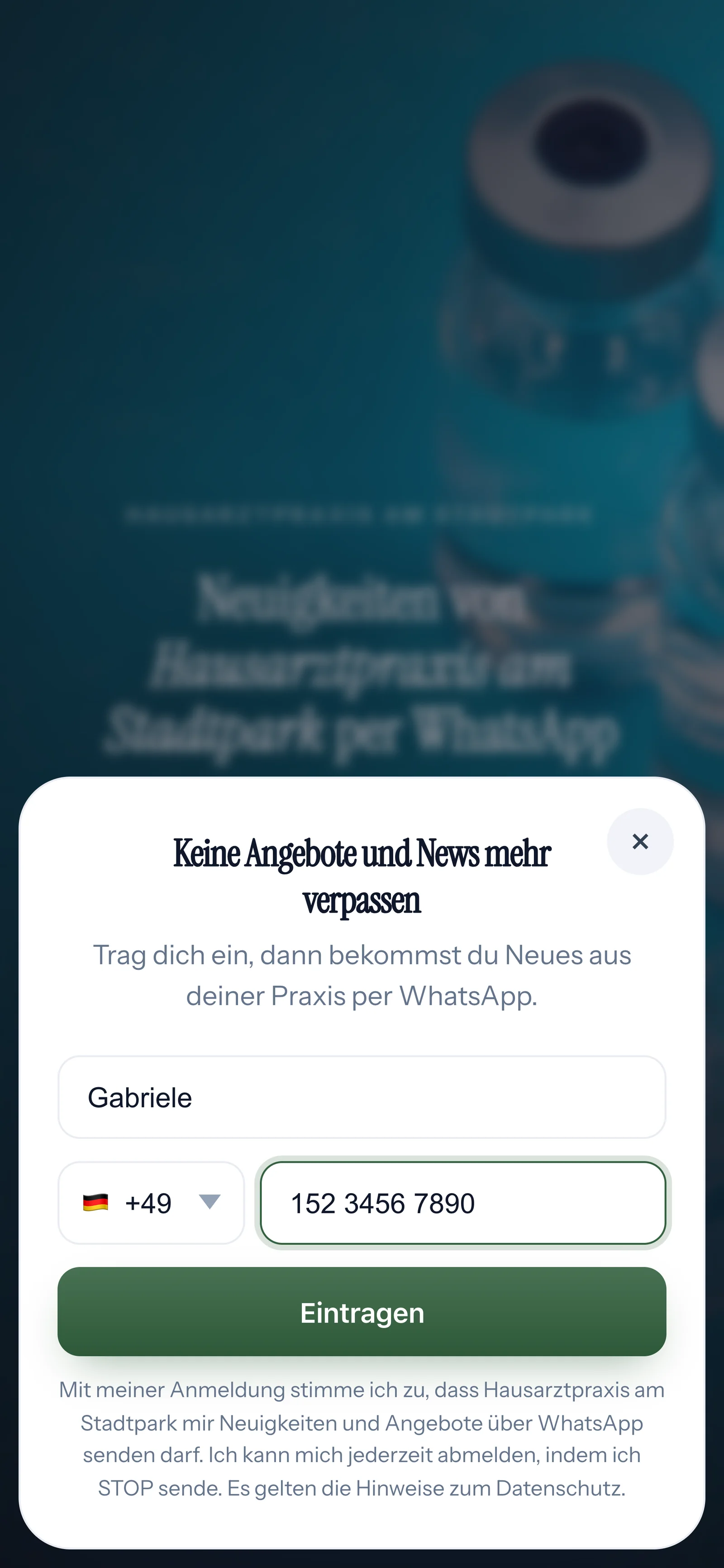
Consent the way Meta requires
Under every form there's a fixed sentence with your business name, the note about WhatsApp and unsubscribing with STOP. More about proof of consent
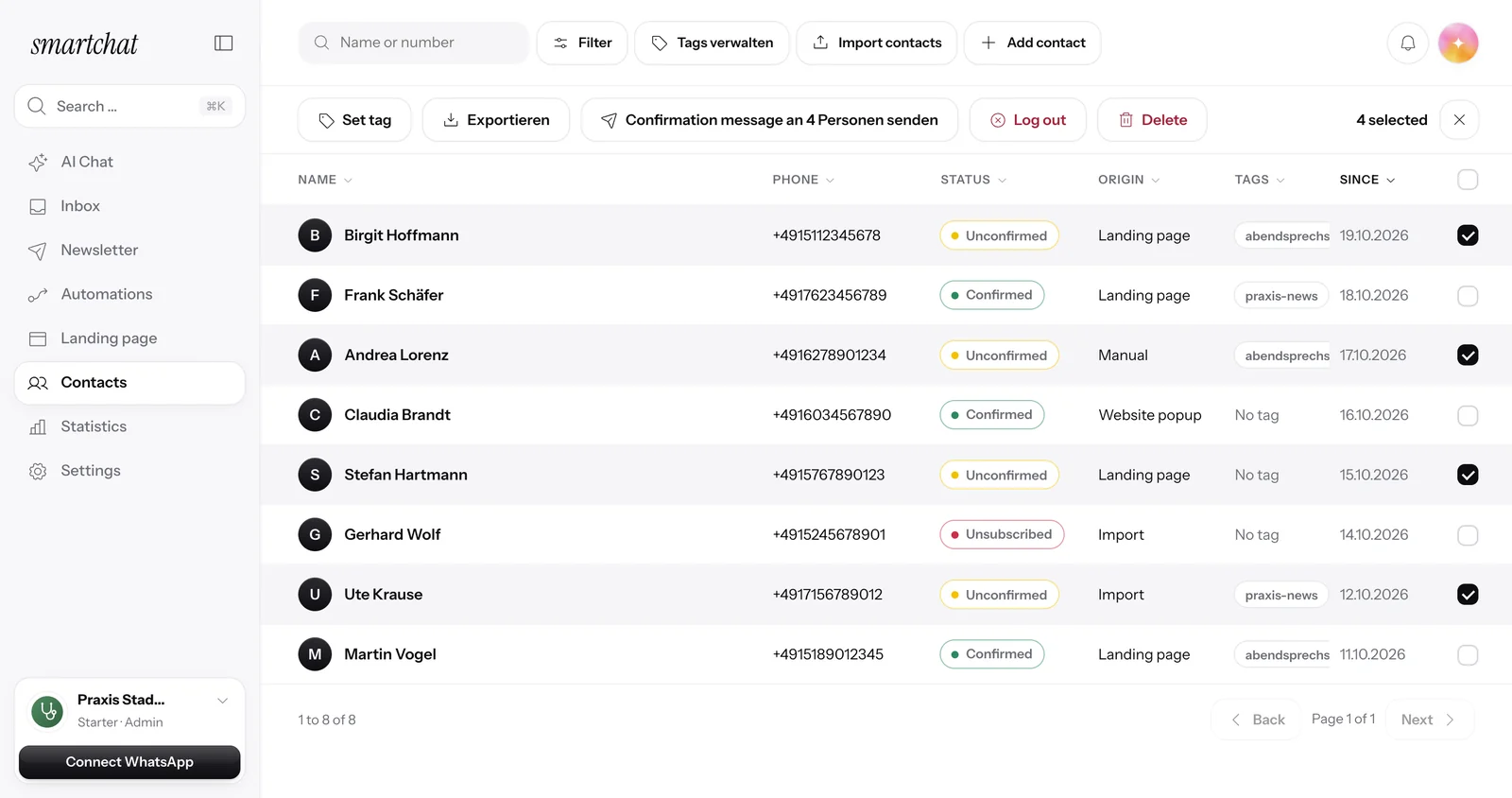
Confirm first, then receive
Every contact who signs up via a landing page or popup confirms their sign-up themselves in WhatsApp. Only then do they get your newsletter. More about double opt-in
Every template honestly labeled as marketing.
Meta checks every template before you can send it. SmartChat submits it as marketing right from the start and sticks to Meta's character limits.

No reclassification
Meta classifies promotional templates as marketing anyway. With SmartChat, that never happens in the first place.
Never too long
SmartChat checks Meta's character limits before sending.
Status always in view
For every template you see whether it's being reviewed, ready or rejected.
The daily limit of your number.
Meta sets how many new conversations your number can start within 24 hours. SmartChat gets this limit directly from Meta and spreads large newsletters over several days.
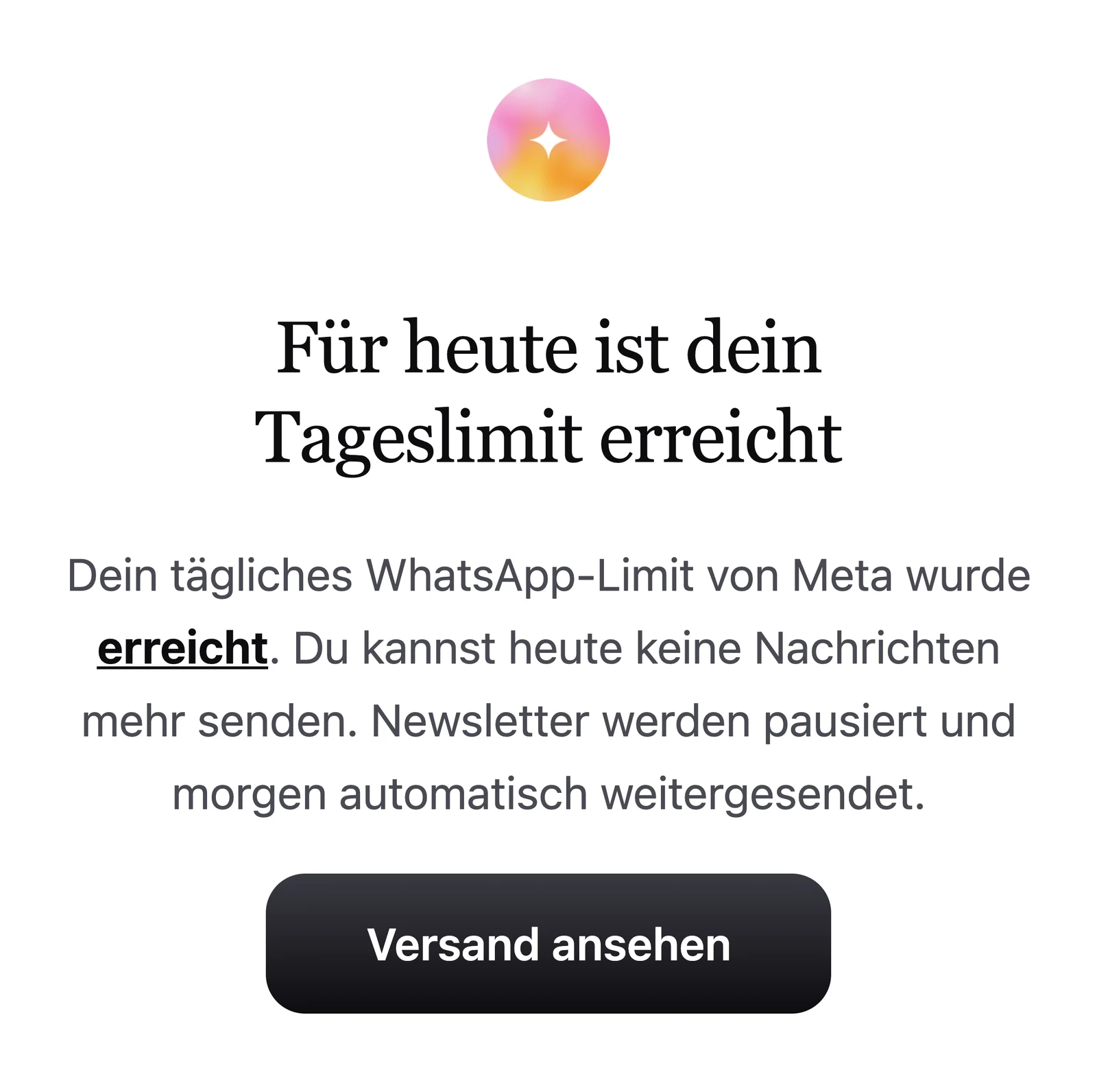
Checked, not guessed
SmartChat works with your number's real tier.
Pause instead of cancel
Once the limit is reached, the newsletter pauses and continues automatically the next day.
The limit grows
Meta raises your number's tier on its own when your messages get delivered.
You find out right away.
If Meta restricts your number, your payment to Meta is missing or Meta rejects a template, SmartChat lets you know. Emergency alerts are always on for admins.
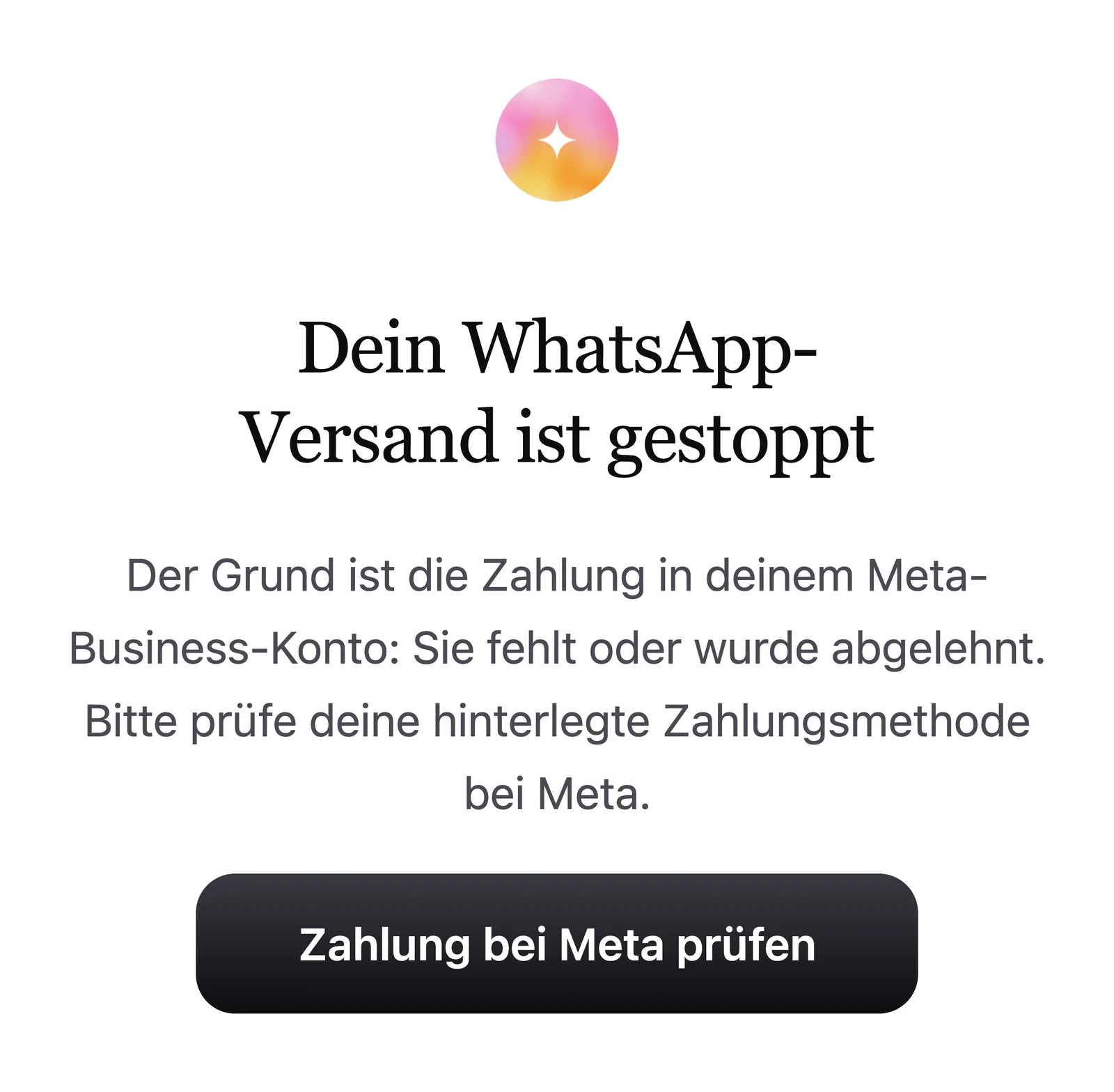
By email
If there is a problem with your number or your payment to Meta, you get an email with the reason and the next step.
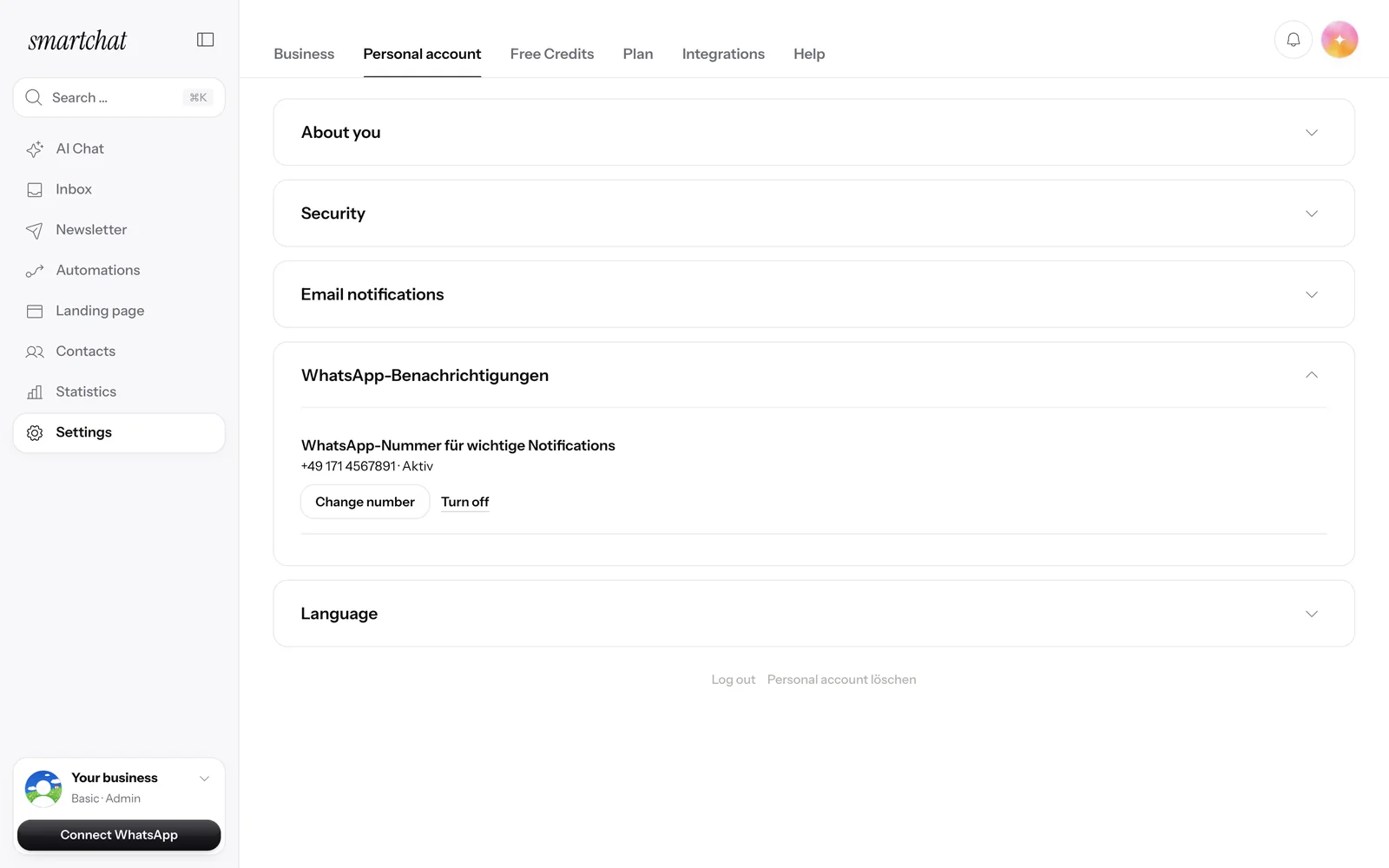
Also via WhatsApp
Turn on WhatsApp notifications and SmartChat will also tell you on WhatsApp about a restricted number or a missing payment. More about WhatsApp notifications
Frequently asked questions about WhatsApp policies.
What rules does Meta have for WhatsApp marketing?
Meta requires consent from every contact, approved templates for messages to your contacts and a daily limit per number. On top of that, there are topics WhatsApp doesn't allow ads for. Learn more at Allowed content.
Can I message contacts without their consent?
No. SmartChat only sends newsletters to contacts with the status Confirmed. Every contact who signs up through your landing page or popup confirms the sign-up themselves in WhatsApp. How SmartChat protects your forms from fake sign-ups is explained at Spam and abuse.
What does the consent sentence under the form say?
Your company name, a note that you send news and offers via WhatsApp, and that the contact can unsubscribe at any time with STOP. SmartChat saves the exact wording in the proof of consent.
Why does Meta have to check every template?
Messages you send to your contacts run through templates. Meta checks every template before it's sent for the first time. You see the status right in SmartChat.
Why is my confirmation message a marketing template too?
At SmartChat, all templates are marketing, including the confirmation, thank-you message and reminders. That way Meta doesn't reclassify any of your templates later.
What is the daily limit?
For every WhatsApp number, Meta sets how many new conversations it can start within 24 hours. If your messages get delivered, Meta raises the limit on its own.
What happens if my newsletter is bigger than the daily limit?
SmartChat spreads it over several days. Once the limit is reached, sending pauses and continues automatically the next day.
What happens if Meta restricts my number?
You get an email and a notice in SmartChat, and a WhatsApp too if you want. Under Settings you see the status of your number.
Can I turn off emergency alerts?
Not as an admin. You always get notices when your sending stops working, for example a missing payment at Meta. You turn all other notifications on or off yourself.
Who pays Meta's fees?
Meta charges the fees directly through your Meta account, 1:1 and with no markup from SmartChat. Sending itself costs no credits in SmartChat. Learn more at Meta fees.
How do contacts unsubscribe?
Anyone who has confirmed your newsletter can unsubscribe anytime with STOP. From then on, SmartChat sends them nothing more.
Start your WhatsApp marketing in 60 seconds.
Enter your website. SmartChat AI analyzes your business and builds your system, for free.