Protection against spam and abuse.
SmartChat protects your landing page, your website popup and your account against mass sign-ups, outside lookups and people guessing login codes.
Sign-up forms slowed down.
If too many sign-ups come from one connection in a short time, SmartChat slows down further attempts. That's how SmartChat protects your contact list from mass sign-ups.
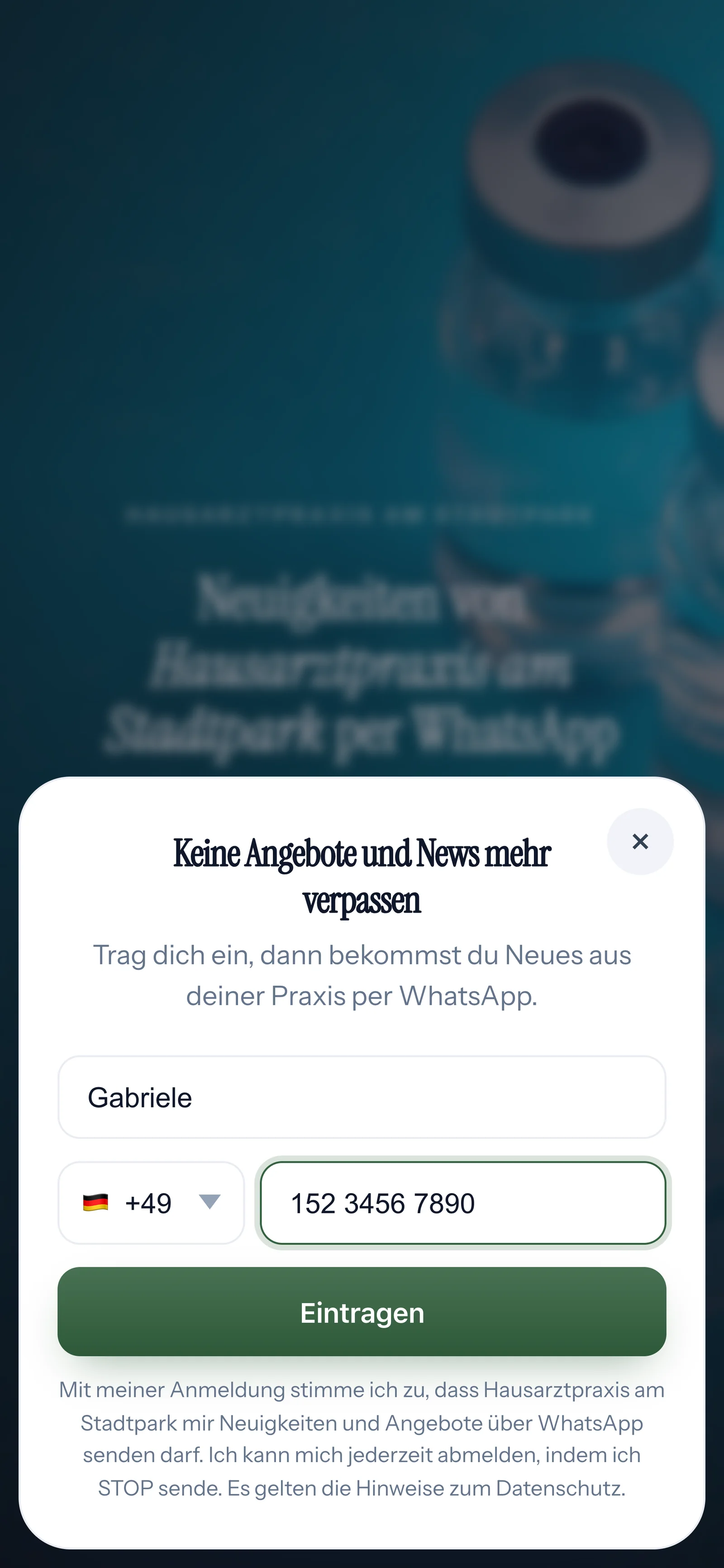
Your landing page
Your landing page's sign-up window only accepts a limited number of sign-ups from one connection. More about the landing page
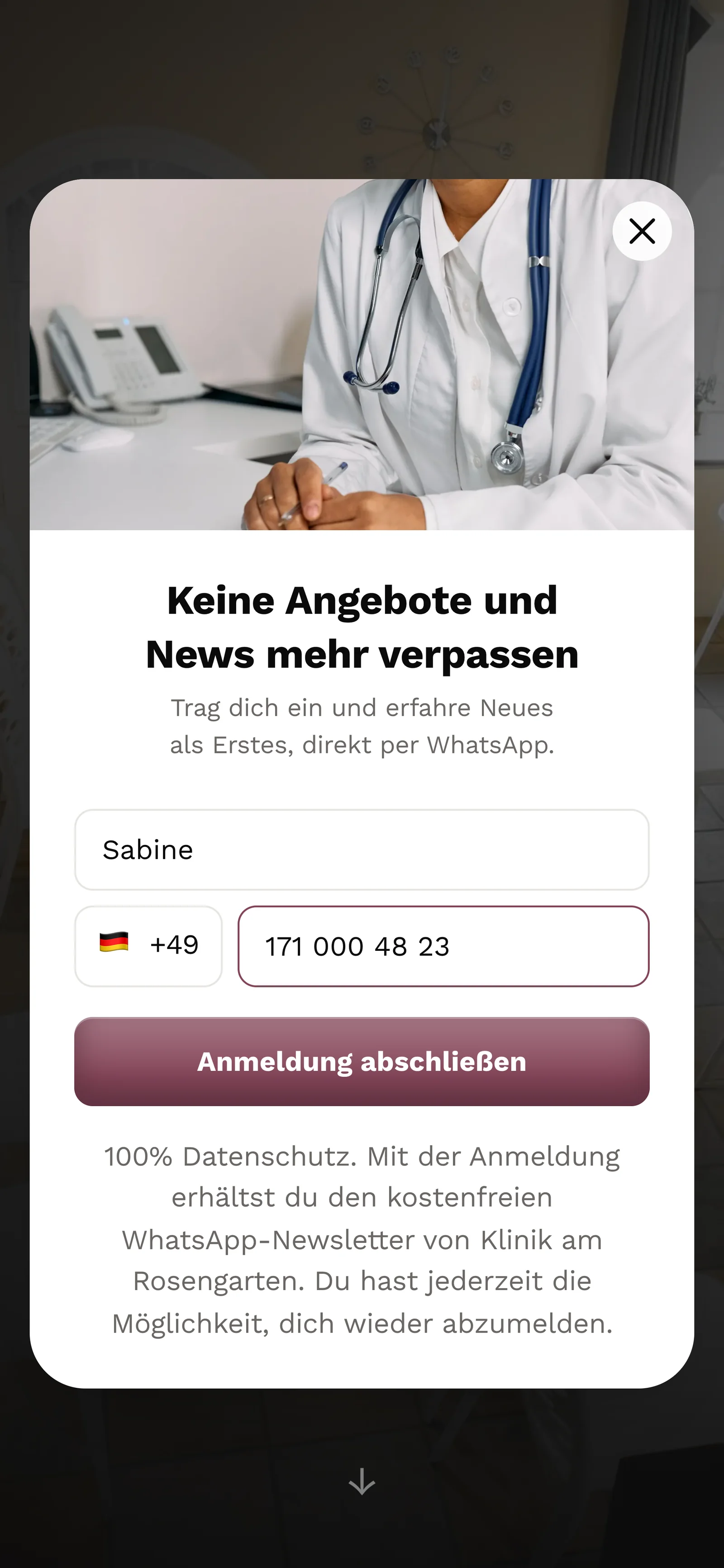
Your website popup
The popup on your own website has the same limit. More about the website popup
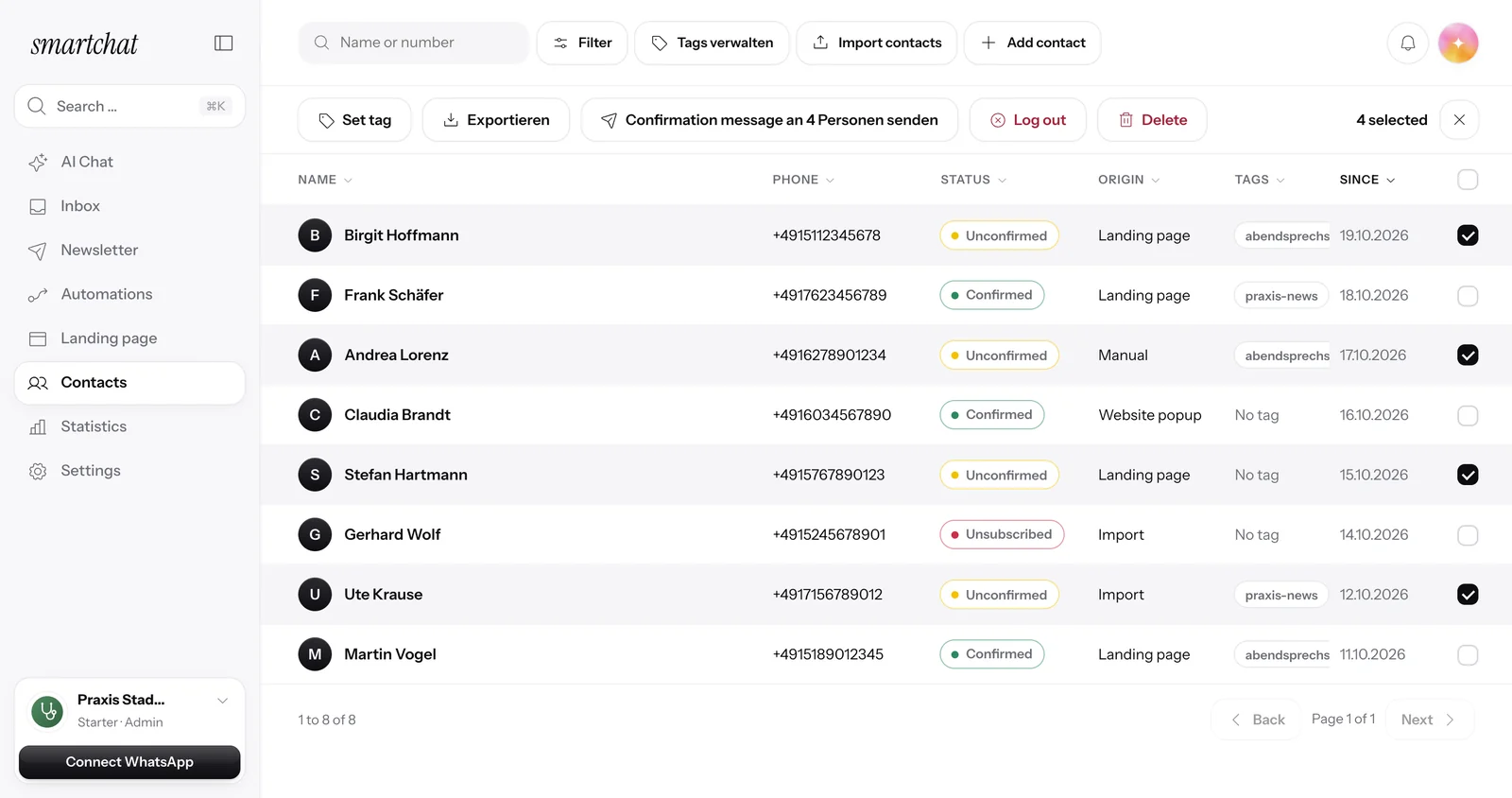
Confirmation in WhatsApp
Entering someone else's number won't get you far: the contact stays Unconfirmed until the person confirms in WhatsApp themselves.
Your form reveals nothing.
Nobody can use your form to find out whether a number is signed up with you or unsubscribed.
Without this protection
- The form says: This number is already signed up.
- Strangers can use this to check whether you know a number.
- A new sign-up cancels an earlier STOP.
With SmartChat
- Every number gets the same response: Almost done! Please quickly confirm your sign-up.
- Unsubscribed numbers stay unsubscribed, even with a new sign-up.
- No message goes out to an unsubscribed number.
Blocked accounts go offline.
If SmartChat blocks an account, for example because of a banned topic, that account's landing page, website popup and widget are offline and no longer accept sign-ups.
Login codes protected against guessing.
If you log in with a code by email or WhatsApp, nobody can simply guess their way through the codes.

Waiting time for new codes
You only get a new code after a short wait.
Too many attempts slowed down
Anyone who requests or enters a code too often from one connection has to wait.
Plus two-factor
With two-factor authentication SmartChat also asks for a code from your authenticator app.
Frequently asked questions about spam and abuse.
How does SmartChat protect my landing page from spam?
SmartChat slows down sign-ups when too many come from one connection in a short time. On top of that, every new contact confirms their sign-up themselves in WhatsApp.
Does the protection also apply to my website popup?
Yes. The website popup on your own website has the same limit as your landing page.
Does a stranger's number get my newsletter if someone enters it?
No. The person only gets the confirmation message. If they don't confirm, they stay Unconfirmed and don't get any newsletter.
Can someone use my form to check whether a number is signed up?
No. Every number gets the same response, whether it's new, already signed up or unsubscribed.
Can a new sign-up cancel a STOP?
No. An unsubscribed number stays unsubscribed, even if someone enters it in the form again. Only the contact can sign up again with START, unless you unsubscribed them manually.
What do I do with suspicious sign-ups?
Unconfirmed contacts don't get newsletters. You select them in your contacts and delete them with one click.
What happens to blocked accounts?
The landing page, website popup and widget of a blocked account are offline and no longer accept sign-ups.
Does SmartChat accept businesses from banned industries?
No. Before setting up, SmartChat checks the website and the business purpose. SmartChat doesn't activate accounts for industries where WhatsApp doesn't allow advertising. Learn more under Allowed content.
How does SmartChat protect my login?
Login codes by email or WhatsApp are protected against guessing. With two-factor authentication you protect your account even more.
Does spam protection cost extra?
No. Protection against spam and abuse applies to every account, on every plan.
Start your WhatsApp marketing in 60 seconds.
Enter your website. SmartChat AI analyzes your business and builds your system, for free.