



Skip to content

WhatsApp marketing for online shops.

With SmartChat you send your customers everything that interests them via WhatsApp: a new product, an item that's back in stock, or the last order day before Christmas.

WhatsApp newsletter from an online shop

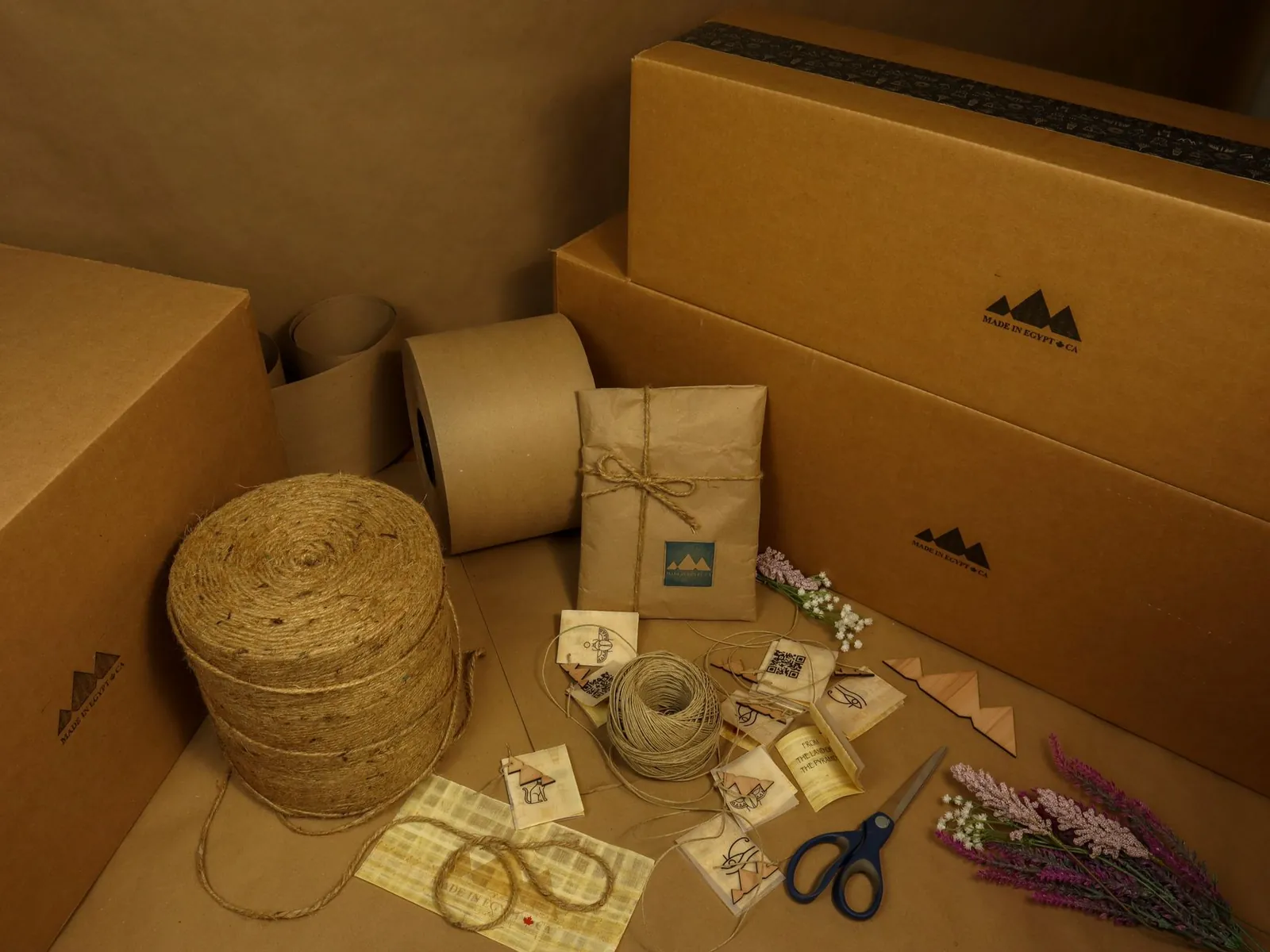
Brown shipping box on a light background, image in the newsletter

image

A product photo shows right away what it's about. SmartChat takes it from your shop, and you upload your own photo with one click.

👋 Hello Claudia, 📦 new with us: the Tasting pack with four roasts to get to know. ☕ Inside are 250 g each of house blend, autumn roast, Espresso Lindenberg and a decaffeinated variety from Peru for the afternoon. 📝 We also include cards with taste and preparation . 💶 The package costs 29,90 € and comes free of shipping costs to you. 🔥 We roast every Monday and Thursday in small batches, so your beans are always fresh. 👉 That's how you find out what you like best before you buy a large pack buy.
19:05

Text

SmartChat AI writes it from your product descriptions. Price, contents and shipping are in bold, so your customer sees them when skimming.

Get the sample pack

button

One click leads directly to the product. Your customer doesn't land on your shop's home page first.

After a purchase, your shop gets in touch automatically.

Welcome, order confirmation and the reminder when the supply runs out: SmartChat sends these messages without you having to take care of it. Order confirmation and reorder reminder are separate automations from Basic.

Right after confirmation
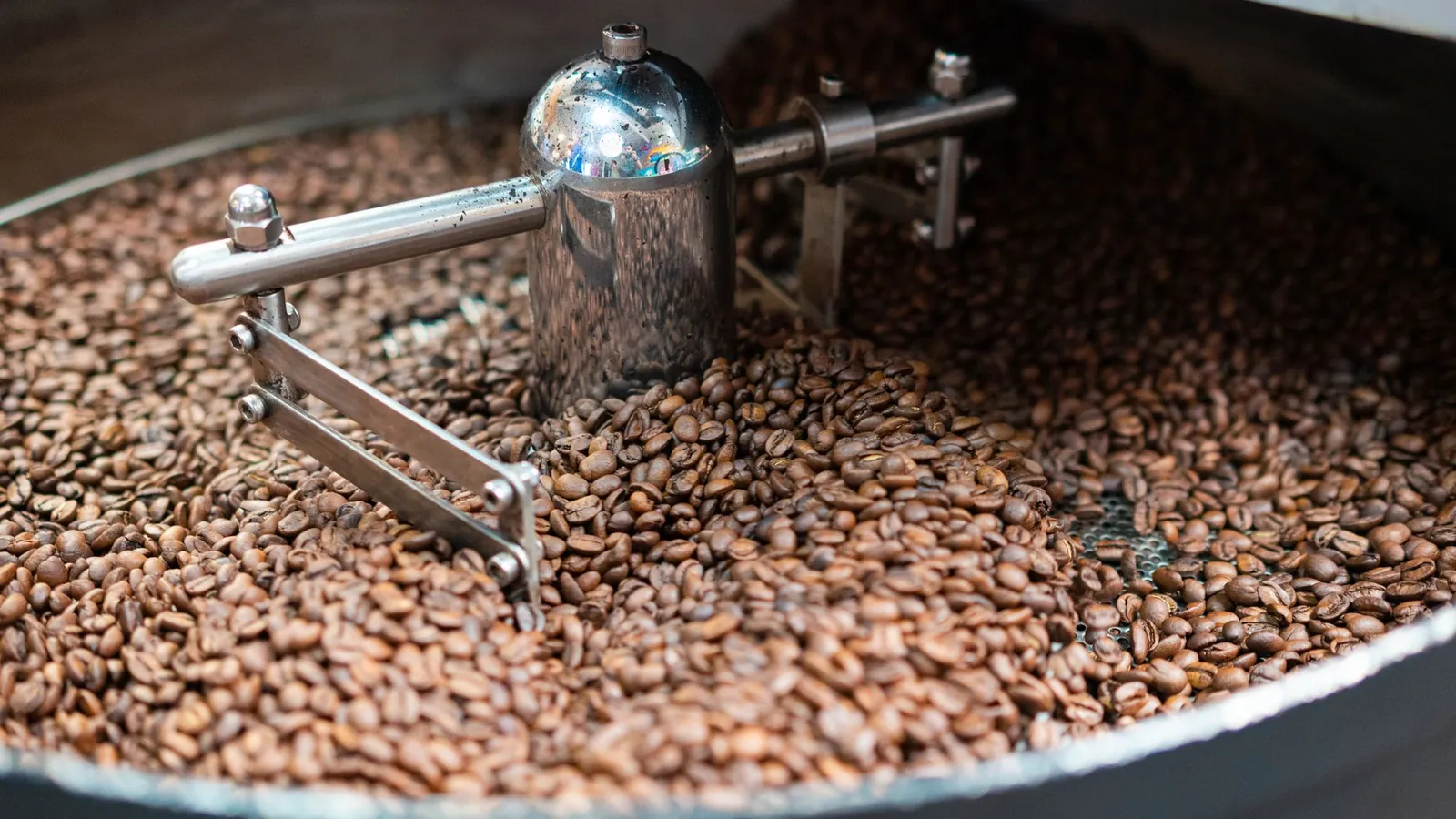
Close-up of coffee beans being roasted in a metal roaster, highlighting freshness.
☕ Thanks, from now on you're on our list.🔥 We're a small roastery and roast fresh every week in the drum roaster, slowly and gently.📬 Here you'll hear about new varieties, our brewing tips and roasts that are back are.🚚 From 35 € we deliver free of shipping costs to Germany and Austria.🤎 Enjoy your next coffee.20:42
Find your favorite

Welcome after sign-up

Anyone who signs up in your shop and confirms gets a thank-you right away. It says what you'll send them in the future.

With every new order
Opened cardboard container placed on old wooden desk near tape and scissors before relocation against white wall
👋 Hello Stefan,✅ thank you, your order No. 10482 has arrived with us.☕ You'll receive 2 × autumn roast as whole beans and 1 × Espresso Lindenberg, ground for the portafilter machine.🔥 On Thursday we roast fresh for you, on Friday the package goes out.💶 The total is 38,70 €, free of shipping costs.💬 Questions or change requests? Just reply here in the chat, our team will get back to you.08:17
View order

Thanks for the order

If your shop system reports a new order to SmartChat, your customer reads the confirmation right in WhatsApp. A confirmation of the sign-up isn't needed for that.

4 weeks after the order
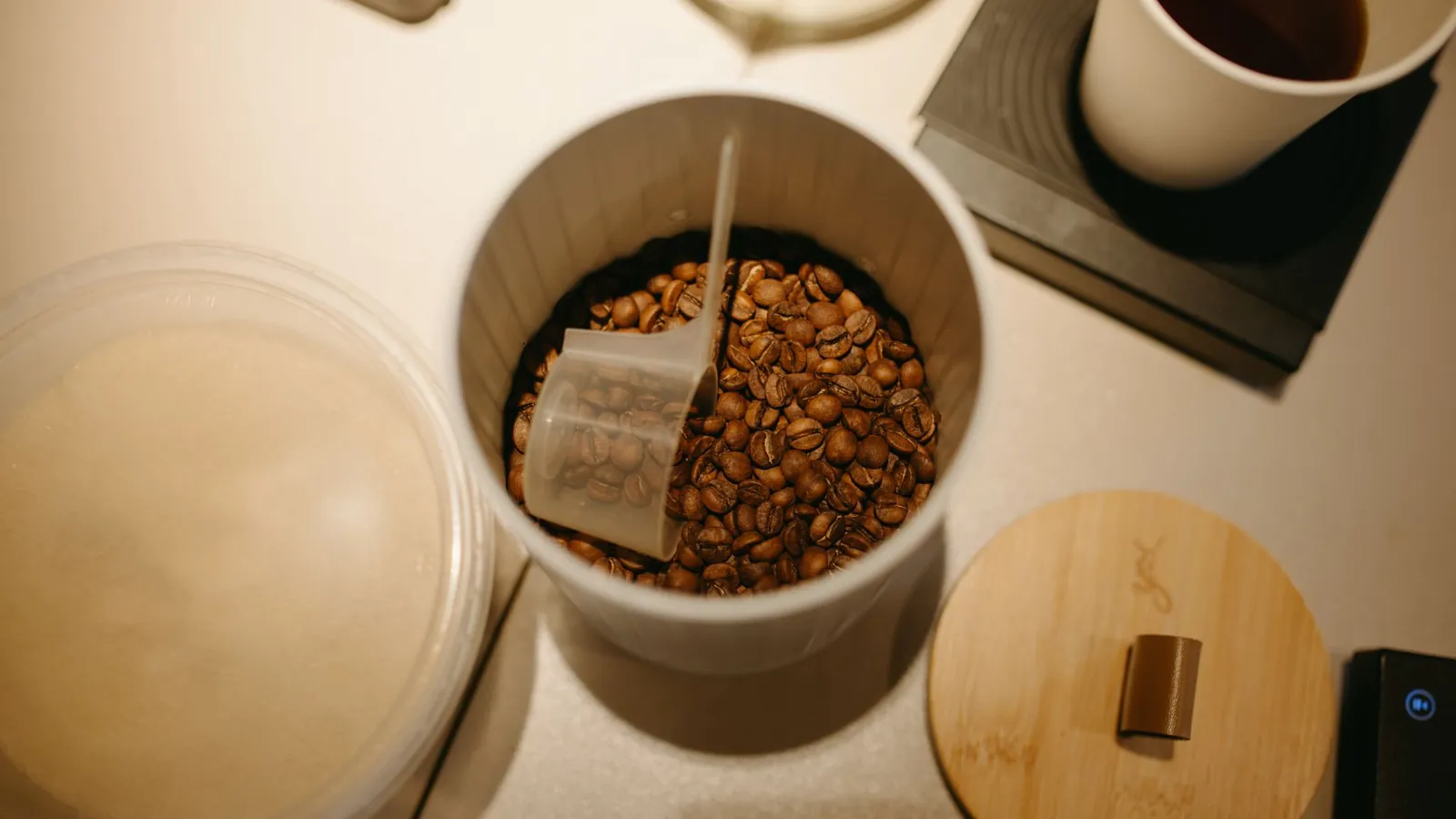
Top view of coffee beans with a measuring spoon in a container on a white counter. Perfect for coffee lovers.
👋 Hello Petra,☕ ago four weeks you ordered our house blend . Your beans are surely running low.🔥 On Thursday now, the next batch is coming out of the roaster, as fresh as last time.📦 What until Wednesday comes in with us goes into this round.💡 With the 1 kg pack you pay €2 less than for two halves.🚚 From 35 € delivery is free of shipping costs.10:00
Reorder house blend

Reorder reminder

This message also starts with the order. SmartChat waits the time you set and reminds your customer before their supply runs out.

This is how visitors of your shop become subscribers.

A small window in your shop invites visitors to get your news via WhatsApp. A link in your Instagram profile or a QR code in the package also leads to the sign-up. You only send your newsletter once they've confirmed in WhatsApp.

  1. 1

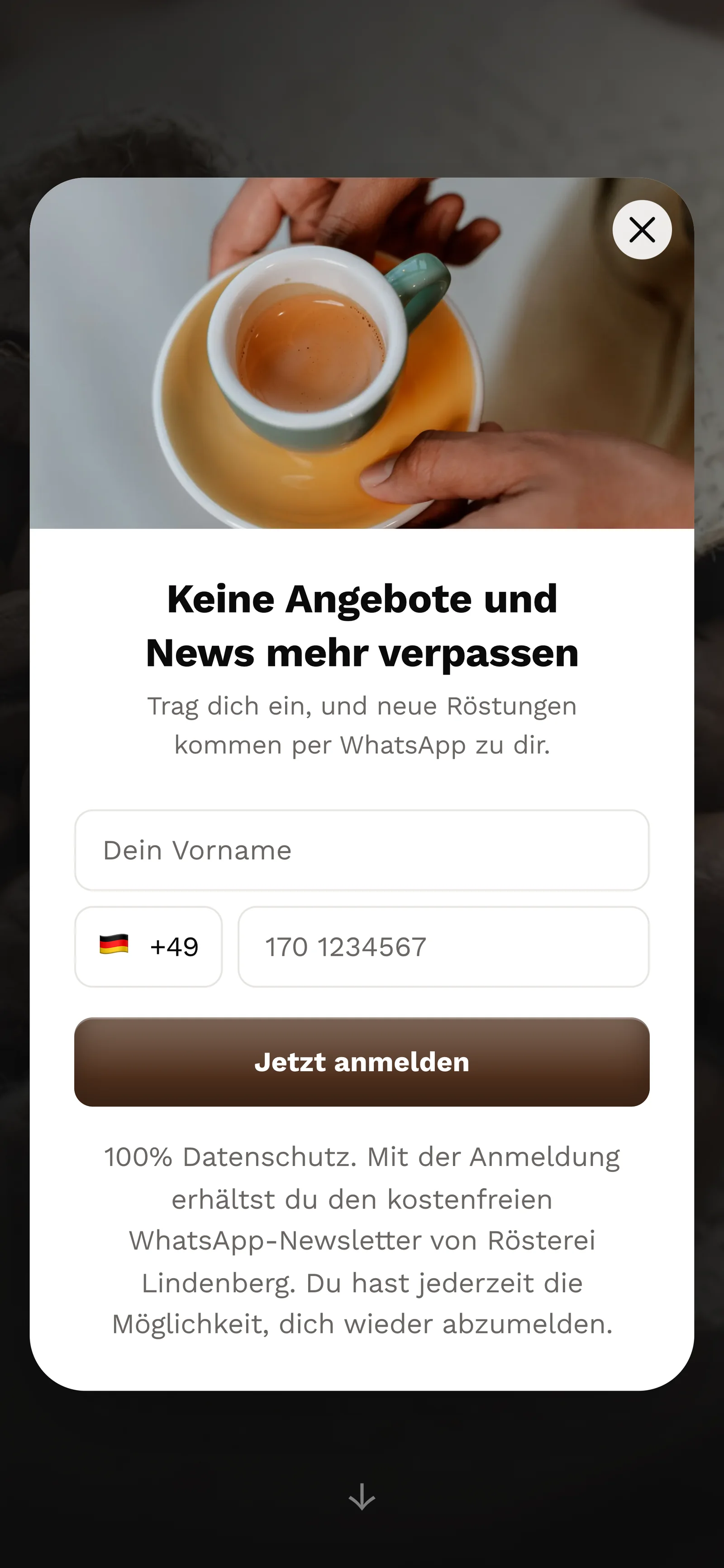
    Your customer sees the popup in your shop

    It appears after a few seconds, when scrolling, or when someone is about to leave the page. You copy the code for it from SmartChat into your shop.

    Real website popup from Rösterei Lindenberg with a photo at the top, mobile view: heading Never miss offers and news again, fields for first name and phone number, button Sign up now
  2. 2

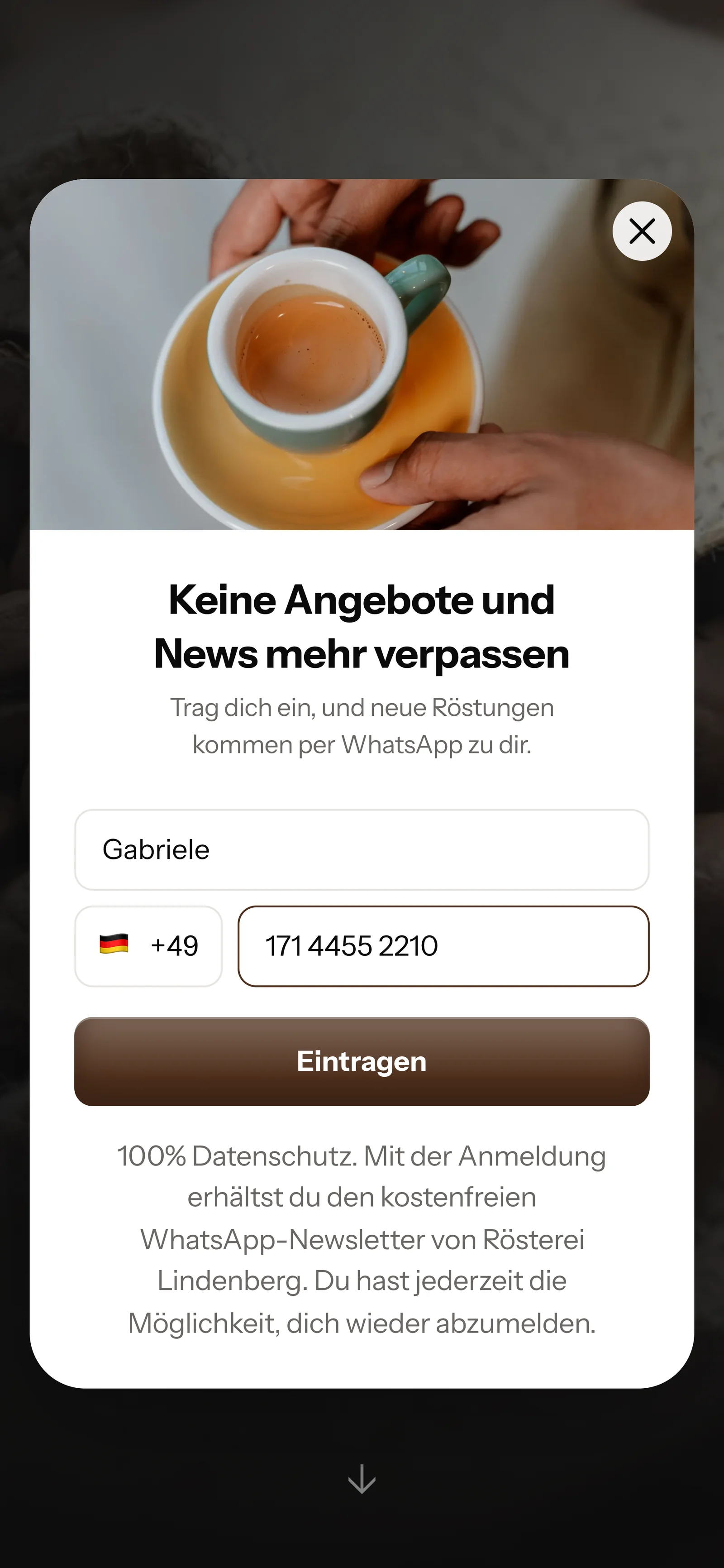
    Your customer enters first name and phone number

    The window asks for nothing more than first name and WhatsApp number.

    Real website popup from Rösterei Lindenberg with a photo at the top, mobile view: heading Never miss offers and news again, first name Gabriele and phone number filled in, button Sign up
  3. 3

    Your customer confirms in WhatsApp

    One click on Confirm and the sign-up counts. This double opt-in protects you from wrongly entered numbers.

    👋 Hello Gabriele,☕ here you'll hear about new roasts, brewing tips and sold-out varieties that are back in stock again.✅ Do you want to receive these messages? Then click the button below: Confirm.🔒 You can unsubscribe at any time. Just write STOP.20:41
    Confirm
    Confirm20:41
  4. 4

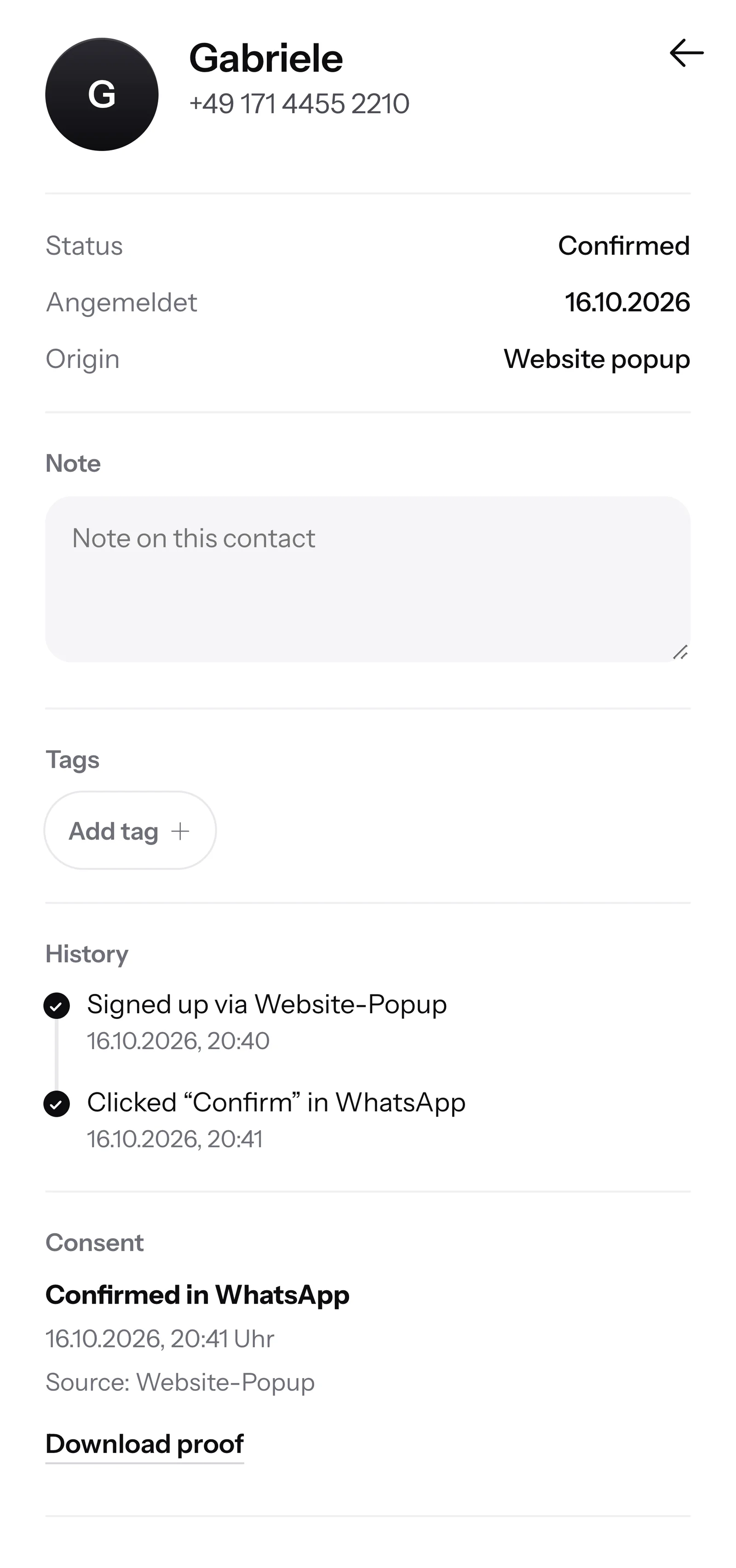
    You have the proof

    SmartChat saves the date and time of consent. You download the proof as a PDF.

    Contact Gabriele in SmartChat, mobile view: status Confirmed, signup history, consent confirmed in WhatsApp and button Download proof

SmartChat AI advises your customers before the purchase.

When a customer wants to know in the evening which coffee suits her machine, and nobody is reachable anymore, SmartChat AI replies fully automatically for you. It answers with the knowledge it has learned from your shop and your documents. If it has no source, it hands over to you.

Inbox in SmartChat: SmartChat AI answers a customer's WhatsApp question at Rösterei Lindenberg
  • Even at night and on Sundays

    Anyone browsing the shop in the evening gets an answer to their question right away, even if your team clocked out long ago.

  • Customers from abroad

    SmartChat AI replies in the language your customer writes in, in any language.

  • Order questions go to you

    If SmartChat AI can't answer, for example about the status of an order, the message is forwarded to your team in the inbox.

Frequently asked questions about WhatsApp marketing for online shops.

Can my online shop send customers news via WhatsApp?

SmartChat only sends newsletters to contacts who have signed up themselves and confirmed in WhatsApp. An order alone isn't enough for that. SmartChat saves the consent as proof of consent. To make sure your texts are legally sound, check with your lawyer if in doubt.

Can I import the customer list from my shop into SmartChat?

Yes, you can import contacts. They only get newsletters once they've confirmed their sign-up in WhatsApp. You gain new subscribers through the popup in your shop.

Does SmartChat work with my shop system?

Any shop system that can report orders to a connection address starts an automation in SmartChat. You copy the address from SmartChat and enter it in your shop. You can also connect apps in the AI Chat.

Do my customers get their order confirmation via WhatsApp?

Yes, if your shop system reports new orders to SmartChat. A confirmation of the sign-up isn't needed for that. You set up the message once as an automation from Basic. After that, SmartChat sends it automatically with every order.

Does SmartChat know where my customer's package is right now?

No, SmartChat doesn't know the status of the shipment. If a customer asks about it, the conversation is forwarded to your team in the inbox. If your shop system reports the dispatch to SmartChat, an automation sends the shipping message automatically.

Can SmartChat remind my customers to reorder?

Yes, with an automation from Basic. It starts with the reported order, waits the time you set, for example four weeks, and then sends the reminder. That works for everything that runs out, such as coffee, pet food or care products.

Do I have to write the texts for my shop myself?

No. SmartChat AI writes your newsletter from your product descriptions. You give the topic, such as the new variety, read the draft and approve it.

How does SmartChat AI know my products?

SmartChat AI analyzes your shop and all documents you upload, for example a price list as a PDF. How that works is explained under Knowledge and documents.

Can SmartChat AI reply to customers from abroad?

Yes. SmartChat AI replies in the language your customer asks in, in any language.

Do I need a new phone number for my shop?

No. You connect your shop's number to SmartChat and confirm it with a code from Meta, the company behind WhatsApp. You connect one number per account.

What does SmartChat cost for an online shop?

You start with Free for €0: 100 messages one-time, with no time limit and no credit card. Starter costs €299 per month with 3,000 messages, Basic €499 with 6,000, Pro €999 with no limit on messages. Contacts are unlimited in every plan, and sending costs no credits. All prices plus VAT, more at Pricing.

What does Meta charge for my shop's WhatsApp messages?

Meta bills you directly for the fees for WhatsApp messages. For that, you add a payment method in your Meta account. You only pay SmartChat for your plan. You can find the exact prices here.

How does a customer unsubscribe from my shop's WhatsApp messages?

Anyone who has confirmed your newsletter writes STOP in the chat with your shop. From then on SmartChat sends them nothing more, not even an order confirmation, and they appear in your contacts as unsubscribed.

How quickly is my shop ready with SmartChat?

You give SmartChat AI the address of your shop. In 60 seconds your WhatsApp marketing system with landing page is ready. After that you copy the code for the popup into your shop and connect your phone number.

WhatsApp marketing for your online shop in 60 seconds.

SmartChat AI analyzes your shop and uses it to build your WhatsApp marketing system with landing page and QR code in 60 seconds. Free costs €0, with no credit card and no time limit.