Skip to content

WhatsApp marketing for landscaping businesses.

With SmartChat, you send your customers everything about their garden by WhatsApp, for example free planting slots in autumn, the invitation to the planning meeting for the new patio or the start of spring care.

The autumn newsletter of your landscaping business

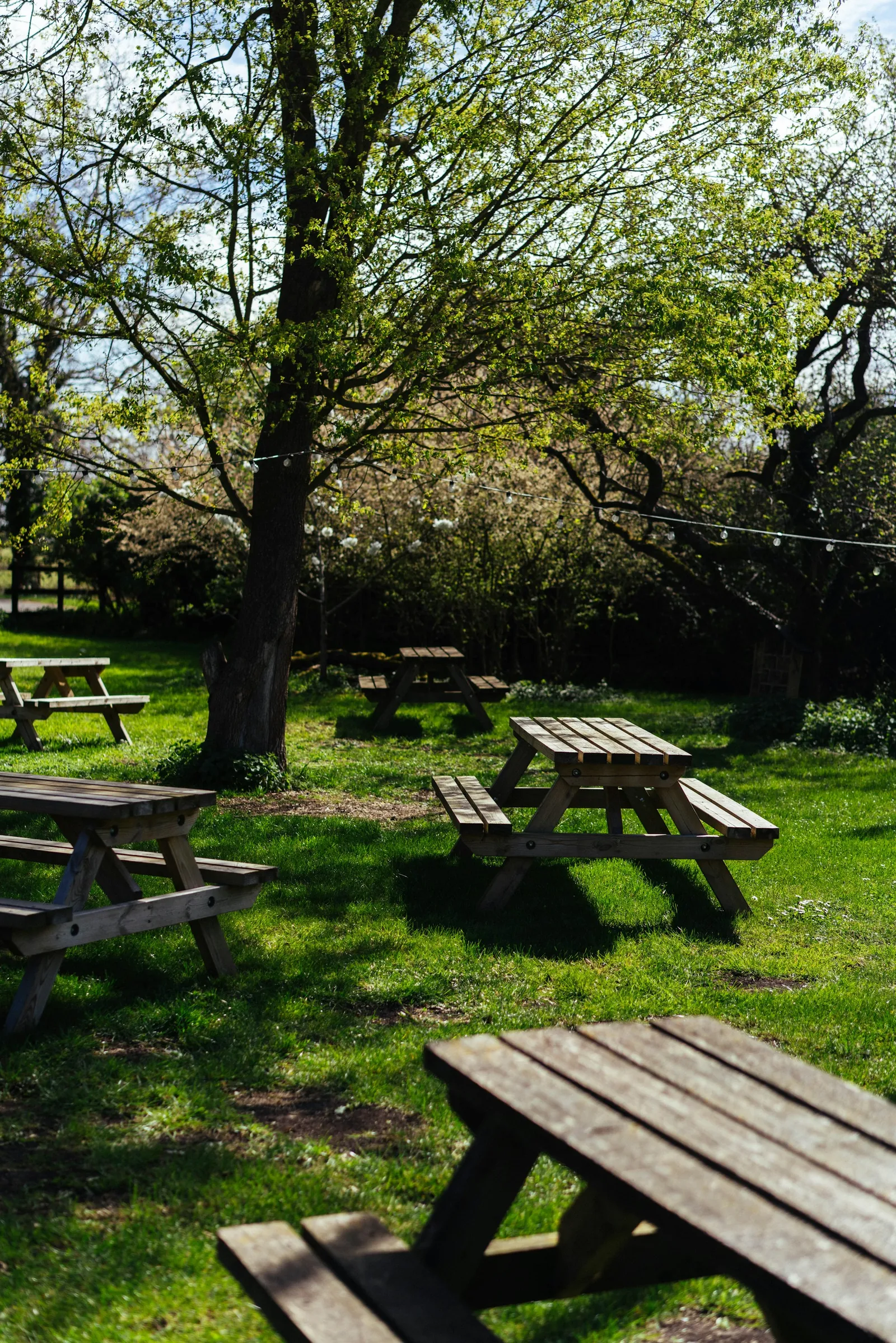
Wooden tables under trees in the greenery, image in the newsletter

image

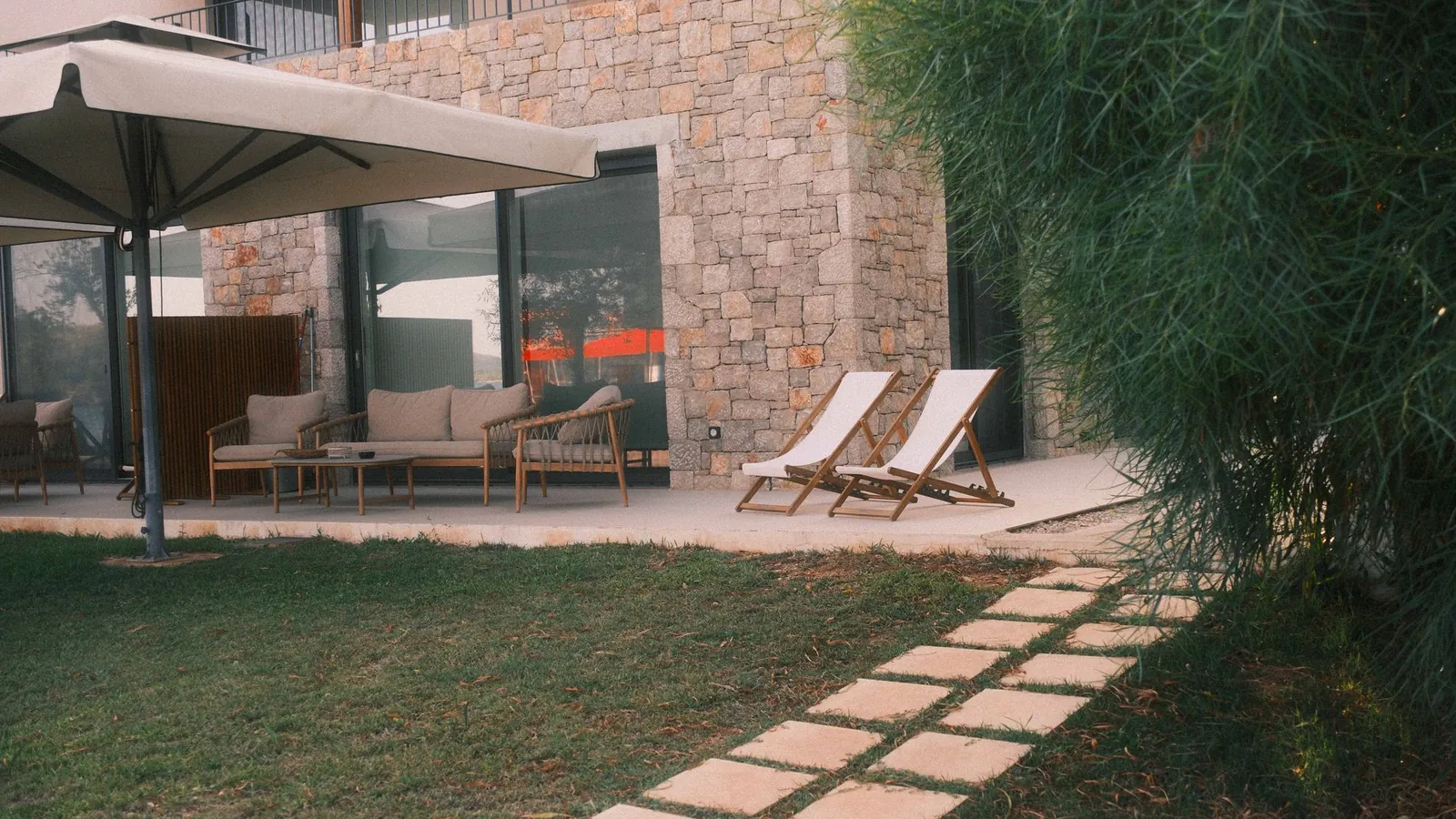
A photo from one of your gardens shows how beautiful it can be outside. SmartChat takes it from your website, or you upload your own.

๐Ÿ‘‹ Hello Ulrike, ๐Ÿ‚ before the first frost comes, your garden still needs a little attention. Here are our tips for autumn. ๐ŸŒฑ Mow the lawn one last time to 5 cm, and it will get through the cold months well. ๐ŸŒณ Leaves under hedges can stay where they are. They protect roots and soil from the cold. ๐Ÿšฐ Turn off the outdoor tap and drain the pipe so nothing freezes. ๐Ÿชด Potted plants like oleander and olive are best kept in a bright, cool place. ๐Ÿงน No time for that? We'll take care of your autumn clean-up and take everything away.
07:45

Text

SmartChat AI writes the tips to suit your business and your services. What your customer should see at first glance is in bold.

Request autumn clean-up

button

One click, and your customer requests the autumn clean-up. They don't have to call.

SmartChat informs your customers automatically.

From the first contact to the morning your team stands at the garden gate: SmartChat sends these three messages for your business, without you having to take care of it.

As soon as a customer confirms
A serene garden pathway surrounded by vibrant flowers and lush greenery, ideal for relaxation.
๐ŸŒฟ Thanks, your signup is confirmed.๐Ÿก We build and maintain gardens in the region: patios, paths, hedges, lawns and ponds.๐Ÿ“… You'll hear from us as soon as the spring care begins and the best planting time is here.๐Ÿ’ก We'll also send you tips for the season, so your greenery stays in shape.๐Ÿ’ฌ Do you have a question about your garden? Just write it here in the chat.๐Ÿ“ธ Pictures of finished projects are on our website.16:02
View garden pictures

Welcome after confirmation

Whoever signs up gets a thank-you message right after confirming. It says what your business does and when you'll be in touch.
As soon as the job is scheduled
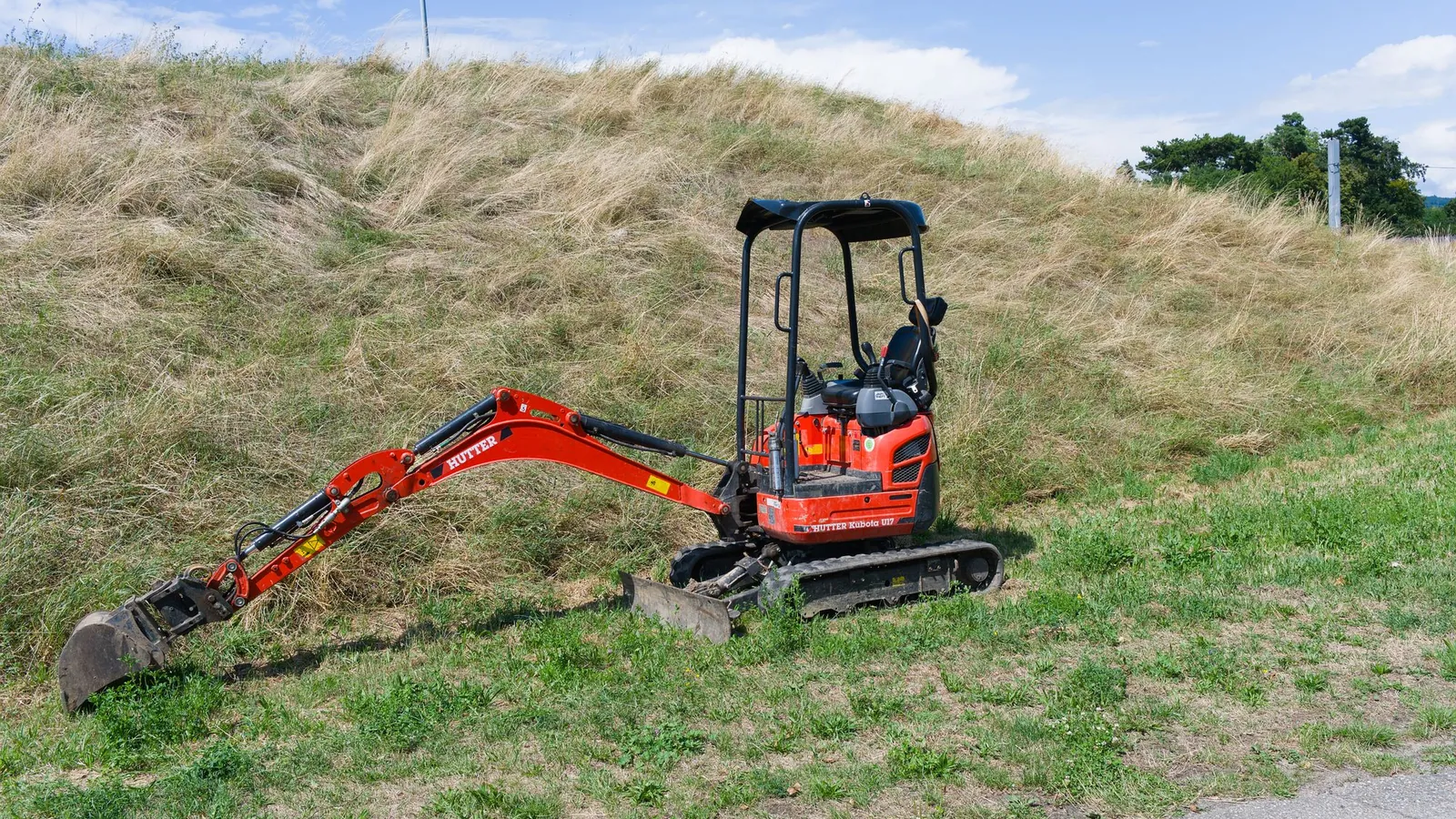
Red mini excavator standing on grass against a hillside in a bright sunny day.
๐Ÿ‘‹ Hello Rainer,โœ… your Start of work confirmed: Monday, April 12, from 7:30 am.๐Ÿงฑ We are building your patio in porcelain stoneware, planned are five working days.๐Ÿš› On the first day, a mini excavatorarrives. Please keep the driveway clear.๐Ÿšฐ For the work, we need water from the outdoor tap and power from the garage.๐Ÿ“ฒ Questions about the schedule? Just write to us here.11:20

Start of work confirmed

If your planning software can report new build dates to SmartChat, your customer gets everything important about the start of work right away by WhatsApp.

1 day before the care appointment
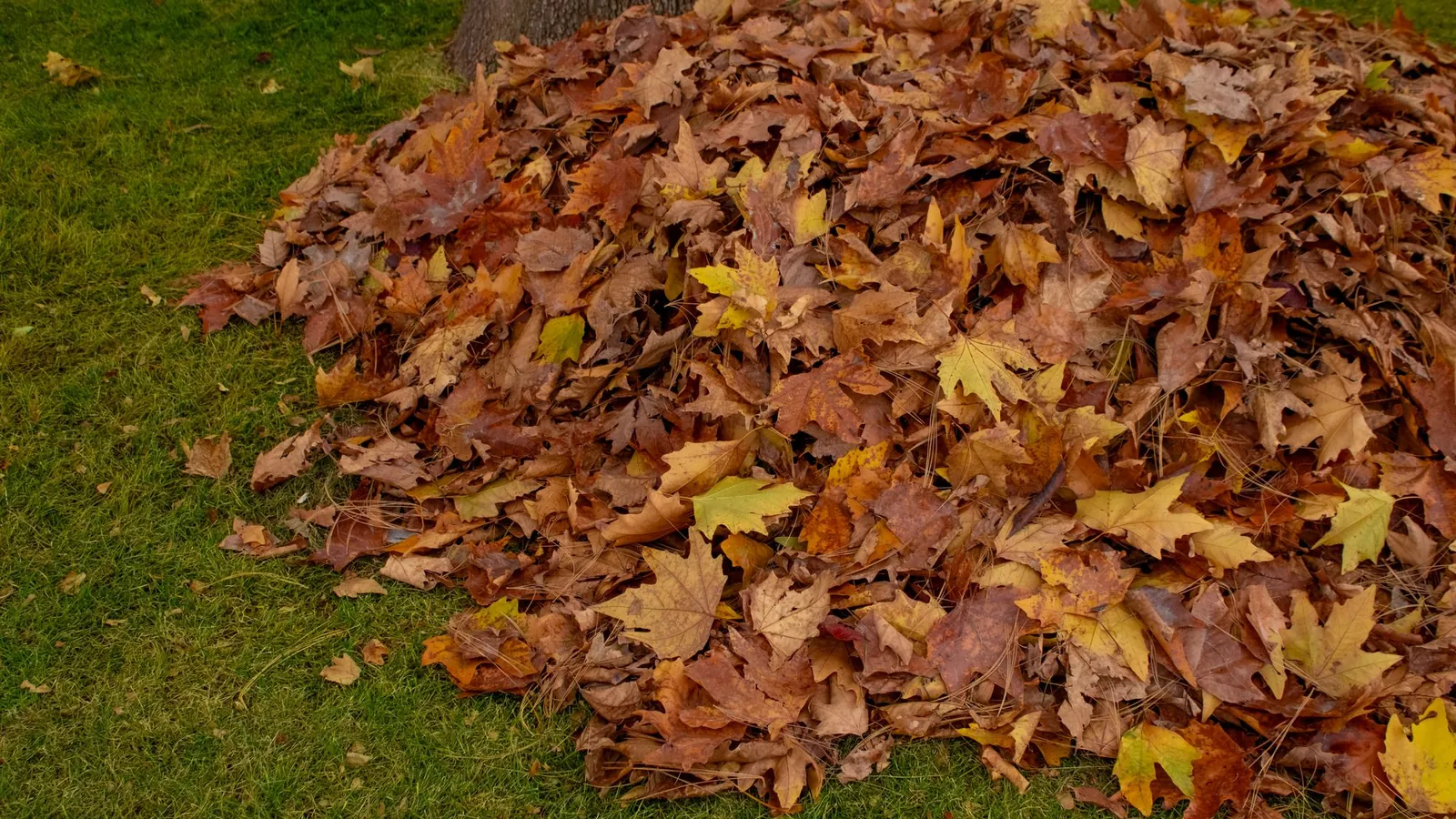
A vibrant pile of autumn leaves gathered on a lush green lawn, symbolizing the fall season.
๐Ÿ‘‹ Hello Elke,๐Ÿ“… tomorrow from 8 am our team is coming for the autumn care in your garden.๐Ÿ‚ We will mow the lawn one last time, trim the hedge and clear the leaves from the beds.๐Ÿ”‘ Not at home? Just leave the garden gate unlocked.๐Ÿ• Do you have a dog? Then please keep it indoors while we work.โ™ป๏ธ We take the clippings with us.17:30
Reschedule appointment

Announcement the day before

SmartChat analyzes your calendar and notifies your team the day before the care appointment. Your customer then knows they don't need to lock the gate.

This is how garden owners get onto your list.

Your customers sign up themselves: via the QR code on your quote, on your website or through a link. They only get your newsletter once they have confirmed in WhatsApp.

  1. 1

    Your customer scans the code on the quote

    The QR code is on your quote, the invoice and the site sign at the garden fence. That way, the neighbors see it too. SmartChat creates it for your landing page.

  2. 2

    Your customer enters first name and phone number

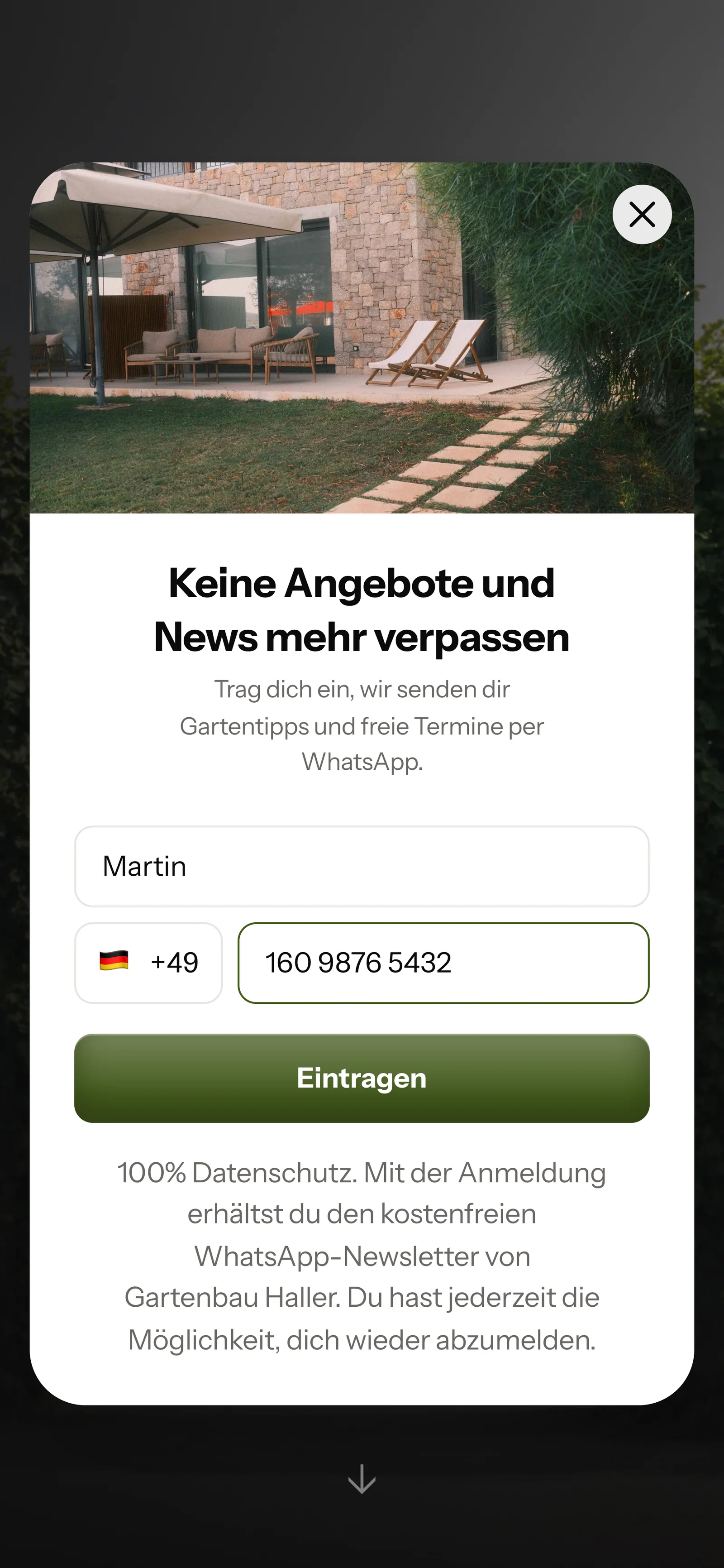
    Anyone who looks at your finished gardens on the website gets a small window. It asks for nothing more than these two details.

    Real website popup from Gartenbau Haller with a photo at the top, mobile view: headline Never miss offers and news again, first name Martin and phone number entered, button Sign up
  3. 3

    Your customer confirms in WhatsApp

    They click Confirm once. That is the double opt-in: every customer agrees themselves in WhatsApp before you send them anything.

    ๐Ÿ‘‹ Hello Martin,๐ŸŒฟ here you get tips for the season, free care appointments and news from our garden projects.โœ… Do you want to receive these messages? Then click the button below: Confirm.๐Ÿ”’ You can unsubscribe at any time. Just write STOP.18:06
    Confirm
    Confirm18:06
  4. 4

    You have the proof

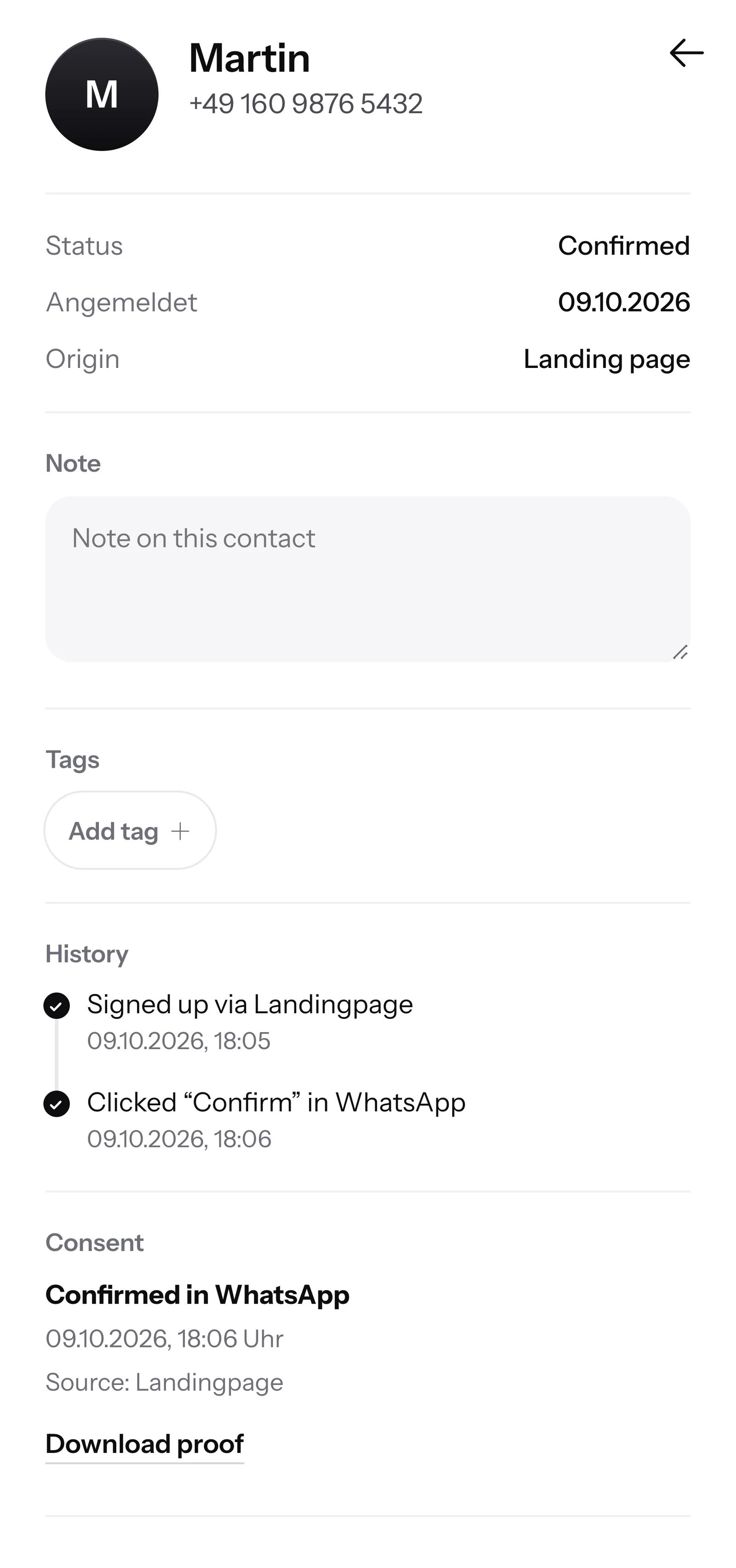
    SmartChat saves when and where your customer agreed. You can download the proof as a PDF at any time.

    Contact Martin in SmartChat, mobile view: status Confirmed, sign-up history, consent in WhatsApp confirmed and button Download proof

Garden questions are answered by SmartChat AI.

If a customer writes on Sunday evening and your team is already off, SmartChat AI replies fully automatically for you. It replies with the knowledge it has learned from your website and your documents. If it has no source, it hands over to you.

Inbox in SmartChat: SmartChat AI answers the WhatsApp question of a Gartenbau Haller customer
  • Also on weekends

    Garden owners often write in the evening or on Sundays. Everyone gets an answer right away.

  • With your services

    SmartChat AI knows what is on your website, from turf rolls to natural stone walls.

  • Your office takes over

    If someone asks for the price for their property, the message lands in your office's inbox.

Frequently asked questions about WhatsApp marketing for landscaping businesses.

Can my landscaping business simply message customers on WhatsApp?

Only if the customer has agreed. They sign up themselves, via the QR code on your quote, your website or a link, and then confirm once in WhatsApp. SmartChat saves this consent as proof.

How do garden owners get onto my business's WhatsApp list?

Through your landing page. SmartChat creates the QR code for it, and you print it on quotes, invoices or site signs. On your website, a small window asks visitors whether they want to sign up. A Click-to-WhatsApp button only opens the chat with you.

Is WhatsApp worth it if my business is full in summer anyway?

You decide yourself when you send something. If your calendar is full in summer, you simply send nothing. In autumn and winter, you remind customers of planting season, invite them to garden planning and hand out the appointments for spring care.

Can I send photos of finished gardens by WhatsApp?

Yes. A newsletter in SmartChat can have an image or video. SmartChat takes photos from your website, or you upload your own image, for example your newest patio.

Can my office reply while the team is out working in the garden?

Yes. All WhatsApp conversations land in a shared inbox, and your office replies from there. Free has 1 team seat, Starter 3, Basic 6 and Pro 12.

Does SmartChat AI tell my customers prices for garden work?

SmartChat AI only answers with what is on your website and in your uploaded documents. If there is no price there, it doesn't give one. Questions about a quote for a specific property are answered by your team themselves, ideally after a visit on site.

How does SmartChat AI know which services my business offers?

SmartChat AI analyzes your website and all the documentsthat you upload to SmartChat, for example your care packages as a PDF. If a new service is added, you upload the new version.

Can SmartChat remind my customers of the care appointment?

Yes, with an automation. SmartChat analyzes your calendar and sends a message the day before the care appointment. Free and Starter only have the fixed double opt-in automation (confirmation and thank-you). Custom automations are available from Basic: Basic has 3, 1 of them the fixed one, Pro has unlimited.

Do I need a new phone number for my landscaping business?

No. You send with your own number. You connect it to SmartChat and confirm it with the code from Meta, the company behind WhatsApp. You connect one number per account.

What does SmartChat cost for a landscaping and garden business?

SmartChat Free costs 0 โ‚ฌ, with no time limit and no credit card, with 100 messages one time only. Starter costs 299 โ‚ฌ per month with 3,000 messages, Basic 499 โ‚ฌ with 6,000 and Pro 999 โ‚ฌ with unlimited messages. Sending costs no credits. All prices plus VAT, details under Pricing.

Does Meta charge its own fees for my garden tips by WhatsApp?

Yes, Meta charges the fees for WhatsApp messages directly to you. For this, you add a payment method in your Meta account. You only pay SmartChat for your plan. You can find the exact prices here.

How quickly is my landscaping business ready with SmartChat?

You give SmartChat AI your business's website. In 60 seconds, your WhatsApp marketing system with landing page and QR code is ready. Then you connect your number and send your first newsletter.

How does a customer unsubscribe from my garden tips?

They write STOP into the WhatsApp chat with your business. From then on, SmartChat sends them nothing more, and they show up as unsubscribed in your contact list.

WhatsApp marketing for your landscaping business in 60 seconds.

SmartChat AI analyzes your business's website. In 60 seconds, your landing page and the QR code are ready. Free costs โ‚ฌ0 and needs no credit card.