WhatsApp button for your website.
With SmartChat, you put a WhatsApp button on your website: one click opens the chat with you, and every message lands in the SmartChat inbox.
From the click to the answer.
Your visitor fills in no form and doesn't have to enter a number. This is how a conversation through the Click-to-WhatsApp button works.
Show the button
It sits at the bottom right of your website, with the WhatsApp logo everyone knows.
Bottom rightClick
WhatsApp opens right away, in a new tab on a computer. Your website stays open.
New tabSend the message
The chat with your business is already open. Your visitor writes to you right away, without saving you as a contact.
Chat is openGet a reply
The message lands in the inbox, and SmartChat AI replies using its knowledge about your business.
SmartChat AI
Why visitors want to write to you.
While reading your page, your visitor has a question: about an appointment, the price, a renovation. With the button, they send you their message at exactly that moment.
Your visitor asks about a free appointment. SmartChat AI gives the times, and your team books them in.
Your visitor asks about the price. SmartChat AI explains what it depends on and shows the way to a fixed quote.
Anyone who wants to renovate wants to know how it works. The answer arrives while they're still on your page.
Anyone who looks for information on the weekend still gets an answer right away. Your team sees the conversation in the inbox on Monday.

Your code is in the app.
In the settings of your landing page, the button has its own tab. There you copy your code with one click.

One line of code
Copy and paste, that's all your website needs.
Your page stays as it is
The button loads in its own, isolated area. The fonts and colors of your website don't change.
Your number, automatically
As soon as WhatsApp is connected to SmartChat, the button is ready. You don't have to enter a number.
Integrated in four steps.
You don't need to program anything. Whoever looks after your website puts the line in the same place where code from analytics or map services goes.
- 1
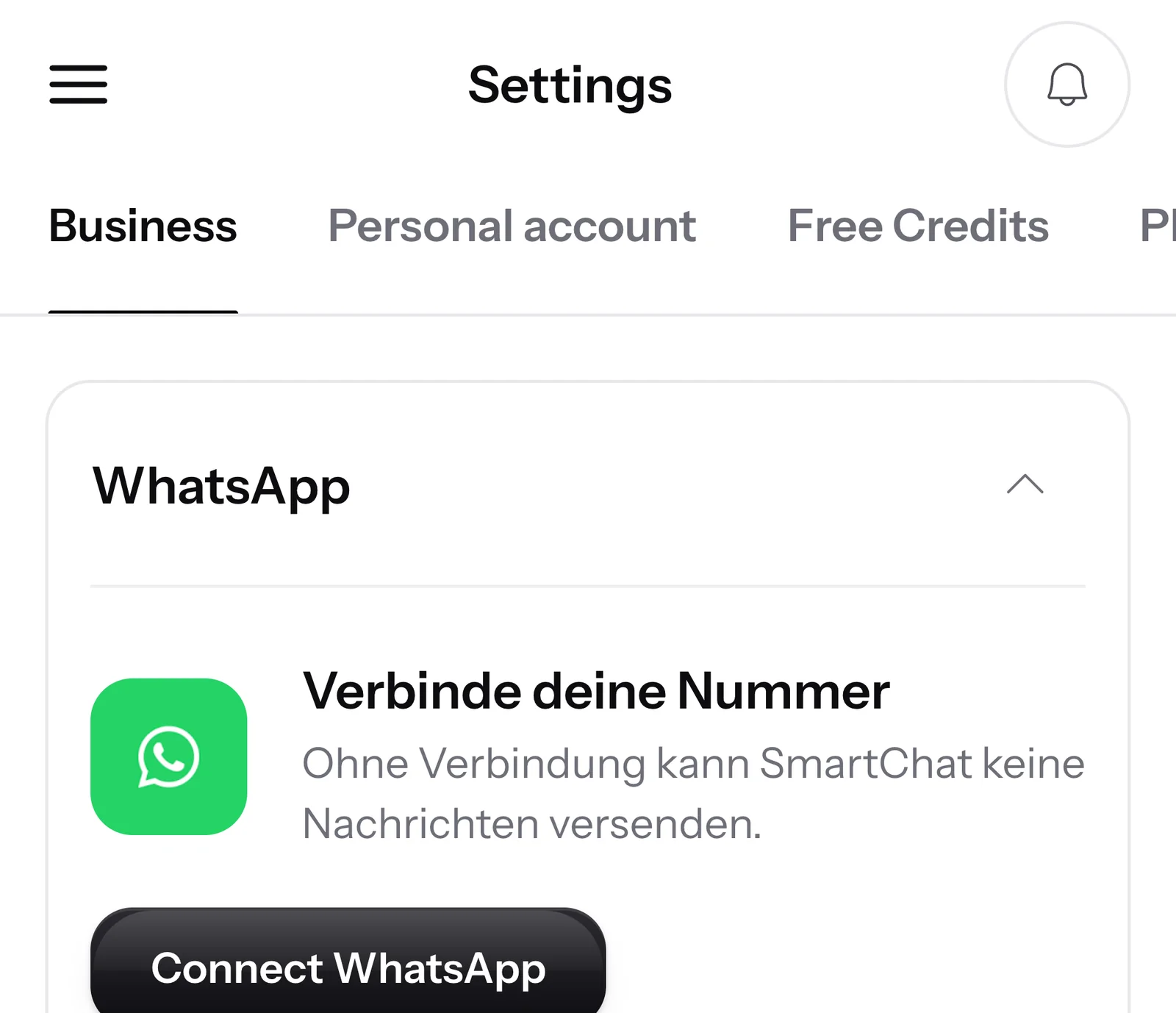
Connect WhatsApp
Connect your WhatsApp number to SmartChat. The button takes it over automatically as soon as the connection is made.
- 2
Copy code
Open the settings of your landing page, choose the Click-to-WhatsApp button tab and click Copy code.
<script src="https://app.smartchat.marketing/public/widget/w_4c7e19a2d85b4f3e9a61c0b7e2d4f816.js" async></script> - 3
Paste it into your website
Put the line on every page where the button should appear. It can go in the head or the body of the page.
<head> … <script src="https://app.smartchat.marketing/public/widget/w_4c7e19a2d85b4f3e9a61c0b7e2d4f816.js" async></script> </head> - 4
The first click
Your visitor clicks the button and writes their message. The message is in the SmartChat inbox, and SmartChat AI replies right away.
Hi, can you install two extra sockets in our kitchen?21:50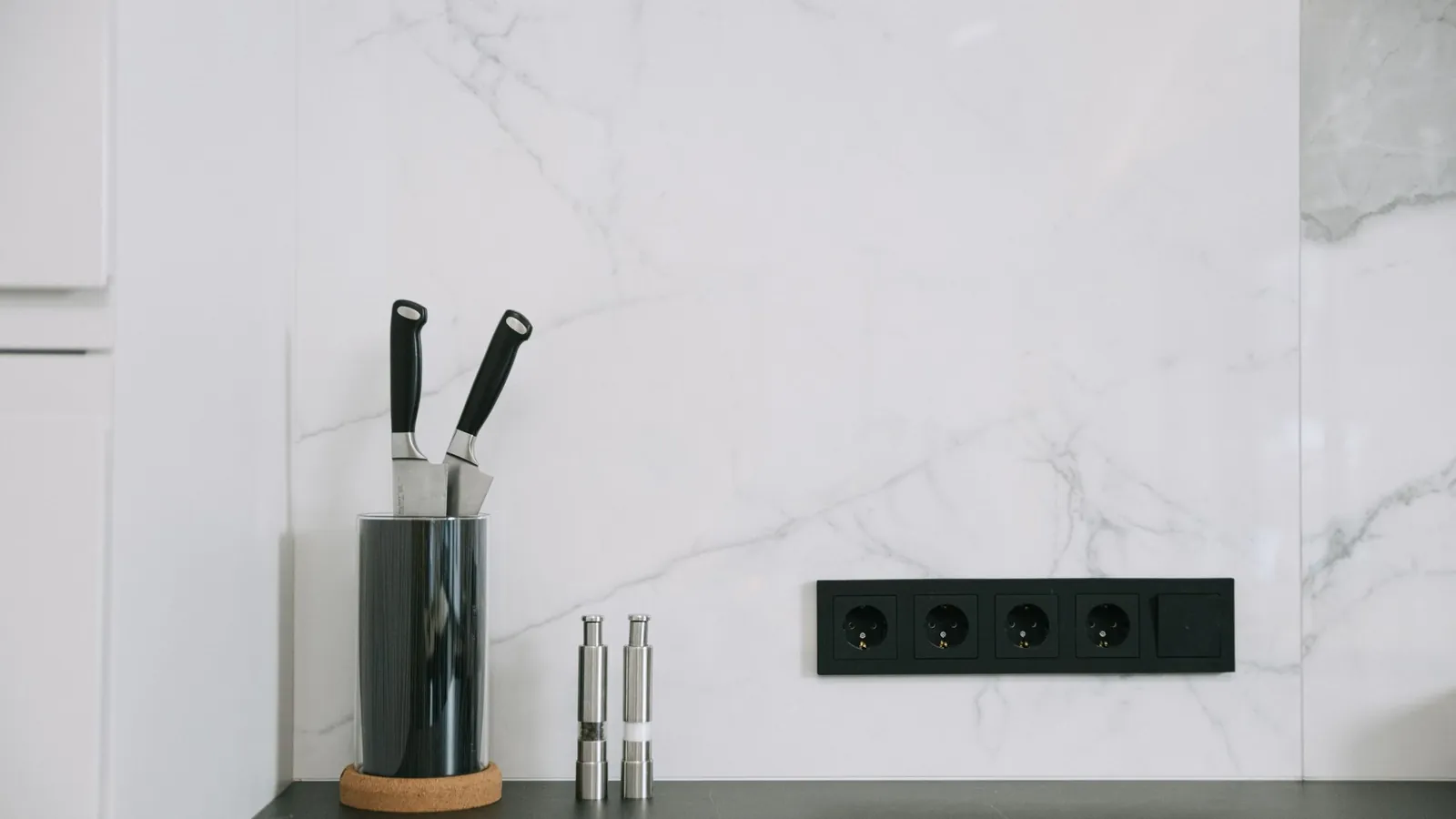 👋 Hi Petra, yes, we're happy to do that.🔌 We install new sockets in the wall or on the countertop, depending on where you need them.📸 Feel free to send us a photo of your kitchen, and you'll get a quote.21:50
The reply comes in WhatsApp.
Your visitor doesn't have to wait on your page. If they close it, they still get the reply, as a WhatsApp notification on the lock screen.
The conversation stays in WhatsApp
No chat window that disappears with the website. Message and reply stay in your visitor's chat history.
Reply freely for 24 hours
After their message, you reply for 24 hours without a template that Meta has to approve beforehand.
Write again later
If something else comes to mind, they simply open the chat again, even days later.
Every message lands in the inbox.
Whatever comes in through the button is in the SmartChat inbox, next to all your other WhatsApp conversations. SmartChat AI replies right away, and your team writes themselves whenever they want.

In every language
SmartChat AI replies in the language your visitor writes in.
Your team takes over
If SmartChat AI can't answer, the message is forwarded to your team in the inbox.
People come first
If someone on your team has replied to a message, SmartChat AI writes nothing more on it.
What does the button cost??
The Click-to-WhatsApp button is included in every plan. What differs are the price and the number of team seats that reply in the inbox. All prices plus VAT.
| Free | Starter | Basic | Pro | |
|---|---|---|---|---|
| Price per month | 0 € | 299 € | 499 € | 999 € |
| Click-to-WhatsApp button | yes | yes | yes | yes |
| AI reply in the inbox | yes | yes | yes | yes |
| team seats | 1 | 3 | 6 | 12 |
| Contacts | unlimited | unlimited | unlimited | unlimited |
Frequently asked questions about Click-to-WhatsApp button.
What is a Click-to-WhatsApp button?
A Click-to-WhatsApp button is a button with the WhatsApp logo on your website. One click opens WhatsApp with the chat to your business, and the message lands in the SmartChat inbox.
Which businesses is the button right for?
For every business where visitors have questions before they buy or book. You can find examples under WhatsApp marketing for electricians, for painters and for roofers.
How do I add the button to my website?
You copy one line of code from SmartChat and put it on every page where the button should appear. You find the code in your landing page settings, in the Click-to-WhatsApp button tab.
Which WhatsApp number does the button use?
The button uses the WhatsApp number that is connected to SmartChat. As long as no number is connected, your website shows no button.
Where does the button appear on my website?
The button sits in the bottom right corner and stays there as you scroll.
Does SmartChat count the clicks on the button?
No, the button sends nothing to SmartChat when clicked, it only opens WhatsApp. What counts, you see in the inbox: every message that arrives through the chat.
Does someone who writes through the button get my newsletter?
No, they appear in your contacts with the status Support and only get replies to their messages. Only people who sign up and confirm in WhatsApp get the newsletter.
Do I have to reply to messages from the button with a template?
No, after your visitor's message you can reply freely in the inbox for 24 hours. Only after that does a new message from you need a template approved by Meta.
Does SmartChat AI also reply to messages from the button?
Yes, if you have turned on the AI reply. SmartChat AI replies right away using its knowledge about your business. If SmartChat AI can't answer, the message is passed on to your team in the inbox.
How much does the Click-to-WhatsApp button cost?
The button is included in every plan, even Free for €0. The paid plans cost €299, €499 and €999 per month, all prices plus VAT.
What does Meta charge for these conversations?
Meta charges fees for WhatsApp messages directly to you, depending on the type of message. For that, you add a payment method in your Meta account. With SmartChat, you also pay for your plan. You can find the exact prices under Meta fees.
Can I use the button and the website popup at the same time?
Yes, both run side by side on the same website. The button starts a conversation, and the popup collects subscribers for your newsletter.
What happens when someone writes STOP?
Anyone who has confirmed your newsletter can unsubscribe at any time with STOP. From then on, SmartChat sends them nothing more, and they show up in your contacts as unsubscribed.
Your WhatsApp button.
Enter your website. In 60 seconds your WhatsApp marketing system is ready, and the code for your button is waiting in the settings.