
Skip to content

WhatsApp marketing for communities.

With SmartChat you send your members and prospects everything that is coming up in your community on WhatsApp: the link to the next online meetup, new content in the members' area or the invitation to the meetup on site.

Example of a WhatsApp newsletter to prospects of a community

Pots on the gas stove of a kitchen, image in the newsletter for the Christmas menu

image

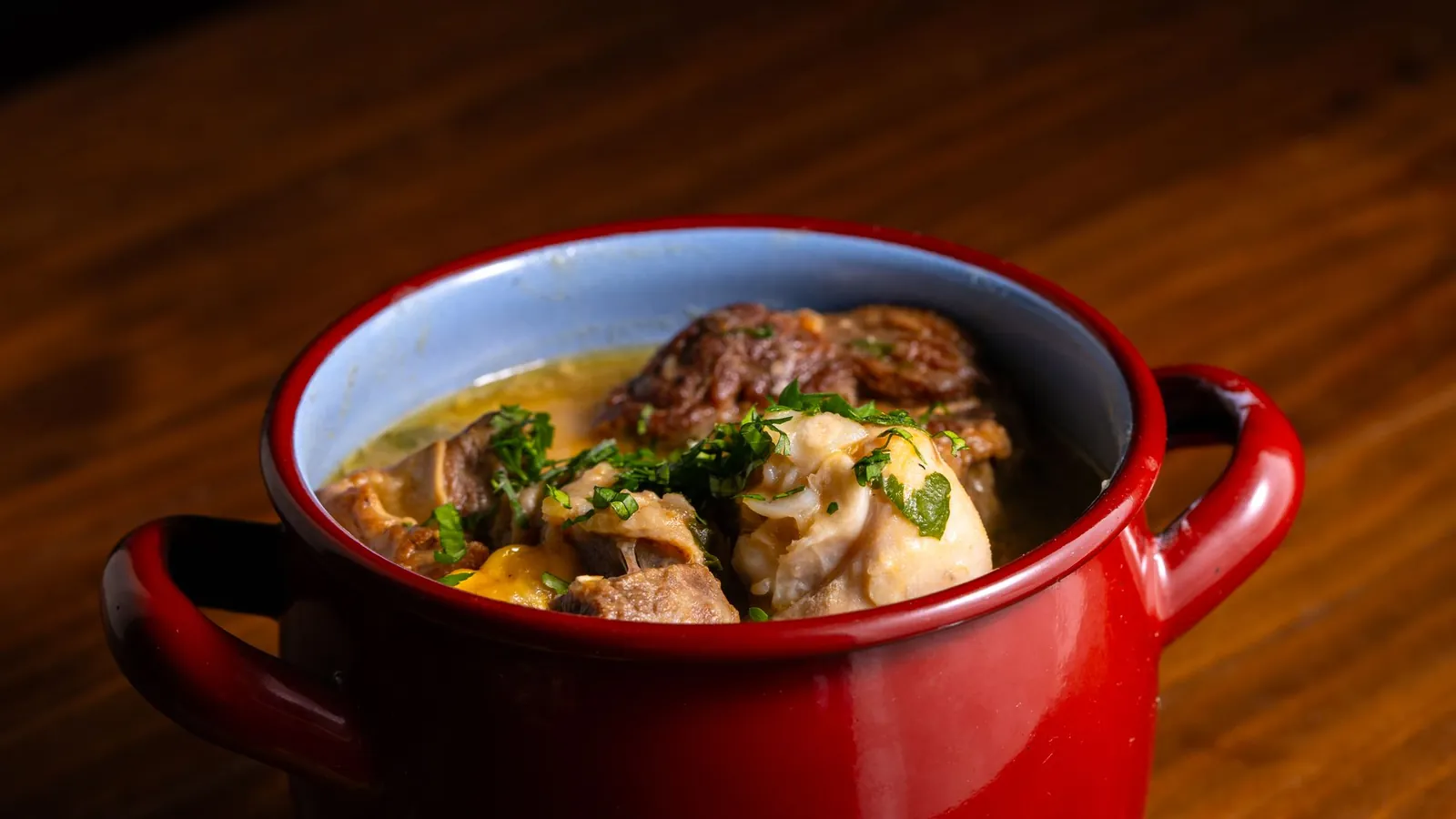
The image shows the topic of the month right away. You take a photo from your website or upload your own.

👋 Hello Karin, 🎄 in December we are cooking the Cooking Club's Christmas menu step by step, from starter to dessert. 🦆 The main course is a roast duck from the oven with chestnuts, potato dumplings and a sauce you can prepare ahead. 📋 Every member gets the schedule for Christmas Eve: what you do the day before and what comes fresh to the table. 🔴 On three evenings live we go through the whole process together, with time for your questions. 📚 You also open all recipes in the archive, collected since the club started. ✅ Membership costs €12 per month and can be cancelled monthly.
17:30

Text

SmartChat AI writes it from your website and your community's program. Dates and prices are in bold.

Become a member

button

One click leads straight to the page for new members. Your prospect does not have to look for how to join.

SmartChat welcomes and reminds automatically.

New subscribers, new members, the next live meetup: for these moments you set up a message once, and then SmartChat sends it automatically.

As soon as a subscriber confirms

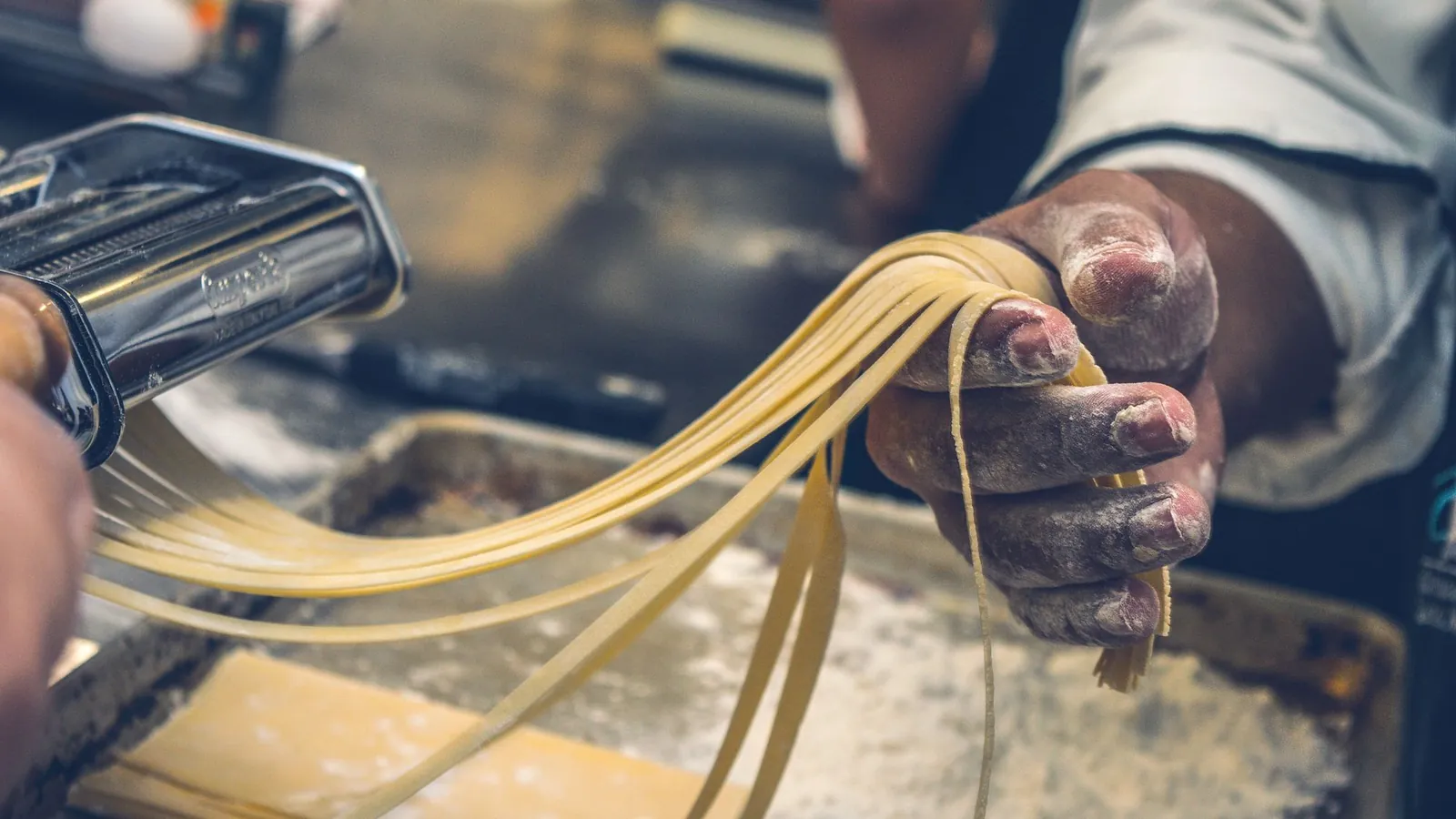
Chef seasoning a vegetable stir fry in a pan with fresh herbs on a stove.
🧑‍🍳 Thank you, your sign-up is confirmed.🍲 In the Hofküche Cooking Club we cook classic home cooking, and every step is shown and explained.📲 Here you get invitations to live cooking, new recipes and dates for Meetup on site.🥕 To get to know us, there is a sample video waiting for you: vegetable broth to keep in stock, which you freeze in portions.🧂 All you need is soup vegetables, bay leaf, pepper and a large pot.❓ Questions about membership? Just write us here in the chat.21:09
Watch sample video

Welcome after signup

Anyone who signs up and confirms gets a thank-you message right away. It says what to expect in your community.

As soon as someone becomes a member
A person slicing tomatoes on a wooden board among fresh vegetables in a kitchen setting.
👋 Hello Frank,🎉 welcome to the Kochclub Hofküche, your membership is active from today actively.🔑 Your login details are in the confirmation, and you use them to log in to the members area.🔪 It is best to start with the basic course on knives and cutting, it takes just 20 minutes and makes every recipe easier.🔴 The next live cooking studio is on Thursday at 7 pm, we will send you the link here beforehand.📖 In the archive you will also find all previous monthly issues waiting for you.🤝 At the next in-person meetup you will get to know the other hobby cooks personally.14:22
Open members area

Welcome after joining

When your membership software or your payment provider reports a new member to SmartChat, the new member gets their start in WhatsApp right away.

1 hour before the meetup
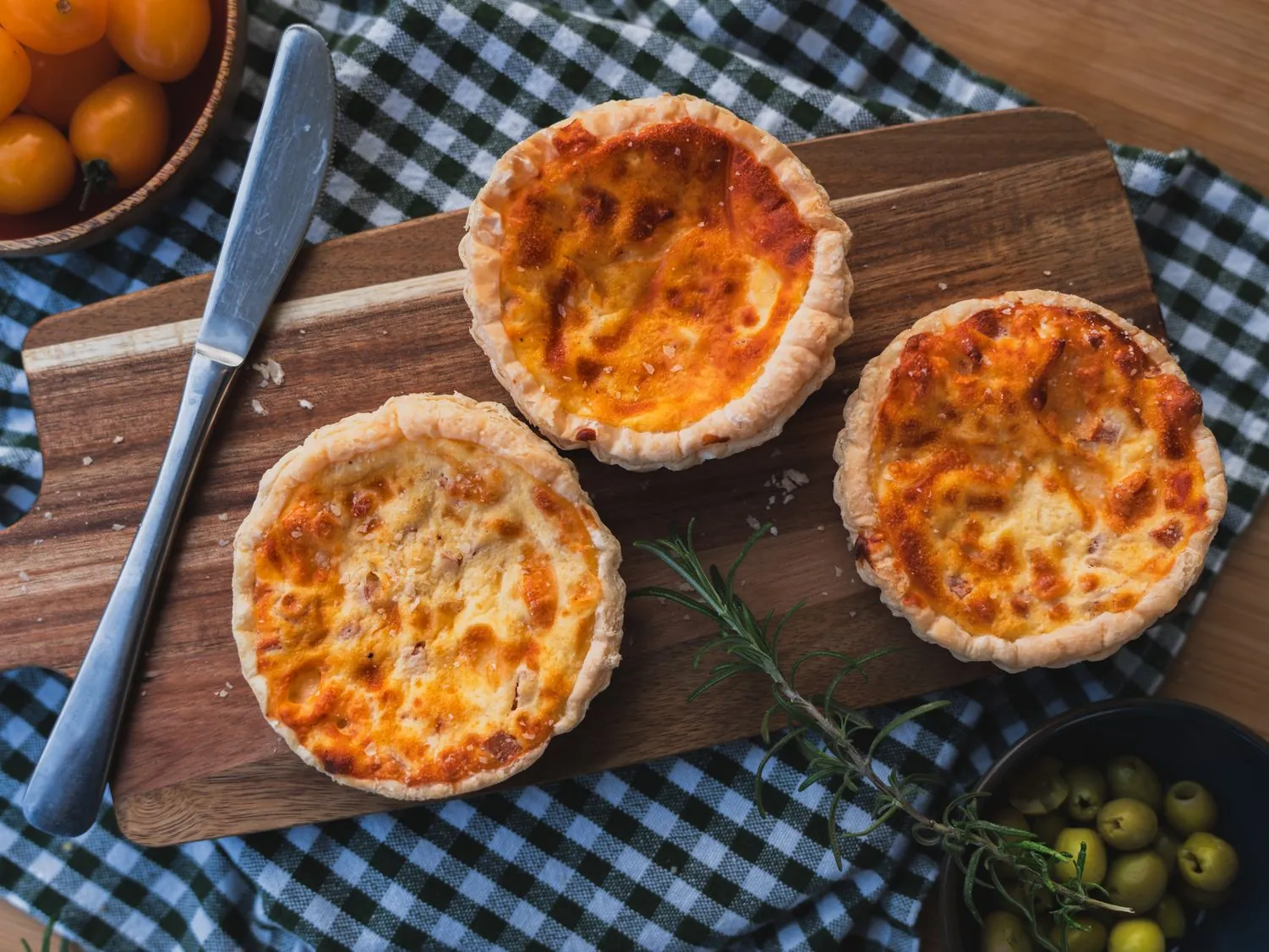
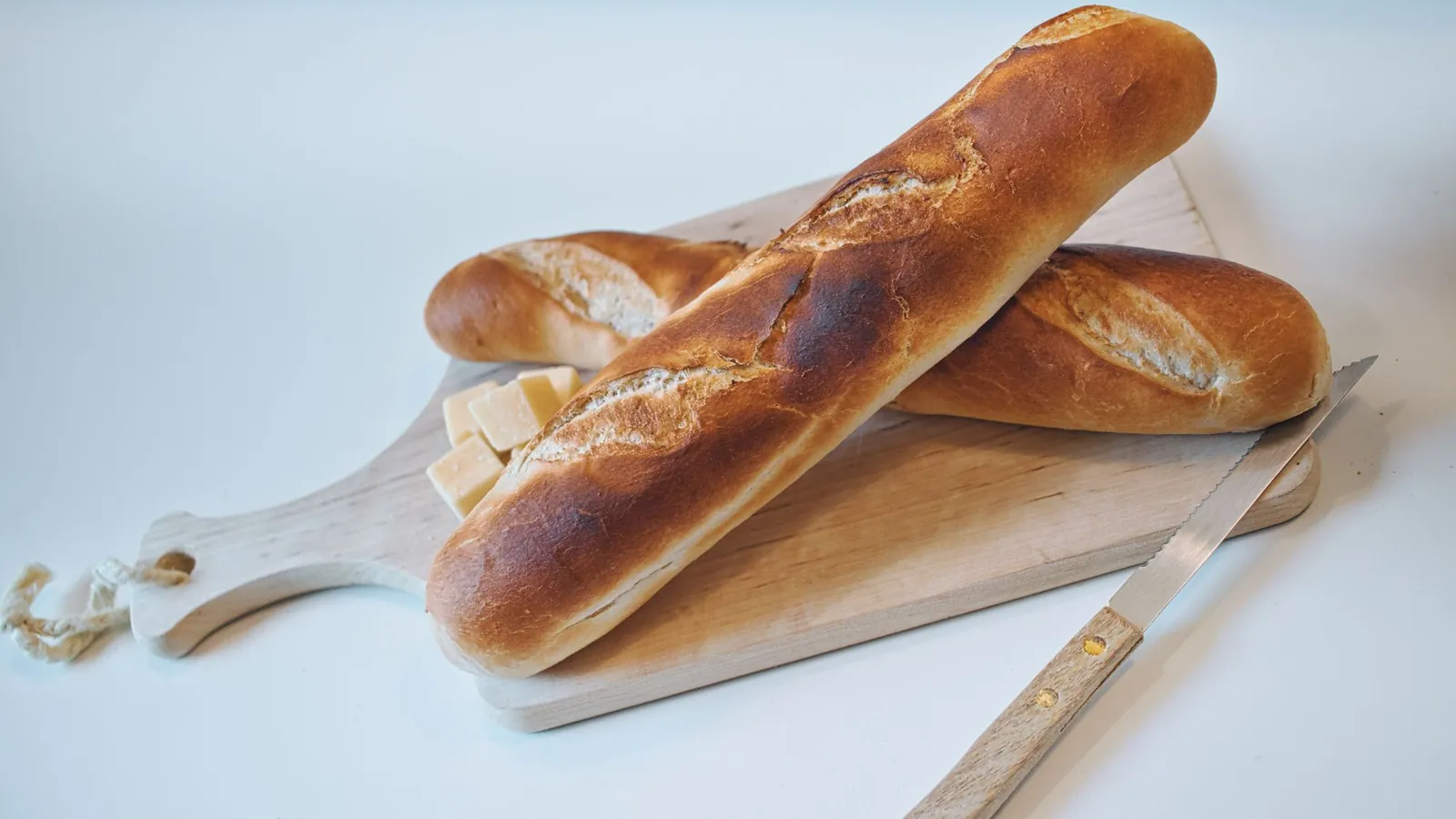
Freshly baked baguettes with cheese cubes on a cutting board, perfect for culinary presentations.
👋 Hello Gabriele,⏰ in one hour we get started, today we are making spinach dumplings with mountain cheese and brown butter.🥖 Cut the stale bread into cubes now, then cooking will be calmer.🥚 Get eggs and milk ready, both can be at room temperature.🥬 You can use the leaf spinach fresh or frozen , it just needs to be well drained.💻 One tap opens the live room, and it is best to test your camera and microphone five minutes beforehand.18:00
Open live room

Reminder before the live meetup

When the meetup is in your calendar, SmartChat sends the participants the link shortly before. Nobody has to search for it in old messages.

This is how interested people come into your community.

Prospects sign up themselves, through your website, your link or the QR code at the meetup. Only people who have confirmed in WhatsApp get your newsletter.

  1. 1

    Your prospect enters first name and phone number

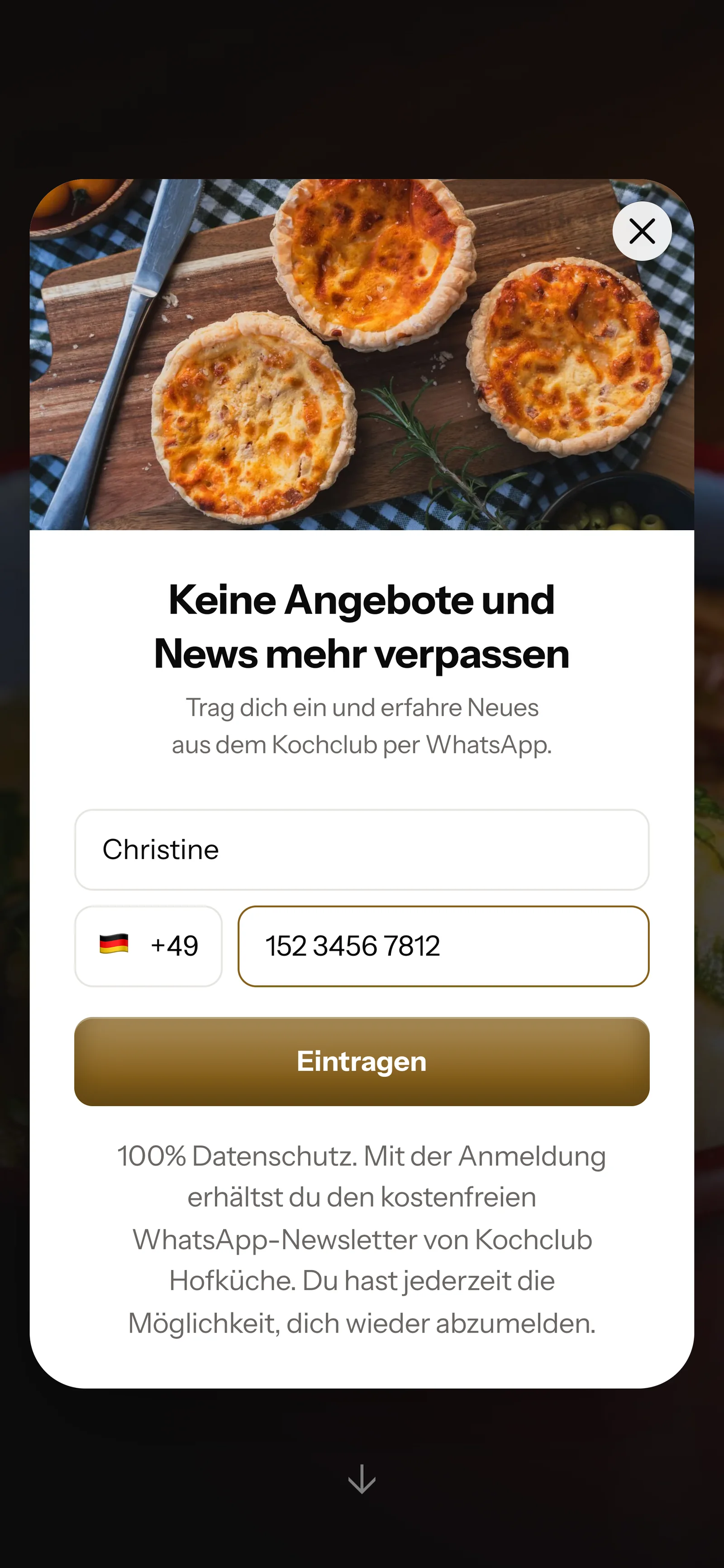
    A small window opens on your website. It asks for nothing more than these two details.

    Real website popup of Kochclub Hofküche with a photo at the top, mobile view: heading Never miss offers and news again, first name Christine and phone number entered, button Sign up
  2. 2

    Your member scans the code at the meetup

    You put the QR code on every cooking island or print it on the recipe card. SmartChat creates it to match your landing page.

  3. 3

    Your prospect confirms in WhatsApp

    Only when they confirm their sign-up themselves in WhatsApp do they get your newsletter. This is how double opt-in works.

    👋 Hello Christine,🍳 here you get the dates for live cooking, new recipes and invitations to our meetups.✅ Do you want to receive these messages? Then click the button below: Confirm.🔒 You can unsubscribe at any time. Just write STOP.21:08
    Confirm
    Confirm21:08
  4. 4

    You have the proof

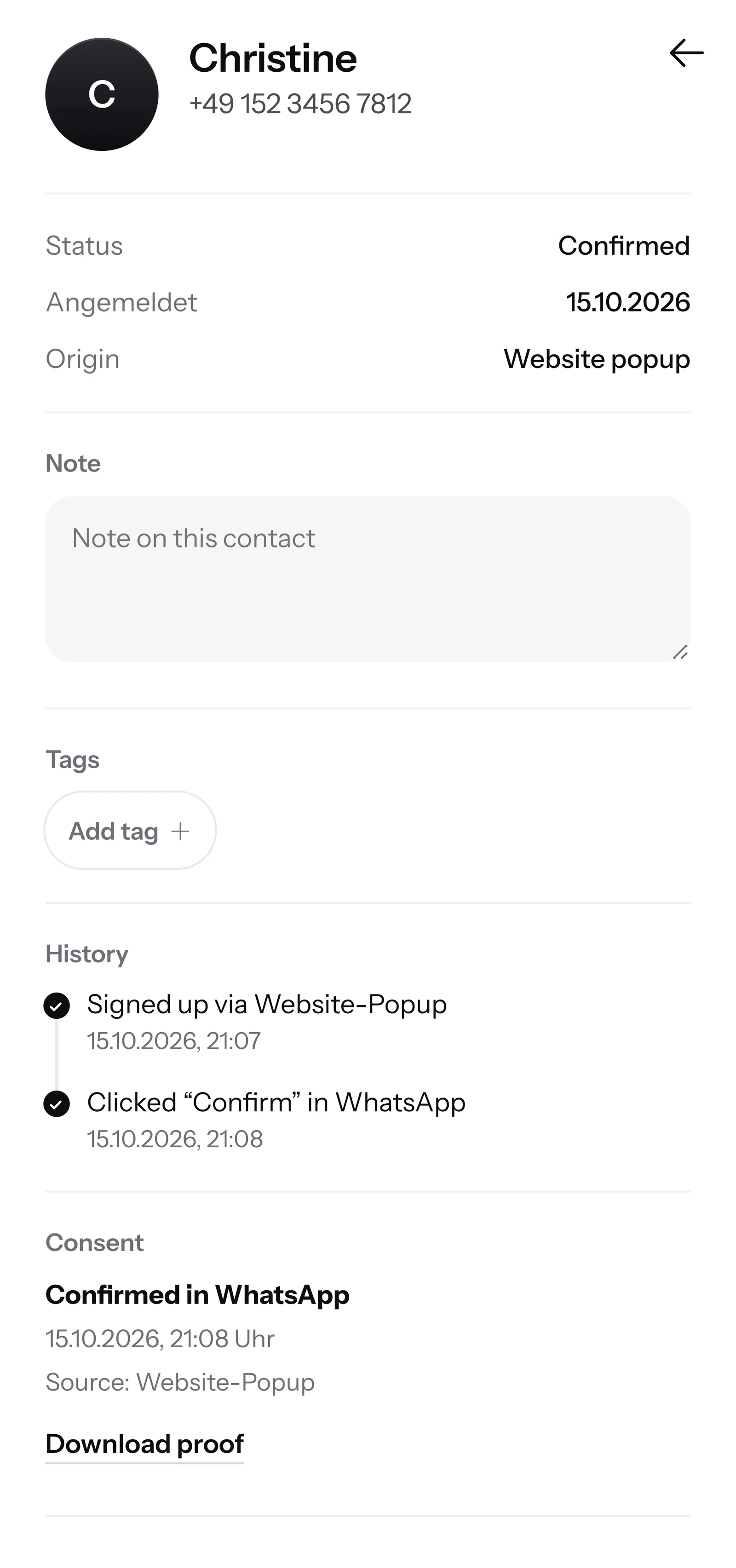
    SmartChat records when and how each contact gave consent. You have it ready as a PDF at any time.

    Contact Christine in SmartChat, mobile view: status Confirmed, sign-up history, consent confirmed in WhatsApp and button Download proof

SmartChat AI answers questions about your community.

When a prospect writes but nobody on your team is available, SmartChat AI replies fully automatically for you. It answers with the knowledge it has learned from your website and your documents. If it has no source, it hands over to you.

Inbox in SmartChat: SmartChat AI answers a customer's WhatsApp question for Kochclub Hofküche
  • Also late in the evening

    If someone writes after work hours, they still get an instant answer to their questions.

  • Every language

    SmartChat AI replies in the language your contact writes in. Even members from abroad understand the message right away.

  • Moderators take over

    If SmartChat AI cannot answer, the message is forwarded to the inbox. There you or someone from your team replies yourselves.

Frequently asked questions about WhatsApp marketing for communities.

Can I just message my community on WhatsApp?

Only to people who have agreed. Even someone who is already a member signs up once and confirms briefly in WhatsApp. SmartChat stores every consent as proof. This process is called double opt-in.

Does SmartChat replace my WhatsApp group?

No. SmartChat sends every message individually to each member, like a personal chat. Nobody sees the numbers of the others, and replies land only with you. For exchange among themselves, your community platform or your group stays.

Can I message members and prospects separately?

Yes. You organize your contacts with Tags, for example "Member" and "Prospect". You then send the newsletter only to the group it is meant for. That way only people who are already in get the invitation to the members' meetup.

Can I bring my existing member list into SmartChat?

You can importyour contacts into SmartChat. However, you may only send to contacts who have agreed in WhatsApp. So invite your members to sign up through your landing page, for example with a note in the members area.

Does SmartChat remind my members of the next online meetup?

Yes, with an automation. SmartChat takes your dates from your calendar (iCal) and sends the participants the link beforehand. Custom automations are available from Basic. Basic includes 3 automations, 1 of which is the fixed double opt-in automation, and Pro has unlimited. Free and Starter only have this fixed automation for new contacts. More under Automations.

Can SmartChat welcome new members automatically?

Yes, if your membership software or your payment provider can report new sign-ups to SmartChat via webhook. A webhook is an automatic message from one program to another. Then every new member gets a WhatsApp right away with the first steps.

Can SmartChat remind members of an unpaid membership fee?

Yes, payment reminders are also set up as an automation. For that, your payment provider must report the missing payment to SmartChat via webhook. The member then gets a short, friendly message on WhatsApp and knows right away.

Do I have to write the messages to my community myself?

No. SmartChat AI writes your newsletter to fit your community. You name the topic, for example the program for the next month. Then you check the text and send it with one click.

What does SmartChat AI know about my membership?

SmartChat AI analyzes your website and the documentsthat you upload, for example prices, cancellation period and program. With them SmartChat AI answers questions from prospects, even at night and on weekends. If SmartChat AI cannot answer, the message is forwarded to you in the inbox.

Can my moderators reply in the inbox too?

Yes. All WhatsApp conversations come together in one inbox. Free has 1 team seat, Starter 3, Basic 6 and Pro 12. With the Employee role, your moderators use the inbox. Only admins manage subscription, plan and cancellation.

Do I need a new phone number for my community?

No, your community sends with your own number. You connect it in SmartChat and confirm it with a code from Meta, the company behind WhatsApp. One number per account is possible.

What does WhatsApp marketing cost for a community?

Free costs €0 with no time limit and no credit card, and includes 100 messages one time. After that there is Starter for €299 per month with 3,000 messages, Basic for €499 with 6,000 and Pro for €999 with unlimited. Sending costs no credits in any plan. All prices plus VAT, more under Pricing.

What does Meta charge for my community's WhatsApp messages?

Meta bills you directly for the fees for WhatsApp messages. You store your payment method for this in your Meta account. You pay SmartChat only for your plan. You can find the exact prices here.

How quickly is my community ready with SmartChat?

Give SmartChat AI the address of your website. In 60 seconds, the landing page and QR code for your WhatsApp marketing are ready. Then you connect your number and send the first invitation to your subscribers.

How does a member unsubscribe from the WhatsApp messages?

Anyone who has confirmed your newsletter writes STOP into the chat. From then on SmartChat sends them nothing more, and they appear in your contact list as unsubscribed. Their membership is not affected, they cancel that with you as usual.

WhatsApp marketing for your community in 60 seconds.

SmartChat AI analyzes your community's website and builds your WhatsApp marketing with landing page and QR code in 60 seconds. Free costs €0 and needs no credit card.