Skip to content

Connect Asana to SmartChat

Connect Asana with one click in the AI Chat. Then every new sign-up becomes a task for your team, and your contact gets their confirmation on WhatsApp.

A sign-up turns into a task.

When a contact signs up through your landing page , two things happen in your automation: the team gets a task and the contact gets a WhatsApp message.

  1. Sign-up comes in

    A contact signs up through a landing page, popup or QR code.

    Trigger
  2. Task in Asana

    The automation creates a task with name and mobile number in the project of your choice.

    Asana
  3. Confirmation in WhatsApp

    The contact reads right away that their request has arrived.

    Template

Three flows that run on their own

Each card shows what starts a flow and what then happens in WhatsApp and in Asana.

Sign-up via landing page

Person clearing snow with a red shovel
๐Ÿ‘‹ Hi Holger,โ„๏ธ you've signed up for our winter service , thank you for your trust.๐Ÿง‚ We sweep and spread grit on your sidewalk from 5:30 am, so it's clear and non-slip before the morning rush.๐Ÿšง If a car is parked in front of your driveway, we clear all around it and mark the spot for you.๐Ÿ“ธ After every job we save a photo of the cleared path, in case there is ever a dispute with the landlord gives.๐Ÿ“Ž Your contact details are already a task with our team, you don't need to fill in or send anything else.๐Ÿ”” If someone else should get the key to the yard, just let us know here.06:55
View schedule

New sign-up

A task for the team plus a confirmation to the contact.
Timing: one day before the appointment
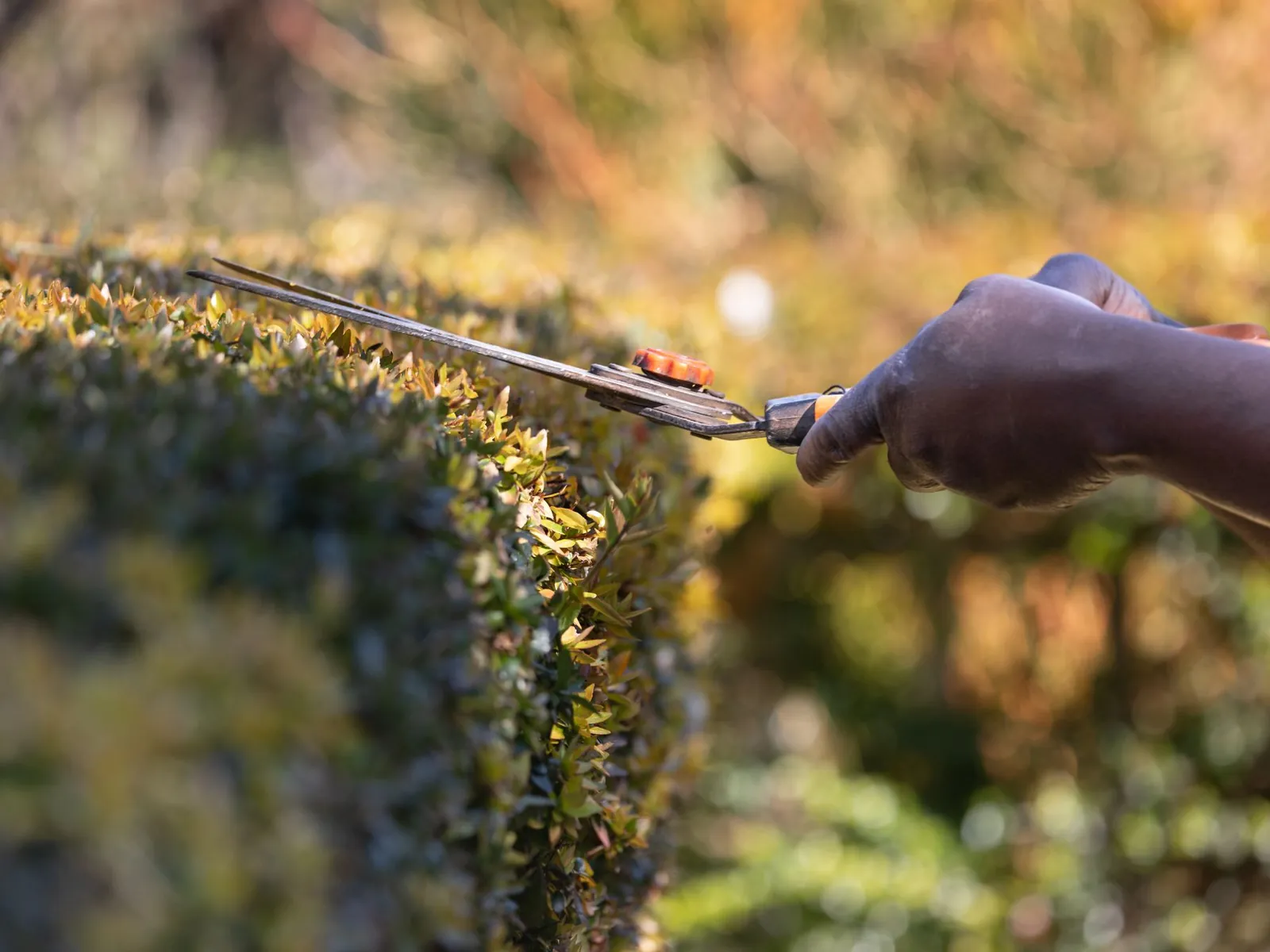
Hands trimming a hedge with shears
๐Ÿ‘‹ Hi Doris,๐ŸŒฟ tomorrow at 9:00 am our gardener is coming by for the hedge trimming.โœ‚๏ธ We'll cut back the hedge along the street and the neighbor's border to the agreed height, we take the clippings with us and sweep the sidewalk clean.๐Ÿ‚ Please move the garden furniture and planters a bit to the side so we can get to everything easily.๐Ÿšช We'll leave the garden gate open if you're not home, just let us know.โฑ๏ธ The job takes about two hours, if it rains we'll move it to the next day and let you know beforehand.๐Ÿ”” Let us know by this evening if something comes up.17:20
See notes

The day before

A reminder the day before, without anyone in the office having to think of it.

Contact sends a message with a keyword
Handyman drilling into a wooden board
๐Ÿ‘‹ Hi Georg,๐Ÿ”ง thank you for your report about the damage in the stairwell, we've passed it on to our team as a task.๐Ÿ“ A staff member will look at the Office today, write a short report and make Photos for the owner and the property management.๐Ÿ•‘ You'll hear from us by 2:00 pm, by then it will be clear whether we can help ourselves.๐Ÿฆบ In case of danger we block off the area right away and put up a sign.๐Ÿ“ž Please call us if anyone gets hurt, you'll find the number in your contract.๐Ÿ”” You can send us more details and photos here in the chat at any time.11:05
See report

Report from the contact

When someone writes a keyword, a task and a confirmation of receipt are created.

Here is what SmartChat can do in Asana

These actions are available to an automation. SmartChat AI picks the right one based on the goal you name.

  • For every sign-up through my landing page, create a task in the New customers project.

    Create task

    The automation fills in name, description and project from the details of the sign-up.

  • Add the subtasks viewing, quote and start to the task.

    Create subtask

    The automation splits large jobs into small steps.

  • Write the contact's reply as a comment on the task.

    Write comment

    The contact's reply and request appear right on the task.

  • For requests with the keyword damage, set the tag urgent and add Ms. Keller as a follower.

    Tag and follower

    Urgent items get a tag, important colleagues follow the task.

  • Update the task as soon as the contact has confirmed the viewing appointment.

    Update task

    If something changes, the automation adjusts the task.

How to set up your first flow.

Three steps, one chat window. The rest happens in the automation.

  1. 1

    You connect Asana

    Write in the AI Chatthat you want to connect Asana. The Asana login window opens. You choose your account and allow access, and you enter your password only there.

    Connect Asana with my account.
  2. 2

    You describe the flow

    You name the trigger, task and message in plain sentences.

    When someone signs up for a lock change, create a task for the technician and confirm it to the contact by WhatsApp.
  3. 3

    You check the result

    SmartChat AI shows you the automation before it starts. This is how the contact reads their confirmation.

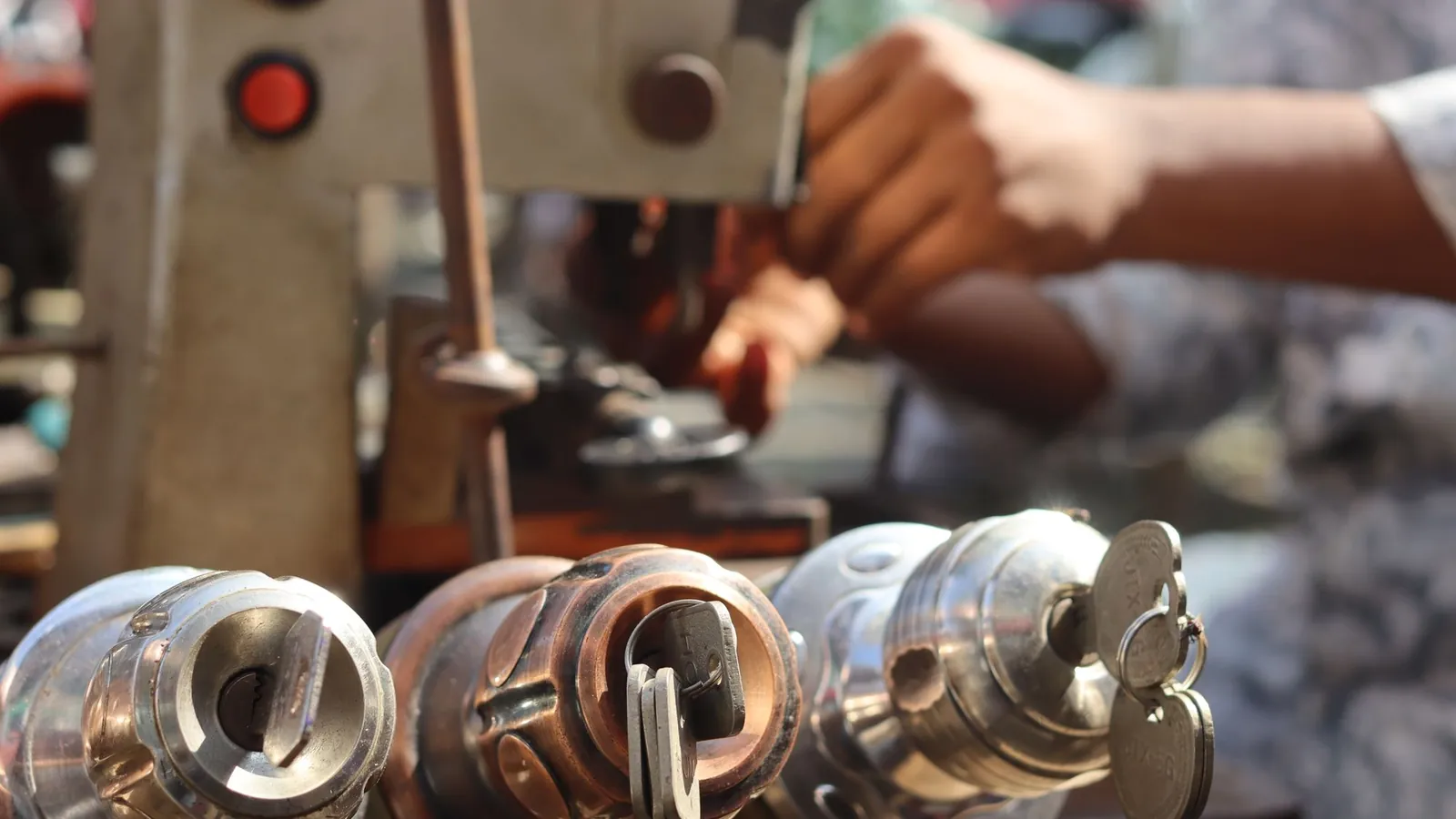
    Hands working with a key cutting machine and a tool
    ๐Ÿ‘‹ Hi Eva,๐Ÿ” your appointment for the lock change is booked, the task is with our technician.๐Ÿ“† He'll come on Wednesday at 10:30 am and bring the new cylinder with him.๐Ÿ”‘ Please have all your old keys ready, we'll count them together and give you three new ones.๐Ÿ›ก๏ธ We recommend a security levelthat suits your door, we'll talk it through on site.๐Ÿงพ You'll get the invoice right after the work, a flat rate is already agreed, so there are no surprises.๐Ÿ”” Please let us know in good time here in the chat if you need to reschedule, and we'll find another day.13:15
    See technician

What your contact reads on the lock screen

  • Approved template

    Outside the inbox, SmartChat only sends templates that Meta has reviewed and approved.

  • Follow-up questions in the inbox

    If the contact writes back, you see it in the inbox.

  • Team stays in Asana

    The task sits where your team already works.

Handle the request, without and with SmartChat.

Without a connection

  • Someone types every sign-up by hand into Asana.
  • The contact waits and doesn't knowwhether their request arrived.
  • Mistakes in numbers and names creep in.
  • Urgent messages in the inbox get lost.

With Asana in SmartChat

  • The task is created automatically from the sign-up.
  • The contact gets their confirmation on WhatsApp.
  • Name and number come straight from the sign-up.
  • Your team sees new tasks in the usual project.

Connected in three steps.

All you need is one chat and one login window.

  1. You write it in the AI Chat

    You name Asana and the goal you want to reach.

    AI Chat
  2. You log in to Asana

    The Asana login window opens. You allow access there.

    Asana
  3. The automation is ready

    SmartChat AI shows it to you, you switch it on.

    Done

Frequently asked questions about Asana and SmartChat.

How do I bring Asana and SmartChat together?

Write in the AI Chatthat you want to connect Asana. SmartChat AI shows you a card with the button to connect. The Asana login window opens, you choose your account and allow access.

Does SmartChat see my Asana password?

No. You only enter it in Asana's login window. SmartChat doesn't get it.

How does a sign-up turn into a task?

You write in the AI Chat what should happen when someone signs up. SmartChat AI turns it into an automationthat creates a task in your project and sends the contact a confirmation.

What actions are there in Asana?

An automation can create tasks and subtasks, update tasks or search for them in the workspace, write comments, set tags and add followers. Projects and sections can be created too.

Can an event from Asana trigger a WhatsApp message?

Yes, through the webhook inbox. Asana reports the event directly or through a tool like Make, Zapier or n8n to the secret address of your automation. You can filter on fields of the event.

What happens if the event has no phone number?

Then SmartChat can't send a WhatsApp message and skips that step. The task itself is not affected.

Who can set this up?

Only admins use SmartChat AI to build and change automations. After that, your team keeps working in Asana as usual.

Does SmartChat show the automation before it starts?

Yes. Once you've named a goal, SmartChat AI shows you the automation before it runs. Changes can be undone.

Is the Free plan enough for Asana?

An automation with Asana counts as an additional automation. Free and Starter only have the fixed automation for new contacts. Basic has 3 automations, one of them fixed, and Pro has unlimited.

What does SmartChat cost with Asana?

Free costs โ‚ฌ0, Starter โ‚ฌ299, Basic โ‚ฌ499 and Pro โ‚ฌ999 per month, plus VAT. Sending and every run of an automation cost no credits. You can find Meta's fees for messages here.

Why does every message need a template?

Outside the inbox, SmartChat only sends messages as a template that Meta has reviewed and approved. SmartChat AI writes it for you and submits it.

How does a contact stop receiving messages?

They write STOP and are unsubscribed right away. After that they get no more messages, not even from flows with Asana.

Connect your team. In 60 seconds your system is ready.

Enter your website, and SmartChat AI builds your landing page, confirmation message and thank-you message. After that you connect Asana in the AI Chat.