Connect Airtable to SmartChat
Connect Airtable in the AI Chat. Then SmartChat informs your contacts as soon as their record changes.


How you connect Airtable to SmartChat.
You don't need a developer. You describe your plan in the AI Chat and allow SmartChat access to Airtable once.
You start in the AI Chat
Write in the AI Chatthat you want to connect Airtable. SmartChat AI shows you a card with the button to connect.
AI ChatAirtable asks
In Airtable's login window, you choose your account and allow access. Your password stays with Airtable.
AirtableYour bases are reachable
From now on, SmartChat AI can create and change records in your automations.
Done
What a record can trigger in WhatsApp.
Three businesses, three databases: as soon as a field changes or a new row is added, an automation can inform the right contact.
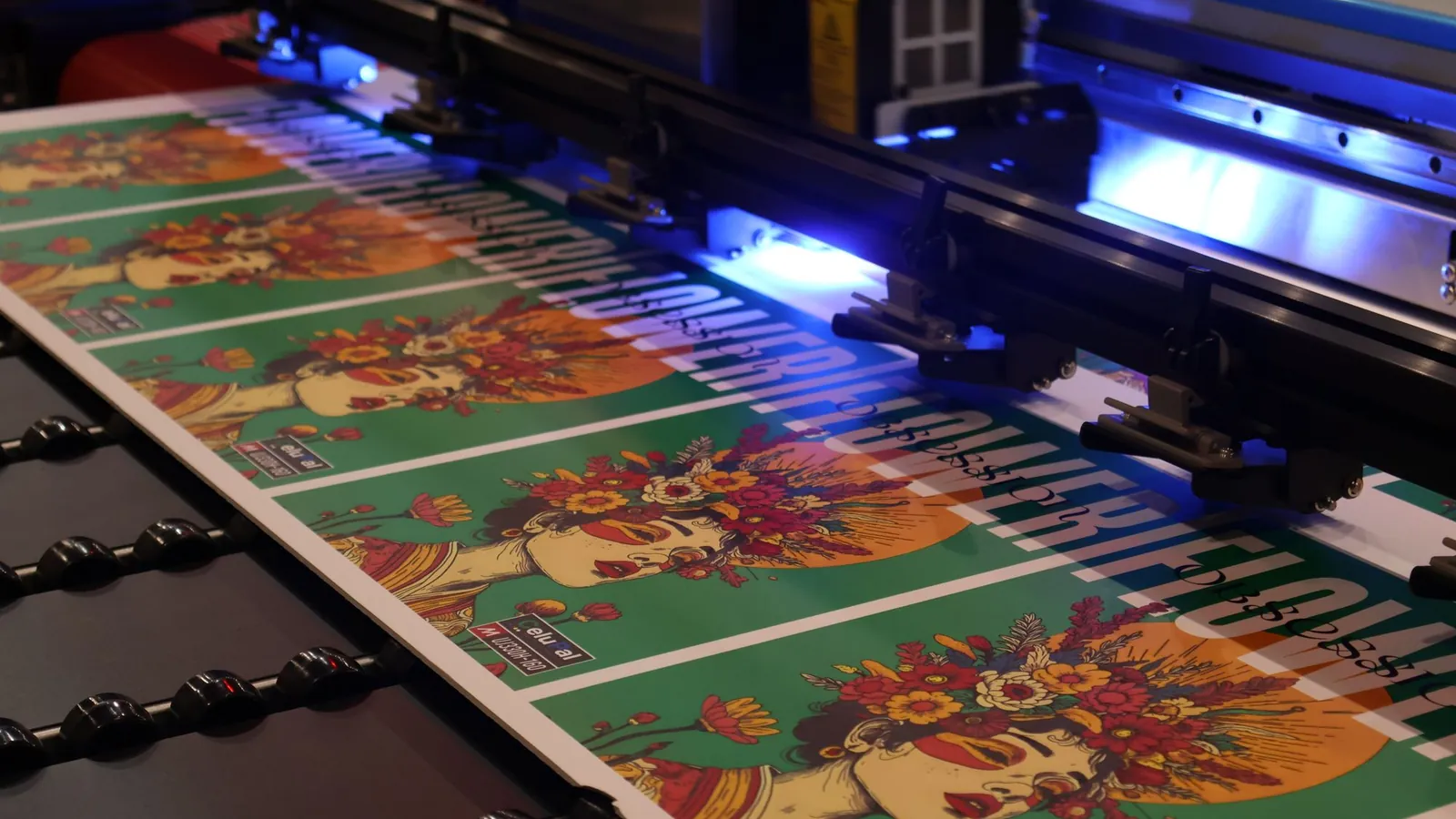
Once the status is set to printed, the customer knows.
For every guest in the event table, a reminder goes out the day before.
From the firing schedule comes the message that the bowls can be picked up.



These Airtable actions are available in SmartChat.
All actions are listed in Airtable's docs. You don't have to choose any of them: SmartChat AI picks the one that fits your goal.
- For every sign-up through my landing page, create a record in the table Course bookings.
Create record
Every sign-up becomes its own row.
- From a new contact's first message, create a record with name and request.
Record from one sentence
Plain words become an entry.
- Set the status to collected as soon as the contact writes a message with the keyword Thanks.
Change record
Only the fields you name are updated.
- Every Monday, get all records with the status open, sorted by date.
List records
With filter and sorting.
- Write the contact's reply as a comment on their record.
Create comment
Replies land right on the record.
- In my base, create a new table for the spring fair.
Create table
A fresh table for every new campaign.
On the lock screen it looks like this.
From your fields
Names, quantities and dates come from the fields of the record.
Reviewed by Meta
Meta has approved the template before the first message goes to a contact.
Follow-up questions in the inbox
If someone replies, your team reads the message in the inbox.
How a changed record becomes a message.
Airtable and SmartChat talk through the secret webhook address of your automation. A tool like Make, Zapier or n8n passes the change on.
A field changes
Your team switches the status, for example to printed.
AirtableThe change is reported
Make, Zapier or n8n send the values of the record to the webhook address.
webhookThe filter decides
Only if the status matches does the automation start. All other reports go nowhere.
FiltersThe contact is informed
SmartChat finds them by phone number and sends the message with the values from the record.
WhatsApp
Three sentences are enough for the automation.
You describe in the AI Chat what should happen. SmartChat AI builds the automation and shows it to you before it starts.
- 1
Describe the result
Who finds out what as soon as something changes?
Inform every customer via WhatsApp as soon as their order in Airtable has the status printed. - 2
Name the base
If you have several, SmartChat AI asks you with a card.
Use the base Orders Autumn, not the base Archive. - 3
View the preview
You check the trigger and message before turning it on.
Show me the automation before it starts.
Confirm pre-orders without typing.
When your team enters a pre-order, the automation confirms it right away.
Right after the entry
The record is the trigger, no further step needed.
With number and date
Everything in the message comes from the fields of your table.
Follow-up questions stay visible
The reply appears in the inbox and can land as a comment on the record.


Maintaining a database, separate or connected.
Data and messages separate
- You check Airtable and type the message yourself.
- When a status changes, someone only remembers it later.
- The customer's reply is nowhere near their entry.
- Everyone on the team writes a bit differently.
Airtable and SmartChat together
- The status change starts the message.
- Every message comes from the same approved template.
- The reply can land as a comment on the record.
- New sign-ups appear as a row, without typing.
Frequently asked questions about Airtable and SmartChat.
How do I bring Airtable and SmartChat together?
You write in the AI Chatthat you want to connect Airtable. SmartChat AI shows you a card with the button to connect. Airtable's login window opens, where you choose your account and allow access.
Do I have to type an Airtable password into SmartChat?
No. Login takes place in Airtable's window. You enter your password only there.
Can SmartChat create a record in my base?
Yes. According to the docs, there are actions that create records in a table, up to ten at a time. This way, an automation can enter every sign-up that comes through your landing page as its own row.
Can a record also come from a freely written sentence?
Yes. There's an action that creates a record from a description in plain words. SmartChat AI decides whether it fits your goal when it builds the automation.
Can SmartChat change an existing record?
Yes. An automation can change individual fields of a record, for example the status from open to collected. Fields you don't mention stay untouched.
Can SmartChat select records that match a filter?
Yes. The docs describe listing records with filter, sorting and paging. For example, you can pull a list of all records with the status open.
How does a changed record start a WhatsApp message?
Every automation can choose the trigger Event from an app and gets a secret webhook address for it. Make, Zapier or n8n report the change from Airtable to it. A filter like status equals done makes sure only matching records trigger the message.
What happens if the record has no phone number?
Then SmartChat can't send a WhatsApp message and skips the step. So create a field for the number and include it in the message.
Can SmartChat write comments on a record?
Yes, the docs list actions for creating, reading and changing comments on records. This lets your team read what a contact replied.
Are automations with Airtable part of my plan?
They count as additional automations. Free and Starter include only the fixed automation for new contacts, Basic allows three automations with one fixed, Pro allows as many as you like.
How much does sending cost?
SmartChat costs €0 in Free and €299, €499 and €999 per month in Starter, Basic and Pro, each plus VAT. Sending and every run of an automation cost no credits. You can find Meta's own fees here.
Why does a message only go out as a template?
Where there's no open window in the inbox, Meta requires a reviewed and approved template. SmartChat AI writes it and submits it. After approval, every automation uses this template.
How does SmartChat handle STOP?
If someone writes STOP, they're unsubscribed immediately and get neither newsletters nor automations from SmartChat. Their record in Airtable stays unchanged unless you change it yourself.
Your record speaks now. In 60 seconds your system is ready.
Enter your website and SmartChat AI builds your landing page, confirmation message and thank-you message. Then you connect Airtable in the AI Chat.