
Skip to content

WhatsApp marketing for painters.

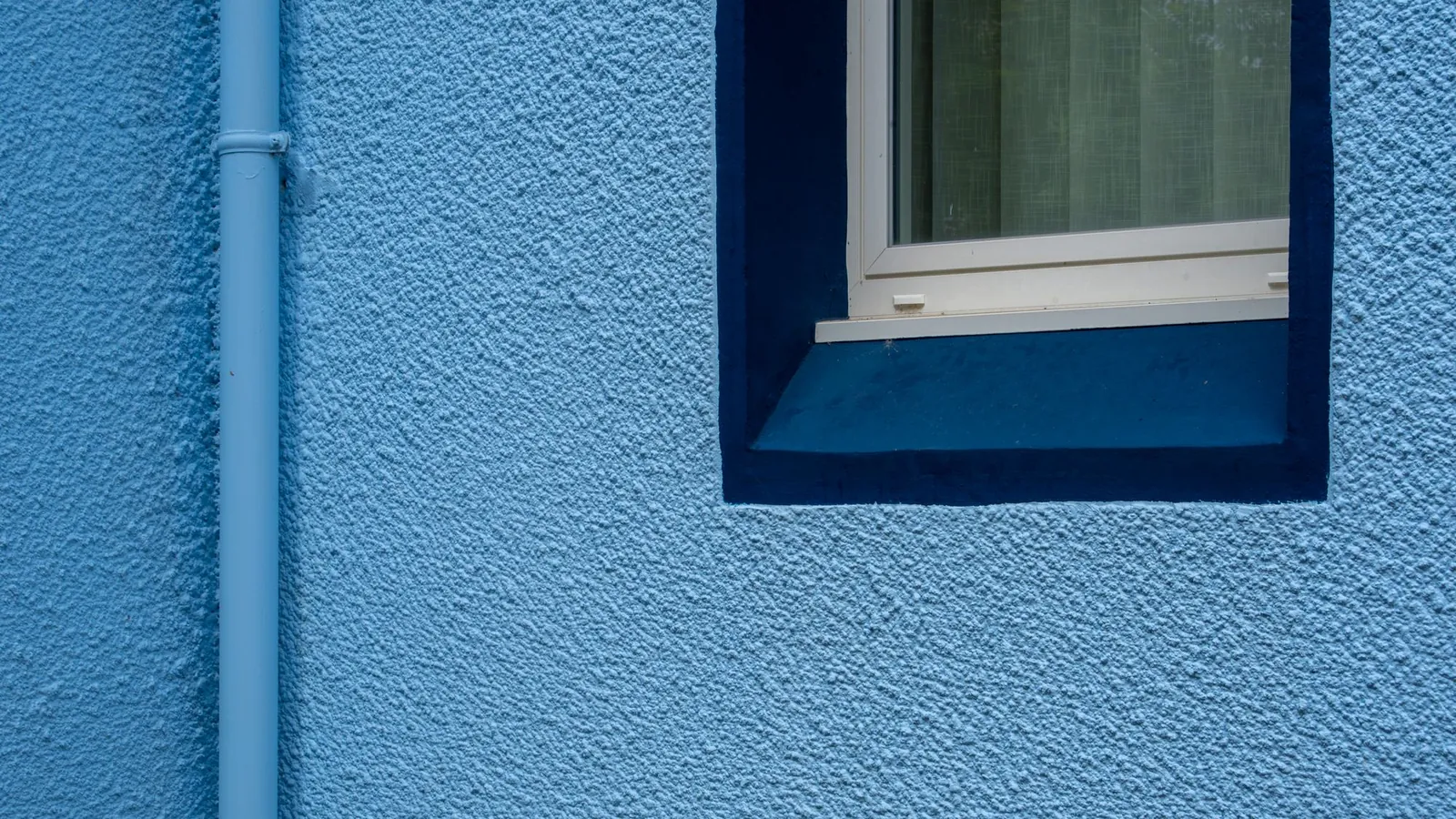
Facade for spring

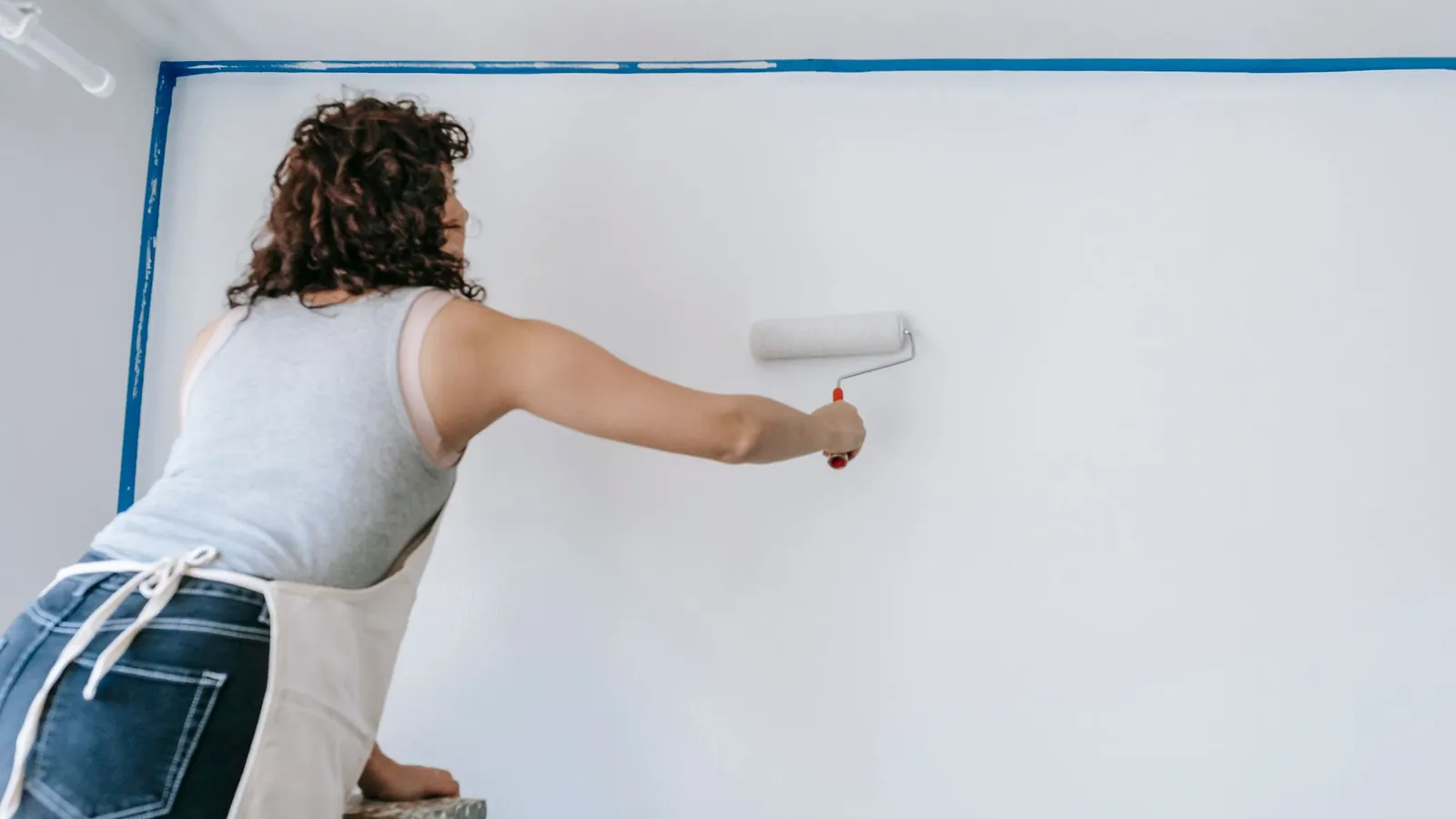
A calm photo sparks curiosity. It's best to show a room your team has painted. SmartChat takes images from your website, or you upload your own.

Plain calendar on a light wall, image in the newsletter

image

πŸ‘‹ Hello Ute, ❄️ it's getting cold outside, and indoors now is the

best time for fresh color . Heating on, window open briefly, and everything dries quickly. πŸ“… Infree weeks January and February we still have for interiors. 🏠 We paint living rooms, stairwells and hallways , wallpaper and neatly fill cracks. 🧱 We take off oldwoodchip wallpaper . If you like, afterwards there is non-woven wallpaper or lime plaster for a calm, smooth surface. πŸ›‘οΈ We cover floors and furniture with sheeting and cardboard. In the evening everything is tidy . πŸ‘‰ Secure your place before the facades begin in. spring SmartChat AI writes it from your website and your services, from wallpapering to facades. Months and services are in bold.
10:00

Text

Request a winter week

Your customer requests their winter week with one click. They don't have to pick up the phone.

button

SmartChat prepares your customers

SmartChat prepares your customers automatically for the appointment.

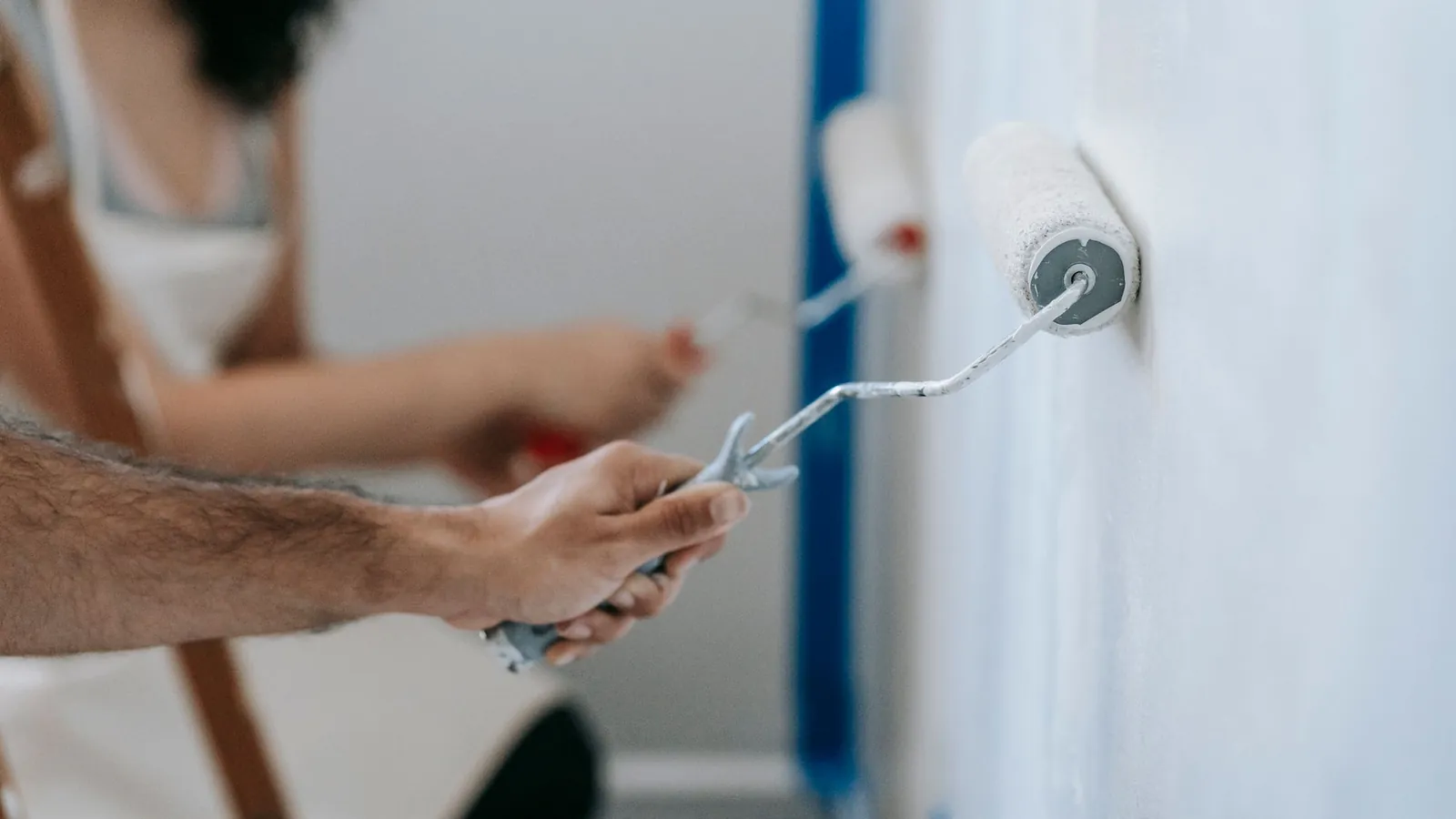
Couple painting a wall with rollers, perfect for home improvement and renovation themes.

Right after confirmation
🎨 Thank you, you are now
πŸ–ŒοΈ We are a signed up.painting business with our own team and work in the whole region , indoors and out., planning for theπŸ“… Here you'll hear about open appointmentsand new colors. spring πŸ’¬ Do you have a question about facade, wallpaper or paint?in this chat, even in the evening or on weekends. Just write to us 🧰 Every job with us includescovering, tidying up and final cleaning . You take over a finished room.🀝 We look forward tocoming by soon and choosing the right color with you. Anyone who confirms in WhatsApp immediately gets a short introduction to your business and knows what you will be informing them about.16:06
View services

Thank-you after signup

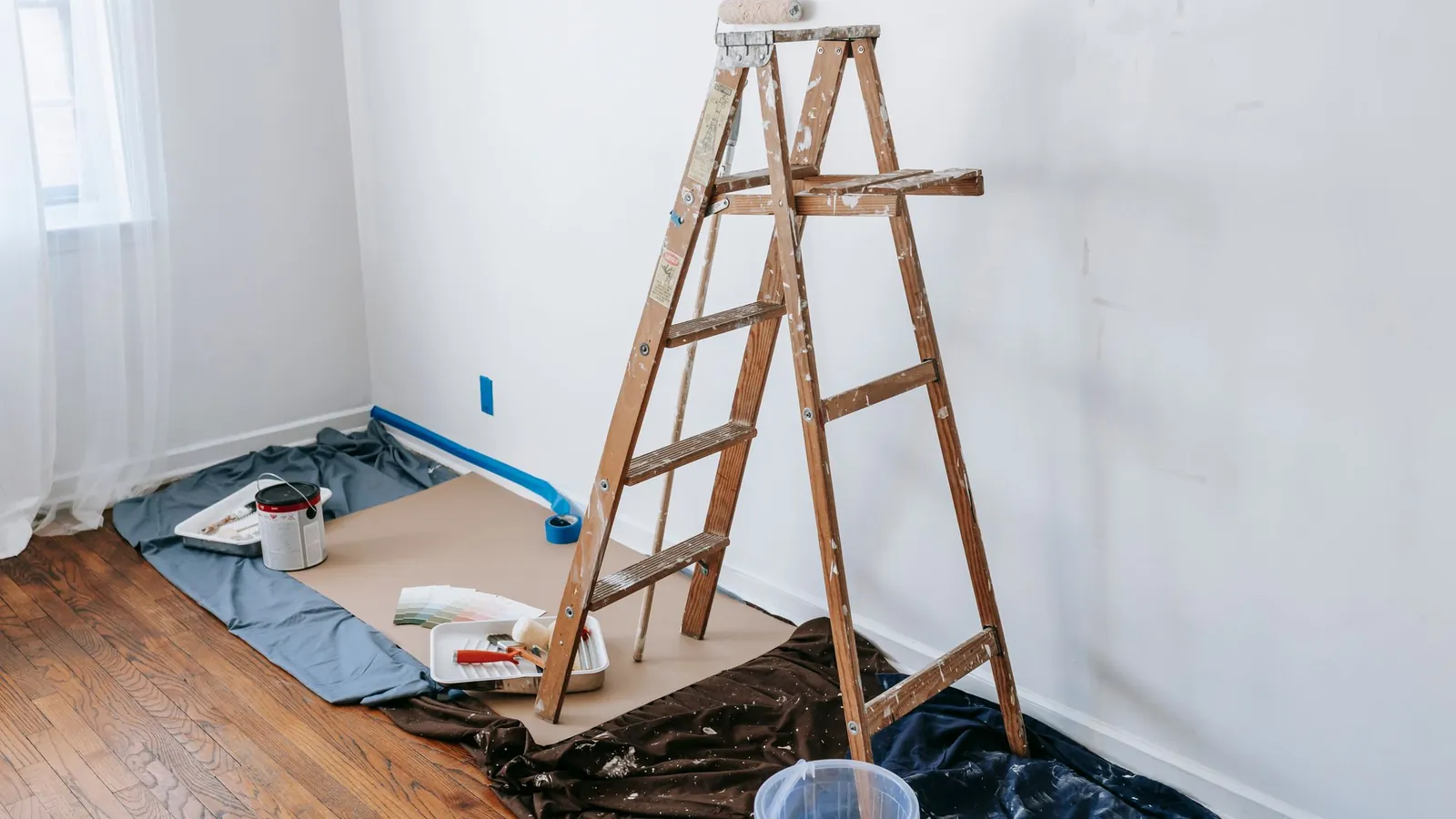
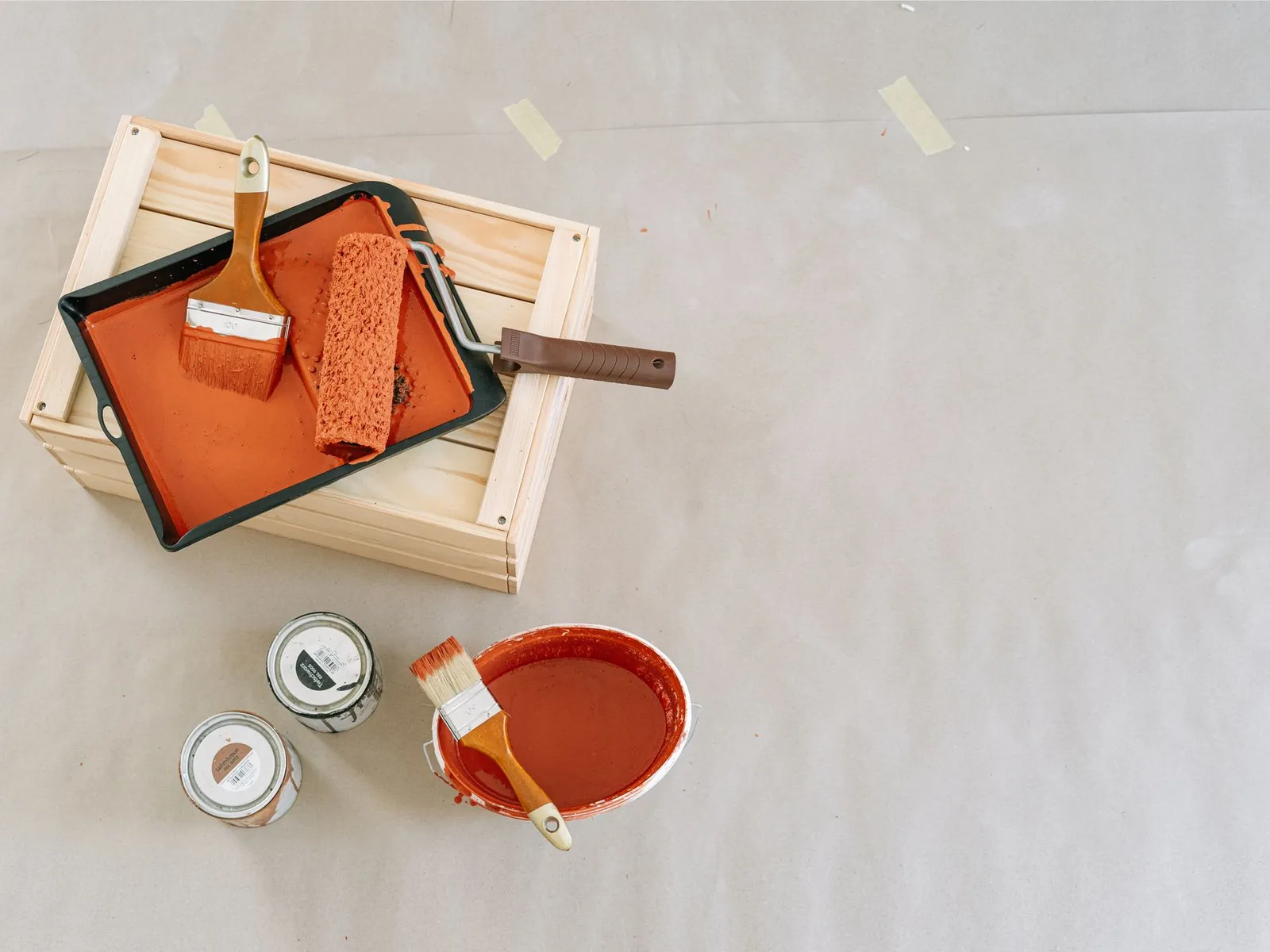
Explore this overhead view of essential painting tools and supplies perfect for home renovation projects.
As soon as a job is scheduled
firmly scheduled
πŸ‘‹ Hello Andreas,βœ… your job is : We start onMonday, 16 November with, at 7:30 am.πŸ‘· There will be two painters from our team, the work takes about three days. Every evening they pack their tools away.🎨 We're painting in pure white and in the shade sand beige, just as we agreed during the consultation.🚐 Our van needs a spot in front of the house. If there's a driveway, we'll park there and unload the material right away.🧾 At the end, we walk through all the rooms together. Only then do you get the invoice.πŸ“² If anything changes on your end, just write to us here.14:40
Save appointment

Start date confirmed

If your job software can report new appointments to SmartChat, your customer hears about the start date right away on WhatsApp.

1 day before the start
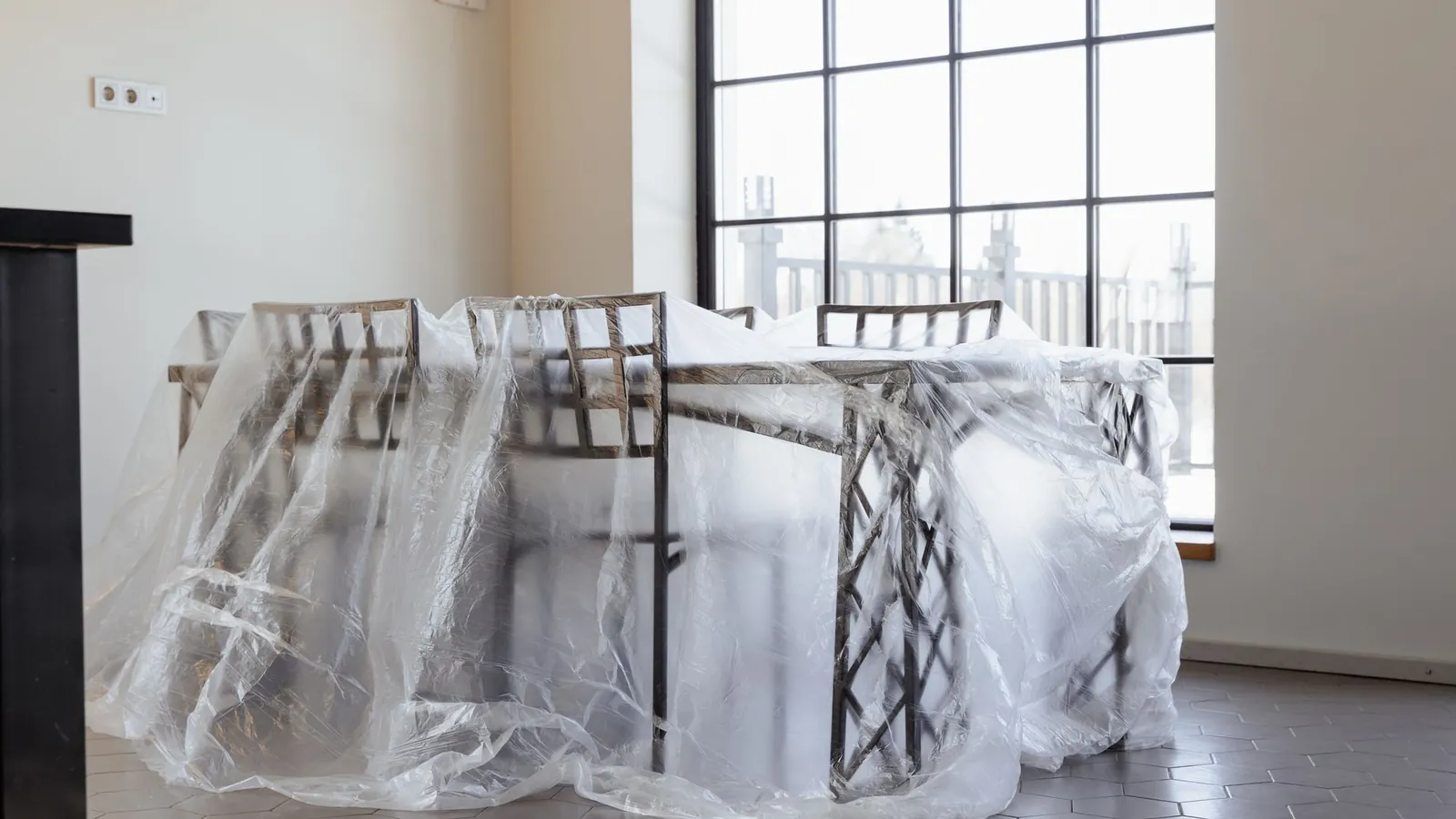
Dining chairs and table covered in plastic, a new home interior ready for moving in.
πŸ‘‹ Hello Christine,πŸ“… tomorrow at 7:30 am our team will be at your door with ladders, paint and covering material.πŸ–ΌοΈ Please take down pictures and curtains and clear small items from the shelves and windowsills.πŸ›‹οΈ We'll move the heavy furniture aside ourselves and carefully cover into the middle of the room ourselves and cover it with plastic sheeting, including the piano and the wall unit.πŸ”‘ If you work during the day, just give us the key key when we start. In the evening, we lock up again.🐾 Do you have pets? Then plan a quiet room for them where we won't be painting.πŸ’¬ We'll answer any questions about the process right here.17:00
View checklist

The day before: prepare the rooms

SmartChat checks your calendar and, the day before, sends what your customer should prepare. Your team can start on time.

This is how your customers get on your WhatsApp list.

Your customers sign up themselves: with the QR code on a color card, quote or invoice, on your website or via a link. Your customer only gets your newsletter once they have confirmed in WhatsApp themselves.

  1. 1

    Your customer scans the QR code

    SmartChat creates the code for your landing page. You print it on color cards, quotes and invoices.

  2. 2

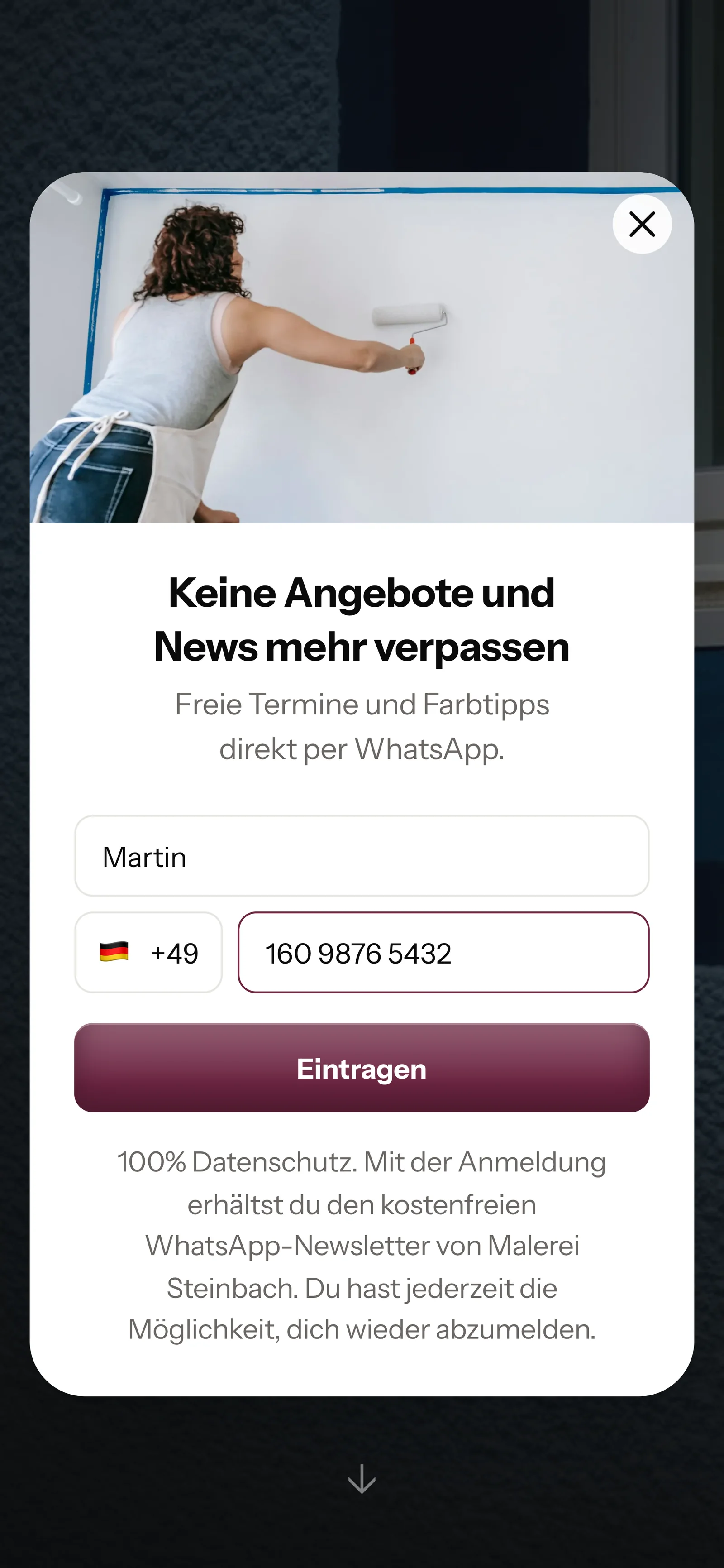
    Your customer enters first name and phone number

    On your website, the same small window opens. It asks for nothing more.

    Real website pop-up of Malerei Steinbach with a photo at the top, mobile view: headline "Never miss offers and news again", first name Martin and phone number entered, button "Sign up"
  3. 3

    Your customer confirms their sign-up

    This is the double opt-in: your customer confirms in WhatsApp themselves before SmartChat sends them anything.

    πŸ‘‹ Hello Martin,🎨 here you'll get free painting appointments, invitations to a color consultation and tips for your home.βœ… Do you want to receive these messages? Then click the button below: Confirm.πŸ”’ You can unsubscribe at any time. Just write STOP.16:05
    Confirm
    Confirm16:05
  4. 4

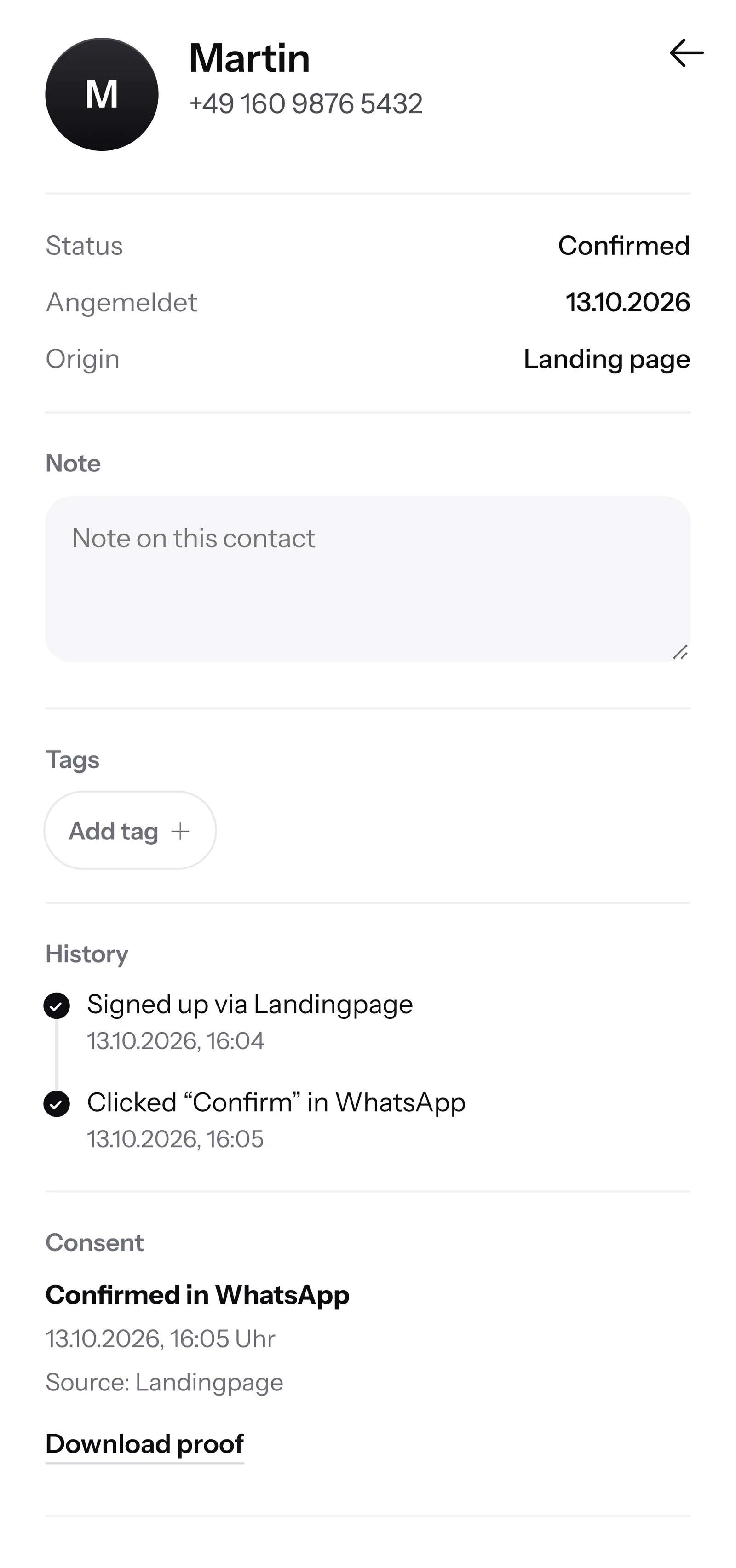
    You have the proof

    SmartChat records when and how your customer gave consent. You download the proof as a PDF.

    Contact Martin in SmartChat, mobile view: status Confirmed, sign-up history, consent in WhatsApp confirmed and button Download proof

SmartChat AI replies while you're on the job site.

When a customer writes while your team is up on the ladder and nobody can pick up the phone, SmartChat AI replies for you fully automatically. It answers with the knowledge it has learned from your website and your documents. If it has no source, it hands the chat over to you.

Inbox in SmartChat: SmartChat AI answers a WhatsApp question from a customer of Malerei Steinbach
  • Even up on the ladder

    You keep painting, and SmartChat AI answers the questions in the chat.

  • In every language

    SmartChat AI replies in the language your customer writes in. If a tenant writes in English, SmartChat AI replies in English.

  • Your office takes over

    If SmartChat AI doesn't know an answer, your office sees the question in the inbox and replies themselves.

Frequently asked questions about WhatsApp marketing for painters.

Only the customers who have signed up themselves and confirmed in WhatsApp. You invite everyone else, with the QR code on a quote or invoice, on your website or via a link. SmartChat stores every confirmation as proof and so supports you with consent.

Only customers who signed up themselves and confirmed in WhatsApp. You invite everyone else with the QR code on a quote or invoice, on your website or via a link. SmartChat saves every confirmation as proof and so supports you with the consent.

Everywhere your customer holds paper from you: on the quote, the invoice and the color cards you leave behind after the consultation. On your website, a small popup also asks visitors whether they want to sign up.

Everywhere your customer holds a piece of paper from you: on the quote, the invoice and the color cards you leave behind after the consultation. On your website, a small popup asks visitors whether they want to sign up.

Because after the living room, the stairwell, the facade or the garden fence will soon be next. Someone who reads from you regularly still remembers which painter worked so cleanly, and asks you first.

Can I send the winter weeks only to customers with interior jobs?

Yes. Give your contacts tags, for example "Interior" or "Facade". When you write the newsletter, you choose the matching segment, and the message goes only to those contacts.

Yes. Give your contacts tags, for example "Interior" or "Facade". For a newsletter, you choose the matching segment, and the message only goes to those contacts.

No. Measuring, quotes and invoices stay in your software. SmartChat takes care of the WhatsApp messages. If your software reports a new job via webhook, SmartChat automatically sends your customer the start date.

Does SmartChat AI tell my customers prices per square meter?

SmartChat AI only gives prices that are on your website or in your uploaded documents. For a paint job, area, surface and preparation work all count, so SmartChat AI mostly invites people to a site measurement. If SmartChat AI cannot answer, the message is passed on to your team in the inbox.

How does SmartChat AI know which services my painting business offers?

SmartChat AI analyzes your website and every document you upload, for example your service list or info on lime plaster and glazes as a PDF. When a new service comes in, you upload it.

Do I have to write the WhatsApp messages for my painting business myself?

No. You give SmartChat AI the topic, for example the free winter weeks. SmartChat AI writes the newsletter to fit your business, you read it through and send it with one click.

Can the office and the journeymen reply on WhatsApp together?

Yes. All conversations come together in one inbox, and everyone on the team replies from there, even from the building site. Free has 1 team seat, Starter 3, Basic 6 and Pro 12.

Do I need my own WhatsApp number for my painting business?

No. You connect the phone number your customers already know to SmartChat. You confirm it with a code from Meta, the company behind WhatsApp. You use one number per account.

What does SmartChat cost for a painting business?

Free costs €0, has no time limit, needs no credit card and includes 100 messages one time only. Starter is €299 per month with 3,000 messages, Basic is €499 with 6,000 and Pro is €999 with unlimited messages. Sending costs no credits. All prices plus VAT, more under Pricing.

Free costs €0, has no time limit, needs no credit card and includes 100 messages one time only. Starter is €299 per month with 3,000 messages, Basic is €499 with 6,000 and Pro is €999 with unlimited messages. Sending costs no credits. All prices plus VAT, more at Pricing.

Meta bills you directly for the WhatsApp fees. For that, you add a payment method in your Meta account. You pay SmartChat only for your plan. You can find the exact prices here.

Meta bills the WhatsApp fees directly to you. For that, you add a payment method in your Meta account. You only pay SmartChat for your plan. You can find the exact prices here.

Free and Starter include only the fixed automation for new contacts (confirmation and thank-you). Basic has 3 automations, 1 of them for new contacts, Pro has unlimited. Custom automations, such as the reminder the day before to take down pictures and curtains, are available from Basic.

Free and Starter only include the fixed automation for new contacts (confirmation and thank-you). Basic has 3 automations, 1 of them for new contacts, Pro has unlimited. Custom automations, like the reminder the day before to take down pictures and curtains, are available from Basic.

You give SmartChat AI the address of your website. In 60 seconds, your WhatsApp marketing system, landing page and QR code are ready. Then you connect your number and send your first message.

How does a customer unsubscribe from my painting business's messages?

A customer who has confirmed your newsletter can unsubscribe at any time by sending STOP in the chat with your business. From then on, SmartChat sends them nothing more and marks them as unsubscribed in your contacts.

A customer who has confirmed your newsletter can unsubscribe at any time with STOP in the chat with your business. From then on, SmartChat sends them nothing more, and SmartChat marks them as unsubscribed in your contacts.

WhatsApp marketing for your painting business in 60 seconds.

SmartChat AI analyzes the website of your painting business and builds your landing page with a QR code from it in 60 seconds. Free costs €0, with no time limit and no credit card.