


Skip to content

WhatsApp marketing for craftspeople and workshops.

With SmartChat, you send your customers every piece of news from your workshop via WhatsApp: the new series from the kiln, your next market date or free places in your course.

Gifts from your workshop in the WhatsApp newsletter

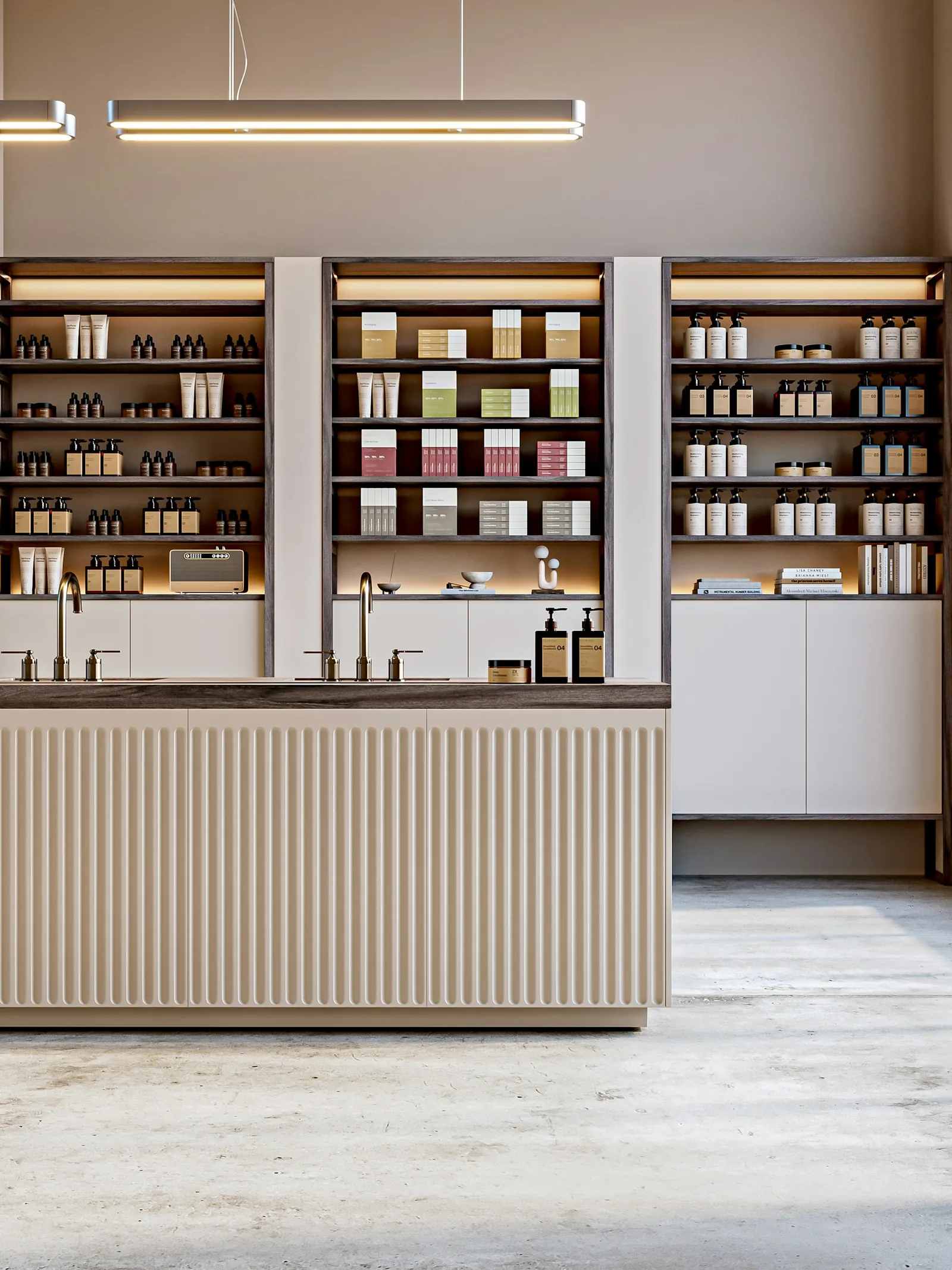
Bright shop with shelves and counter, image in the newsletter

image

You upload a photo of your new pieces, or SmartChat takes one from your website. Your customer sees the color and glaze right away.

👋 Hello Gabriele, 🎁 as of now, our gift shelf is in the workshop shop: mugs, butter dishes and small vases, all made by hand and each one a one-off. ✍️ If you like, we stamp a name or a date into the base, before firing. 📅 Order for that by 30 Novemberbecause the clay has to dry and go into the kiln twice. 📦 We pack everything break-proof and send it to your home or straight to the recipient, with a handwritten card if you like. 🕯️ On Advent Saturdays our shop is until 6 pm open, with mulled wine in the yard. 👉 Pick your favorite piece while the selection is large is.
10:00

Text

SmartChat AI writes the text from the details on your website. Dates and prices are in bold.

View gifts

button

One click leads straight to the gifts in your shop. Your customer orders without searching for long.

SmartChat sends these messages automatically.

SmartChat welcomes new subscribers, confirms orders from your shop and reminds them of the course the next morning. The thank-you message is included in every plan, the other two are separate automations from Basic.

As soon as a customer confirms

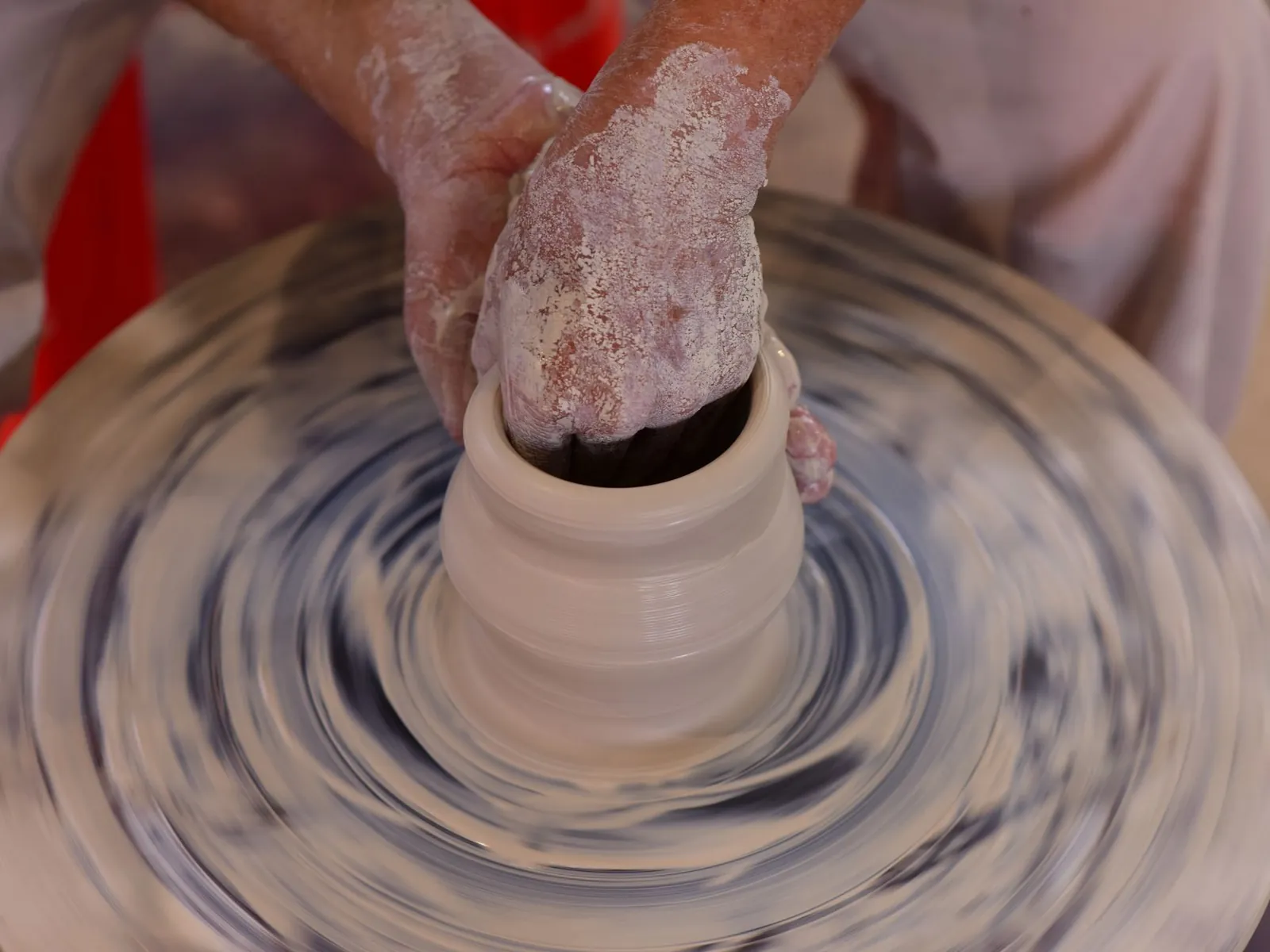
Artisan craft person shaping a clay pot on a spinning pottery wheel with expertise.
✅ Thanks, you are now signed up.🏺 We are a small Keramikwerkstatt Ostermann and we throw every piece ourselves on the wheel.🔥 You hear from us when a new series comes out of the kiln.📍 We also send you our market dates and free places in the pottery courses.🛍️ The Workshop store is open Tuesday to Saturday, and you can reach the online shop at any time.15:40
Open shop

Welcome after confirmation

Anyone who signs up and confirms gets a message from your workshop right away. Your new subscriber then knows what to expect.
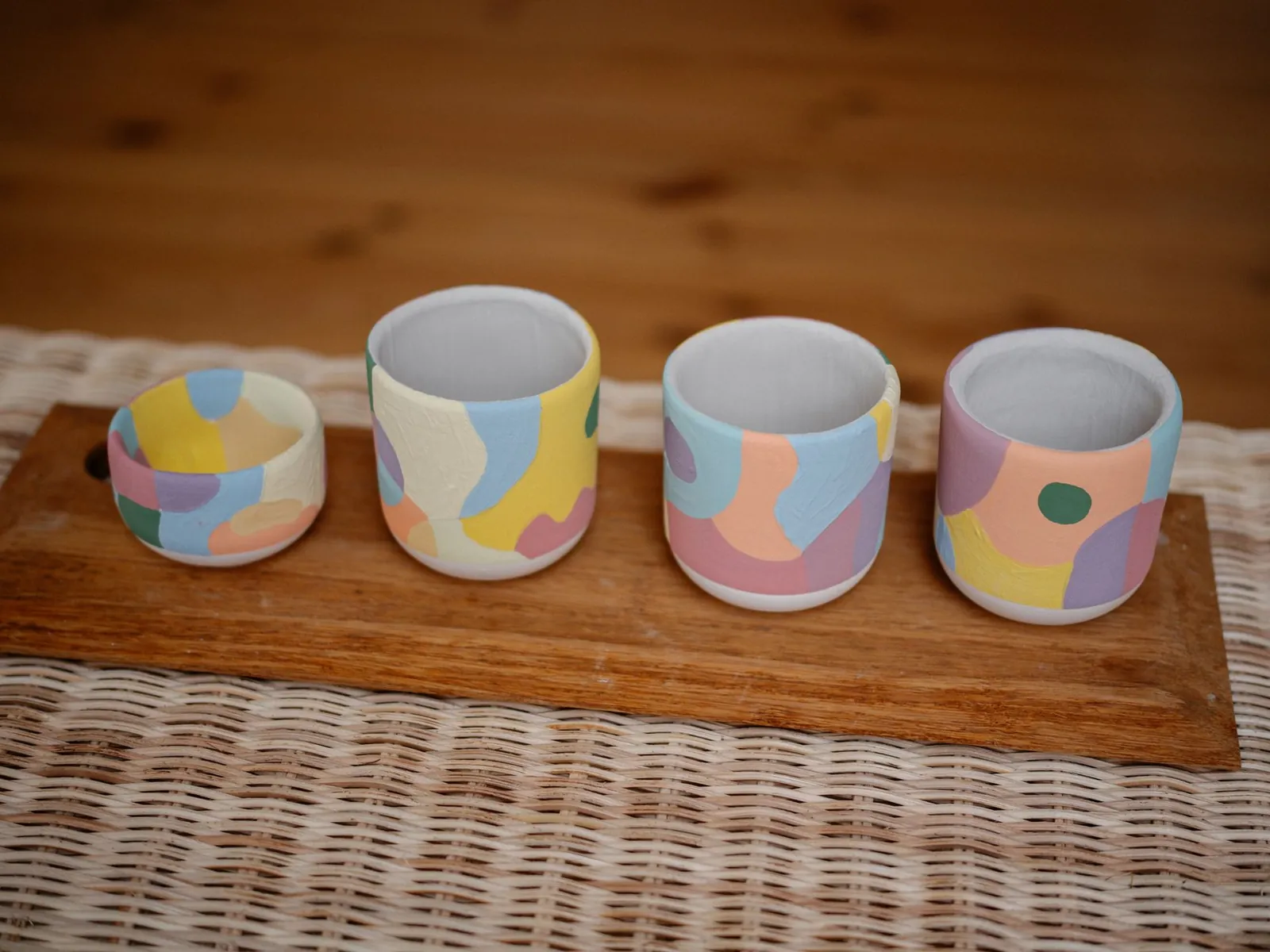
As soon as an order comes in
Vibrant ceramic cups with abstract patterns on a wooden tray, perfect for home decor inspiration.
👋 Hello Ute,✅ your order has reached us arrived: two Waldsee mugs and a butter dish.🖐️ We check every piece by hand, so your parcel goes out within three working days out.🌿 Everything is padded with wood woolso nothing breaks on the way.💬 Questions about care or shipping? Write to us right here.20:12

Message about the order

If your shop system can report new orders to SmartChat, your customer immediately gets a message with everything they need to know.

The day before the course
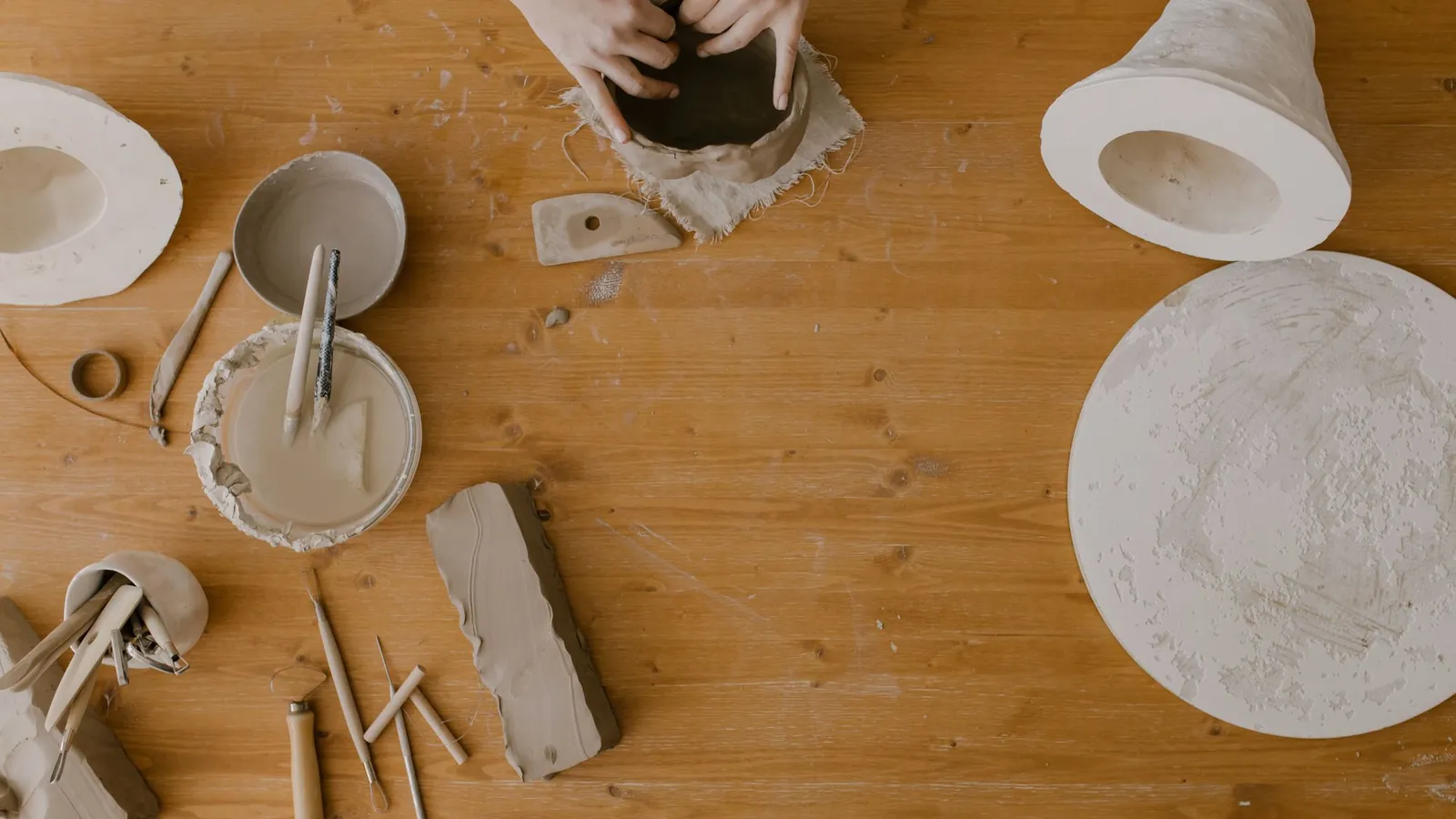
Hands sculpting clay in a pottery workshop, captured from above on a wooden table.
👋 Hello Martin,📅 tomorrow at 9 am your pottery course starts with us in the workshop.👕 It's best to wear clothes that can get dirty, aprons are ready.✂️ Short fingernails make throwing on the wheel much easier.☕ We take care of coffee and water 🎨 You choose theat the end of the morning. glaze next to the kiln.🚗 You can park 📍 You'll find the entrance Reminder before the course17:00
Plan route

SmartChat analyzes your calendar with the course dates and reminds every participant the day before. That way they know what to wear.

at the market stall and online.

This is how you collect contacts at the market stall and online.

It sits on the sign at the market stall, in the shop and on the care card that comes with every piece. SmartChat creates the code for your landing page.

  1. 1

    Your customer scans the QR code

    Open SmartChat: news from the workshop

  2. 2

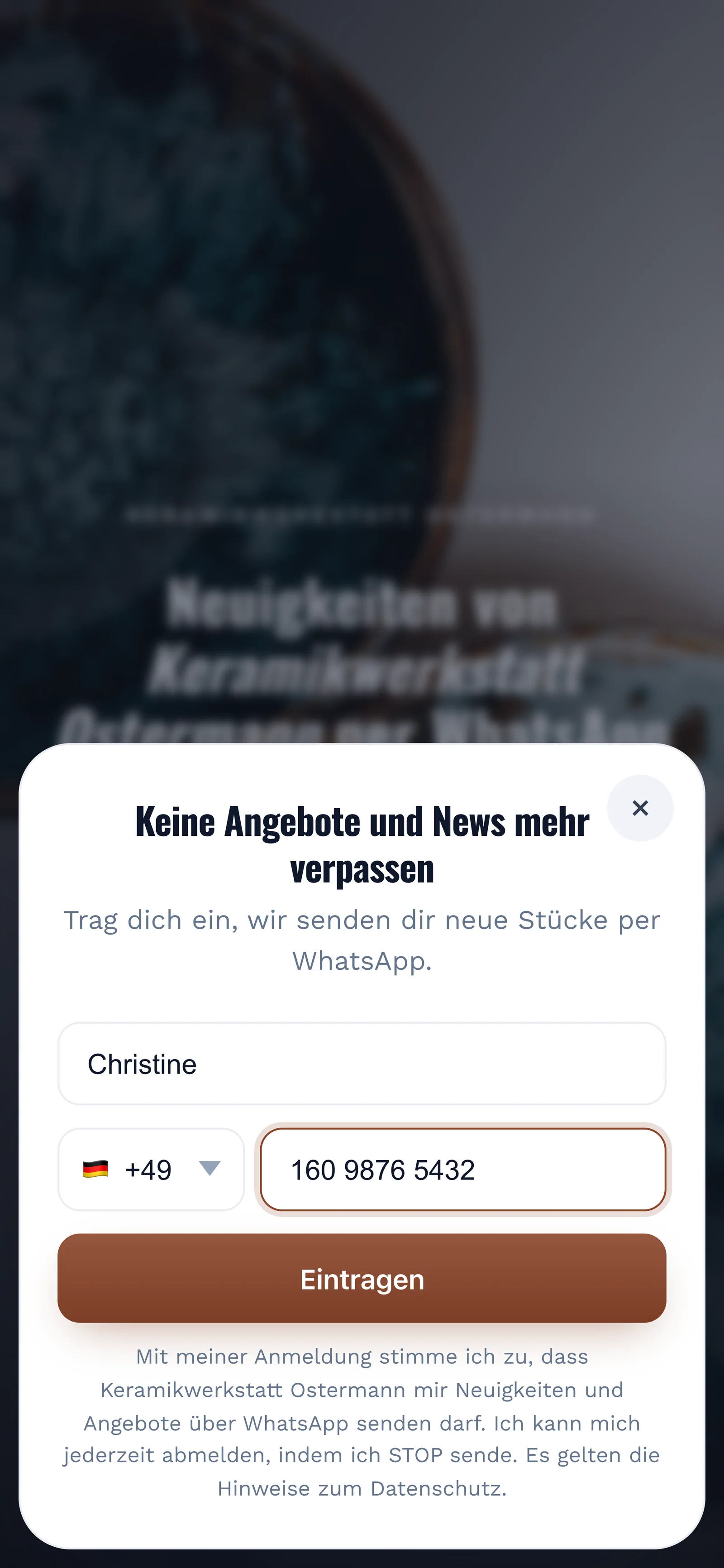
    Your customer enters first name and phone number

    Real sign-up popup on the landing page of Keramikwerkstatt Ostermann, mobile view: headline "Keine Angebote und News mehr verpassen", first name Christine and phone number filled in, button "Eintragen"

    They click Confirm once. This is how double opt-in works: the consent comes from your customer themselves, right in WhatsApp.
  3. 3

    Your customer confirms in WhatsApp

    🏺 here you learn about

    👋 Hello Christine,🏺 here you'll hear about new series from our workshop, market dates and free course places.✅ Do you want to receive these messages? Then click the button below: Confirm.🔒 You can unsubscribe at any time. Just write STOP.15:36
    Confirm
    Confirm15:36
  4. 4

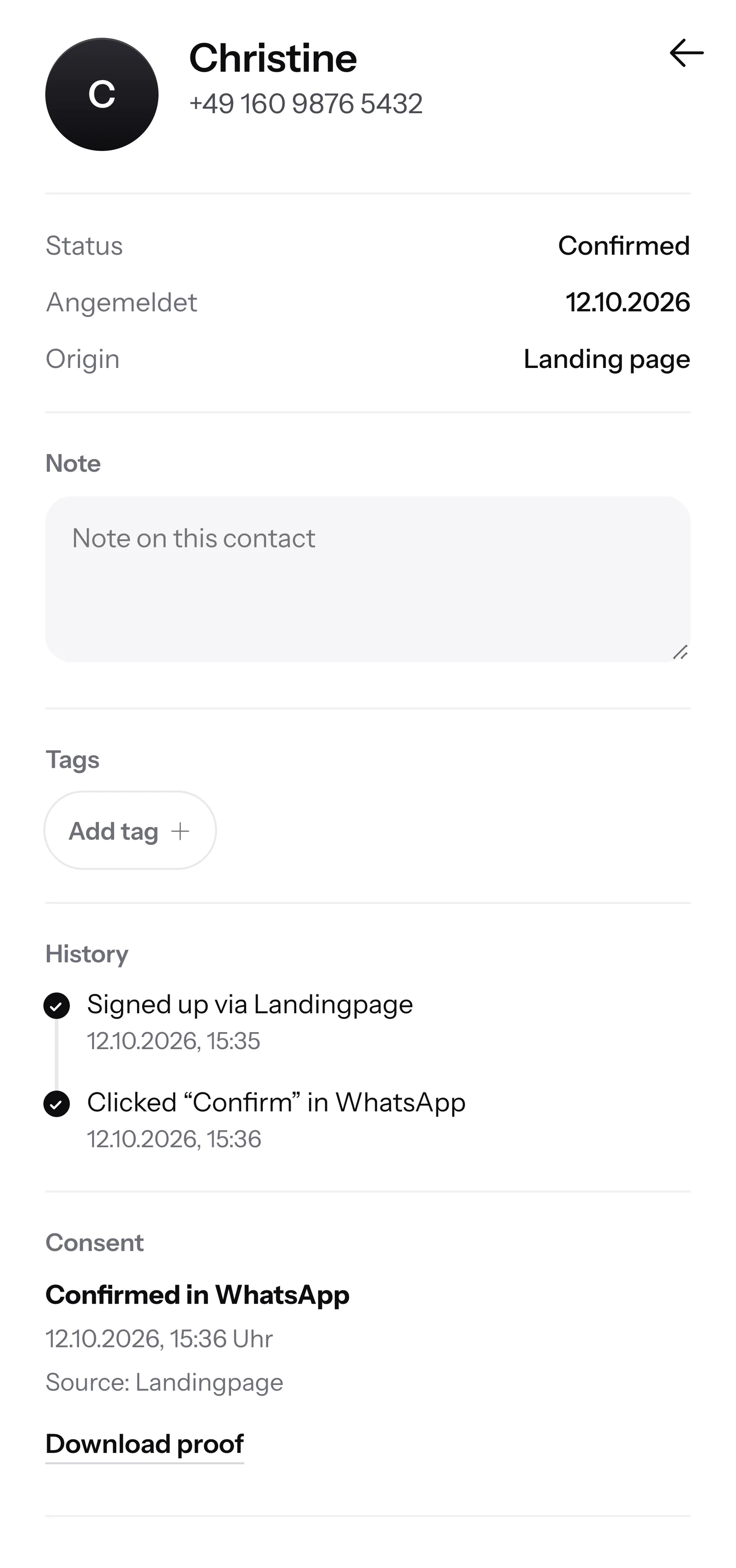
    You have the proof

    SmartChat AI knows

    Contact Christine in SmartChat, mobile view: status Confirmed, sign-up history, consent confirmed in WhatsApp and button Download proof

SmartChat AI knows your pieces.

Inbox in SmartChat: SmartChat AI answers a WhatsApp question from a customer of Keramikwerkstatt Ostermann

Your customers get an immediate answer to their questions, even in the evening and on weekends.
  • Even after closing time

    SmartChat AI replies in the language your customer writes in. Even visitors from abroad understand the message right away.

  • In every language

    If SmartChat AI cannot answer, for example with a commissioned piece or a price, the message is passed on to you in the inbox.

  • Special requests go to you

    WhatsApp marketing for craftspeople and workshops

Frequently asked questions about WhatsApp marketing for craftspeople and workshops.

Can I just message customers from the market on WhatsApp?

No. A chat at your stall or a business card they took with them is not enough. Your customer signs up themselves, via the QR code, your website or a link, and then confirms in WhatsApp. SmartChat stores this consent as proof.

Where do I place the QR code as a craftsperson?

Everywhere customers hold your pieces in their hands: on the sign at the market stall, in the shop, on the care card in the parcel and on the course schedule. SmartChat creates the QR code to match your landing page.

Is SmartChat an online shop for my pieces?

No. SmartChat sends your messages via WhatsApp and answers your customers' questions. Selling continues in your shop, at your stall or in your online shop. The button in the message leads exactly there.

Can I pass orders from my online shop on to SmartChat?

Yes, if your shop system can report new orders via webhook. Then SmartChat automatically sends your customer a message about their order. You can find out whether your shop can do that in its settings or help pages.

Can I include photos of new one-off pieces?

Yes. Every newsletter can carry an image at the top. You upload your own photo or take one from your website. With ceramics, wood or glass, your customer sees color and surface at first glance.

How do I announce free places in my course?

You tell SmartChat AI which course still has places on which day. SmartChat AI writes the message, you check it and send it to your subscribers. Whoever wants to join replies in the chat, and you add them to your course list.

Does SmartChat remind my course participants of the date?

Yes, with an automation. SmartChat reads your calendar via an iCal link and sends a reminder the day before. Custom automations are available from Basic: Basic has 3 automations, 1 of them for new contacts, Pro has unlimited. Free and Starter include only the fixed automation for new contacts.

How does SmartChat AI know the material, care and prices of my pieces?

From your website and from documents you upload, for example your price list or your care instructions as a PDF. If SmartChat AI cannot answer, the message is passed on to you in the inbox.

Can I take requests for commissioned work via WhatsApp?

Yes. If someone writes about a special request, such as tableware with a name or a set for a café, the message lands in your SmartChat inbox. You discuss the price and delivery date with your customer there yourself.

Do I need a second phone number for my workshop?

No, your current phone number is enough. During setup, you enter a code that Meta sends you. Meta is the company behind WhatsApp. Each SmartChat account works with exactly one number.

What does SmartChat cost for a small workshop?

You start with Free for €0, with no time limit and no credit card, with 100 messages one time only. If you send more, there is Starter for €299 per month with 3,000 messages, Basic for €499 with 6,000 and Pro for €999 with no message limit. Sending uses no credits. Prices plus VAT, everything under Pricing.

What fees does Meta charge on top?

Meta charges its own fees for WhatsApp messages, billed directly to you. You add the payment method for that in your Meta account. You pay SmartChat only for your plan. You can find the exact prices here.

How quickly is WhatsApp marketing up and running for my workshop?

Give SmartChat AI the address of your website. In 60 seconds, your landing page and QR code are ready. Then you connect your number and send your first message to the customers who have signed up.

How does a customer unsubscribe from my workshop's WhatsApp newsletter?

A customer who has confirmed your newsletter can unsubscribe at any time with the word STOP in the WhatsApp chat with your workshop. From then on, SmartChat sends them nothing more and marks them as unsubscribed in your contacts.

WhatsApp marketing for your workshop in 60 seconds.

SmartChat | WhatsApp marketing for painters