

Skip to content

WhatsApp marketing for Auto repair shops.

With SmartChat you send your customers via WhatsApp what their car needs right now: the appointment for winter tires, a spot that has become free in the workshop or the A/C service before summer.

This is what a WhatsApp newsletter from your workshop looks like.

Coffee cup on a monthly calendar, image in the newsletter about the winter check

image

A photo of the customer lounge or the workshop shows where your customer will be sitting soon. SmartChat takes it from your website, or you upload your own.

πŸ‘‹ Hello Andreas, πŸ”‹ cold nights are especially hard on the battery . With our Winter check we measure how much power it has left. 🧊 We also check the antifreeze in the coolant and fill the windshield washer with cleaner for frosty days. πŸ’‘ Lights, wiper blades and brakes we'll take a look at too, so you get through the dark months well. πŸ’Ά All of this costs 29 € and takes about 20 minutes. πŸ“‹ If our master mechanic finds something, you first get a cost estimate. We only repair what you approve. β˜• While you wait, there's coffee for you to pick up.
07:45

Text

SmartChat AI writes it from your website and your price list. Price and duration are in bold.

Book winter check

button

One click leads to booking an appointment. Your customer doesn't have to look up your number.

SmartChat gets in touch automatically with your customers.

Welcome, ready notice and appointment reminder are sent by SmartChat, without you having to take care of it.

As soon as a customer confirms
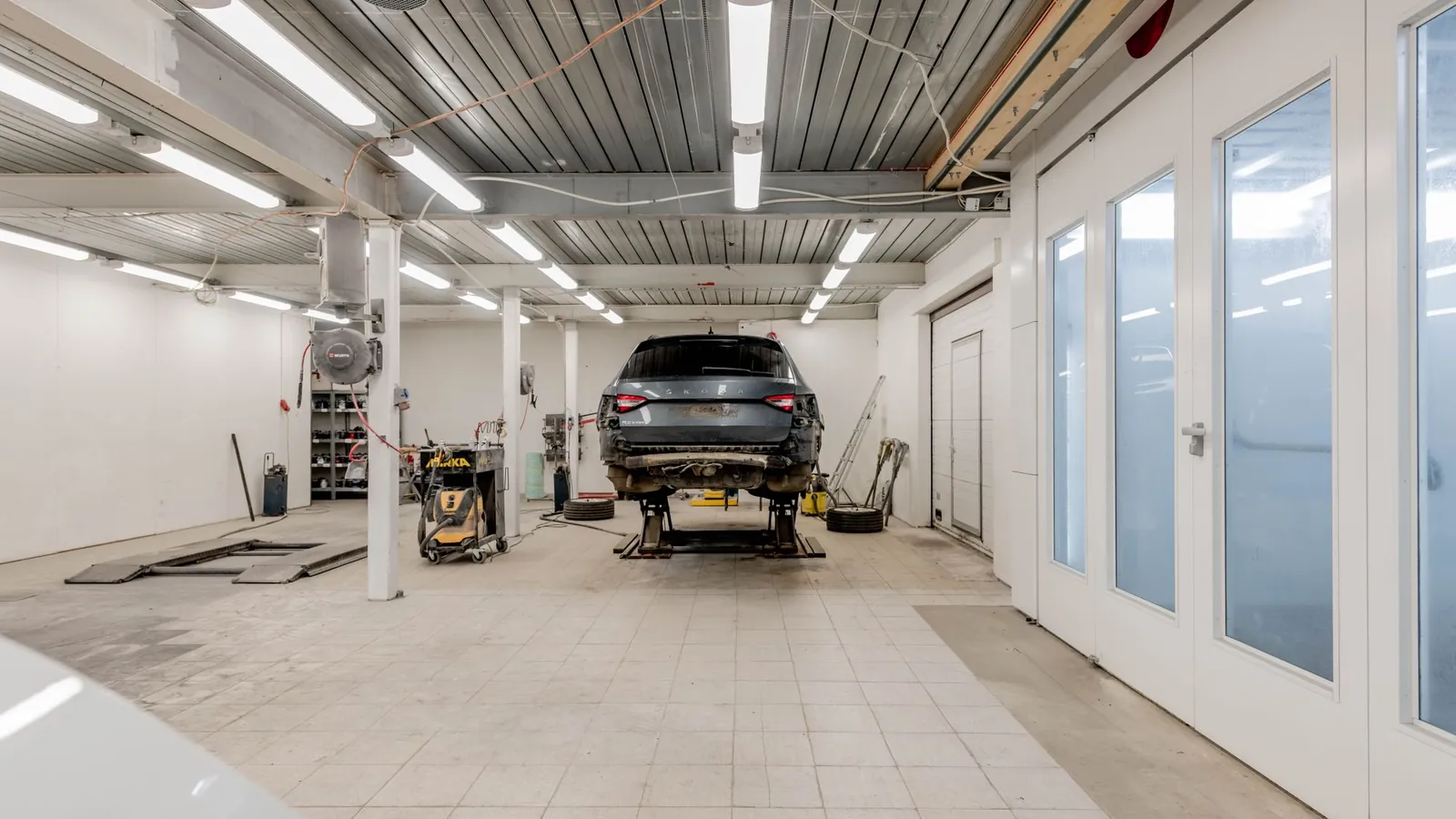
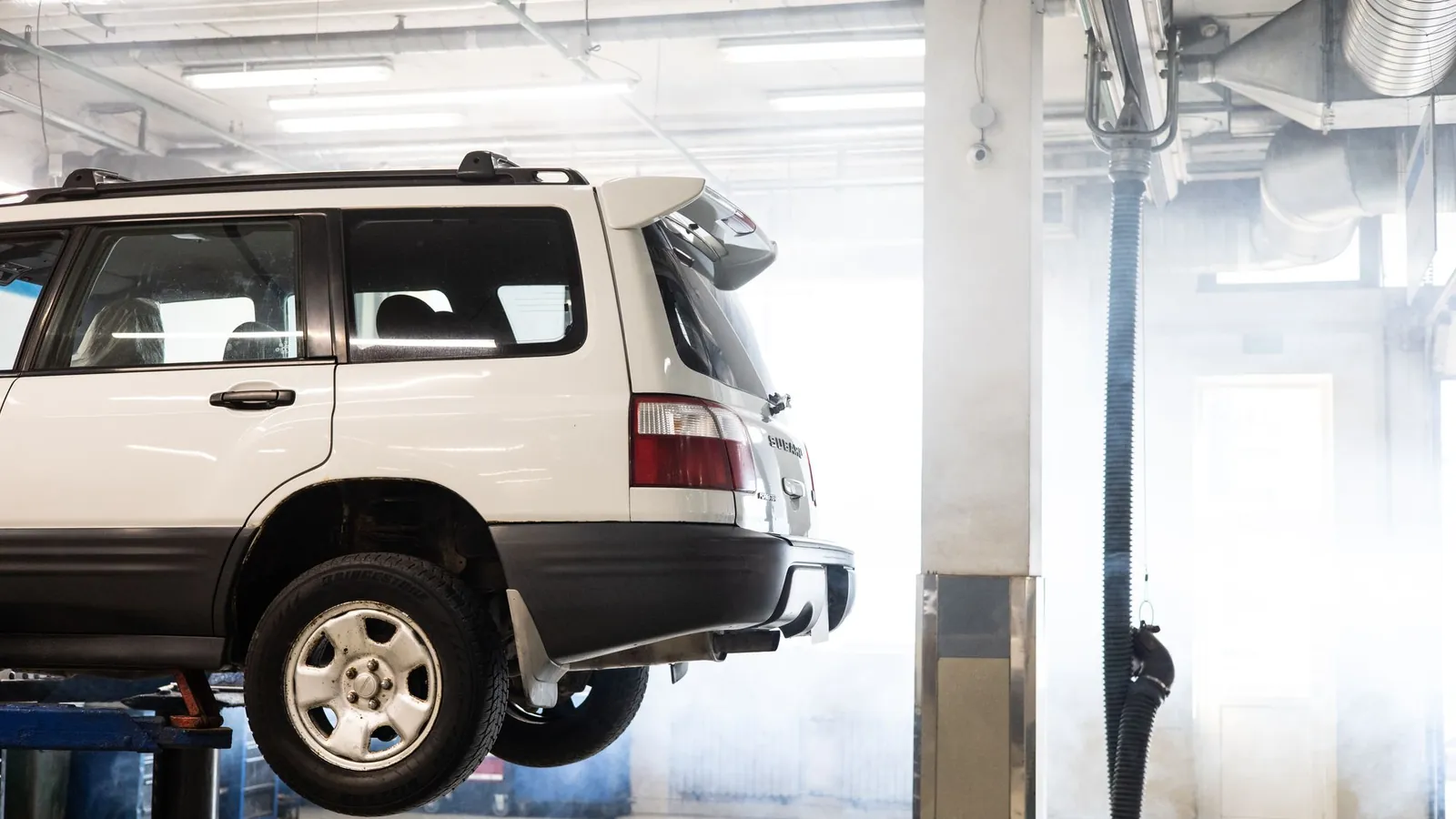
Well-lit garage with a car on a hydraulic lift ready for repair.
πŸ”§ Thanks, your sign-up is confirmed.πŸš— We're your master workshop for all brands: inspection, brakes, tires and A/C service.πŸ›ž In our tire storage your summer and winter wheels are in good hands.πŸ“£ You'll hear from us before the Tire change, about open appointments and for the winter check.πŸ•– The service desk is staffed Monday to Friday from 7 am , Saturdays until 12 noon.πŸ”‘ For early birds there's a key drop box, so you can bring your car before work.πŸ’¬ You can ask questions about your car directly here in the chat.07:49
View services

Welcome after signing up

Anyone who signs up and confirms gets a short message right away with everything your workshop offers.
As soon as the job is done
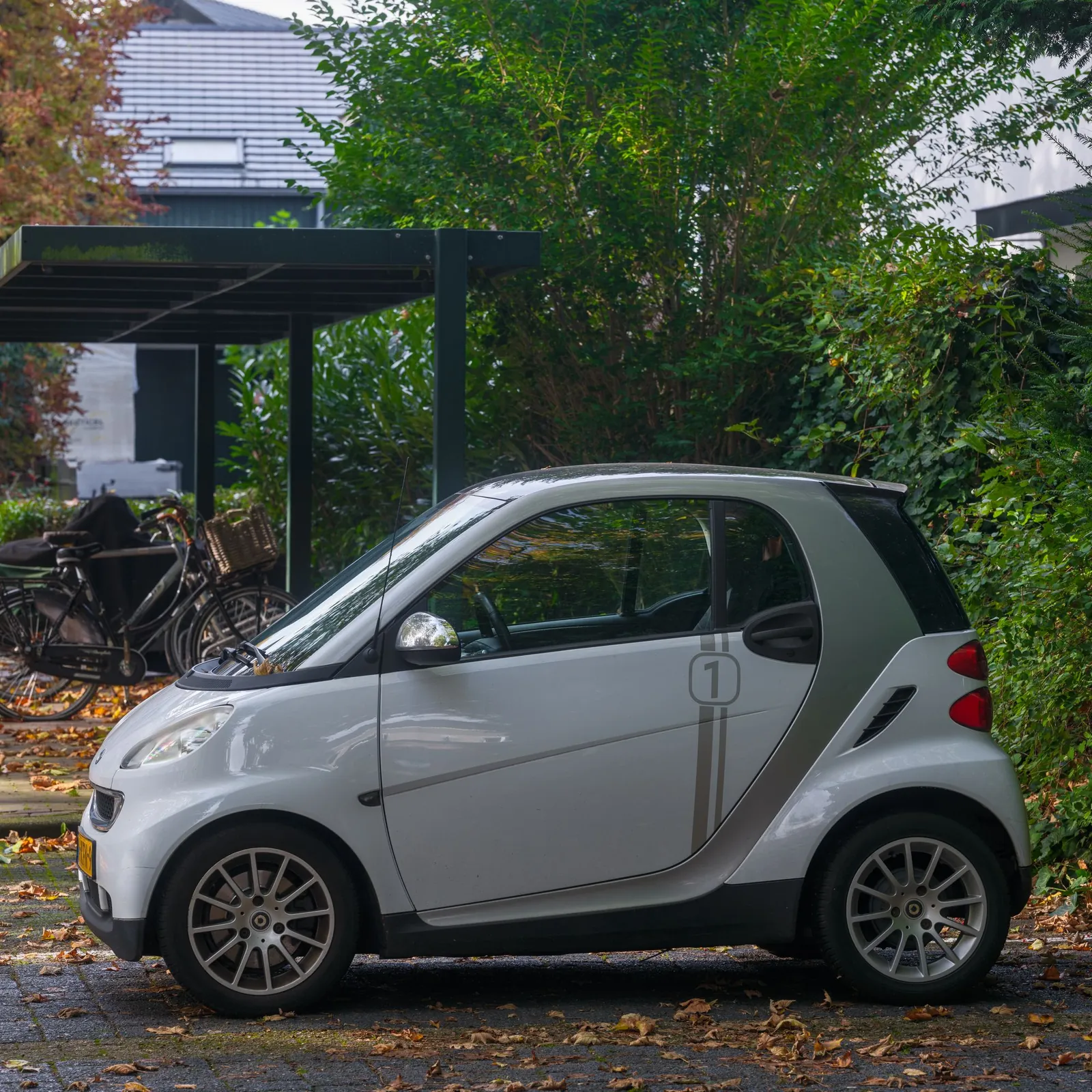
A compact white smart car parked outdoors in a leafy urban area, perfect for city navigation.
πŸ‘‹ Hello Gabriele,βœ… your car is ready and waiting for you in the yard.πŸ”§ Done are the inspections and new front brake pads, as discussed on the phone.🧽 Finally, we also quickly vacuumed the interior.🧾 The invoice you'll get at the service desk, you pay in cash or by Card.πŸ•• You can pick it up today until 6 pm. Later you'll find the key in the key safe next to the gate.πŸ“² Our master mechanic is happy to answer questions about the repair here in the chat.15:32

Your car is ready

If your workshop software can report finished jobs to SmartChat, your customer learns right away via WhatsApp that they can pick up their car.

1 day before the workshop appointment
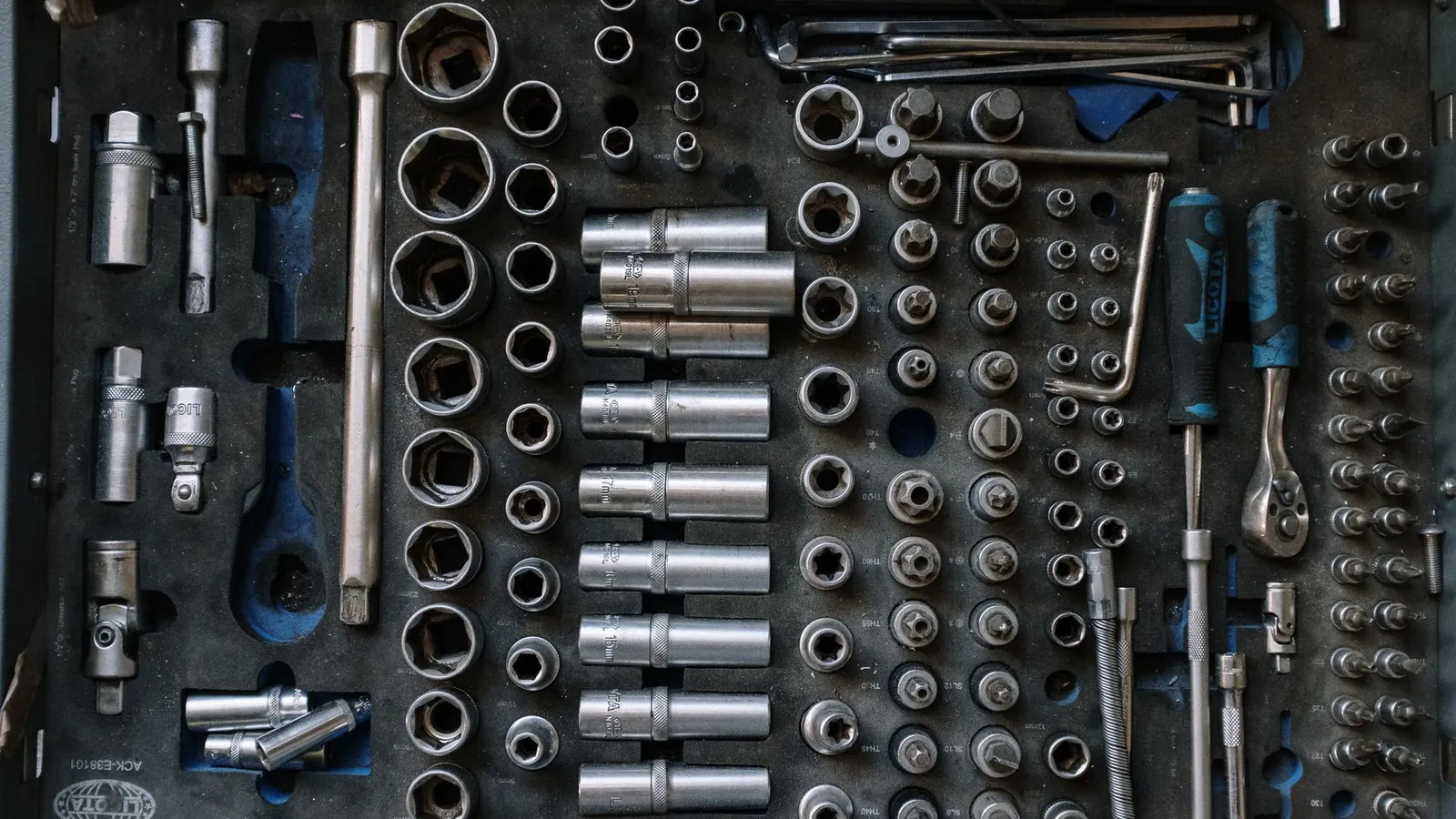
Flat lay of a complete toolset neatly organized in a workshop setting, essential for auto repair tasks.
πŸ‘‹ Hello JΓΌrgen,πŸ“… tomorrow at 7:30 am we're expecting you for the inspections and for the general inspection.πŸ”‘ Please bring the vehicle registration and your service book, the inspector needs both.πŸš™ Your replacement car is waiting fully fueled in the yard, you get the keys at the service desk.⏱️ Plan about half a day for everything together. We'll get in touch as soon as your car is ready for pickup.πŸ“² Doesn't work time-wise? Reply quickly here, and we'll find a new appointment.16:00
Open directions

Reminder the day before

When the workshop appointment is in your calendar, SmartChat sends a reminder the day before. If something comes up, your customer lets you know in time, and you rearrange the slot.

This is how you collect contacts for your workshop.

Your customers sign up themselves: through the QR code in the workshop, on your website or via a link. You only write to them once they've agreed in WhatsApp.

  1. 1

    Your customer scans the QR code

    The code is stuck at the service desk, hangs on the key tag and is on every invoice. SmartChat provides it with your landing page.

  2. 2

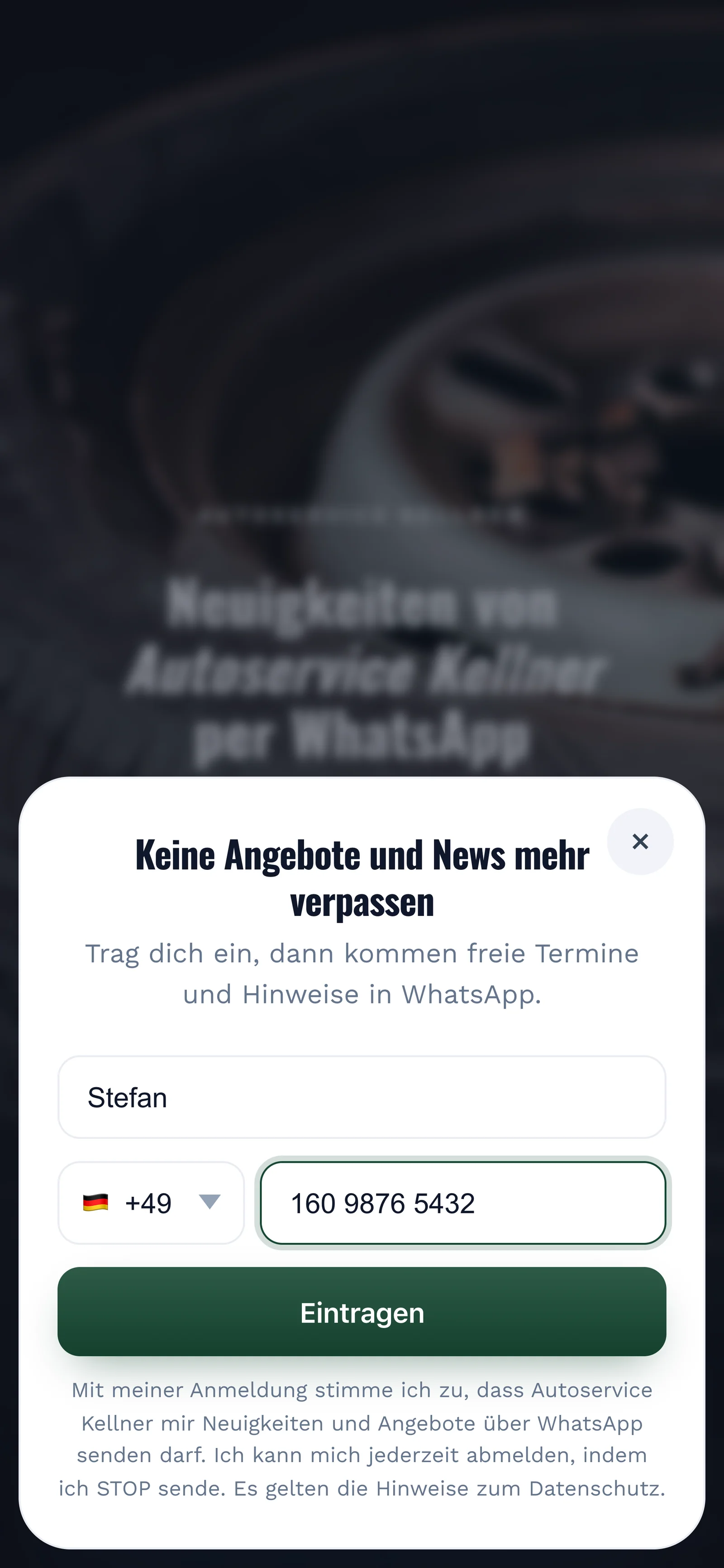
    Your customer enters first name and phone number

    A small form opens. All it needs is a first name and WhatsApp number.

    Real sign-up popup on the landing page of Autoservice Kellner, mobile view: headline Never miss offers and news again, first name Stefan and phone number entered, button Sign up
  3. 3

    Your customer agrees in WhatsApp

    One click on Confirm and they're in. This second consent is called double opt-in and comes from your customer themselves.

    πŸ‘‹ Hello Stefan,πŸ›ž here we let you know when the tire change is due, an appointment becomes free or the winter check begins.βœ… Do you want to receive these messages? Then click the button below: Confirm.πŸ”’ You can unsubscribe at any time. Just write STOP.07:48
    Confirm
    Confirm07:48
  4. 4

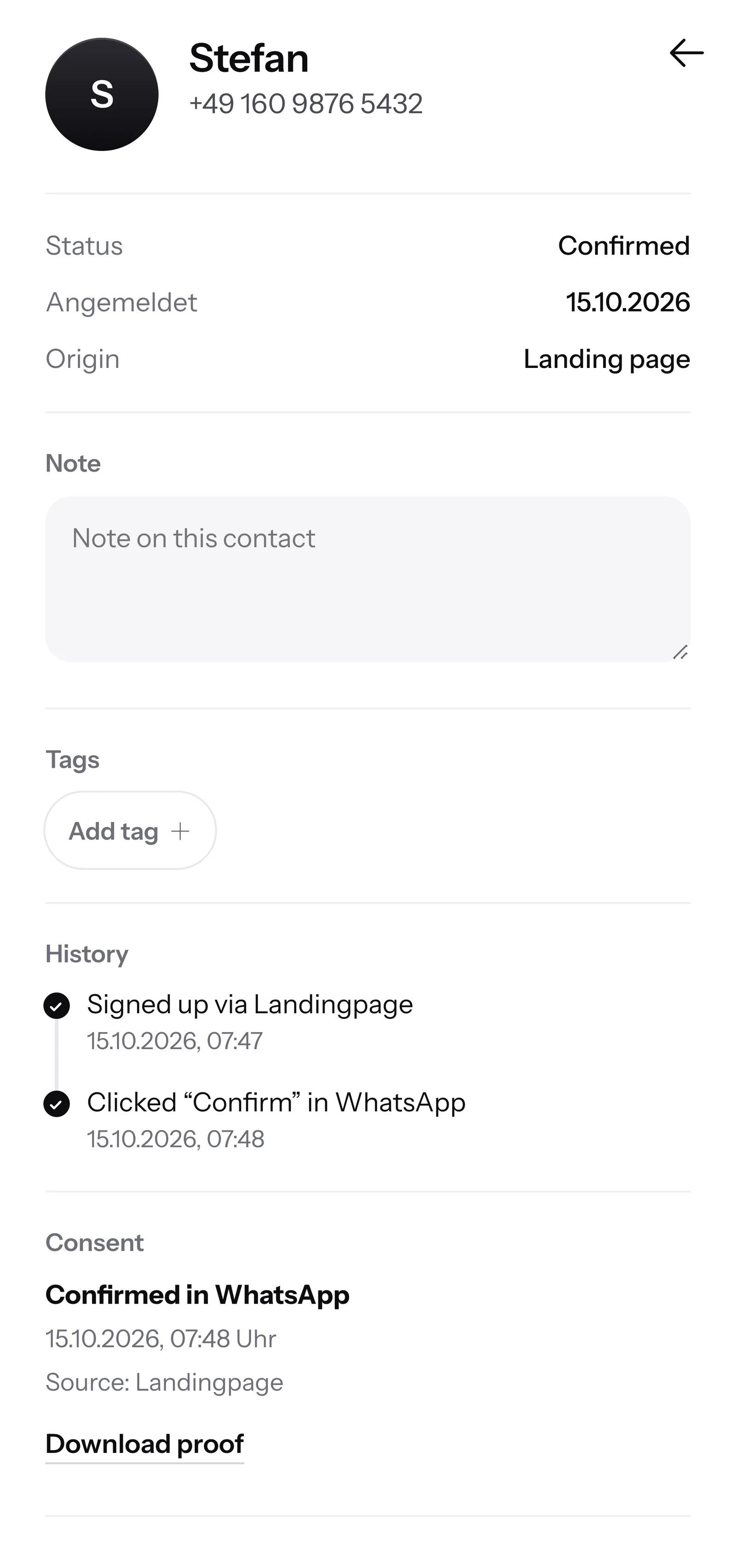
    You have the proof

    For every contact, SmartChat saves the date, time and way of consent. If someone asks, you show the PDF.

    Contact Stefan in SmartChat, mobile view: status Confirmed, sign-up history, consent confirmed in WhatsApp and button Download proof

SmartChat AI answers in the evening for your workshop.

If a customer writes but nobody at the workshop can be reached anymore, SmartChat AI answers fully automatically for you. It answers with the knowledge it has learned from your website, your price list and your documents. If it has no source, it hands over to you.

Inbox in SmartChat: SmartChat AI answers a customer's WhatsApp question for Autoservice Kellner
  • After the workshop closes

    If a customer asks late in the evening, they get an answer right away. Even if nobody is sitting at the service desk anymore.

  • In every language

    For example German, English, Italian, French and Spanish. Every customer gets the answer in the language they wrote in.

  • Your master mechanic takes over

    If SmartChat AI doesn't know something, the question stays in the inbox for your team. Your master mechanic then answers himself.

Frequently asked questions about WhatsApp marketing for auto repair shops.

Can I remind my customers about inspection and tire change via WhatsApp?

Yes, as soon as your customer has agreed. They sign up themselves, for example through the QR code, your website or a link, and then confirm once in WhatsApp. SmartChat saves every consent with date and time. You can import customers from your records by file. They only get the newsletter once they're confirmed: either by clicking the confirmation message or with proof of how and where you collected them.

How do my workshop customers get onto the WhatsApp list?

Through your landing page with QR code. The QR code fits at the service desk, on key tags and on every invoice. On your website, a popup also asks visitors whether they want appointments and notices via WhatsApp.

Can SmartChat let people know when a car is ready?

Yes, from Basic as an automation. For that, your workshop software has to report finished jobs to SmartChat via webhook, meaning send an automatic message to an address. If it can't, you write to the customer yourself from the SmartChat inbox.

Is there a ready-made connection to my workshop software?

No, there's no ready-made connection to workshop software. SmartChat accepts messages via webhook and analyzes the appointments in your calendar through an iCal address. Ask your software's provider whether it can do either of them.

Can I message only certain customers, such as companies with several cars?

Yes. You give these contacts a Tag, for example "Business customer". You then send your offer for company cars only to that tag, and everyone else doesn't get it.

Does SmartChat book the workshop appointments?

No, SmartChat is not a scheduling tool. If a customer replies to your message, their reply lands in the inbox. Your team schedules the appointment as usual and confirms it in the chat.

Who writes the messages for my workshop?

SmartChat AI. You say what it's about, for example the winter check, and get a finished newsletter that fits your workshop. You read it through, change a word if needed and send it with one click.

Does SmartChat AI tell my customers prices for repairs?

Only prices that are on your website or in an uploaded document, for example in your price list for tire changes and oil changes. SmartChat AI doesn't create a cost estimate. If SmartChat AI doesn't know an answer, your team answers the question in the inbox.

What happens when my master mechanic replies in the chat himself?

Then SmartChat AI holds back on that message. Your team can take over at any time, and the customer sees everything in one chat with your workshop.

Can the service desk and the workshop reply together?

Yes. All WhatsApp chats come together in one inbox, and everyone on the team sees the same conversations. Free has 1 seat, Starter 3, Basic 6 and Pro 12.

Do I need a second phone number for the workshop?

No. You connect your workshop's number to SmartChat and confirm it with a code from Meta, the company behind WhatsApp. One number is possible per account.

What does SmartChat cost for an auto repair shop?

Free costs €0 with no time limit and no credit card, and includes 100 messages one time. Starter costs €299 a month with 3,000 messages, Basic €499 with 6,000 and Pro €999 with unlimited messages. Sending uses no credits. All prices excl. VAT, more at Pricing.

What does Meta charge for my workshop's WhatsApp messages?

Meta bills you for the WhatsApp fees directly, through the payment method in your Meta account. From SmartChat you only get the invoice for your plan. You can find the exact prices here.

How many automations does my workshop get?

Free and Starter include 1 automation: the fixed one for new contacts with confirmation and thank-you. Your own automations are available from Basic. Basic includes 3, of which 1 is the fixed one, so 2 of your own, Pro unlimited. An example of your own automation is the reminder on the day before the workshop appointment.

How does a customer unsubscribe from my workshop's messages?

Anyone who has confirmed your newsletter writes STOP into the chat with your workshop. From then on, SmartChat sends them nothing more and marks them as unsubscribed in your contacts.

WhatsApp marketing for your workshop in 60 seconds.

Enter your workshop's website. SmartChat AI analyzes it and builds your landing page and QR code in 60 seconds. Free costs €0, with no credit card and no time limit.