SmartChat AI and your data.
SmartChat AI only works with what it knows about your business, and only replies on WhatsApp once you turn on AI replies and the reply has been checked.

What SmartChat AI knows about your business.
SmartChat AI answers from sources you choose yourself. The service providers that run SmartChat AI are listed in the privacy policy.
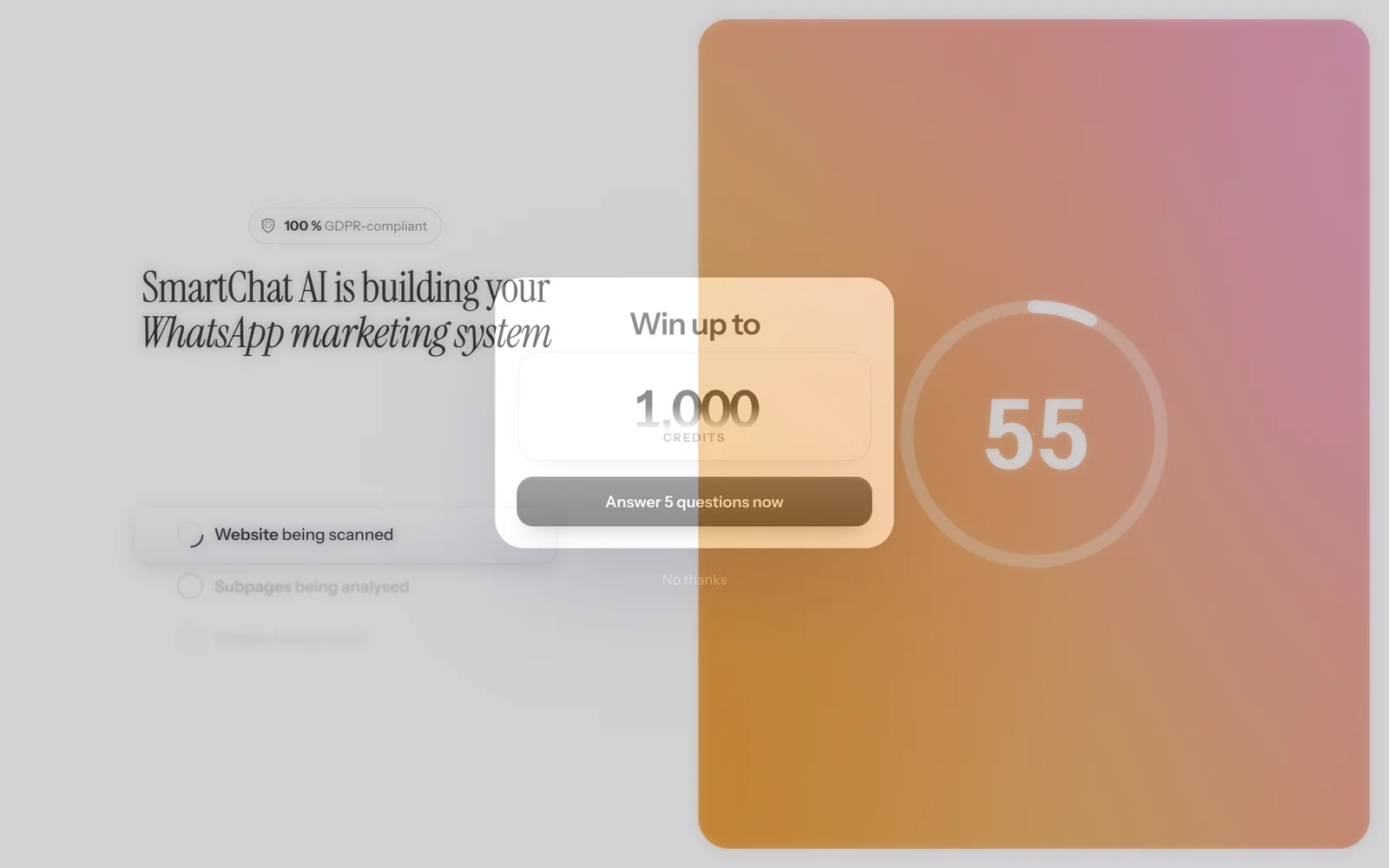
Your website
When you start, SmartChat AI reads your website and its subpages, for example offers, opening hours and prices.
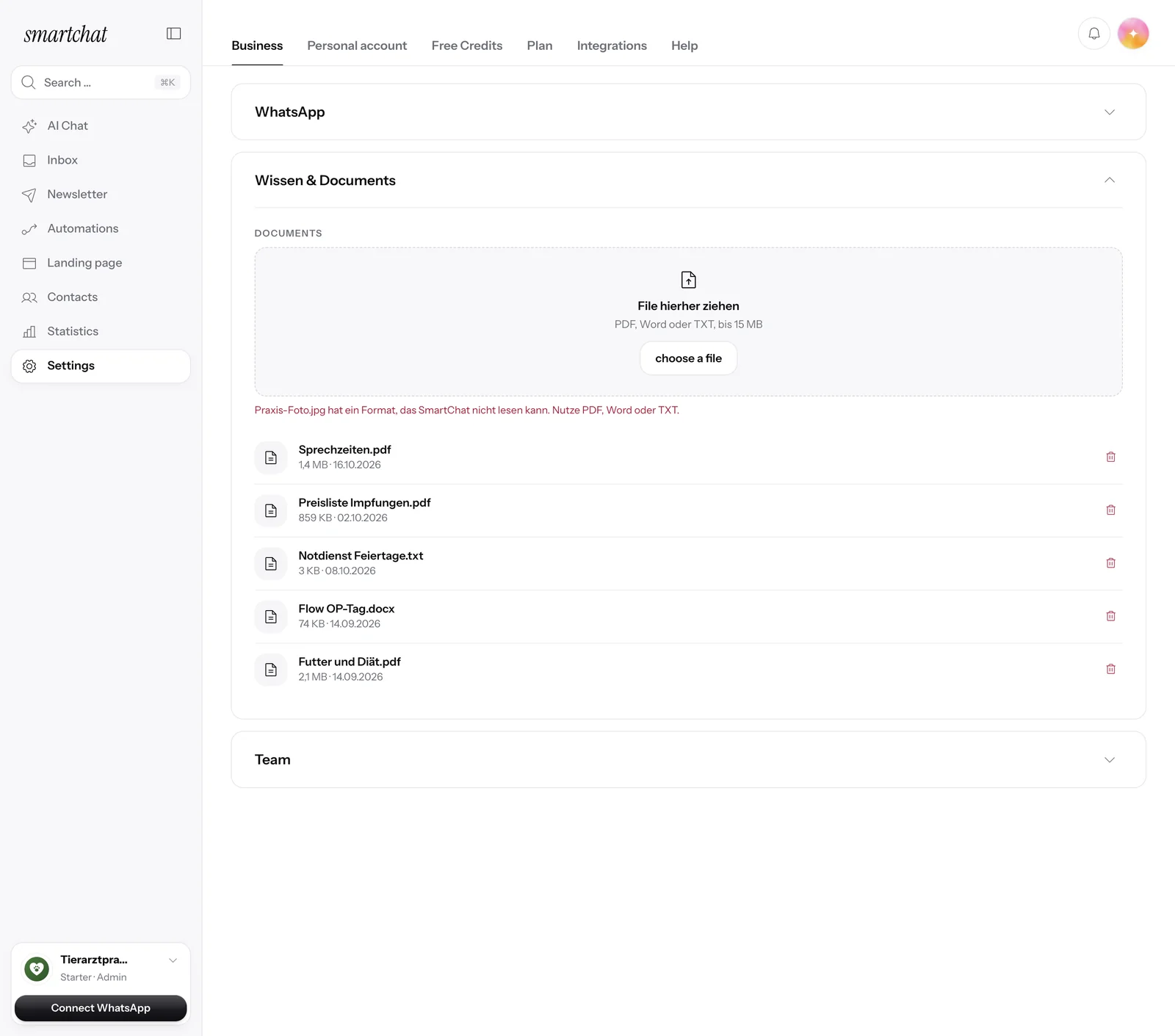
Your documents
Upload PDF, Word or TXT files, for example your price list. More about knowledge and documents
- Is the office open on Saturdays?09:12Yes, on Saturday you can reach us from 9 am to noon.09:13And on Sunday?09:14On Sunday the office is closed.09:14
The conversation
SmartChat AI reads the latest messages in the conversation, so it also understands short follow-up questions.
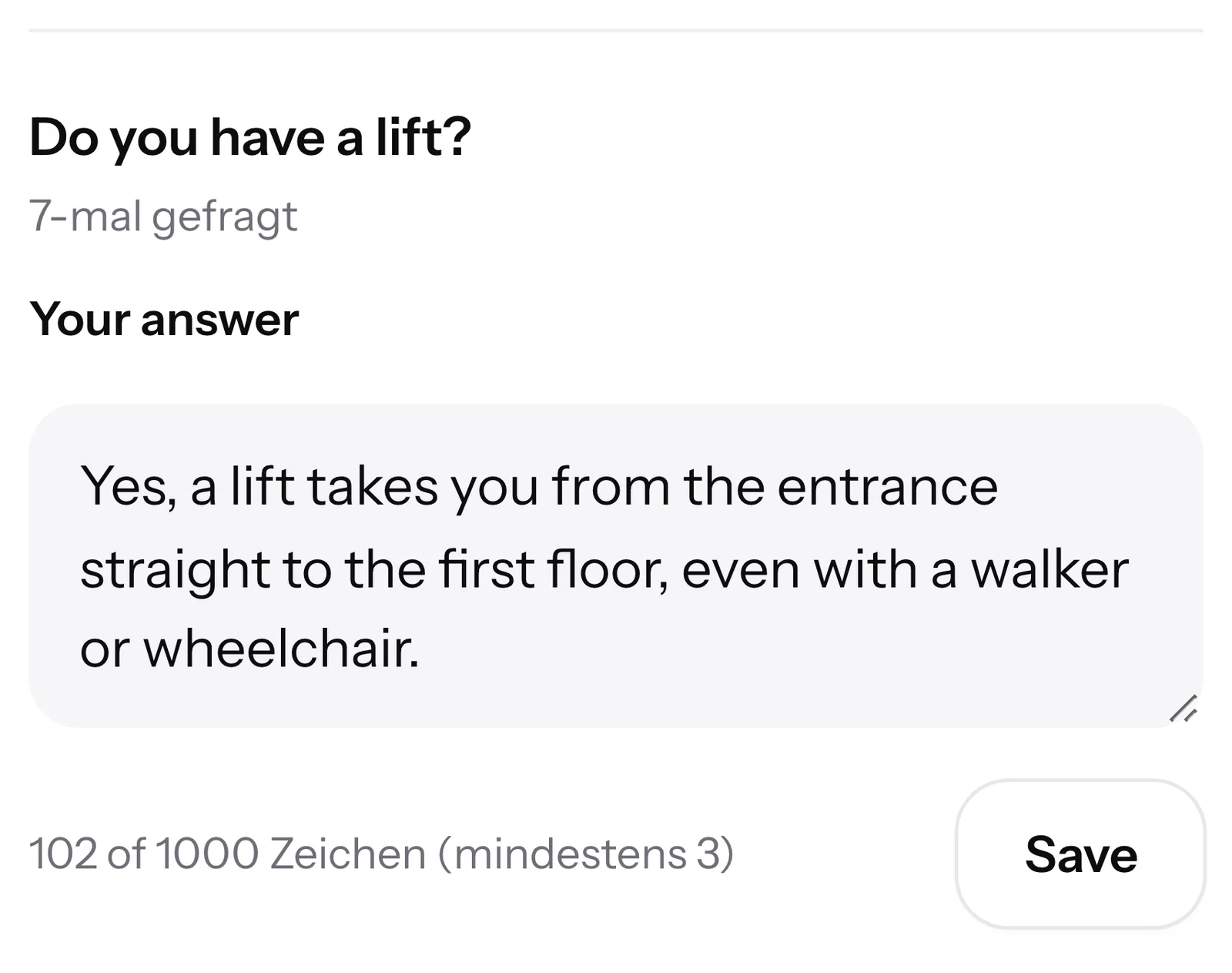
Your answers
If SmartChat AI can't answer a question, it shows up under AI questions. SmartChat AI uses your answer next time.
If your team has replied to a message, the AI stays quiet.
You turn AI replies on and off in the settings. Once someone on your team has replied to a message, SmartChat AI doesn't add anything.

Every automatic reply is checked first.
Before SmartChat AI replies to a contact, SmartChat checks the reply in several steps. If a check fails, nothing goes out.
Source required
The reply has to come from your knowledge. Without a matching source, SmartChat AI sends nothing.
From your knowledgeDetails checked
Every detail in the reply has to be in your knowledge or come from the contact.
Details checkedSecond check
An independent check reads the reply once more before it goes out.
Second checkOtherwise to your team
If the reply isn't safe, SmartChat AI hands the conversation over to you.
To your team
On sensitive topics, your team replies.
When it comes to price negotiations, complaints, cancellations, legal questions or health, SmartChat AI doesn't send an automatic reply. You get a notification and reply yourself.

SmartChat AI needs you
Under the bell you see which contact is waiting and what they wrote.
Asking for a person
If a contact asks for a person, SmartChat AI hands over to you right away.
Emergencies
If a message points to an emergency, nothing automatic goes out, and the notification is marked as urgent.
In the AI chat, nothing happens without your yes.
Before SmartChat AI sends or schedules a newsletter, it tells you the recipients and the time. Nothing happens until you confirm.

Before every send
You see how many subscribers have agreed and when the newsletter goes out.
Also before deleting
Before submitting a template to Meta or deleting an automation, SmartChat AI asks first.
Tags only on request
SmartChat AI only adds tags if you specifically ask for it or in an automation you built.
SmartChat AI stops banned topics before it builds anything.
Anyone who promotes things like gambling, weapons or e-cigarettes on WhatsApp risks their number with Meta. That's why SmartChat AI stops and tells you why. A restaurant with a wine list works completely as usual.
Frequently asked questions about AI and data.
What data does SmartChat AI use for its replies?
Your website, the documents and answers you add in SmartChat, and the latest messages in the conversation. SmartChat AI writes its reply from these.
Does SmartChat AI automatically reply to every message?
No, only if you turn on the AI reply . For sensitive topics and when a contact wants to talk to a person, your team always replies.
Can SmartChat AI make up prices or opening hours?
Like any AI, SmartChat AI can make mistakes. That's why SmartChat checks the details in every automatic reply: if a price, a time or a deadline isn't in your knowledge and the contact didn't mention it either, the reply doesn't go out.
What happens if SmartChat AI can't answer a question?
Then SmartChat AI hands the conversation over to your team. The question then shows up under AI questions, and SmartChat AI uses your answer next time.
Does SmartChat AI reply if I've already replied?
No. Once someone on your team has replied to a message, SmartChat AI doesn't add anything.
On which topics does SmartChat AI never reply automatically?
Price negotiations, complaints, cancellations, legal questions, health questions, offensive messages and emergencies. You get a notification and reply yourself.
Does SmartChat AI send newsletters without my approval?
No. In the AI chat, SmartChat AI tells you the recipients and the time before every send. Nothing is sent or scheduled until you say yes.
Which topics does SmartChat AI turn down?
Topics Meta doesn't allow on WhatsApp, for example gambling, weapons, drugs or e-cigarettes. SmartChat AI stops before it builds anything and tells you why.
Who can change the AI settings?
Only an admin of your account. Staff members handle the inbox but don't change any AI settings. Learn more under Team.
Which service providers run SmartChat AI?
The service providers SmartChat uses for SmartChat AI are listed in the privacy policy.
Can my contacts tell that an AI is replying?
Yes. The first AI reply in every conversation starts with a notice. Learn more under AI labeling.
Start SmartChat AI in 60 seconds.
Enter your website. SmartChat AI gets to know your business, and you decide when it replies.