Your Zoho CRM now speaks WhatsApp.
Connect Zoho CRM in the AI Chat. Then SmartChat answers requests on WhatsApp and keeps your leads and contacts up to date.
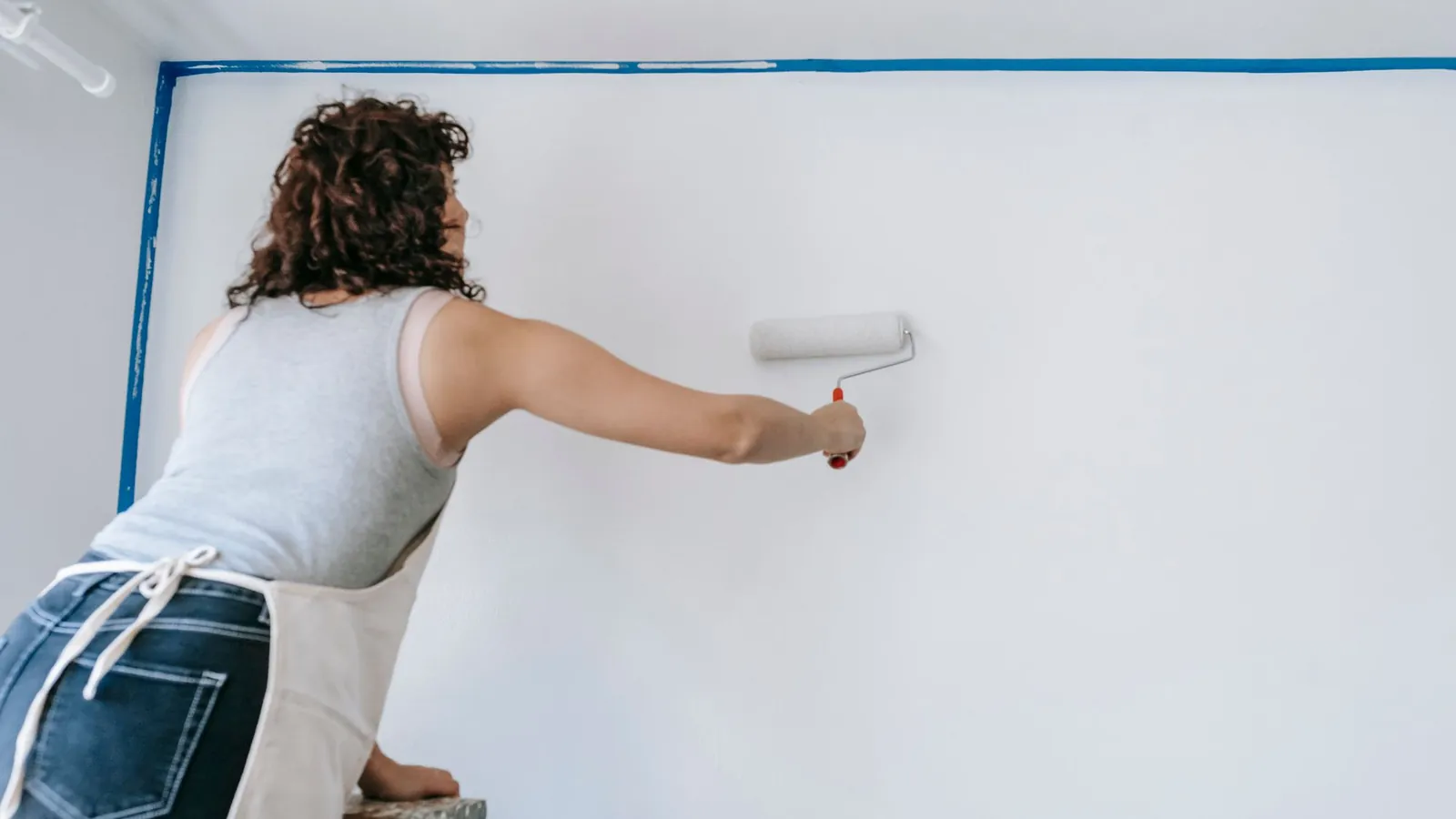
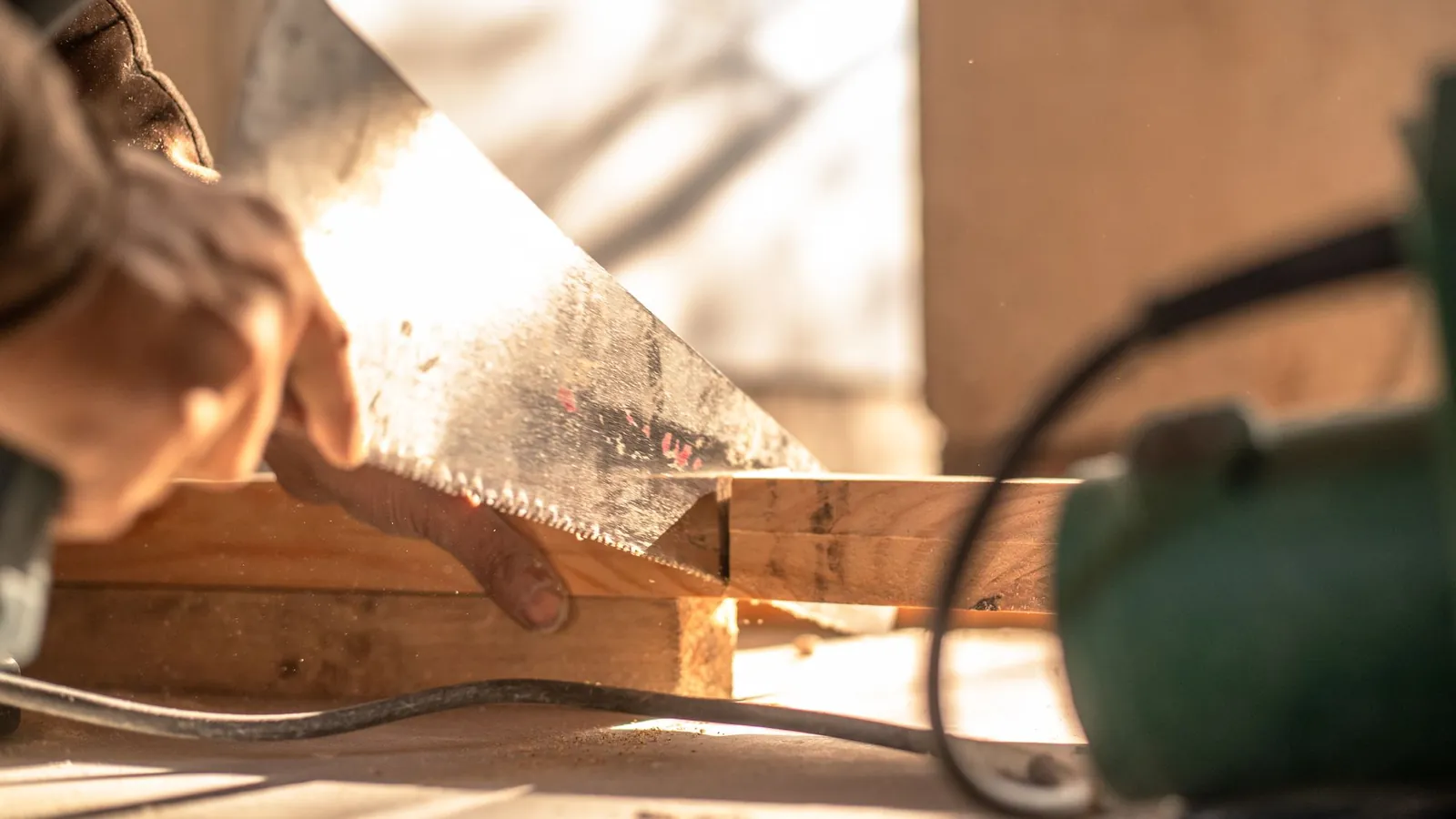
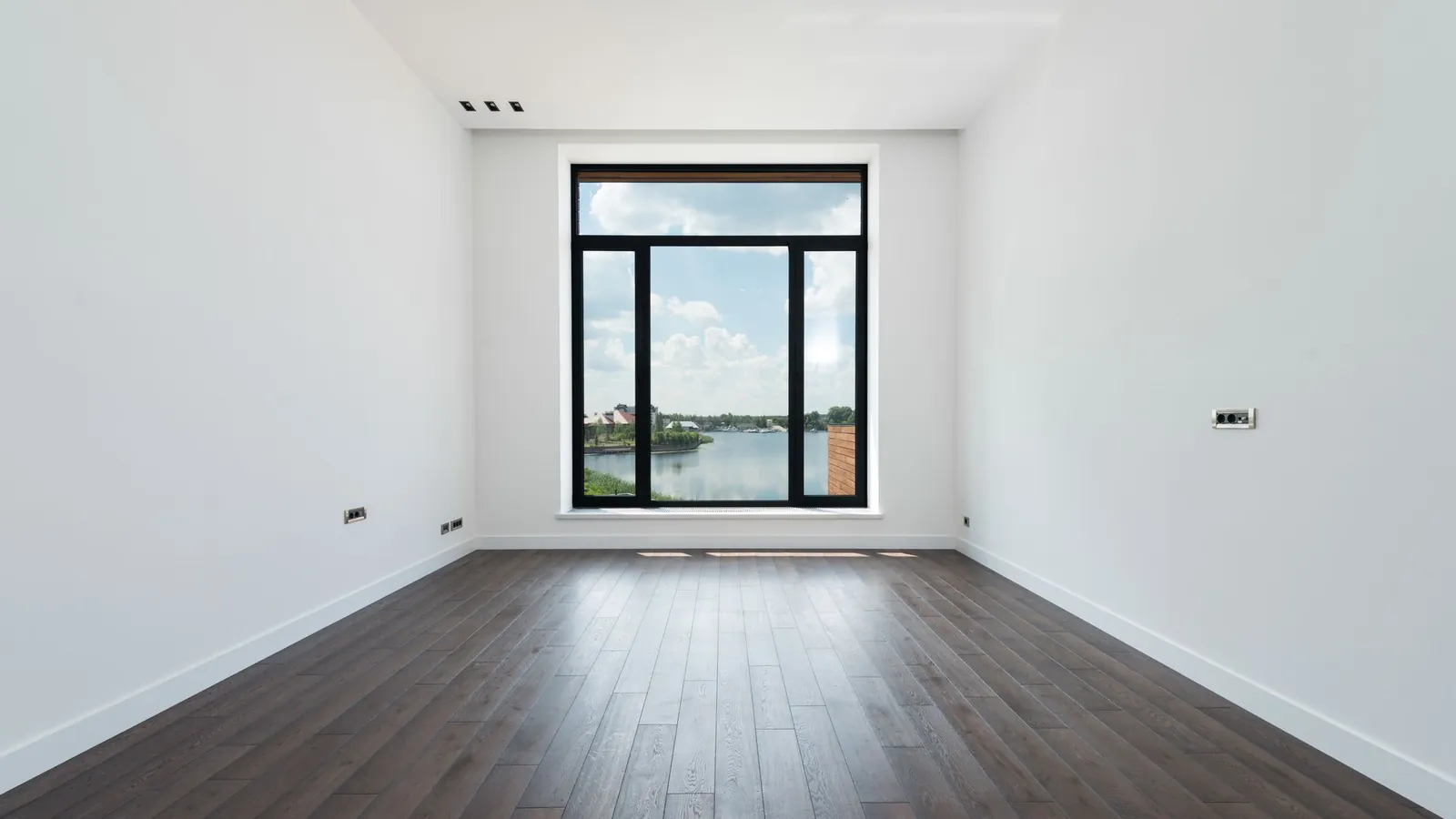
What happens in three trade businesses.
A request comes in, the automation matches the number with Zoho CRM, and the customer gets a clear message.
The customer gets preparation tips and a time slot for the consultation.
Before the home visit, the customer knows what to have ready.
Prospects get a confirmation and are added as a lead.

The path of a request through the automation.
Zoho CRM reports events to the secret webhook address of your automation, directly or via Make, Zapier or n8n.
Request through the form
A prospect fills out your web form or a team member creates a lead.
Zoho CRMEvent reaches SmartChat
The data, including the phone number, goes to the webhook address.
webhookMatch contact
SmartChat looks up the number and creates the contact if it doesn't exist yet.
MatchingReply goes out
Your customer gets the approved template on WhatsApp, with the details from the event.
WhatsApp
These actions are available for Zoho CRM.
The connection's docs list them. You describe your goal, and SmartChat AI decides which action fits.
- Look up the contact in Zoho CRM by the sender's phone number.
Search contact or lead
Searches entries by phone number, email address or keyword.
- Add every new prospect as a lead and set the status to Contacted.
Create and update lead
Creates new leads and updates existing ones.
- Convert the lead as soon as the customer accepts the quote.
Convert lead
Turns a lead into a contact, with company and deal if you want.
- Create a deal once the measuring appointment is confirmed.
Manage deal
Creates deals and updates them.
- Save the customer's reply as a note on the contact.
Note and event
Attaches notes to entries and creates events.
- Add the tag Windows to every contact who asks about windows.
Set tags
Adds tags to entries. With upsert, no duplicates are created.
The follow-up after the quote.
When a deal moves to a new stage in Zoho CRM, the program can report it. A friendly follow-up comes next.
How to describe it to SmartChat AI.
You don't have to map any fields. One sentence with your goal is enough, then you check the automation.
- 1
Answer requests
You name the trigger and the message.
Reply to every new request from Zoho CRM right away on WhatsApp. - 2
Keep entries up to date
You say what should happen in the CRM.
Match the number and create the contact if it's missing. - 3
Check
You see the whole flow before it starts.
Show me the automation before it runs.
Between request and quote: before and after.
Until now
- Inquiries pile up in the boss's inbox.
- The customer waits and asks the competition instead.
- Phone numbers appear three times in the list, written differently each time.
- Measuring appointments are stuck on sticky notes.
With Zoho CRM in SmartChat
- The reply goes out on WhatsApp as soon as the form comes in.
- Every number is matched before an entry is created.
- Replies are collected in the inbox, and notes can go into the CRM.
- Appointments can be created in the CRM.
What customers read in the morning.
At the right time
The message goes out when the event comes in.
With an approved template
Meta reviews the template. SmartChat AI writes it and submits it.
Follow-up questions in the inbox
The customer replies, and you read it in the inbox.
Connect Zoho CRMin three steps.
You only enter your Zoho password in the Zoho sign-in window.
Start the connection in the AI Chat
You write in the AI Chatthat you want to connect Zoho CRM. A card with the button then appears.
AI ChatSign in to Zoho
The Zoho window opens, you choose your account and grant access.
ZohoOff you go
Your automations can now carry out actions in Zoho CRM.
Connected
Questions and answers about Zoho CRM and SmartChat.
How do I bring Zoho CRM and SmartChat together?
You write in the AI Chatthat you want to connect Zoho CRM. SmartChat AI shows a card with a button. It opens the Zoho sign-in window, where you choose your account and allow access.
Does SmartChat see my Zoho password?
No, you only enter your password at Zoho.
How does SmartChat find out about a new request?
Through the trigger Event from an app. Every automation has a secret webhook address that Zoho sends its events to, either directly or through Make, Zapier or n8n.
How does contact matching work?
In the automation, SmartChat looks up the contact in Zoho CRM by phone number or email address and creates or updates it.
Which Zoho CRM modules can I use?
According to the connection's list, there are actions for contacts, leads, deals, notes and events, plus search, tags and converting a lead.
Can a lead turn into a contact automatically?
An automation can run the action Convert lead if you name that as your goal. Without your goal, nothing happens on its own.
How do I avoid duplicate entries?
Matching by phone number searches first, before anything is created. The list also has an action that inserts or updates records with duplicate checking.
Does SmartChat constantly sync Zoho CRM both ways?
No. There's no ongoing two-way sync. SmartChat receives events and carries out actions when the automation runs.
And if there's no phone number in the event?
Then SmartChat can't send a WhatsApp and skips the step.
Can I filter out certain cases?
Yes, you can filter on fields, for example only when a deal's stage has a certain value.
Which plan fits a Zoho automation?
An automation with an app counts as an extra one. Free and Starter only have the fixed automation for new contacts, Basic offers three (one of them fixed), and Pro has unlimited.
What do I pay in total?
€0 on Free, then €299 on Starter, €499 on Basic and €999 on Pro per month, each plus VAT. Sending and automation runs cost no credits. What Meta charges is listed here.
Why templates instead of free text?
Outside the inbox, SmartChat only sends templates that Meta has reviewed and approved. SmartChat AI writes them and submits them for you.
How does unsubscribing work?
Anyone who writes STOP is unsubscribed right away and won't get any more messages.
Reply to requests. In 60 seconds your system is ready.
Enter your website, and SmartChat AI builds your landing page, confirmation and thank-you message in 60 seconds. Then you connect Zoho CRM in the AI Chat.