Connect LinkedIn to SmartChat
Connect LinkedIn in the AI Chat. On the set date your post goes live, and everyone who signed up gets their reminder on WhatsApp.
One deadline, two effects.
When a contact signs up for an event, SmartChat reminds them on WhatsApp. On the day itself, the same automation can publish a post on your LinkedIn page.
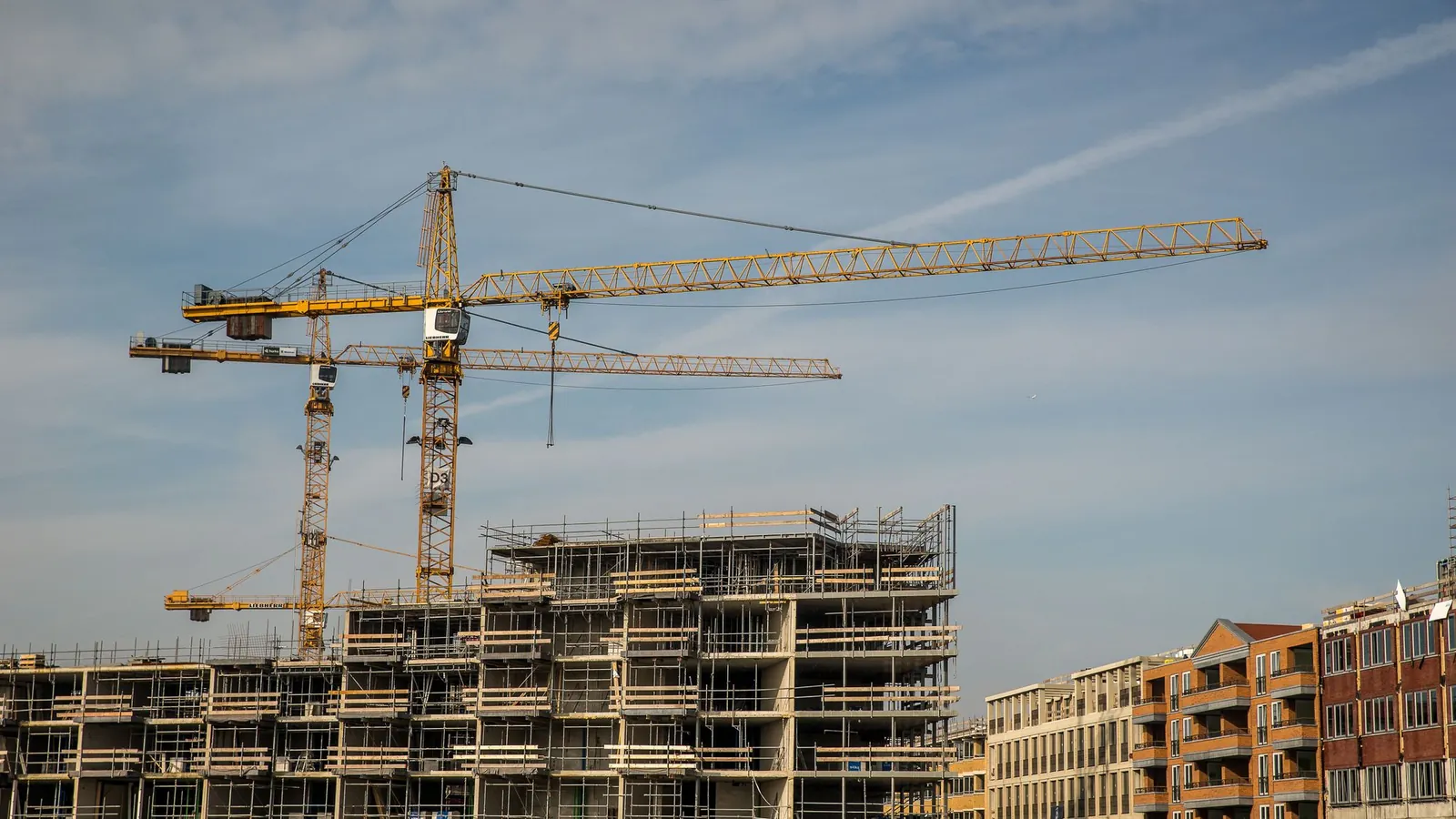
Invitation and notes about the site.
Hall, time and documents for the evening.
Bib number, route and purpose of the run.


One date starts both ways.
You decide once what happens on the set date. After that, the automation runs without any effort from you.
Collect sign-ups
Contacts sign up via landing page or QR code.
Sign-up formDate reached
The automation starts on the set date.
TimeReminder in WhatsApp
Everyone who signed up gets their template.
WhatsAppPost on LinkedIn
The automation publishes the post on your company page.
LinkedIn
What SmartChat can do in LinkedIn
These actions are available to an automation for LinkedIn.
- Publish a post on our company page at 8:00 am on the day of the event.
Publish a post
As a person or as a company page, with images if you like.
- Share the link to the sign-up page as a post with a short comment.
Share a link
An article or page appears with your comment.
- Write a comment under our topping-out post pointing people to the sign-up.
Comment
Reply under a post or to a comment.
- Publish the video from the charity run as a post on my profile.
Publish a video
An uploaded video is posted as the person's post.
Read numbers, without typing them in.
Besides publishing, an automation can also pull data from LinkedIn.
- Get the page statistics for our company page.
Page statistics
Page views and clicks on your company page.
- Read out the follower count of our company page.
Followers
The number of followers of an organization.
- List the reactions to our latest post.
Reactions
Who reacted to a post.
The reminder sits on the lock screen before the event.
Approved template
Outside the inbox, SmartChat only sends templates that Meta has reviewed and approved.
Cancellations in the inbox
If a contact replies, you read it in the inbox.
Post on its own
The LinkedIn post goes to your network, not to individual contacts.
How LinkedIn gets into your automation.
Connect, state your goal, check the result.
- 1
You connect LinkedIn
Write in the AI Chatthat you want to connect LinkedIn. The LinkedIn sign-in window opens, you pick your account and allow access.
I want to connect LinkedIn with SmartChat. - 2
You name the goal
You describe the date, the post and the reminder in one sentence.
Remind everyone who signed up in WhatsApp one day before the info evening, and publish a post on our company page that evening. - 3
You check the message
SmartChat AI shows you the automation before it starts. This is how your contact will read their message.
 👋 Hi Barbara,🔆 your consultation on solar system is booked, we'll come by on Tuesday at 3:30 pm at your home.🪜 Our planner will check roof area and orientation, so he'll need to pop up to the attic briefly.📷 Please have the floor plans and the photo of your electricity meter ready, if you can find them.📄 Afterwards you'll get a quotethat you can compare at your own pace, with no obligation and no time pressure.🌤️ If it rains, we'll measure the area from the plan, no need for another visit.🔔 If the day doesn't work for you, just reply here in the chat and we'll find another one.10:25View schedule
Running an event, without and with SmartChat.
Without a connection
- You remind everyone who signed up one by one by phone.
- The LinkedIn post goes out too late or not at all.
- Anyone who never saw the invitation is missing on the day.
- Both take time you don't have.
With LinkedIn in SmartChat
- The reminder goes out automatically the day before.
- The post appears at the set time.
- You see cancellations in the inbox.
- You plan everything in one place, the AI Chat.
Frequently asked questions about LinkedIn and SmartChat.
How do I connect LinkedIn with SmartChat?
Write in the AI Chatthat you want to connect LinkedIn. SmartChat AI shows you a card with the button to connect. The LinkedIn sign-in window opens, you pick your account and allow access.
Does SmartChat send messages through LinkedIn?
No. Messages to your contacts only go out on WhatsApp. An automation uses LinkedIn for posts and numbers.
What can SmartChat post on LinkedIn?
An automation can create a post as a person or as an organisation, with images if you like. It can share a link with a comment, post a video and comment on posts.
Which numbers can SmartChat read from LinkedIn?
Page statistics such as page views and clicks, post statistics, the follower count of a company page and the reactions to posts.
Does an event in LinkedIn trigger a WhatsApp?
We don't describe that on this page because we can't back it up. The automations start from events in SmartChat, for example a sign-up or a date.
When does the post go live?
At the time you give the automation, for example on the day of the event. You see the automation beforehand and switch it on yourself.
Can I post as a company page?
Yes. The action supports posts as a person or as an organisation.
Who sets this up?
Only admins use SmartChat AI to build and change automations. If the automation has a goal, SmartChat AI shows it to you before it starts, and changes can be undone.
How many automations are included?
An automation with LinkedIn is an extra one. Free and Starter only have the fixed automation for new contacts. Basic has 3 automations, one of them fixed, and Pro has unlimited.
What does it cost?
Free costs €0, Starter €299, Basic €499 and Pro €999 per month, each plus VAT. Sending and every automation run cost no credits. Meta charges its own fees for messages, more on that here.
Does Meta have to approve the messages?
Yes, every message outside the inbox is a template that Meta has reviewed and approved. SmartChat AI writes it and submits it.
What if someone no longer wants the reminders?
They write STOP. After that they get neither newsletters nor automations.
Connect your network. In 60 seconds your system is ready.
Enter your website, and SmartChat AI builds your landing page, confirmation and thank-you message. Then you connect LinkedIn in the AI Chat.