
Thank-you after sign-up
When a customer confirms their sign-up, they get a thank-you right away and learn what your business helps with.
With SmartChat you send your customers everything that's coming up via WhatsApp, for example the service reminder, a newly free installation slot or the invitation to a bathroom consultation.


Whoever signs up, whoever places an order and whoever gets a visit from the technician tomorrow hears from your business automatically.

When a customer confirms their sign-up, they get a thank-you right away and learn what your business helps with.

If your tradesman software reports a new order to SmartChat, the confirmation goes straight to your customer via WhatsApp.

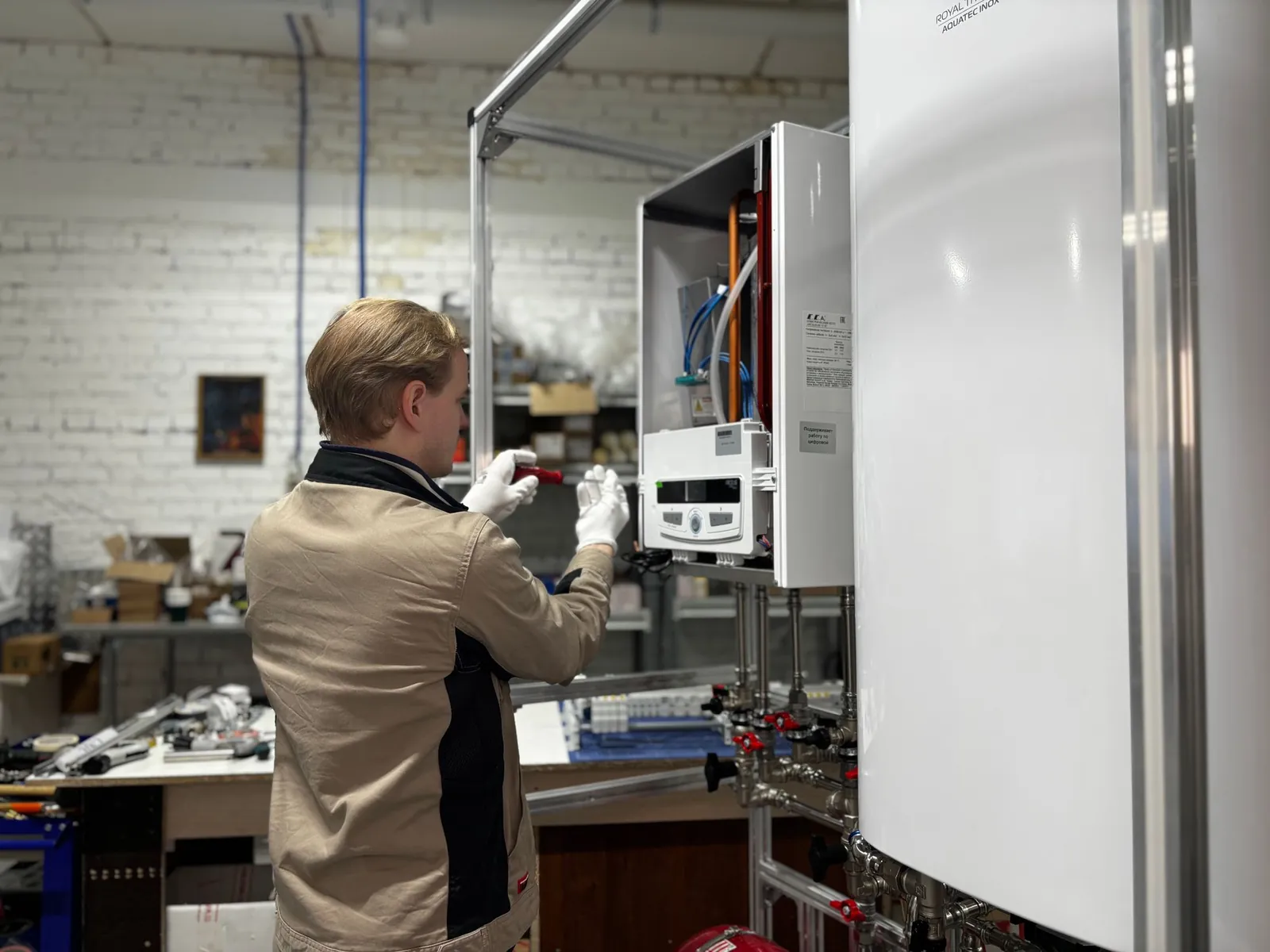
SmartChat gets the appointment from your calendar and announces your technician one day ahead. Your customer is home, and your team doesn't stand in front of a locked door.
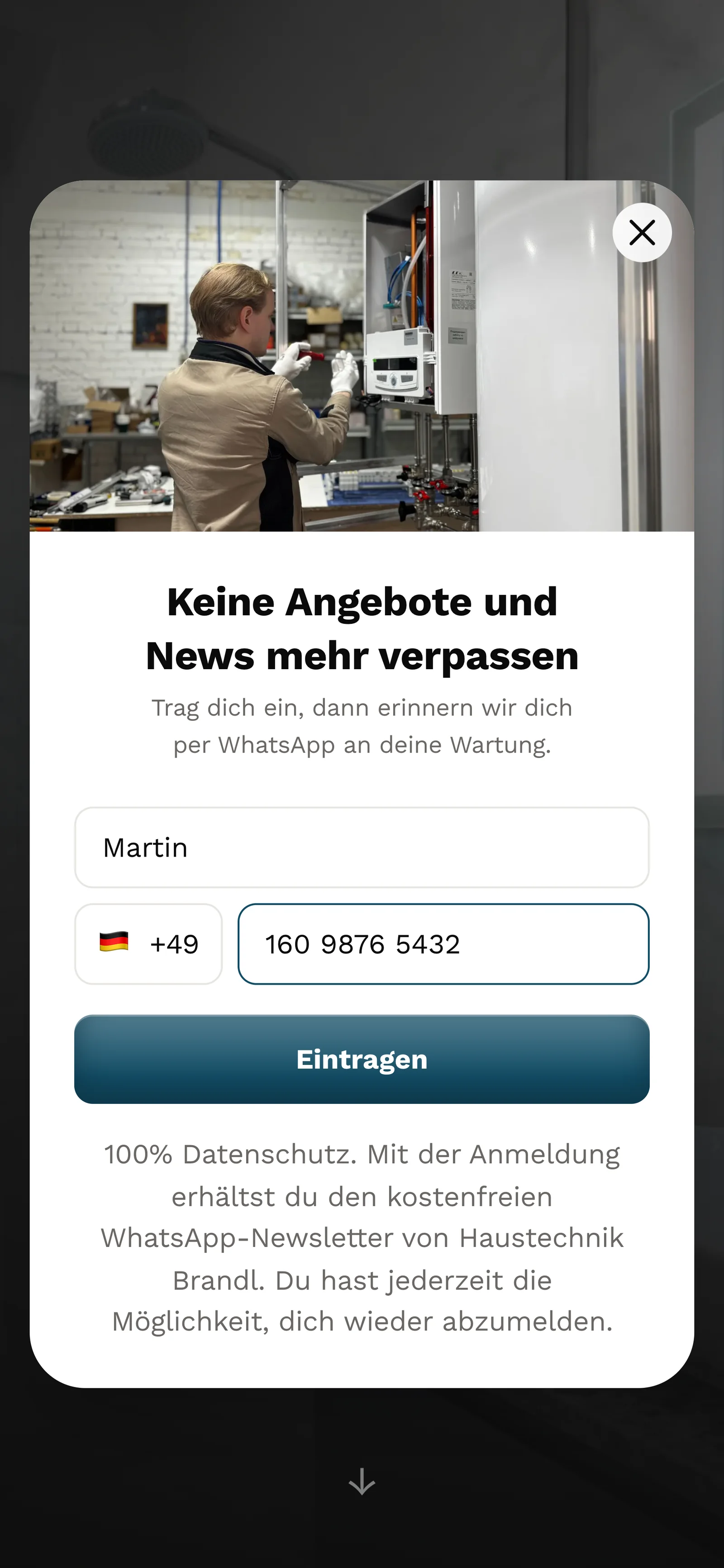
Your customers sign up themselves: via the QR code on the invoice or service report, the pop-up on your website or a link. After that they confirm once in WhatsApp.
The QR code is on the invoice, quote and service report. SmartChat creates it to match your landing page.
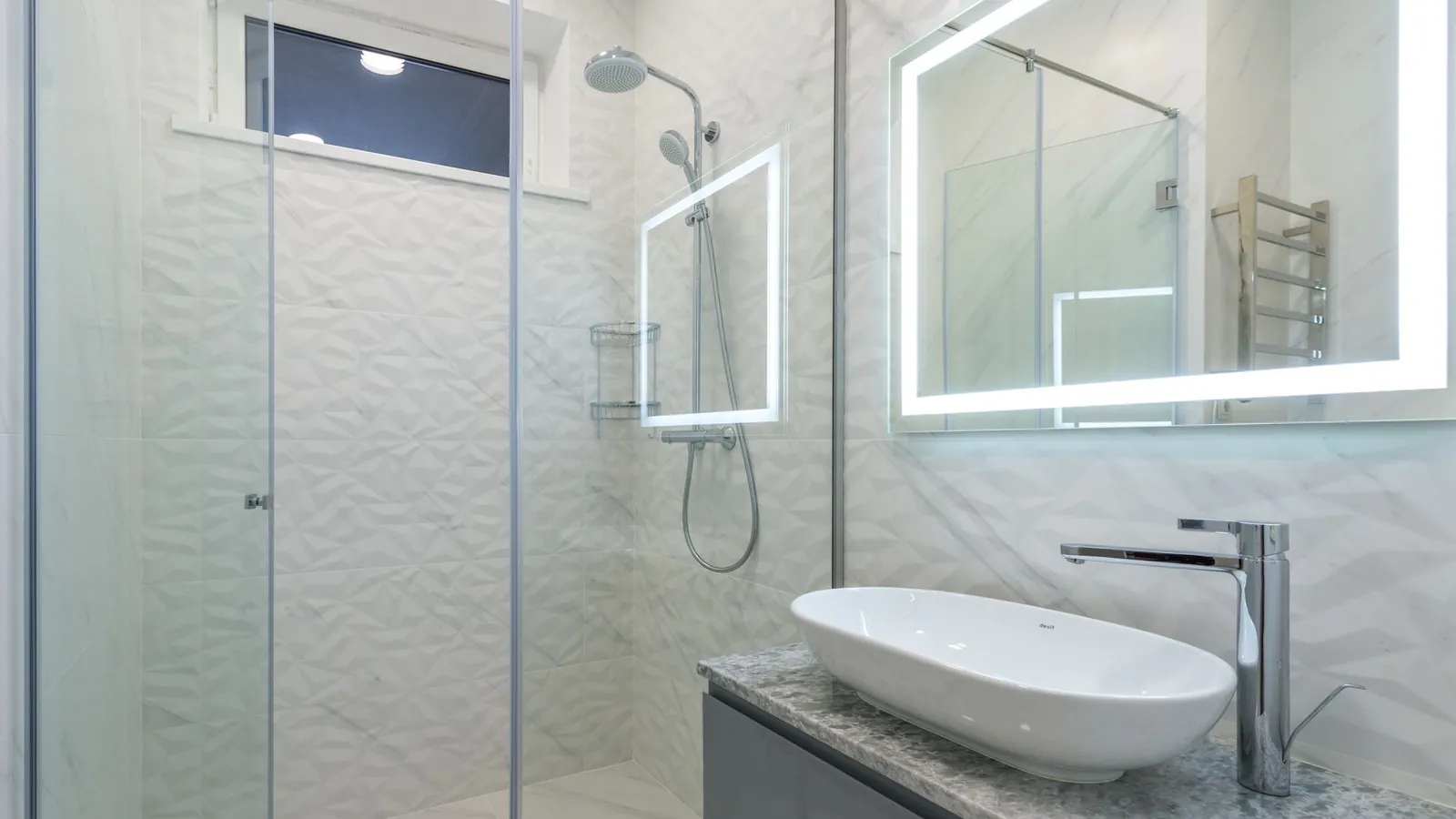
On your website, the same window appears as a pop-up, for example next to your bathroom renovation services.

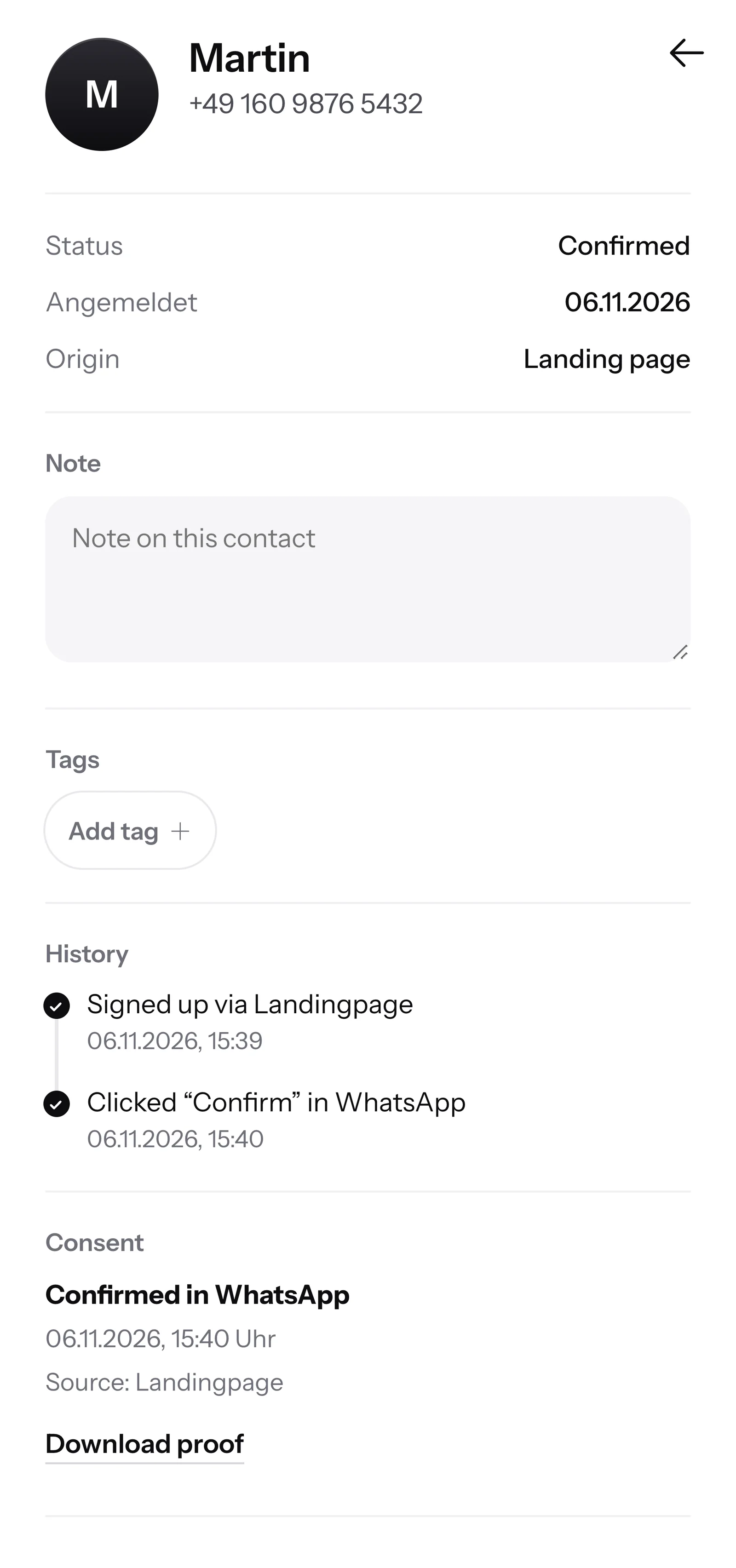
One click on Confirm is enough. This second consent is called double opt-in, and only after that do you write to them.
SmartChat stores the date, time and way of consent. If someone asks, you download the proof as a PDF.

If a customer writes in the evening and your team has already finished for the day, SmartChat AI answers fully automatically for you. It answers with the knowledge it has learned from your website and your past conversations. If it has no source, it hands over to you.

If a message comes in on Sunday, your customer still gets an answer right away.
SmartChat AI answers in the language your customer writes in. That way they understand the message right away.
If it's about a price or a firm appointment, the message lands with your office in the inbox.
Yes, if your customer has signed up themselves and confirmed in WhatsApp. Without this consent, they don't get a newsletter from you. SmartChat saves every confirmation with date and time and so supports you with consent that complies with data protection rules.
Via the QR code that SmartChat creates for you. Print it on the invoice, quote and service report, and it stays with the customer after every job. On your website, a popupalso asks whether the visitor wants appointments and tips via WhatsApp.
You can import contacts via a file. They are unconfirmed at first and only get your newsletter once they're confirmed: either by clicking the confirmation message, or you show how and where you collected them, and SmartChat unlocks them. Also give your customers the QR code at their next service or invoice.
No. Quotes, orders and invoices stay in your tradesman software. SmartChat sends the WhatsApp messages and answers questions. If your software can report new orders via a webhook, the order confirmation goes out automatically via WhatsApp.
If the service appointment is in your calendar, an automation reminds your customer the day before. SmartChat gets the appointment via your calendar's iCal address. You reach customers without an appointment in autumn with a newsletter full of free service appointments.
SmartChat AI replies right away with what's on your website, for example your emergency service number. SmartChat does not dispatch a technician. The message stays in the inbox, and your team sees it there.
Only prices that you have entered yourself, on your website or in an uploaded document. For a firm quote, your team needs to see the bathroom on site. SmartChat AI then offers a consultation appointment, and your office takes over in the inbox.
Yes. All conversations are in one shared inbox, and everyone on the team sees who has already replied. Free has 1 team seat, Starter 3, Basic 6 and Pro 12.
No. You connect your business number to SmartChat and confirm it with a code from Meta, the company behind WhatsApp. One number is connected per account.
Free costs β¬0, with no time limit and no credit card, with 100 messages one time only. Starter costs β¬299 a month with 3,000 messages, Basic β¬499 with 6,000, Pro β¬999 with unlimited messages. Sending costs no credits. All prices plus VAT, more at Pricing.
Meta bills the fees for WhatsApp messages directly to you, via the payment method in your Meta account. SmartChat adds nothing on top, with us you only pay for your plan. You'll find the exact prices here.
Custom automations are available from Basic: Basic has 3, 1 of them for new contacts, Pro has unlimited. Free and Starter only have the fixed automation for new contacts (confirmation and thank-you). Order confirmation and next-day announcement are, for example, two custom automations.
Give SmartChat AI the address of your website. In 60 seconds your landing page and QR code are ready. Then you connect your business number and send the first newsletter.
They write STOP in the WhatsApp chat with your business. After that, SmartChat no longer sends them a newsletter and marks them as unsubscribed in your contact list.
Give SmartChat AI the address of your website. SmartChat AI analyzes it, and after 60 seconds your landing page and QR code are ready. Free stays at 0 β¬ with no time limit, and you don't need a credit card.