

Skip to content

WhatsApp marketing for coworking spaces.

With SmartChat you send your members on WhatsApp what you want to tell them: a dedicated desk that has become free, the meeting room for tomorrow or the invitation to breakfast in the building.

This is what a WhatsApp newsletter for a coworking space looks like

Cup and phone on a wooden table, image in the newsletter

image

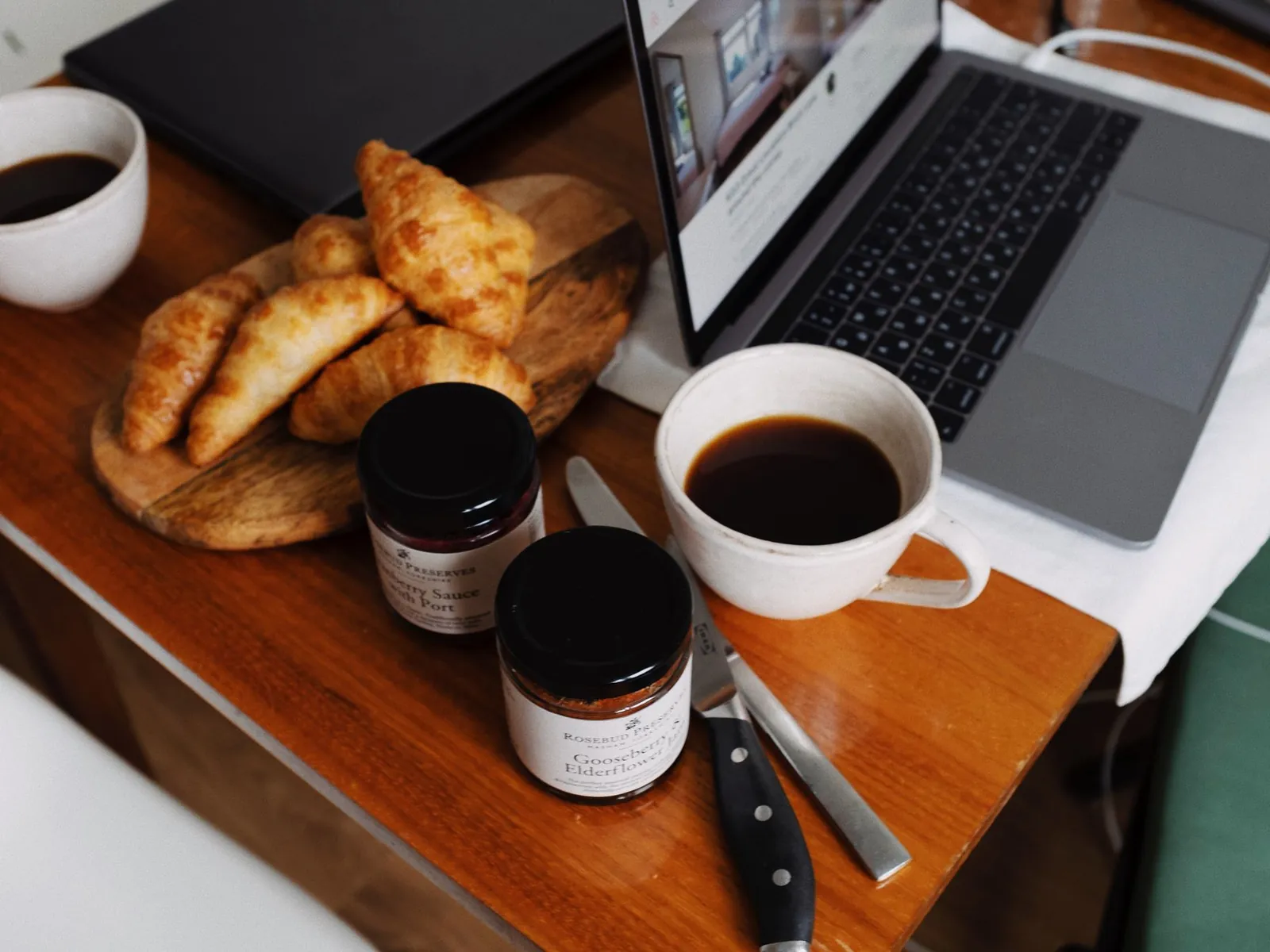
A photo from your lounge or coffee kitchen shows what it looks like at your place. SmartChat takes it from your website, or you upload your own.

๐Ÿ‘‹ Hello Stefan, ๐Ÿ‚ in November there is some news at our building. ๐Ÿ“ž On the first floor there are now two phone boothswhere you can make calls undisturbed. ๐ŸŒ™ Our Front desk is now staffed on weekdays until 8 pm . ๐Ÿ›‹๏ธ The lounge has new sofas and a corner with power outlets for your laptop. ๐ŸŽ„ The Christmas party is on Friday, December 11, guests welcome. ๐Ÿ“Œ You can find all dates and sign-ups in our house calendar.
08:45

Text

SmartChat AI writes it from your website and your house program. Dates and news are in bold, so every member sees them at a glance.

Open house calendar

button

One click opens your house calendar. There your member signs up for the Christmas party right away.

SmartChat sends house info and reminders automatically.

The welcome after sign-up, the confirmation of a room booking and the reminder before the trial day run in the background for your coworking space.

As soon as a contact confirms
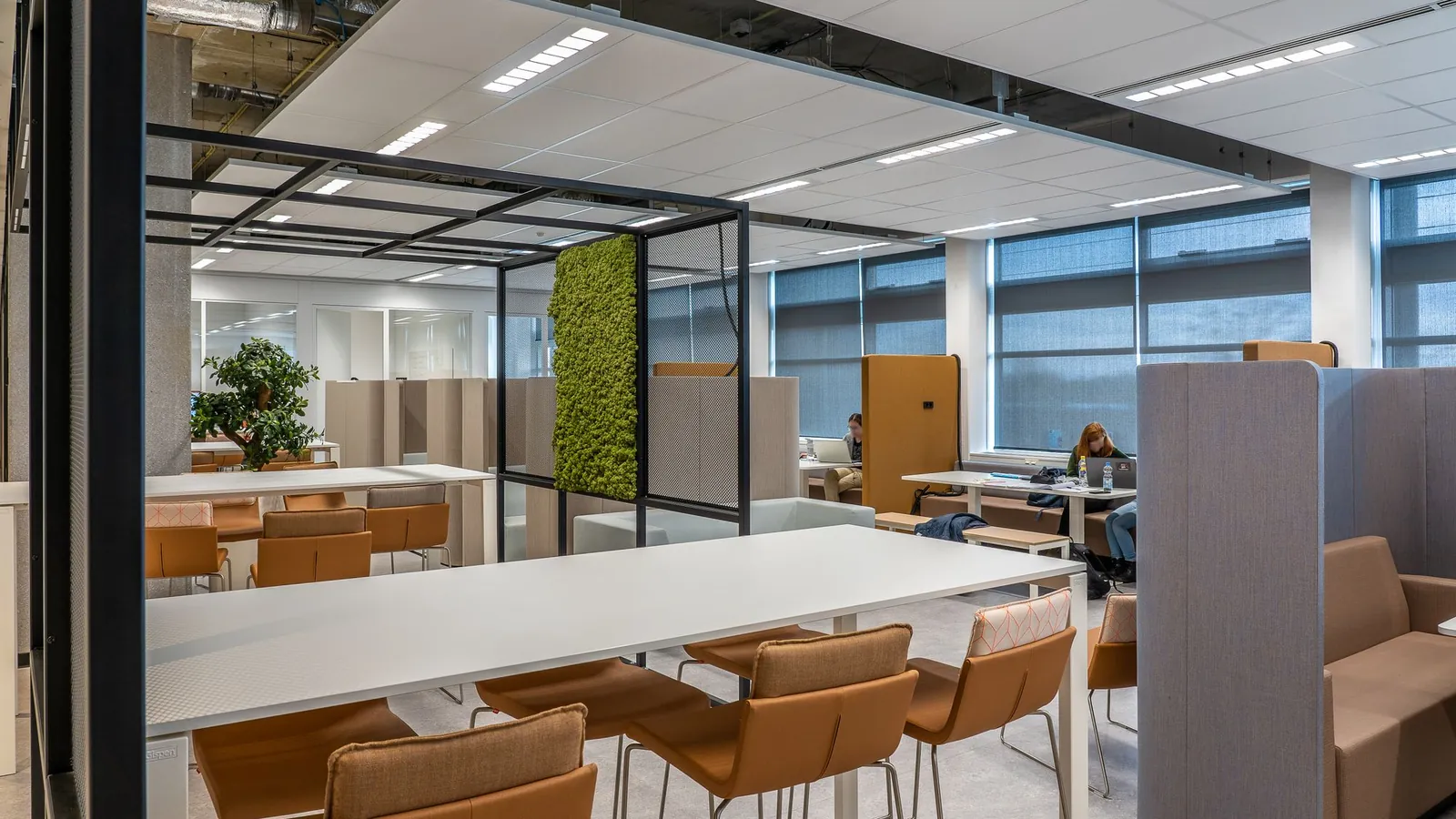
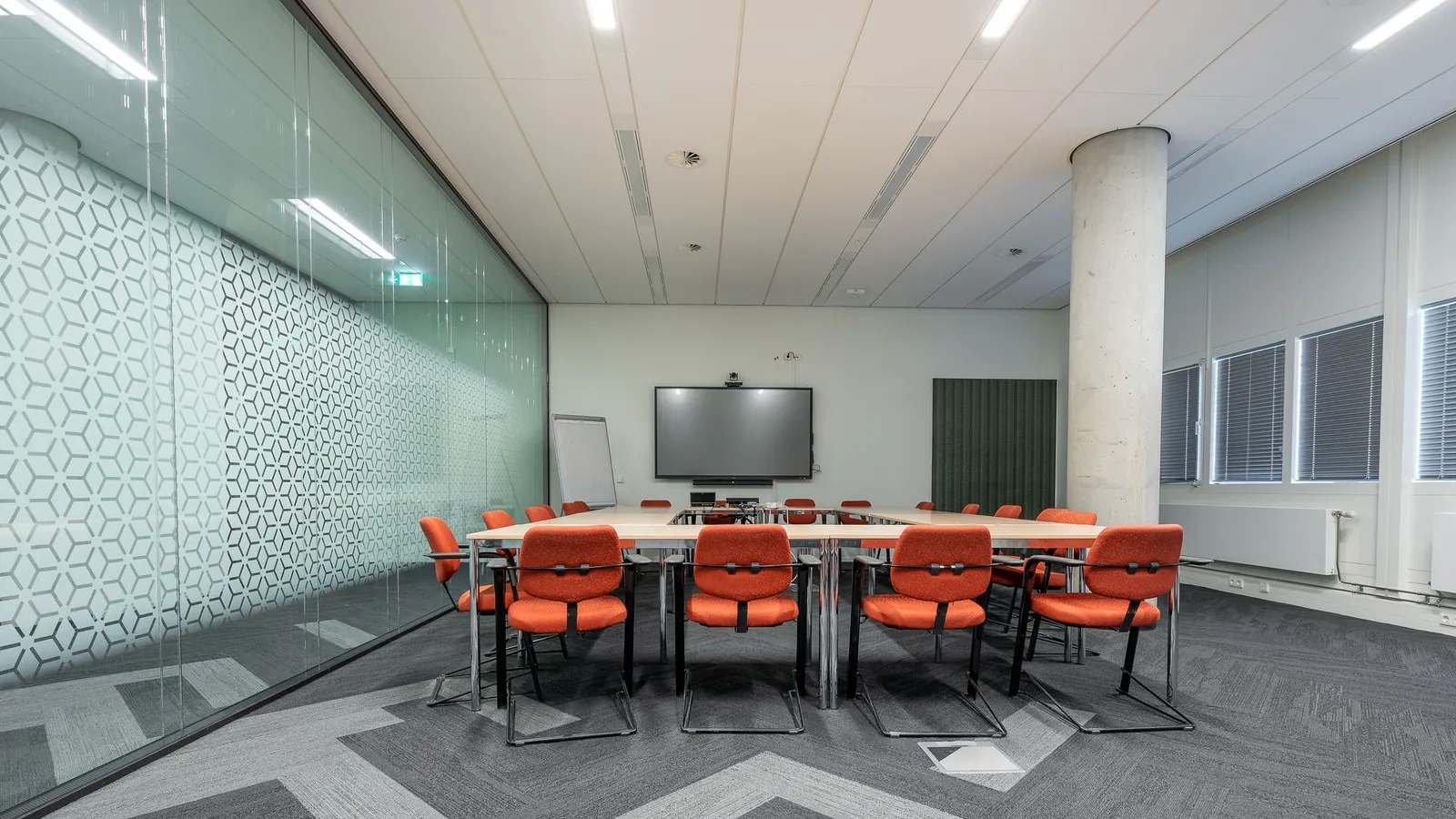
A spacious coworking office featuring modern design and natural decor elements for a collaborative environment.
๐Ÿ™Œ Thank you, you are now signed up.๐Ÿข Our building is five minutes from the station, with a bike cellar and parking spaces in the courtyard.๐Ÿ—“๏ธ Here you'll hear about dedicated desks available, rooms for meetings and our evenings for members.โ˜• Feel free to come by for a trial day , the coffee is on us.๐Ÿ•˜ The front desk is open on weekdays from 8 am to 6 pm for you.14:02
Arrange a trial day

Welcome after sign-up

Anyone who has signed up and confirmed gets the most important things about your space right away: location, hours and what they will hear from you.


As soon as a room is booked
A top-down view of a beautifully crafted latte with latte art in Bali, accompanied by a dog-shaped biscuit.
๐Ÿ‘‹ Hello Monika,โœ… the Kastanie meeting room is booked for you: Tuesday, 2 to 4 pm.๐Ÿ‘ฅ It has room for six people , and you connect the screen and camera with a cable at the table.โ˜• Should we set out coffee and pastries for your guests? Just write it here.๐Ÿšช Your visitors check in at the front desk downstairs, and we bring them up to you.10:12
View booking

Room booking confirmation

When your booking software reports every new room booking to SmartChat, the confirmation appears right in your member's WhatsApp chat.

1 day before the trial day
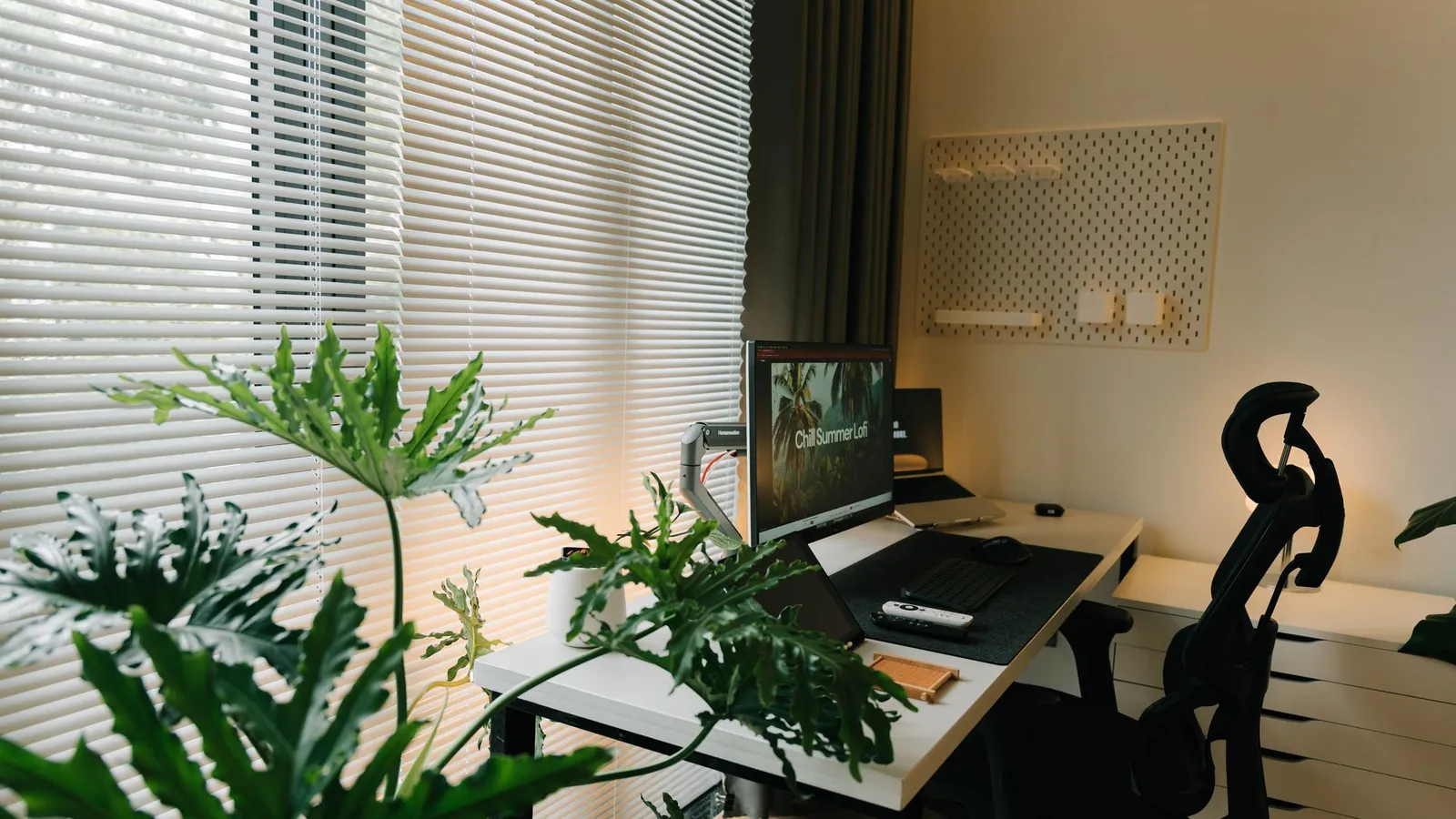
A peaceful home office setup with a desktop and laptop by a window, decorated with flowers and a mug.
๐Ÿ‘‹ Hello Jรผrgen,๐Ÿ“… tomorrow from 9 am is your trial day with us.๐Ÿชช Go to the counter on the ground floor, where you get your guest chip.๐Ÿ’ป Your desk is in the quiet zone by the window, with a monitor and power outlets.๐Ÿ“ถ The Wi-Fi password hangs at every table, and you can help yourself to coffee and tea in the kitchen.๐Ÿ…ฟ๏ธ Parking can be had in the courtyard behind the building.17:30
View directions

Reminder before the trial day

When you enter trial days in your calendar, SmartChat sends a message the day before with everything your prospect needs to know for the first day.

This is how members and prospects get onto your list.

Members and prospects sign up themselves: through the QR code in the building, the popup on your website or a link in your Instagram profile. Only after their own confirmation in WhatsApp do you send them your newsletter.

  1. 1

    Your member scans the QR code

    The QR code is stuck to the counter, the coffee machine and the tables in the shared work area. SmartChat creates it to match your landing page.

  2. 2

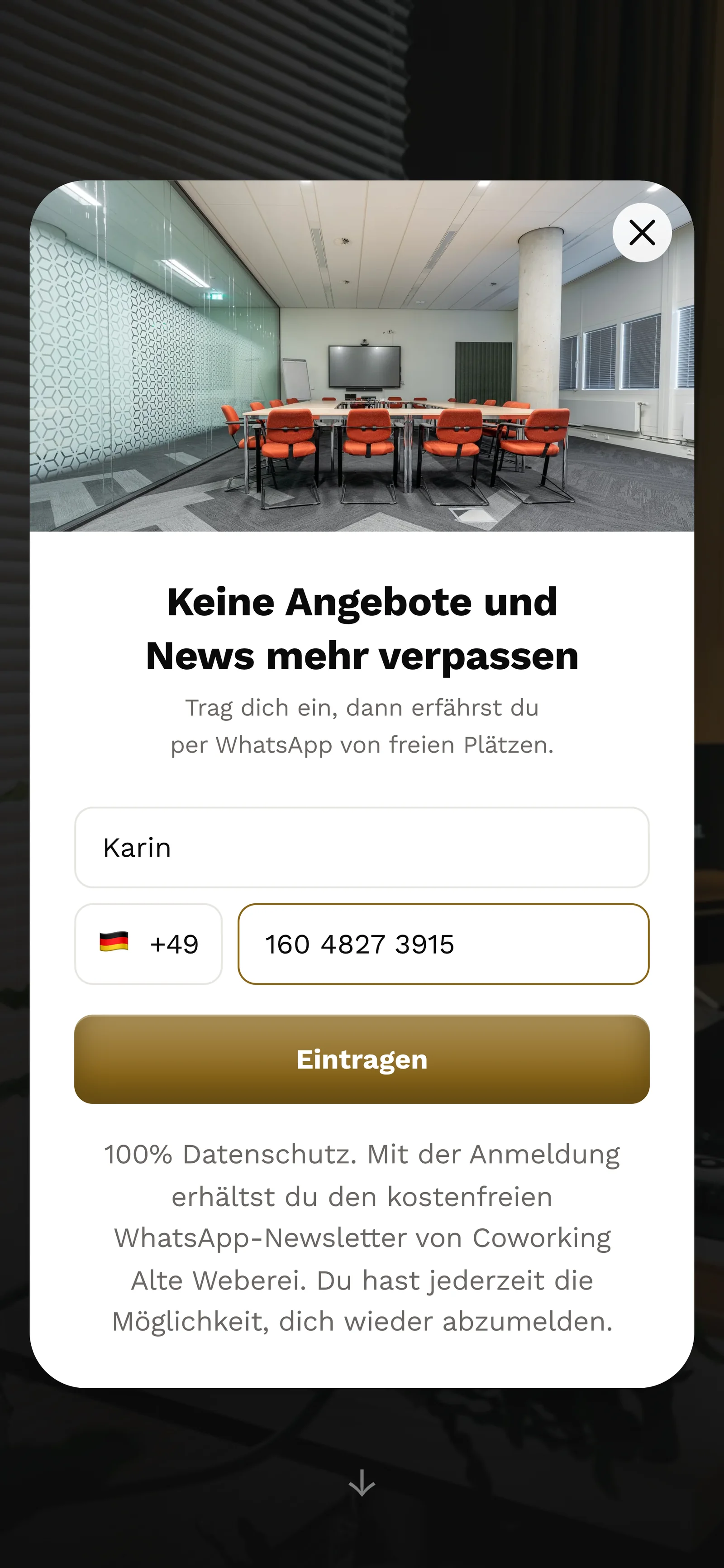
    Your prospect enters first name and phone number

    A small window opens next to your prices. It does not ask for more than these two details.

    Real website popup of Coworking Alte Weberei with a photo at the top, mobile view: heading Never miss offers and news again, first name Karin and phone number entered, button Sign up
  3. 3

    Your prospect confirms in WhatsApp

    One click on Confirm is enough. This double opt-in means: each contact confirms their sign-up themselves in WhatsApp.

    ๐Ÿ‘‹ Hello Karin,๐Ÿข here you will hear about dedicated desks available, team offices and evenings in our building.โœ… Do you want to receive these messages? Then click the button below: Confirm.๐Ÿ”’ You can unsubscribe at any time. Just write STOP.16:05
    Confirm
    Confirm16:05
  4. 4

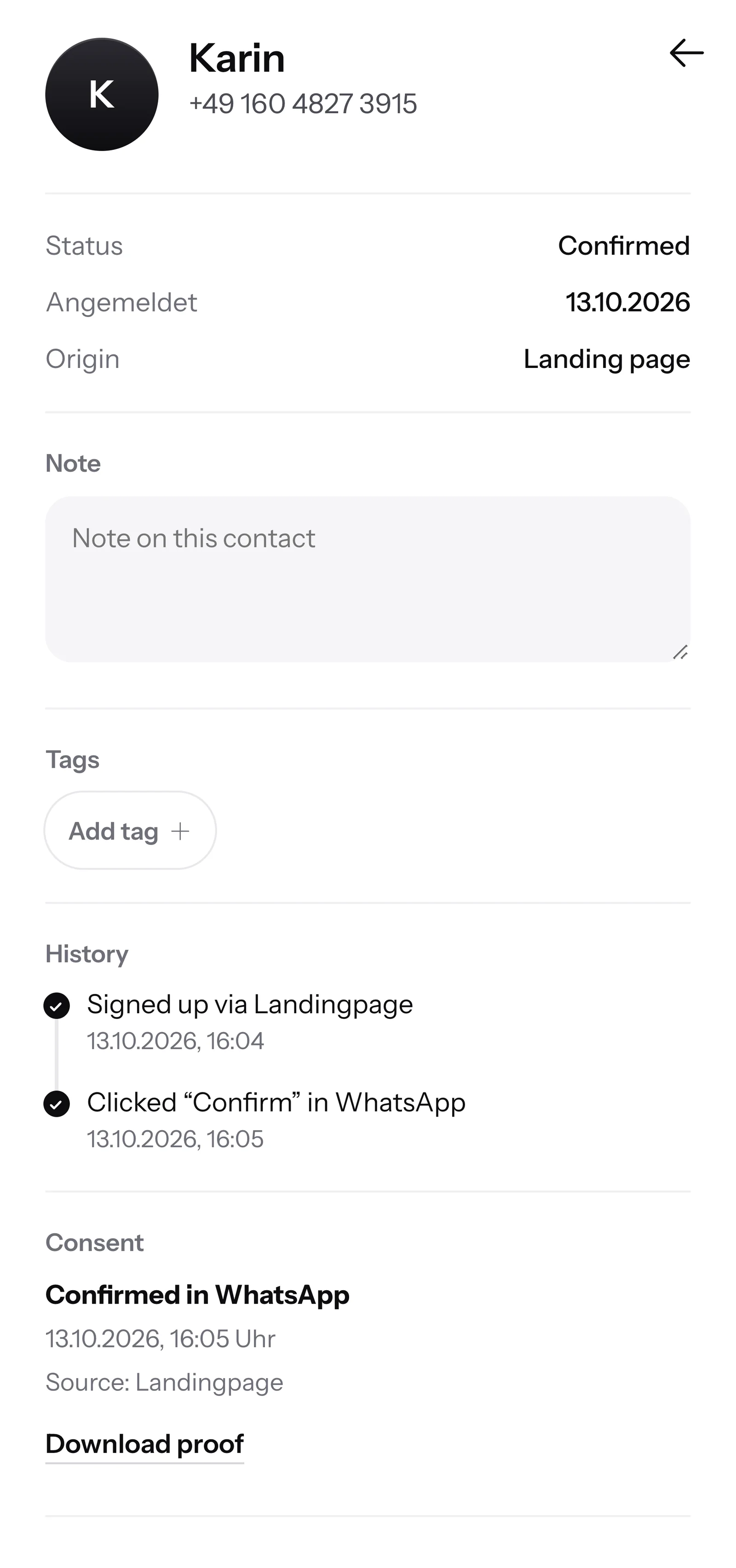
    You have the proof

    For every contact, SmartChat records when and through which route they agreed. You download the proof as a PDF.

    Contact Karin in SmartChat, mobile view: status Confirmed, sign-up history, consent in WhatsApp confirmed and button Download proof

SmartChat AI answers your interested people.

When a prospect writes on Sunday evening and nobody at the front desk can be reached, SmartChat AI replies fully automatically for you. It answers with the knowledge it has learned from your website and your documents. If it has no source, it hands over to you.

Inbox in SmartChat: SmartChat AI answers a customer's WhatsApp question for Coworking Alte Weberei
  • Even in the evening

    Anyone who writes after work hours gets an instant answer.

  • In every language

    SmartChat AI replies in the language your contact writes in. Guests from abroad understand the message right away in their language.

  • Your front desk takes over

    If SmartChat AI cannot answer, the message is forwarded in the inbox to your front desk team.

Frequently asked questions about WhatsApp marketing for coworking spaces.

Can I just write to my members on WhatsApp?

Only with their consent. Each member signs up themselves, through the QR code in the building, your website or a link, and confirms once in WhatsApp. SmartChat stores this consent as proof. Whether your membership contract needs to say anything about this, you clarify with your lawyer.

Can I message contacts from business cards or networking evenings?

No. A business card is not consent to WhatsApp messages. At the next evening, put out the QR code: anyone who wants to hear more from your space scans it, signs up and confirms in WhatsApp.

How do I reach prospects who only look at the prices?

Through the popup on your website. It asks for first name and WhatsApp number. If a dedicated desk or a team office becomes free later, you send it to exactly these prospects.

Can I send different messages to members with a dedicated desk than to day guests?

Yes. In SmartChat you give contacts Tags, for example "Dedicated desk", "Team office" or "Prospect". When you send the newsletter, you choose which group gets it.

Does SmartChat replace my booking software for rooms and desks?

No. Your bookings keep running through your current software. If it can report new bookings to SmartChat via webhook, the confirmation goes to your member automatically on WhatsApp.

How does SmartChat AI know my prices and opening hours?

SmartChat AI analyzes your website and the documents you upload, for example your price list or the house rules as a PDF. If your prices change, you upload the new list. After that SmartChat AI answers with the new numbers.

What happens if SmartChat AI does not know the answer to a question about my space?

The question stays in the inbox, and your front desk team answers it themselves. Once a person has replied to a message, SmartChat AI writes nothing more on it.

Does SmartChat AI also answer guests from abroad?

Yes, in the language your guest writes in. If someone asks about a day desk in English, they get the answer in English.

Can my front desk team help answer the messages?

Yes. All WhatsApp conversations are in one shared inbox. Free has 1 seat for your team, Starter 3, Basic 6 and Pro 12.

Do I need a second phone number for my coworking space?

No, you use your existing number. You connect it to SmartChat and confirm it with a code from Meta, the company behind WhatsApp. You connect one number per account.

What does SmartChat cost for a coworking space?

Free costs โ‚ฌ0, has no time limit, needs no credit card and includes 100 messages one time. Starter is โ‚ฌ299 per month with 3,000 messages, Basic โ‚ฌ499 with 6,000 and Pro โ‚ฌ999 with no limit. You pay no credits for sending. All prices plus VAT, more under Pricing.

Are there additional fees from Meta?

Yes. Meta charges the WhatsApp fees directly to you, through a payment method in your Meta account. You pay SmartChat only for your plan. You can find the exact prices here.

How many automations are included for my coworking space?

Custom automations are available from Basic. Basic includes 3 automations, 1 of which is the fixed double opt-in automation, and Pro has unlimited. Free and Starter only have this fixed automation for new contacts. A custom automation sends automatically, for example the reminder the day before the trial day.

How quickly is my coworking space ready?

You give SmartChat AI the address of your website. In 60 seconds your WhatsApp marketing system, the landing page and the QR code are ready. Then you connect your number and send the first house news.

How does a member unsubscribe again?

Anyone who has confirmed your newsletter writes STOP into the WhatsApp chat with your space. From then on SmartChat sends them nothing more, and they appear in your contact list as unsubscribed.

WhatsApp marketing for your coworking space in 60 seconds.

SmartChat AI analyzes your coworking space's website and builds your landing page and QR code from it in 60 seconds. Free costs โ‚ฌ0 and needs no credit card.