Manage several businesses with one account.
With SmartChat, you can manage several business accounts, each with its own WhatsApp number, its own contacts and its own plan, and switch between them with one click.

Every business sends under its own name.
Behind each account is its own WhatsApp number. If you look after a bakery, a tour operator and a coworking space as an agency, for example, every contact sees exactly who is writing to them.
One number per business
Each account connects exactly one WhatsApp number, with its own profile picture and its own name.
Their own subscribers
Anyone who has agreed with one business only receives messages from exactly that business.
Replies in the right place
When a contact writes back, the message lands in the inbox of exactly that business.
Switch with one click.
You don't log out and you don't sign up again. The account card at the bottom left takes you to any of your businesses.
Open the account card
Click the name of your business at the bottom left. On small screens, the card is in the menu.
Switch accountChoose an account
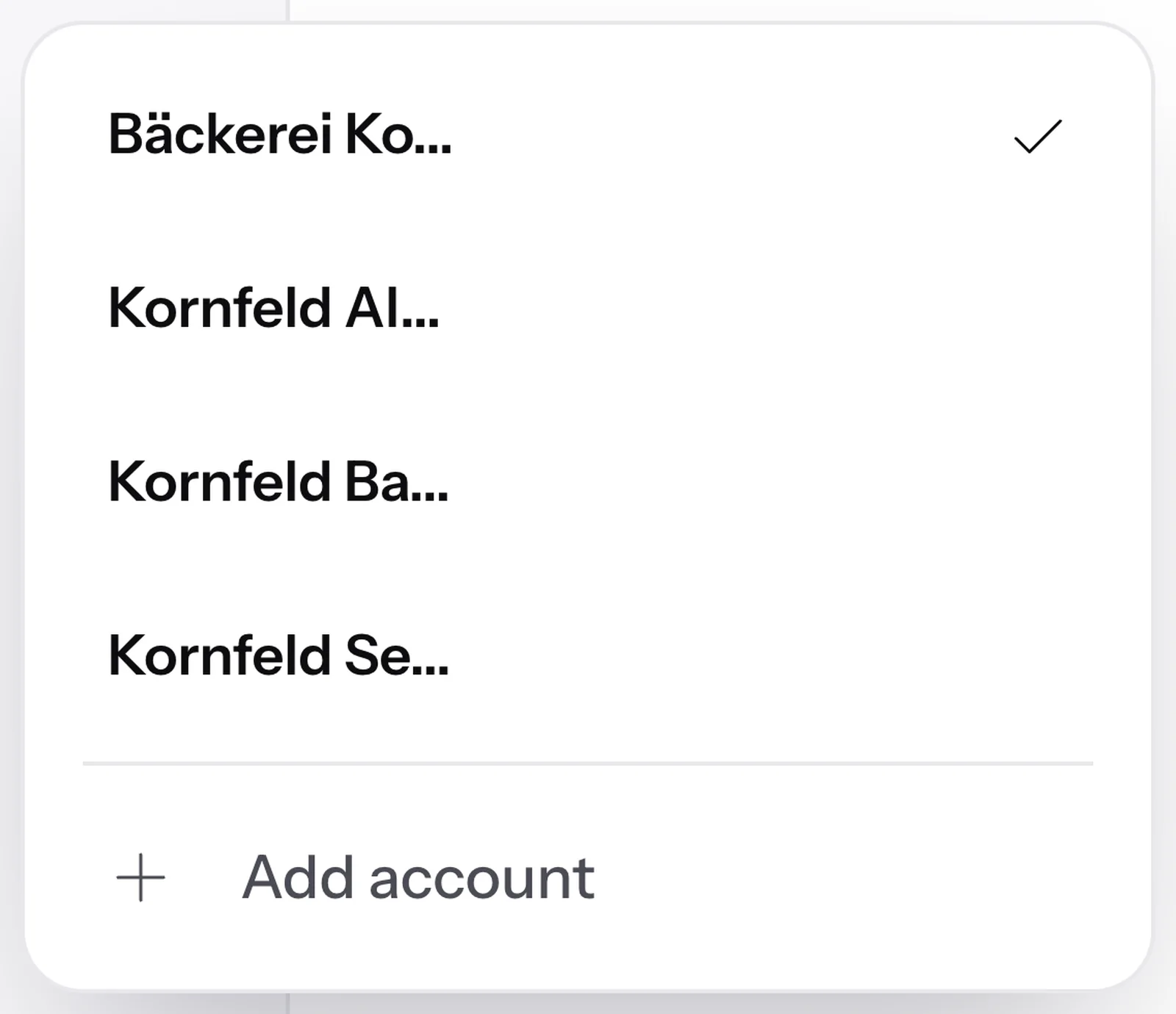
The list shows every account you work in. The current one has a checkmark.
All your accountsEverything reloads
SmartChat now shows the inbox, contacts, newsletters and plan of exactly this business.
Their own dataBack to the first account
Above the account card, there is a button with the name of your first account.
One click back
In every account, your own role.
If another business invites you to its team , you use your existing login for it.

A new business without a new account.
You add another business directly in the app. SmartChat sets up the new business with its website, just like your first one.
- 1
Choose Add account
At the very bottom of your account list, you'll find the entry Add account.
- 2
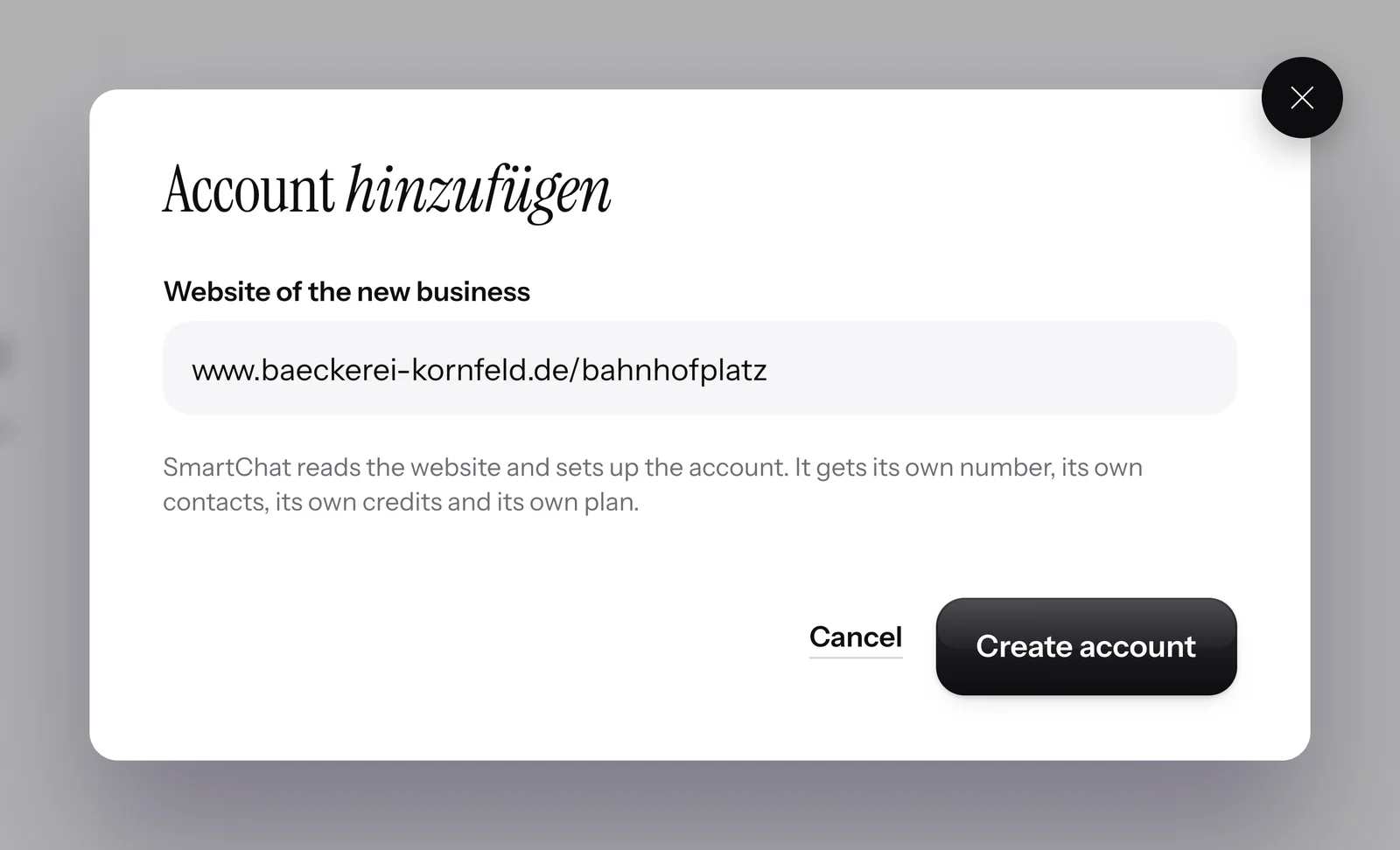
Enter website
SmartChat only asks for the new business's website. You don't have to enter anything else.
- 3
Create account
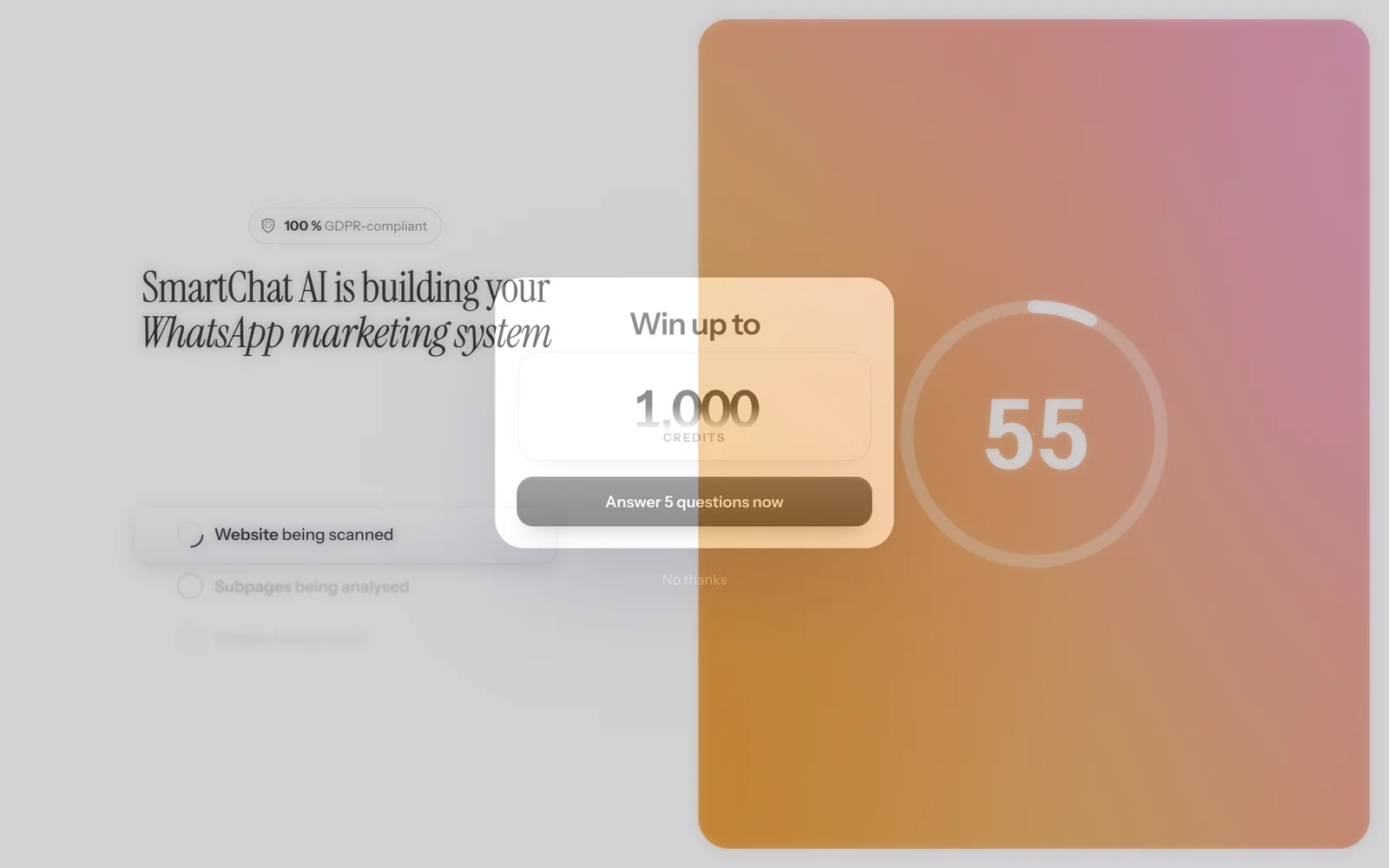
SmartChat AI analyzes the website and sets up the new business. In 60 seconds, your WhatsApp marketing system is ready.
- 4
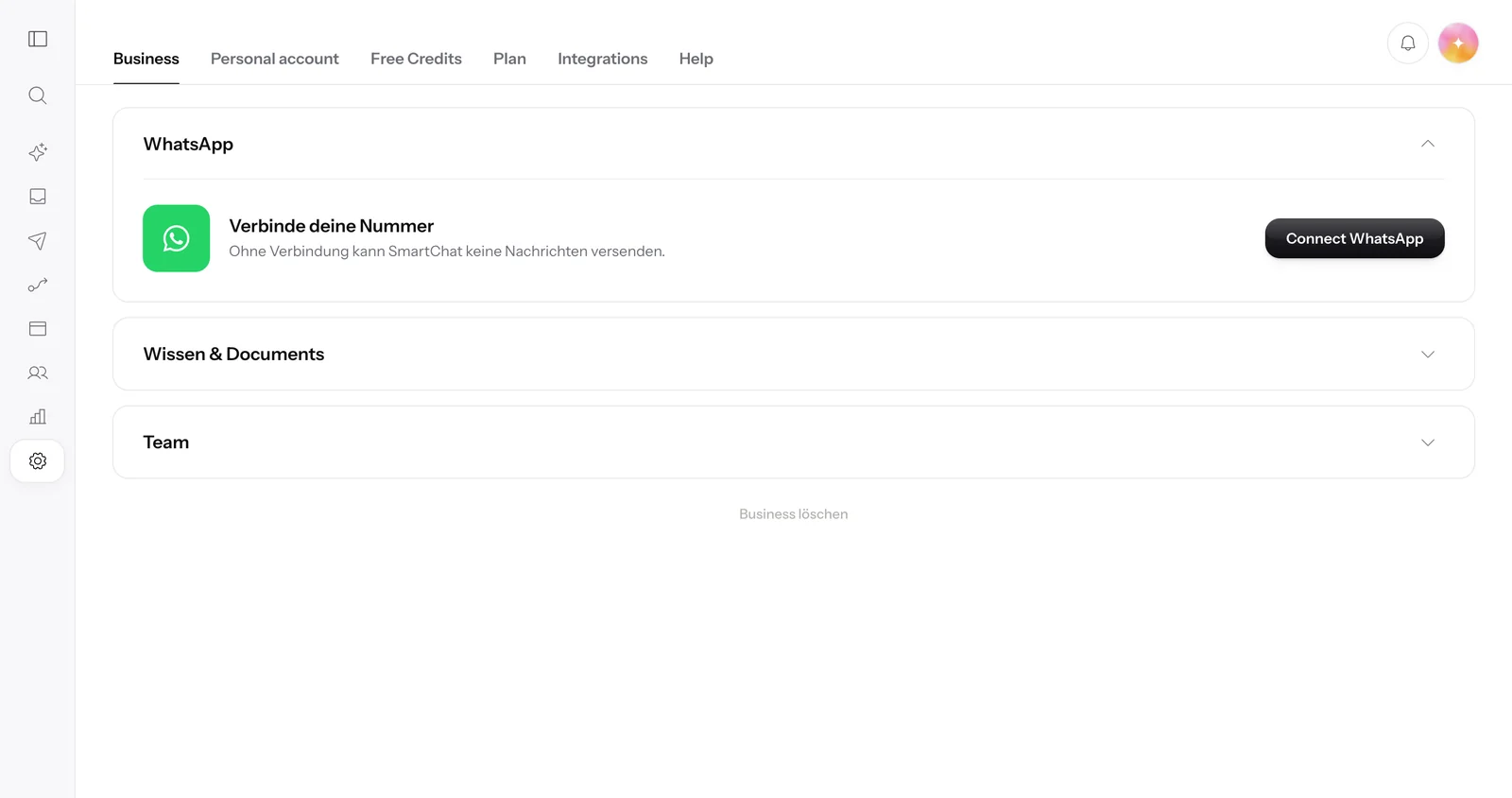
Connect WhatsApp number
Every new business needs its own WhatsApp number.
- 5
Back to your first business
When you're done, one click takes you back to your first business.


Frequently asked questions about Managing multiple accounts.
How many businesses can I manage with one login?
You create a separate account for each business and switch between them with one click.
Can I connect two WhatsApp numbers in one account?
No, each account has exactly one WhatsApp number. For a second business with its own number, you create a second account in SmartChat.
How do I create another account?
Click your account card at the bottom left and choose Add account. Enter the new business's website and click Create account, and SmartChat sets up the account.
Can another business invite me to their account?
Yes, the business invites you to its team, and you accept the invitation with your existing login.
Which account do I land in after logging in?
After a fresh login, you land in your first account. From there, you switch to any other account with one click on the account card.
What does sending messages cost in my accounts?
Sending costs no credits in SmartChat, in any account. For each account, you only pay the plan: Free €0, Starter €299, Basic €499 and Pro €999 per month, all prices plus VAT. On top of that come Meta's fees, which you pay directly to Meta. More on this under Meta fees.
What does WhatsApp cost at Meta for several numbers?
Meta charges the fees for WhatsApp messages directly to you, for each number through the Meta account it is connected to. With SmartChat, you also pay the plan of the respective account. More on this under Meta fees.
How does a contact unsubscribe from one of my businesses?
The contact writes STOP to this business's number. After that, they no longer receive messages from this account, and they show up as unsubscribed in the contact list.
Are multiple accounts suitable for branches?
Yes, each branch gets its own account with its own number and its own contacts, and you switch between the accounts with one click. You can see how this works in WhatsApp marketing for franchise systems on the industry page.
Are multiple accounts suitable for agencies?
Yes, as an agency, you create a separate account for each client and switch with one click, for example between a tour operator and a coworking space. Each client account has its own number, its own contacts and its own plan.
Manage all your businesses with one account.
Give SmartChat AI your business's website. In 60 seconds, your WhatsApp marketing system is ready, and you add every further business later with Add account.