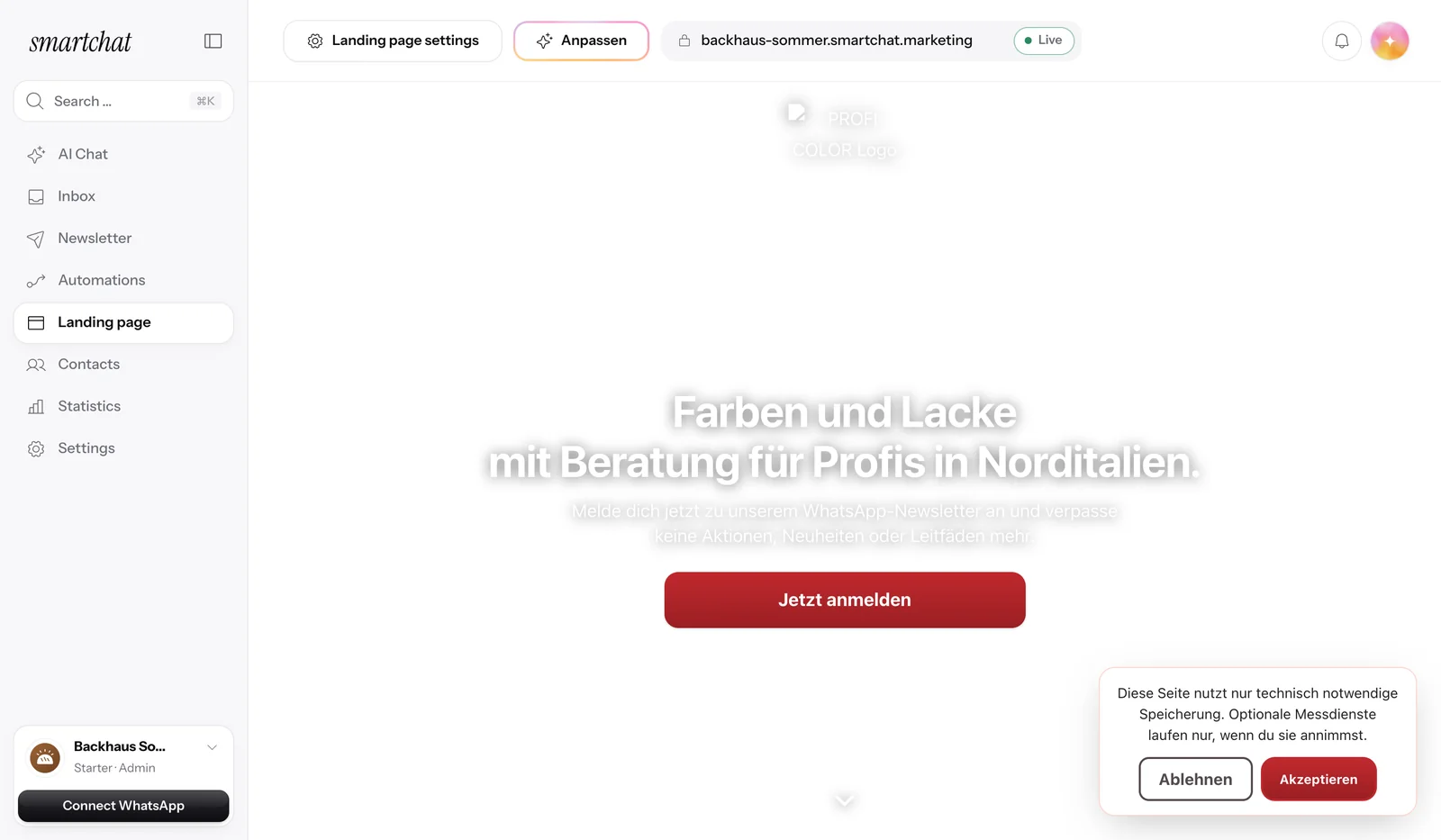
Website popup and WhatsApp button for your website.
Since September 23, 2026, the website popup brings you new subscribers from your website, and with the click-to-WhatsApp button, visitors message you directly on WhatsApp.

Two ways from your website to WhatsApp.
Both run side by side on the same website.
Website popup
- Visitors sign up for your WhatsApp newsletter without leaving your website.
- The contact confirms every sign-up once on WhatsApp.
- After that, you send them newsletters and follow-ups.
Click-to-WhatsApp button
- One click opens the WhatsApp chat with your business.
- The message lands in the SmartChat inbox.
- SmartChat AI replies instantly if the AI reply is turned on.
You decide when the popup appears.
After a waiting time, at a certain scroll depth or when the mouse moves to close the page. You turn on each trigger separately. More about the website popup

The button is one line of code.
In your landing page settings, you copy the code with one click and add it to your website. The button then sits in the bottom right corner. More about the WhatsApp button

You see who comes in through the popup.
In your contacts, you filter by the source website popup, with the status of every consent.

Popup and button at a glance.
- 0 €Both are included in every plan, even in Free
- 1 lineof code is all your website needs, no plugin
- 1 languagefor the popup, it always appears in one language
Frequently asked questions about popup and button.
Since when have the website popup and click-to-WhatsApp button been available?
Since 23 September 2026.
What's the difference between the popup and the button?
The popup collects subscribers for your WhatsApp newsletter. The button starts a conversation that lands in your inbox.
Can I use the popup and button on my website at the same time?
Yes, both run side by side on the same website.
Do I need a plugin for my website?
No, you add one line of code. That works in any website builder where you can add your own code.
When does the popup appear for my visitors?
After a delay, at a certain scroll depth or on exit intent. On phones, the delay is used instead of exit intent.
What does a visitor enter in the popup?
Their phone number and, if they like, their first name. Then they confirm their sign-up once via WhatsApp.
Does someone who writes through the button get my newsletter?
No, only people who sign up and confirm in WhatsApp get the newsletter.
Who replies to messages sent via the button?
SmartChat AI replies instantly if you have turned on AI replies . You and your team write in the inbox yourselves, whenever you want.
What happens when someone writes STOP?
Then they're unsubscribed and won't get any more newsletters, follow-ups or automations, even if they sign up in the popup again later.
What do the popup and button cost?
Both are included in every plan, even in Free for €0. Starter costs €299, Basic €499 and Pro €999 per month, all prices plus VAT.
Turn your website into a channel.
Enter your website, and SmartChat AI builds your WhatsApp marketing system in 60 seconds. You then add the popup and button with one line of code.
More News.
All newsSmartChat V2 is here.
You enter your website, and SmartChat AI builds your WhatsApp marketing system in 60 seconds, with a landing page, confirmation message and follow-ups.
Partner program: up to €1,000 per referral.
Recommend SmartChat with your invite link and get up to €1,000 as soon as a business you invited books its first plan.
Agency partner program with 30% discount.
Agencies apply as partners and, once qualified, get 30% off their own account and all client accounts.