SmartChat is an official Meta Business Partner.
Since 11 July 2026, SmartChat has been an official Meta Business Partner: your WhatsApp messages run through Meta's official WhatsApp Business Platform.

The official route to WhatsApp.
Every message from SmartChat goes through Meta's WhatsApp Business Platform.
Connect number
You connect your own WhatsApp number through Meta's sign-in.
Your numberSmartChat submits
SmartChat submits every template to Meta for you.
AutomaticMeta is reviewing
Meta approves the template before it can be sent.
ApprovedSending
Your message goes to all contacts who have confirmed in WhatsApp.
Official
Your own number, officially connected.
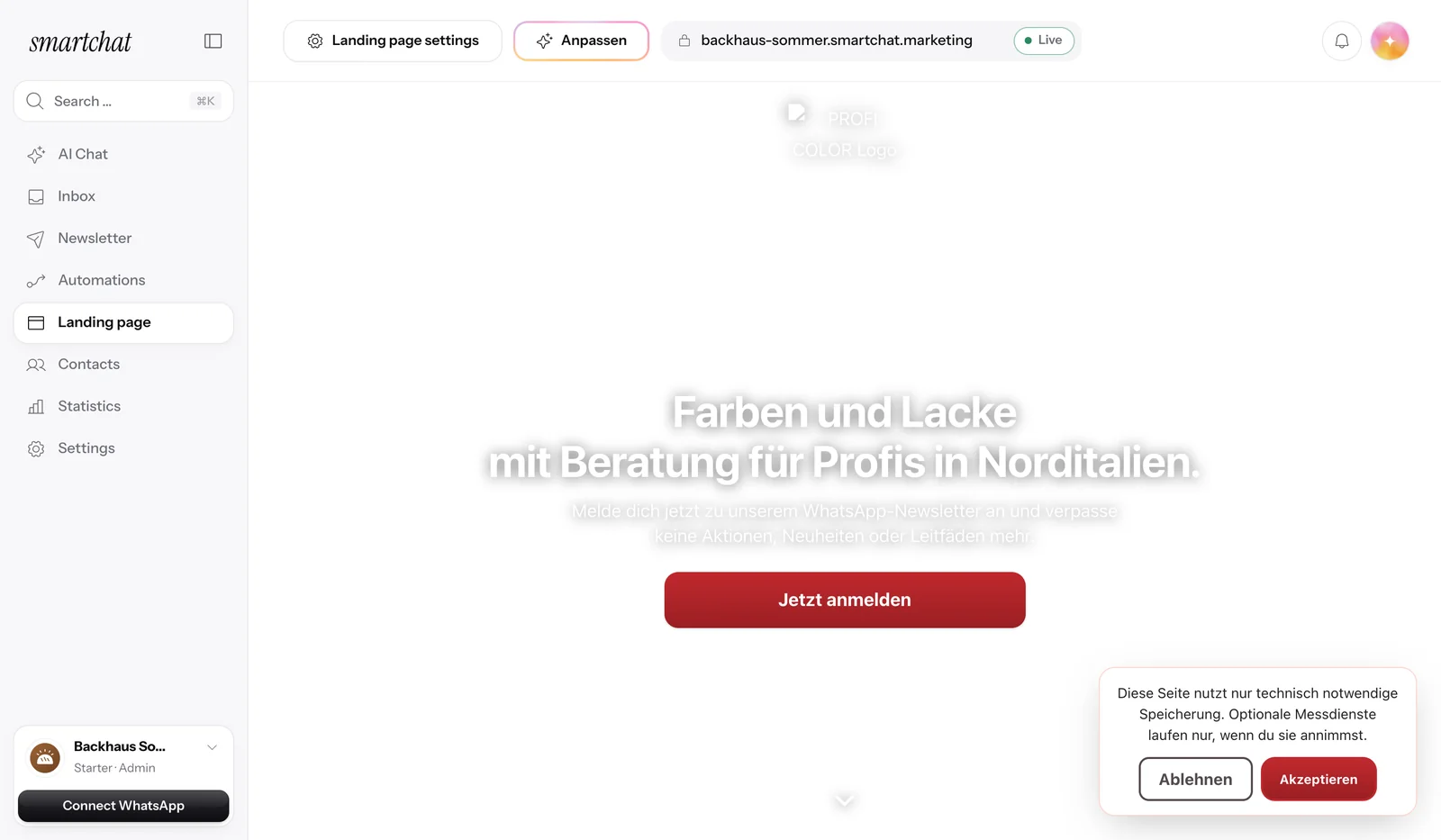
In Settings, click Connect WhatsApp and sign in to Meta. After that, SmartChat sends in your name, with your profile picture and your about text.

Your number
Your contacts see your name and your WhatsApp profile.
Sign-in with Meta
The connection is made through Meta's sign-in, not through a workaround.
No connection, no sending
SmartChat only sends messages once your number is connected.
Meta reviews every template.
A newsletter or follow-up is a template that Meta approves before sending. SmartChat submits it for you, and you see the status for every message.

In review
Meta reviews the template; you don't have to do anything.
Ready
Meta has approved it, and the message can be sent.
Replies without a template
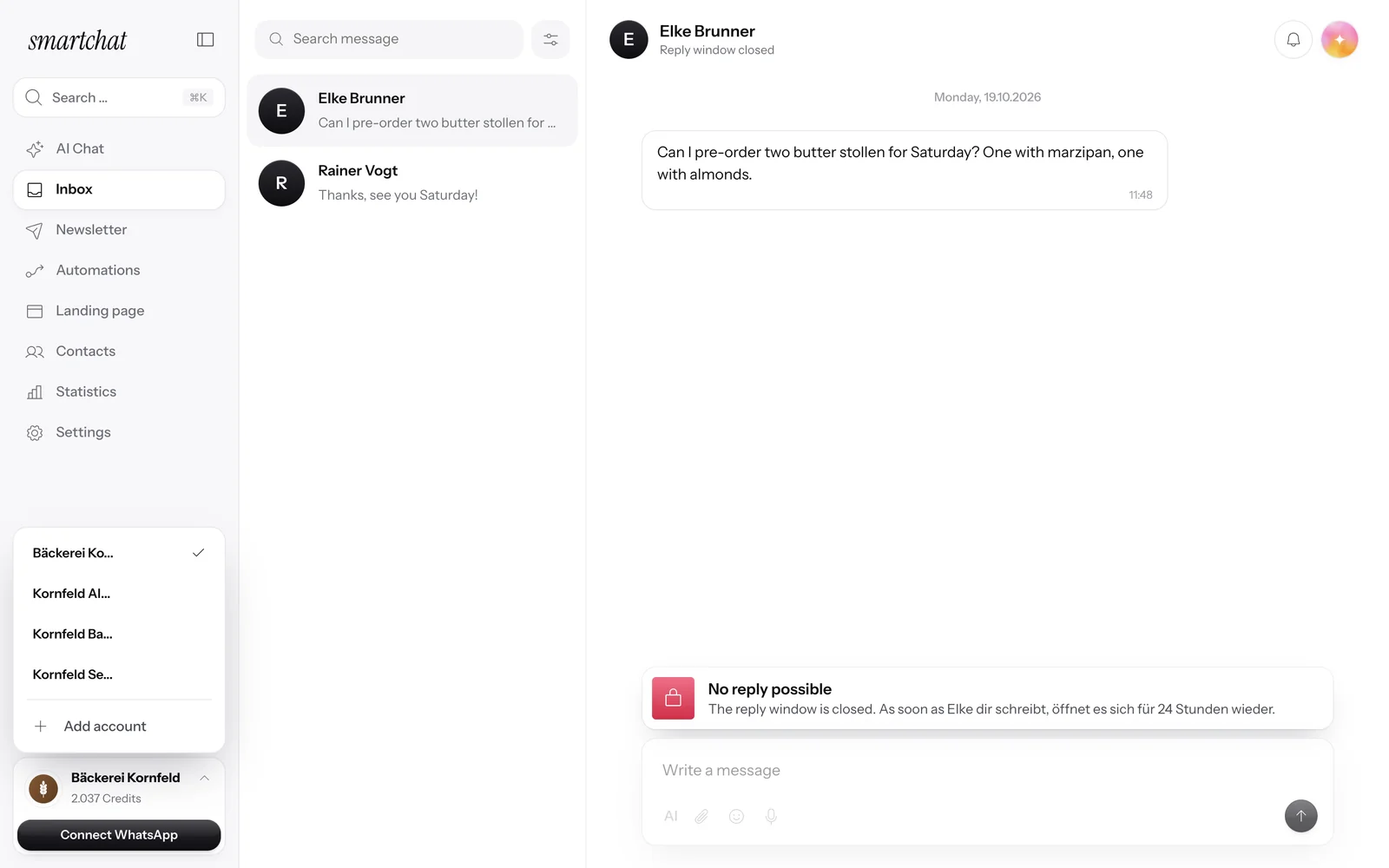
Within 24 hours of your contact's last message, you reply in the inbox without a template.
Your message lands right in WhatsApp.
Your contacts read your messages where they chat every day.
Only with consent
SmartChat only sends to contacts who have confirmed in WhatsApp.
Unsubscribe with STOP
Anyone who writes STOP won't get any more messages from you.
You find out right away
If there's a problem with your number, SmartChat lets you know by WhatsApp notification.
What the status means for you.
- OfficialSending through Meta's WhatsApp Business Platform
- 0 %markup on Meta's fees
- 24 hrsreply window without a template after every message from your contact
Frequently asked questions about the Meta Business Partner.
What does it mean that SmartChat is an official Meta Business Partner?
SmartChat is listed by Meta as a partner and uses the official WhatsApp Business Platform. Your messages go through Meta's official channel.
How does SmartChat send my WhatsApp messages?
Only through Meta's official WhatsApp Business Platform, not through WhatsApp Web or other workarounds.
Which number does SmartChat send from?
From your own WhatsApp number. You connect it in Settings with Connect WhatsApp and sign in to Meta along the way.
Who approves my newsletters and follow-ups?
Meta. Every template is reviewed by Meta before sending; SmartChat submits it for you and shows you the status.
Do I need a template for every reply?
No. If you reply within 24 hours of your contact's last message, you don't need a template.
Who bills me for WhatsApp fees?
Meta bills the fees for WhatsApp messages directly to you. You add a payment method in your Meta account, and SmartChat adds no markup.
Do I get cheaper prices from Meta through SmartChat?
No, Meta sets the fees. SmartChat doesn't give you special prices, but it doesn't charge a markup either.
What happens if Meta restricts my number?
SmartChat lets you know by email and, with an active subscription, also by WhatsApp notification. In the message, you book a short call with our team.
How do my contacts unsubscribe?
With STOP. Anyone who writes STOP won't get any more messages from you.
How much does SmartChat cost per month?
SmartChat Free costs €0 and has no time limit. Starter costs €299, Basic €499 and Pro €999 per month, all prices plus VAT. All the details: Pricing.
Start on the official path.
Enter your website, and SmartChat AI builds your WhatsApp marketing system in 60 seconds.
More News.
All newsSmartChat V2 is here.
You enter your website, and SmartChat AI builds your WhatsApp marketing system in 60 seconds, with a landing page, confirmation message and follow-ups.
Partner program: up to €1,000 per referral.
Recommend SmartChat with your invite link and get up to €1,000 as soon as a business you invited books its first plan.
Agency partner program with 30% discount.
Agencies apply as partners and, once qualified, get 30% off their own account and all client accounts.