Exporting your data.
In SmartChat, you can download your contacts anytime with one click, plus the proof of consent for each contact as a PDF.

Download contacts with one click.
SmartChat downloads the file smartchat-kontakte.csv to your computer right away. You can open it in Excel or any other spreadsheet program.
- 1
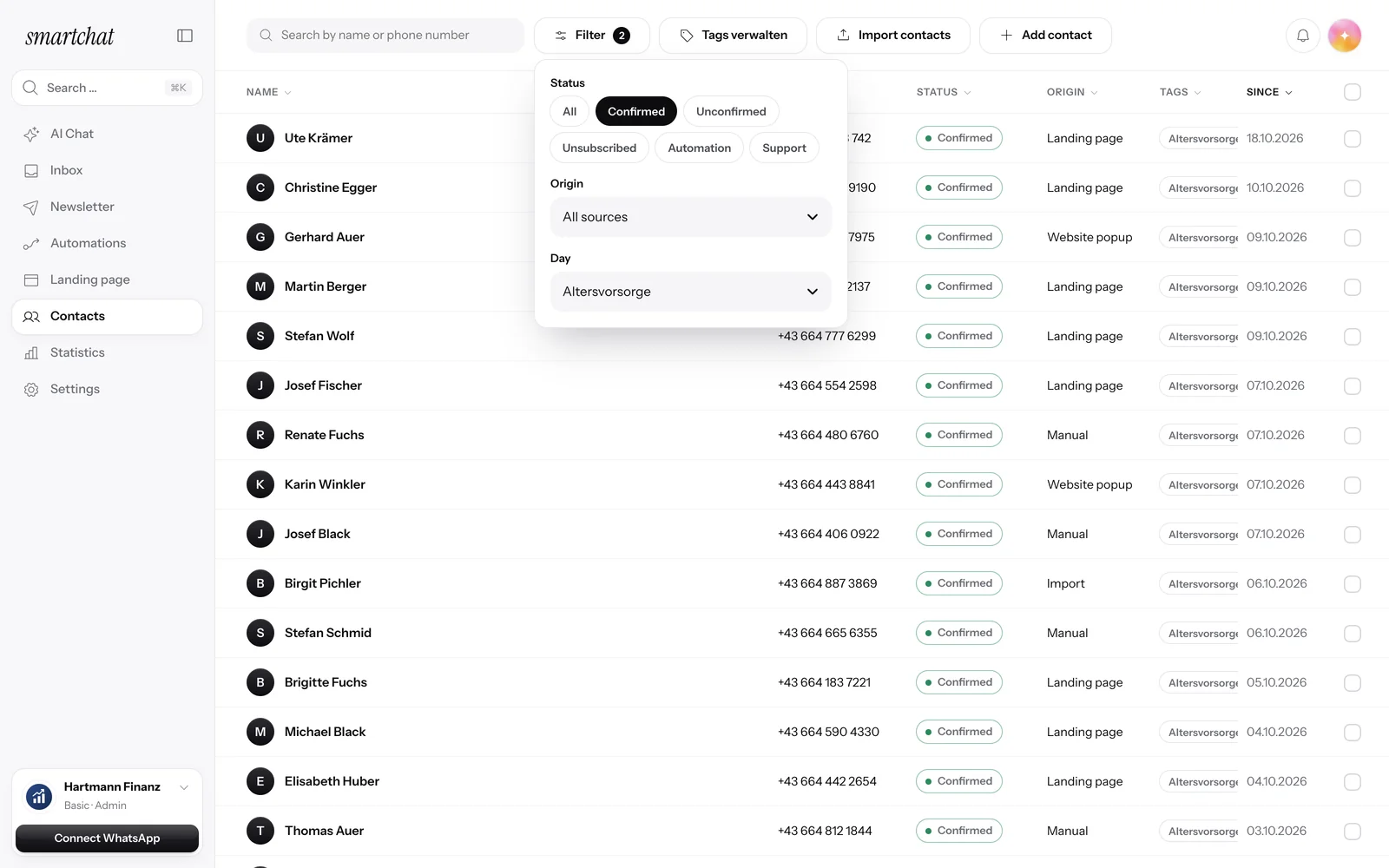
Select contacts
Filter the list by status, source or tag, or select all contacts.
- 2
Click Export
In the bar above the list, click Export. The file contains exactly the contacts you selected.
- 3
Open the file
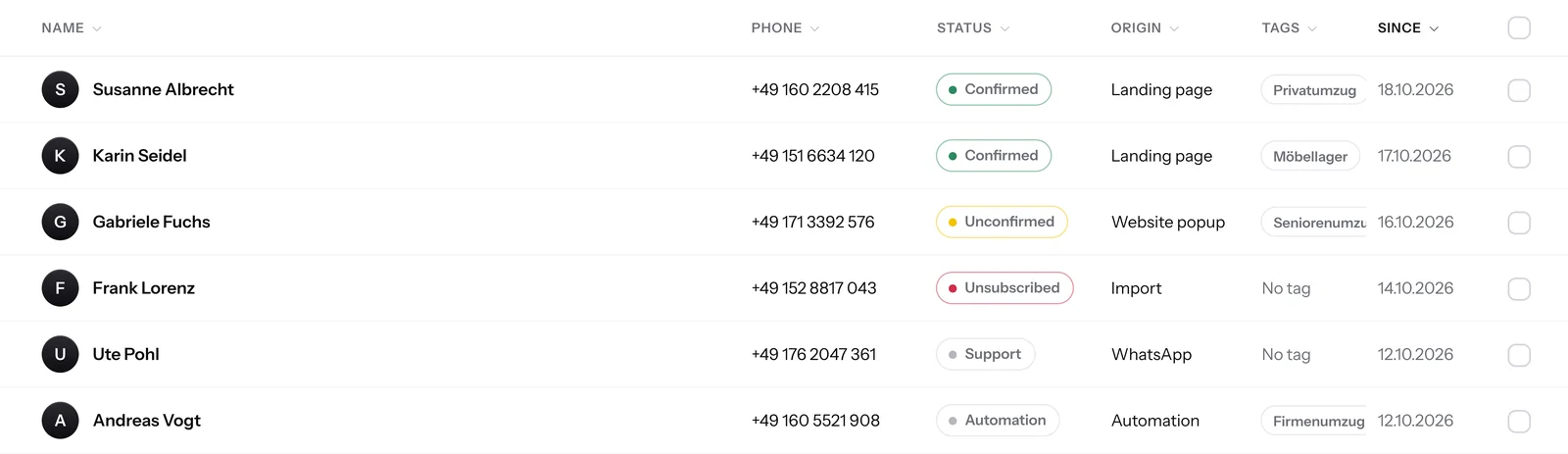
Each contact is on its own row, with status and tags. It also includes first name, phone number, WhatsApp consent, consent date, source and date added.
First name,Phone number,WhatsApp consent,Consent date,Source,Date added,Status Andrea,+491510001852,Confirmed,"02.10.2026, 18:14",Landing page,"02.10.2026, 18:13",Confirmed Thomas,+491600007309,Unconfirmed,,Import,"29.09.2026, 09:31",Unconfirmed


For every contact, proof as a PDF.
In the contact, under Consent, you see when and through which channel they agreed. With Download proof, you get this record as a PDF. Learn more under proof of consent.

When and where
The PDF shows when the contact agreed, through which channel and with what wording.
Unsubscribe included
If the contact has unsubscribed, that's in the PDF too.
Without a message
The download isn't a WhatsApp message. Your contact won't notice anything.
Export in every plan.
Your contacts belong to you. You can export them on every plan, including Free.
- 0 creditsis what an export costs. It also works when your balance is empty.
- 5 languagesColumns and values come in the language of your account.
Frequently asked questions about exporting.
How do I export my contacts from SmartChat?
Open Contacts, tick the contacts you want and click Export in the bar above the list. SmartChat downloads the file smartchat-kontakte.csv right away.
Which columns are in the file?
Each contact is on its own row, with status and tags. It also includes first name, phone number, WhatsApp consent, consent date, source and date added.
Can I export only part of my contacts?
Yes. Filter the contact list first by status, source or tag, or tick individual boxes. SmartChat then exports only the contacts you selected.
How do I download the proof of consent?
Open the contact in your contacts. Under Consent, click Download proof, and SmartChat creates the PDF.
What's in the proof of consent?
Who the person is, how they agreed to your WhatsApp newsletter and whether they unsubscribed again, each with source, time and exact wording. Learn more under proof of consent.
Does exporting cost credits?
No. Exporting costs no credits and also works when your balance is empty. The same goes for downloading the proof.
Who on my team can export contacts?
The admins of your account. Team members don't see the contact list, so they can't export anything either.
Does the export include contacts from my other accounts?
No. The file only contains contacts from the account you're currently working in. For another account, switch at the bottom left and export there.
Does Excel open the file correctly with umlauts and country codes?
Yes. SmartChat saves the file so that Excel displays umlauts like ä, ö and ü correctly. Every phone number starts with +, so the country code is kept.
Can I retrieve my contacts automatically?
Yes, through the API from SmartChat. Your program fetches the contacts itself, and if you like, only confirmed or only new ones.
Your contacts belong to you. Start in 60 seconds.
Enter your website. SmartChat AI analyzes your business and builds your WhatsApp marketing system in 60 seconds, for free.