Keep using your WhatsApp Business app
Since August 28, 2026, you can also connect a number from the WhatsApp Business App to SmartChat and keep writing in the app as usual.

How to connect your app number.
You connect the number you already use in the WhatsApp Business App.
Connect WhatsApp
In the settings, you click Connect WhatsApp and log in to Meta.
SettingsChoose the number from the app
You choose the number that runs in your WhatsApp Business App.
Your numberReconnect devices once
When you connect, all linked devices of your app are logged out once.
One timeWrite in both
You write in the app and in SmartChat, one-to-one chats sync in both directions.
Side by side
What syncs and what doesn't.
Meta decides which chats sync between the app and SmartChat.
Doesn't sync
- Groups, disappearing messages, view once and live location.
- SmartChat does not save old chat histories or contacts from the app.
- The 24-hour window is not extended by messages from the app.
Syncs
- One-to-one chats, in both directions.
- If you reply in the app, SmartChat AI pauses and doesn't reply twice.
- You send newsletters, follow-ups and automations through SmartChat.
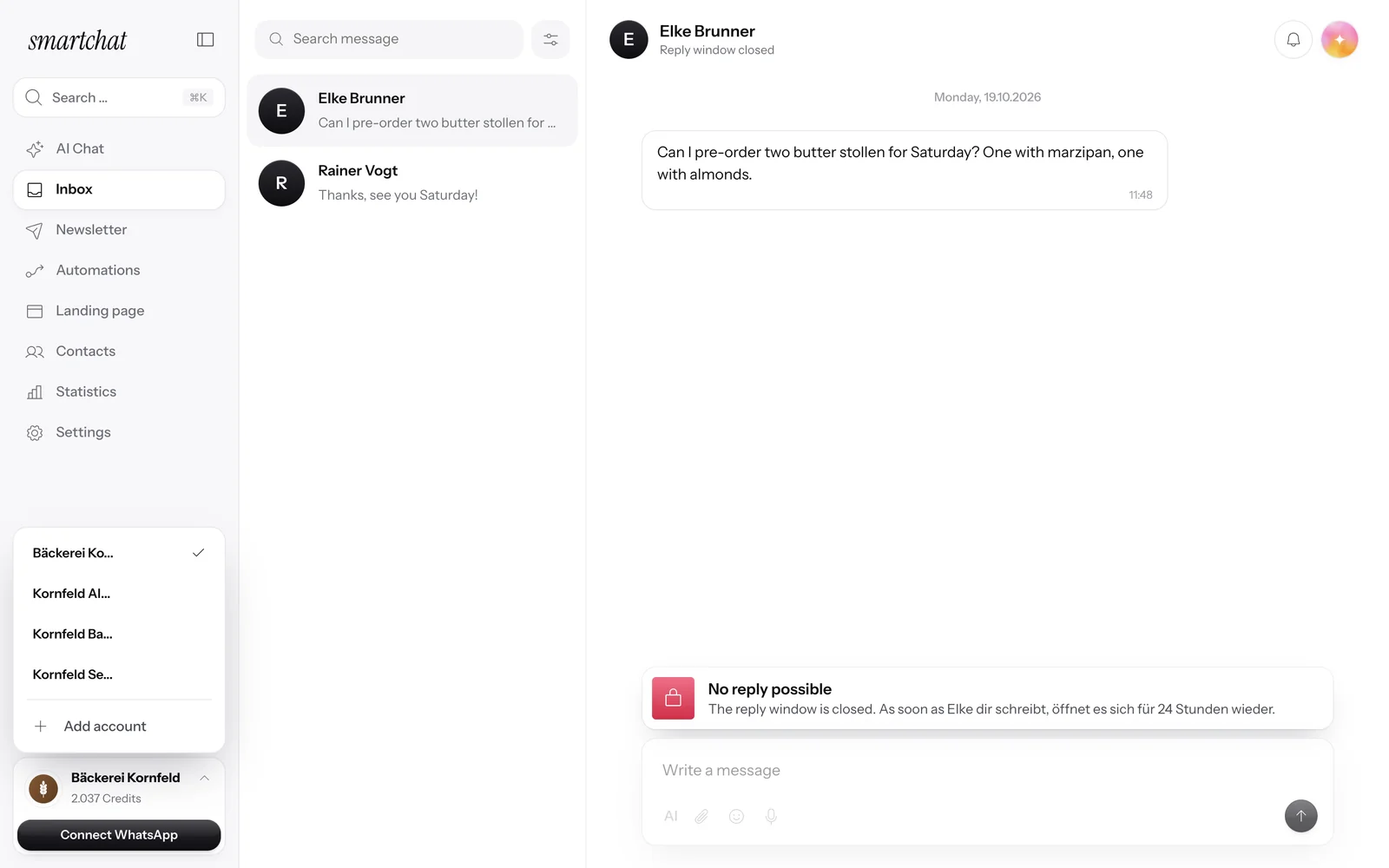
All conversations also in the inbox.
Messages to your number show up in the inbox of SmartChat. There, SmartChat AI replies if you have turned on AI replies.

Your number is connected.
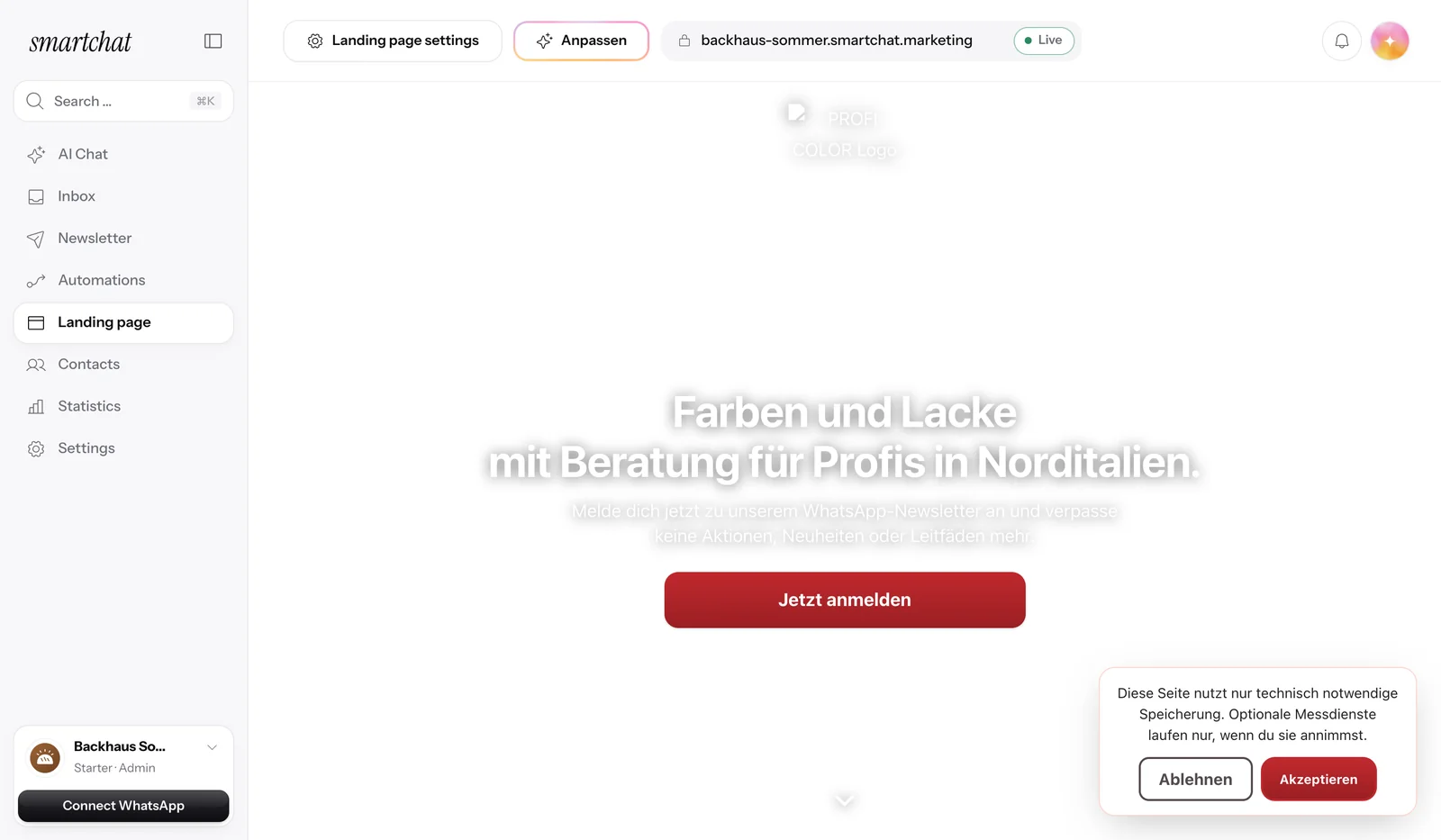
After connecting, you see your number in the settings, with your WhatsApp profile.

Frequently asked questions about the WhatsApp Business App.
Since when can I connect my number from the WhatsApp Business App?
Since August 28, 2026.
Can I keep using the WhatsApp Business App afterwards?
Yes, you keep writing in the app as usual. One-to-one chats sync between the app and SmartChat in both directions.
Which chats don't sync?
Groups, disappearing messages, view-once messages and live location.
Does SmartChat take over my old chats and contacts?
No, SmartChat does not save old chat histories or contacts from the app.
What happens to my devices when I connect?
All linked devices of your WhatsApp Business App are logged out once.
Which version of the WhatsApp Business App do I need?
At least version 2.24.17.
Does SmartChat AI reply twice if I reply in the app?
No, if you reply in the app, SmartChat AI pauses in that conversation.
What do messages from the app cost?
Messages you write in the app stay free. Meta charges you directly for messages from SmartChat, based on its price list.
Does the 24-hour window also apply to messages from the app?
The window only applies to SmartChat and is not extended by messages from the app.
What does SmartChat cost?
SmartChat Free costs €0 and has no time limit. Starter costs €299, Basic €499 and Pro €999 per month, all prices plus VAT.
Bring your number along.
Enter your website, and SmartChat AI builds your WhatsApp marketing system in 60 seconds. You connect your app number afterwards.
More News.
All newsSmartChat V2 is here.
You enter your website, and SmartChat AI builds your WhatsApp marketing system in 60 seconds, with a landing page, confirmation message and follow-ups.
Partner program: up to €1,000 per referral.
Recommend SmartChat with your invite link and get up to €1,000 as soon as a business you invited books its first plan.
Agency partner program with 30% discount.
Agencies apply as partners and, once qualified, get 30% off their own account and all client accounts.