Partnership with Polar for secure payments.
Since 12 September 2026 you pay for SmartChat through our payment partner Polar: by card or Google Pay, with an invoice showing VAT separately.
How to book your plan.
You book in SmartChat, and you pay on Polar's checkout page.
Choose a plan
In SmartChat under Settings › Plan, you choose your plan and term: 1, 3 or 12 months.
SettingsPolar checkout page
Upgrade opens the checkout page of Polar, our payment provider.
PolarBy card or Google Pay
Your plan is booked as soon as you've paid there.
Paidinvoice
For every payment you get an invoice with VAT shown separately.
VAT.
Paying with Polar at a glance.
- Cardor Google Pay as payment method
- VAT.shown on every invoice
- 1 / 3 / 12months term, 3 and 12 months paid in advance with a discount
Switch and cancel without hassle.
You do both right in SmartChat.
Change your plan
- Under Settings › Plan, you switch to a bigger or smaller plan.
- You confirm the switch in Polar's customer portal.
- For a bigger plan, you only pay the prorated difference for the remaining time.
Cancel
- You can cancel anytime, right in SmartChat.
- Your plan then won't renew.
- You keep using everything until the end of the paid period.
Frequently asked questions about paying.
Since when do I pay for SmartChat through Polar?
Since 12 September 2026. Polar is our payment provider for all plans.
How do I pay for my plan?
By card or Google Pay. You book your plan in SmartChat under Settings › Plan; Upgrade opens Polar's checkout page.
When is my plan booked?
As soon as you've paid on Polar's checkout page.
Do I get an invoice for my payment?
Yes, for every payment you get an invoice with VAT shown separately.
Which terms can I book?
1, 3 or 12 months. You pay 3 and 12 months in advance and get a discount for it. All amounts are under Pricing.
How do I switch to a different plan?
Under Settings › Plan. You confirm the switch in Polar's customer portal, and for a bigger plan you only pay the prorated difference.
Who can change the plan?
An admin of your SmartChat account.
How do I cancel my plan?
Anytime, right in SmartChat. Your plan then won't renew, and you keep using everything until the end of the paid period.
Do I need a payment method for SmartChat Free?
No, SmartChat Free costs €0 and needs no credit card.
Do Meta's fees also go through Polar?
No. Meta bills the fees for WhatsApp messages directly to you, through the payment method in your Meta account. At SmartChat you only pay for your plan.
Get started now with SmartChat.
Enter your website, and SmartChat AI builds your WhatsApp marketing system in 60 seconds. Free costs €0.
More News.
All newsSmartChat V2 is here.
You enter your website, and SmartChat AI builds your WhatsApp marketing system in 60 seconds, with a landing page, confirmation message and follow-ups.
Partner program: up to €1,000 per referral.
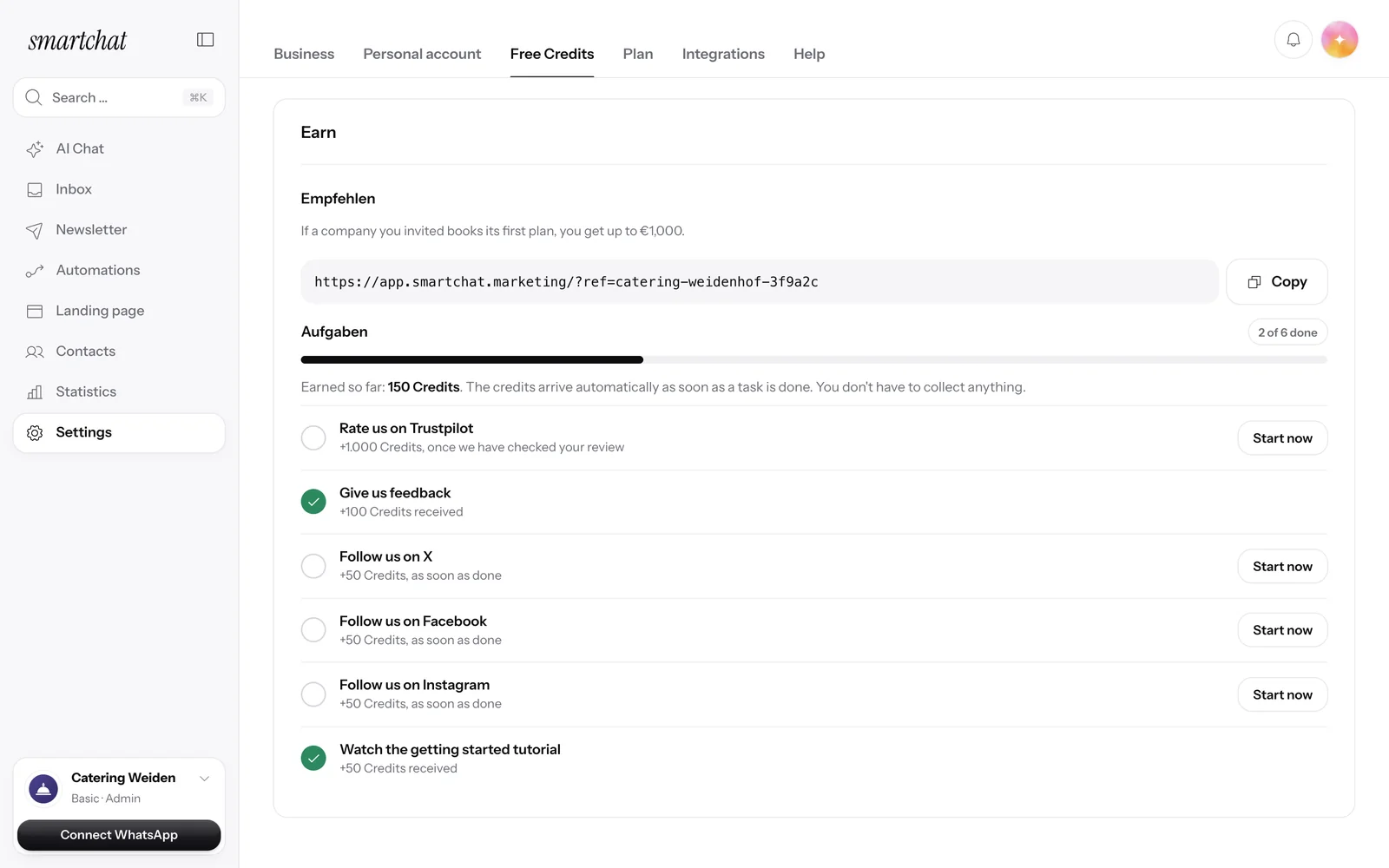
Recommend SmartChat with your invite link and get up to €1,000 as soon as a business you invited books its first plan.
Agency partner program with 30% discount.
Agencies apply as partners and, once qualified, get 30% off their own account and all client accounts.